
How to Test Regional Affiliate Links in Publisher AI Chat
A local storefront can still lead to the wrong product. Use one buying guide to check the answer, the redirect and the fallback when the exact model is missing.
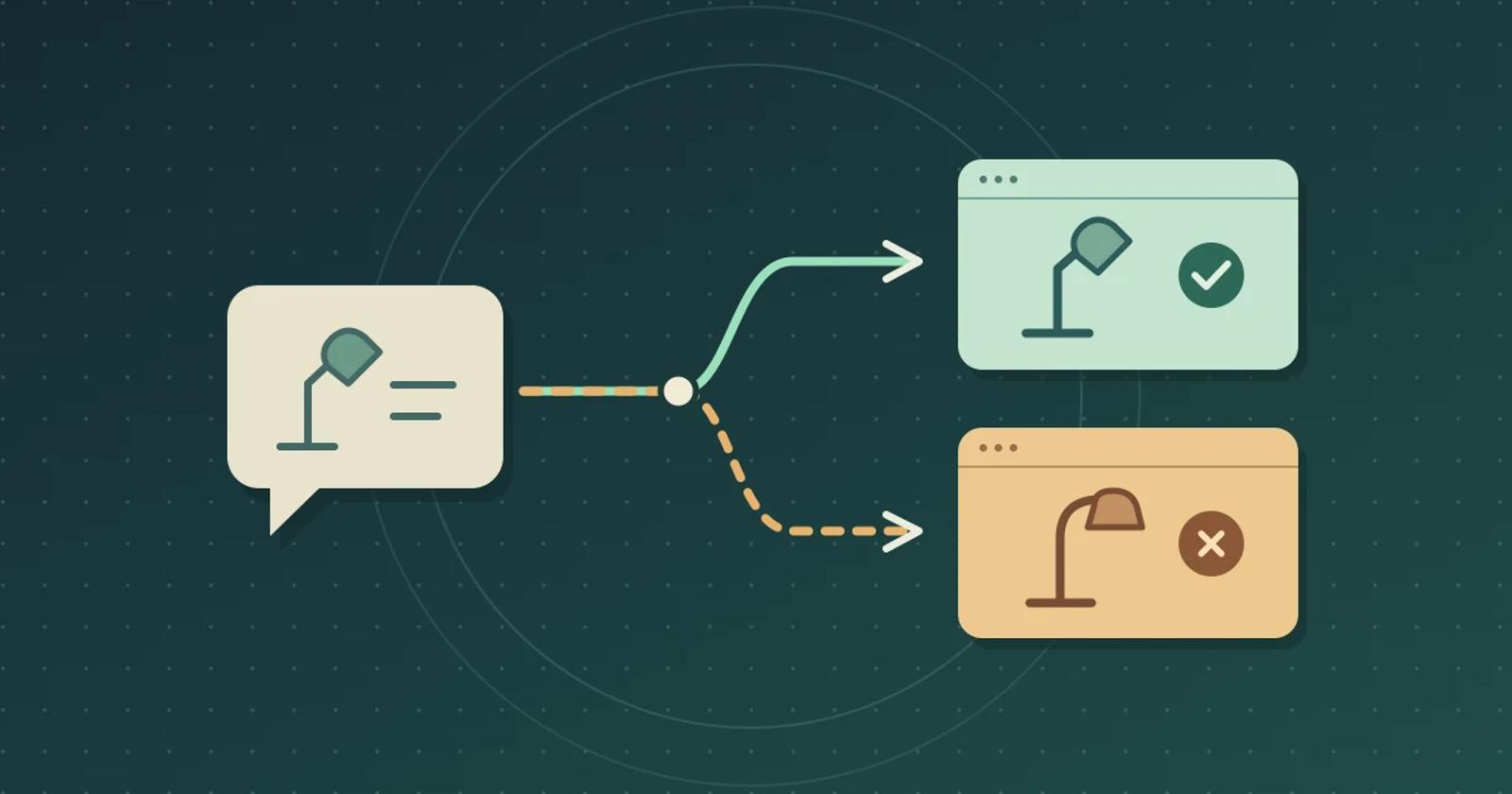
To check whether AI chat sends readers to the right product in each country, start with one buying guide and open the recommended link from each market you plan to support. Match the model and variant on the final merchant page to the editorial pick. When you cannot verify a local listing for the exact item, keep the recommendation and say that a local buying link could not be confirmed. Show a substitute only if editorial has approved it, and label it as a different product.
Start with the model your editors reviewed
Use a staging copy of a guide to desk lamps. In this fictional example, your editors picked the Northline L20 USB-C lamp because it can run off a compatible laptop dock. A similar-looking Northline L10 needs a wall adapter. Keep both model numbers in your test record, along with the approved merchant links by country and a note that the L10 is outside the scope of the guide.
For a repeatable rehearsal, use test destinations you control. Set up a U.S. listing for the L20 and a U.K. listing for the same L20, with USB-C power stated on both pages. Create a separate U.K. L10 page. Use a test redirect you can point first to the L20 and then to the L10. If your chat configuration cannot use a test redirect, rerun the exercise with an authorized regional QA setup and two real listings your editors have checked.
Open the links as readers in each market
In a fresh session for each region, ask, “Where can I buy the USB-C lamp you recommend?” Set any location controls your chat and link service use, and record how each service identifies the visitor's market. A language setting or a country named in the question can change the answer while the link service still sees the original visitor location. If you cannot exercise the intended routing, record that case as unverified.
- U.S. exact match. The answer should name the L20. The link should resolve to the approved U.S. listing for the L20 USB-C.
- U.K. exact match. Ask the same question. The link should resolve to the approved U.K. listing for the same model. Compare the model and power specification on the actual product page.
- U.K. without an exact match. Disable the U.K. L20 listing in your test setup and point the redirect at the L10. Ask again in a fresh U.K. session. The passing reader experience names the original pick and gives a clear local-availability caveat without presenting the L10 link as the L20. If the link still opens the L10, leave that buying link off the U.K. pilot until the routing or fallback works.
For each run, save the answer, the link shown in chat, the destination after redirects, and the model, market, and currency on the final page. If you use an affiliate network, check the intended tracking route with its permitted preview or reporting tools. The destination check tells you where a reader landed. Use network evidence separately to establish which account receives credit.
Check matching rules before enabling a regional link
Amazon Associates' OneLink documentation gives a concrete example. Amazon says Close match can route an international reader to a similar local item, and Exact match can still lead to a search page when the exact local item is missing. Its Check Matching Products tool can preview the destination for a U.S. Amazon link. If you use OneLink, preview your selected link and compare it with the destination reached from the actual chat placement. A country-specific storefront alone earns no pass.
Run the same buying-guide test with Brambles.ai and Linka
Brambles.ai's Publisher overview describes on-site AI chat that can use article context. Start the evaluation from the guide containing the L20 and bring the publisher-approved links for both markets. Linka for Publishers describes an embedded shopping agent that can use your affiliate links and add partner offers. Ask which offer source supplied each link in the Linka run, including whether a partner offer appeared when your own U.K. link became unavailable.
These are documented setup options. In either pilot, ask the provider which component controls the regional destination and whether the proposed setup can omit an unverified buying link while retaining the editorial answer. Use the same three runs to establish how the deployed configuration behaves.
Decide where to allow buying links
Allow regional buying links once the right listings open in both regions and the missing-match case gives readers a useful answer without labeling the wrong product as the pick. If only one region passes, use buying links there while you resolve the other route. Keep the article available to readers in both markets.
Bring one guide, two approved regional links, and one missing-match case when you review Brambles.ai's Publisher plans. Use the Publisher affiliate-link test to check disclosure and network reporting before expanding the pilot.
Related posts
View all
How to Test Publisher AI Chat With a Paywall
Before you add AI chat to a subscription site, use one sample article to check which readers can get an answer and what happens when they sign out.
How to Test AI Chat Across Sister Publications
Before you roll out AI chat to another publication, use two sample articles to test placement, answer sources, and reporting.
How to Test AI Chat After an Editorial Correction
Run a one article correction test to see what your AI chat tells readers after you change a recommendation.
Explore Brambles.ai
Learn more about our AI-powered agentic commerce platform, agentic shopping, and shopping assistance solutions.
Explore More Insights
Discover more articles on AI, automation, and business innovation
View All Articles