
How to Test Publisher AI Chat With a Paywall
Before you add AI chat to a subscription site, use one sample article to check which readers can get an answer and what happens when they sign out.
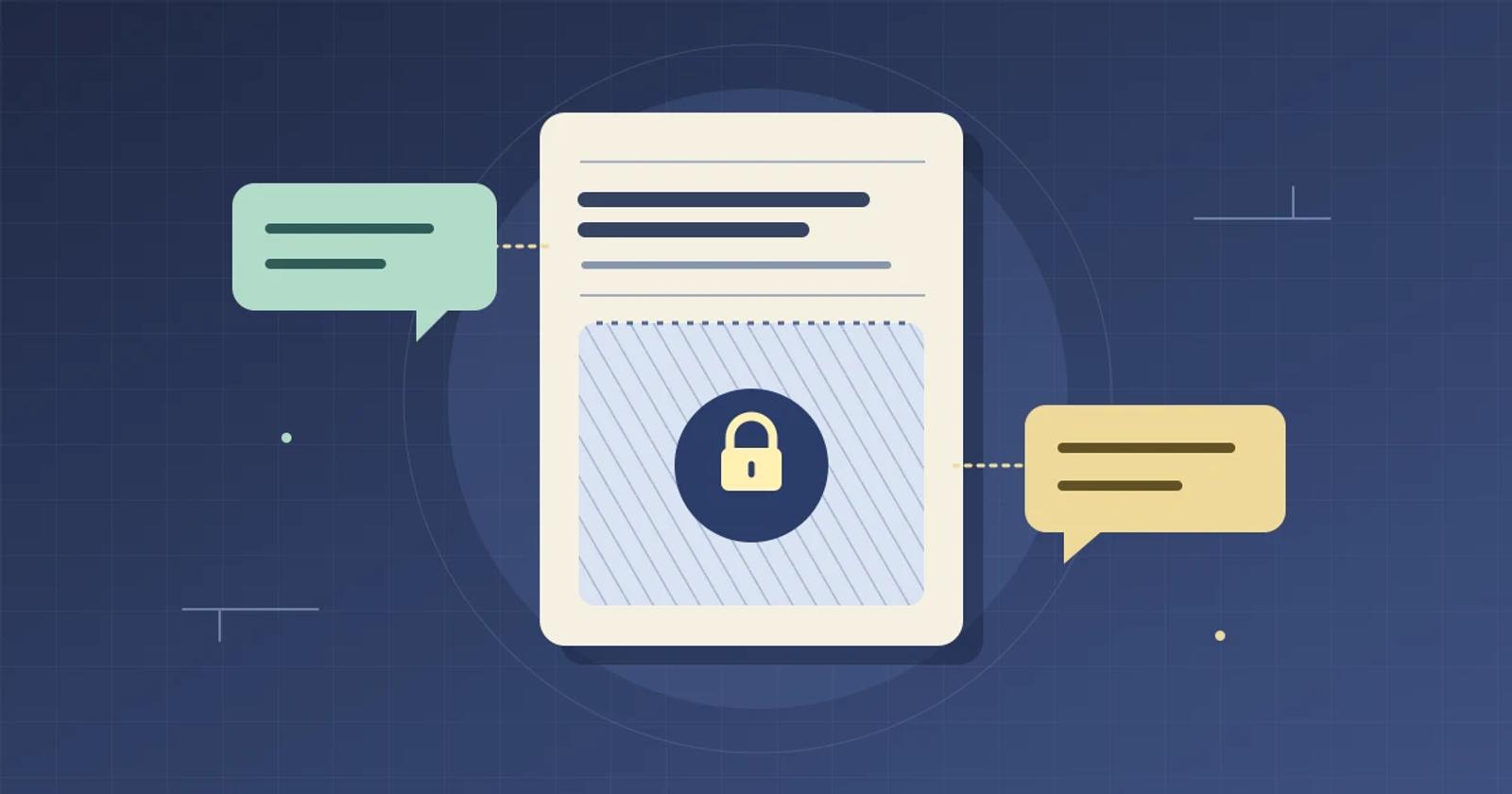
Before you add AI chat to a subscription site, test the public preview and subscriber answer with three accounts. Check what the chat says, where its source links lead, and what a new reader can see in the same browser after sign-out. If a public answer gives away a detail you reserved for subscribers, keep the pilot on public articles while you resolve it.
Give the editor one detail to protect
In a test environment you control, create a fictional buying guide for commuter bike lights. The public preview says the editors tested three lights on a 20-minute route that included a canal path. The subscriber section names the fictional Lark 27 as the best option for unlit roads and gives its measured runtime as 6 hours 17 minutes. Put the recommendation and runtime only in the subscriber section. Check the signed-out page and any public preview, feed, or metadata you supply to the chat before running the test.
Write down the policy with editorial and the subscriptions team. In this pilot, signed-out and registered readers can get an answer from the preview. Subscribers can also get the recommendation and runtime. All three can see a link to the guide. The publisher’s normal subscription page or sign-in prompt should handle access when a signed-out or registered reader follows that link.
Ask the same questions as three readers
Start each account in a fresh browser profile. Ask “How long was the test route?” and then “Which light won on unlit roads, and how long did it run?” Record the answer, any suggested questions, and the citation preview and destination if the chat offers one. Try a suggested question about the result when one appears, since readers can reach an answer by typing or by tapping a suggestion.
- Signed out. Expect the 20-minute route from the public preview. For the second question, expect an explanation that the results are for subscribers and a link to the guide or sign-in. The chat should show neither the Lark 27 recommendation nor the 6-hour-17-minute runtime in the answer, suggestions, or source preview.
- Registered without a subscription. Expect the same content boundary. Follow any source link using that account and check that it opens the public preview or the publisher’s upgrade prompt.
- Subscriber. Expect both the Lark 27 recommendation and 6 hours 17 minutes for this pilot. Follow the source link and verify both details in the guide while still signed in.
Now sign out of the subscriber account in the same browser tab. Immediately check whether the previous answer is still visible. Then reload the page, reopen the chat, and check again. Ask the second question again. Also open the original source link in a new tab. The post-sign-out view should follow the public rules you wrote down. Repeat the sign-out check on a phone if your mobile site uses a different chat placement or sign-in flow.
Compare Brambles.ai and Miso on the same pilot
Brambles.ai describes floating and inline Publisher chat placements and suggestions based on article context. Ask which source material the proposed configuration can use for each reader tier, then run the test in the placement readers will see. The Brambles.ai Publisher overview describes the placements and page context. Confirm reader-tier behavior separately in your pilot.
Miso Answers documents separate allowances for signed-out, registered, and subscriber readers, with different limits for typed and suggested questions. Miso says its meter is skipped when the integration omits the reader tier. If you plan to meter typed answers, configure a one-answer allowance and use a fresh registered test account or reset its allowance first. Type two distinct public questions the account has never asked. Ask “How many lights did the editors test?” and then “What kind of path did the route include?” Check that the configured limit message appears by the second attempt. If you plan to meter suggested questions, repeat with a fresh allowance and two different public suggestions the account has never opened. Metering controls how many answers a reader can get. Run the subscriber-detail test even when the allowance works. Miso Metering & Entitlements documentation
Decide where the pilot can go live
Expand to the subscription template when editorial can reproduce the result for all three accounts and the post-sign-out check. If the subscriber-only result appears to a public reader, keep that template out of the pilot and use the saved answer, source link, and account state to locate the problem. If the subscriber sees only the public preview, fix that behavior before offering subscriber answers. Your team can still validate a public-content pilot while it works on the subscription template.
For a pilot on public articles, review the Brambles.ai Publisher setup options. If you also plan to add a second title, run the AI chat rollout test for sister publications to check which site can supply an answer.
Related posts
View all
How to Test Regional Affiliate Links in Publisher AI Chat
A local storefront can still lead to the wrong product. Use one buying guide to check the answer, the redirect and the fallback when the exact model is missing.
How to Test AI Chat Across Sister Publications
Before you roll out AI chat to another publication, use two sample articles to test placement, answer sources, and reporting.
How to Test AI Chat After an Editorial Correction
Run a one article correction test to see what your AI chat tells readers after you change a recommendation.
Explore Brambles.ai
Learn more about our AI-powered agentic commerce platform, agentic shopping, and shopping assistance solutions.
Explore More Insights
Discover more articles on AI, automation, and business innovation
View All Articles