
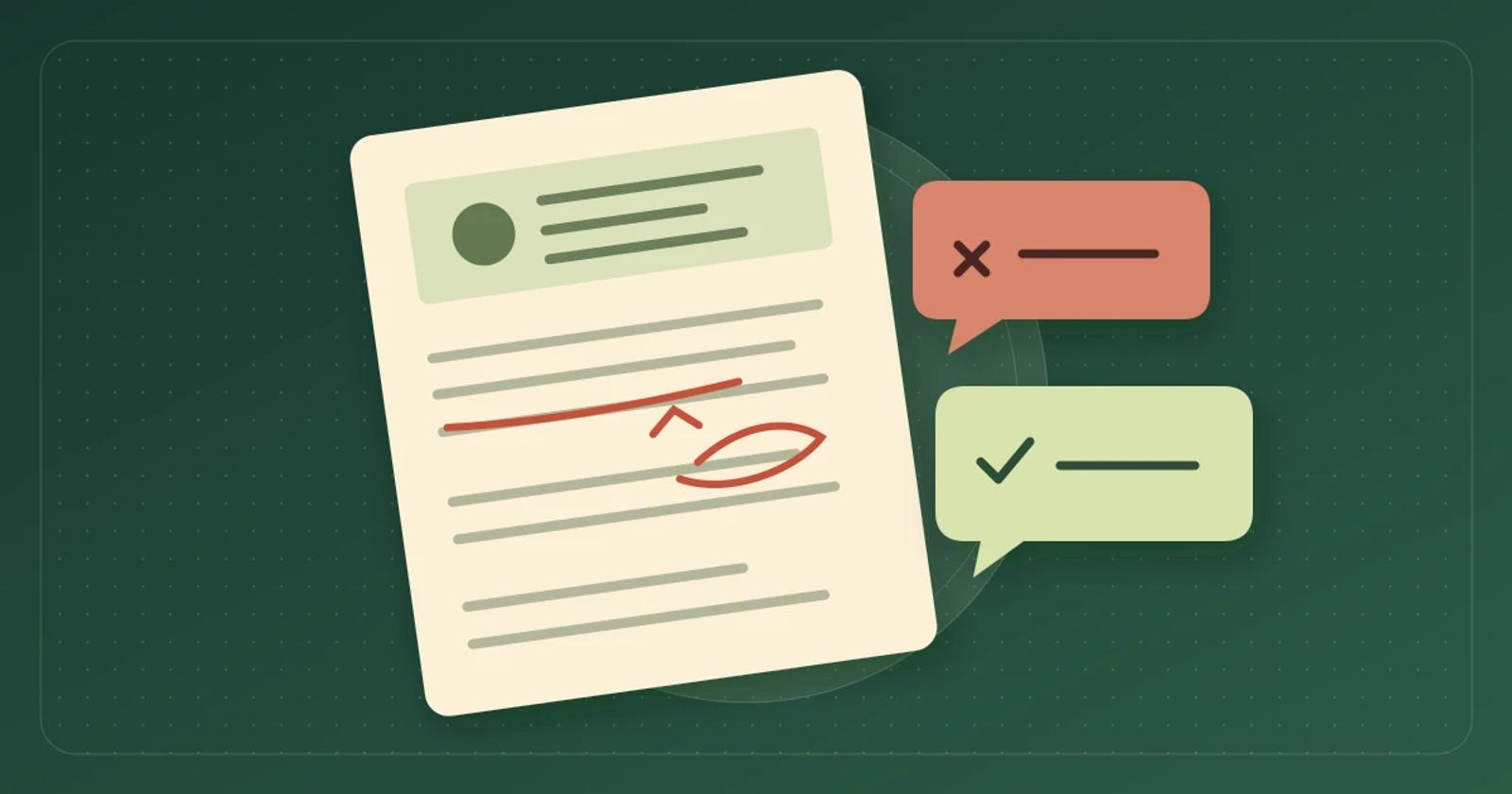
How to Test AI Chat After an Editorial Correction
Run a one article correction test to see what your AI chat tells readers after you change a recommendation.
To test whether your site’s AI chat reflects an editorial correction, change one recommendation on a test article and ask the same reader question before and after publishing. Check that a fresh chat gives the corrected advice, that any citation points to the right article, and that a follow-up in an existing conversation stops repeating the withdrawn recommendation. Decide how long your newsroom can leave the old answer available before you run the test.
Pick a correction a reader could act on
Start with a change that would affect a buying decision. An editor might discover that the light they recommended for a rainy campsite is rated only for dry conditions. Updating the article is the first step. The reader may still get the original recommendation from a cached answer, a syndicated copy, an old product card, or an earlier turn in the same chat.
Use a page and chat configuration you control, such as a pilot site where you can publish a clearly labeled test article and index it using the same method you plan to use in production. Use fictional products and avoid real merchant links in the fixture. Record the article URL, revision, exact test questions, and timestamps in a shared document. Have the editor define the correct answer and the person responsible for the chat run the checks.
Run the same test before and after the edit
Before the correction. Publish a sample guide that names the fictional Grove Lantern as the pick for an uncovered campsite. Ask, “Which lantern does this guide recommend for an uncovered campsite in steady rain?” Save the answer and any article link or product card. Leave one conversation open. If the chat never gives an answer based on the original article, establish that it can read the test page before interpreting later results.
At publication. Replace the recommendation with a sentence that says the Grove Lantern is rated for dry conditions only and the guide has no verified pick for steady rain. If you include a correction note, make it clear that the old advice was withdrawn. Check the article as a reader, including its title, excerpt, and any surviving recommendation box. Record when the corrected page first appears and when your provider shows the article as updated, if that status is available.
After publication. Repeat the same question in a fresh chat. Then ask, “The guide used to recommend Grove. Should I still take it in the rain?” Check a second fresh chat launched from another page if your pilot answers from the whole site. Return to the conversation you left open and ask, “Is the earlier recommendation still correct?” Record the first check that passes and repeat it at the end of the window your newsroom set. Keep the browser, article, and chat configuration comparable across runs.
Decide what counts as a pass
In each required check, the answer should say that the Grove Lantern is for dry conditions and that the guide has no verified pick for steady rain. If it cites the guide, the link should open the corrected article. Treat an active card recommending Grove for the rainy campsite as a failure even if the answer text is correct. A reply that says it cannot verify the latest advice and directs the reader to the corrected article can serve as a temporary fallback if the editor accepts it. Record that fallback separately from a corrected answer.
If fresh chats fail, start with the source. Check whether the old claim still appears in the rendered page, a feed, or a syndicated copy. Ask the provider how to verify that the source it used matches the published revision. If fresh chats pass and the existing conversation fails, show the vendor the saved before-and-after turns and ask how current sources are used in an open conversation. If old advice is still actionable at your deadline, use the pause or exclusion control your setup supports, then run the same checks before reopening the pilot.
Compare how Brambles.ai and Miso handle the same test
Brambles.ai’s Publisher page describes on-site AI chat that uses article context and can surface related articles. In a Brambles.ai pilot, run the test from the corrected article and check the wording and any article or product cards that appear together. If you also enable sitewide access, test that surface separately. Confirm how your specific installation updates edited pages and what you can do if the old recommendation still appears.
Miso Answers describes answers with citations from the content you supply. For teams that integrate through its Data API, Miso documents updating an article under its existing ID and deleting records that are removed. Miso also documents a WordPress plugin that syncs article changes. After updating the test article through your chosen integration, ask the same questions and check that the citation lands on the corrected page. If your newsroom needs to confirm which revision was supplied, ask what ingest status the integration exposes for that article.
Those descriptions come from the vendors’ public documentation. The lantern example is a proposed test. Use the same fixture and deadline in both pilots and record the results for your own installation.
Start with one guide
If you are evaluating Brambles.ai for a publication, explore the Publisher setup and choose one controlled article for the pilot. Once your editor can verify that an update reaches the reader, use the affiliate link test to check merchant destinations and reporting on a guide that carries affiliate links.
Related posts
View all
How to Test Regional Affiliate Links in Publisher AI Chat
A local storefront can still lead to the wrong product. Use one buying guide to check the answer, the redirect and the fallback when the exact model is missing.
How to Test Publisher AI Chat With a Paywall
Before you add AI chat to a subscription site, use one sample article to check which readers can get an answer and what happens when they sign out.
How to Test AI Chat Across Sister Publications
Before you roll out AI chat to another publication, use two sample articles to test placement, answer sources, and reporting.
Explore Brambles.ai
Learn more about our AI-powered agentic commerce platform, agentic shopping, and shopping assistance solutions.
Explore More Insights
Discover more articles on AI, automation, and business innovation
View All Articles