
How to Test AI Chat Across Sister Publications
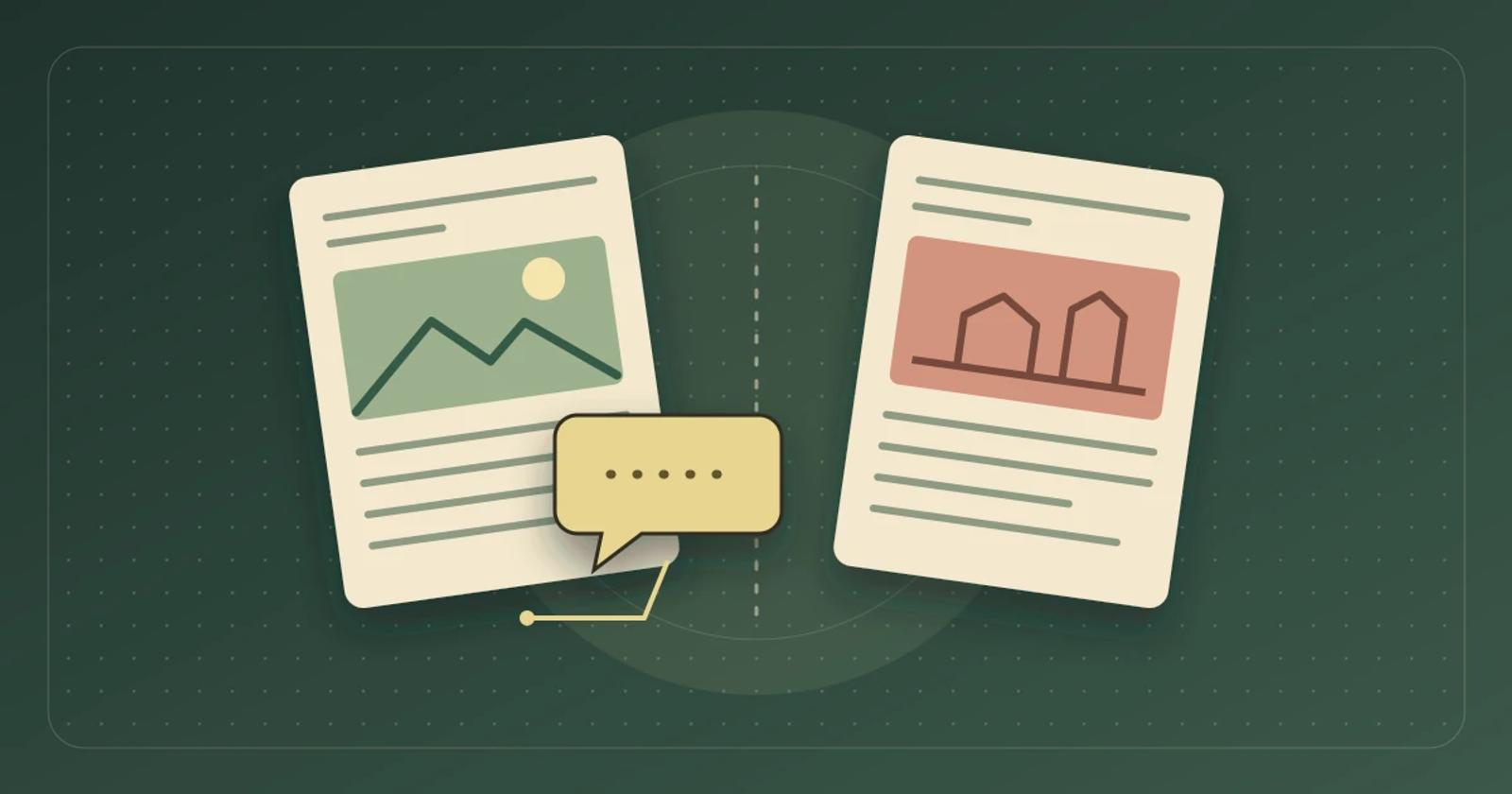
Before you roll out AI chat to another publication, use two sample articles to test placement, answer sources, and reporting.
Before you add AI chat to a second publication, test three boundaries separately. Check which readers can open the chat, which publications can supply an answer, and where the resulting activity shows up in reports. A reader may open the chat on one site and get a helpful answer from a sister title. Decide whether that is allowed before you run the test.
Write down what each site should do
Ask your editor and site operator to agree on the starting rules. In this example, the outdoor title gets chat on one article template. The home title keeps its current pages, and its articles stay outside the outdoor title’s answer sources. The outdoor title gets credit for chat starts on its own pages. If both titles will eventually share articles, agree on who can enable sharing and whether an answer should identify the title that supplied the information.
Test on two sites or preview environments you control. Give each test article a distinct URL and limit its visibility to the test audience and the authorized ingestion method. Use fictional information so nobody can mistake the fixture for published editorial advice. Record the host, template, chat configuration, allowed sources, test questions, and report filters. Use the same setup on mobile and desktop.
Give the two sites different answers to the same question
On the outdoor site, publish a sample article about the fictional Cedar Fair that lists a 9 a.m. opening at the north gate. On the home site, publish a separate article about the same fictional event that lists an 11 a.m. opening at the west gate. Leave each article’s details out of the other site’s article, feed, and metadata. The matching event name makes it easy to spot when an answer picks up the wrong source.
- Outdoor article with chat enabled. Ask “What time does Cedar Fair open, and which gate should I use?” Expect 9 a.m. and the north gate. If the answer includes a citation or article link, follow it and check that the destination supports both details.
- Outdoor template outside the pilot. Open a page that should be excluded and check whether the chat appears. Repeat from a fresh mobile session and on desktop.
- Home article. Confirm that the chat does not appear there during this phase. From a fresh chat on the outdoor article, ask “What opening time did the home title report for Cedar Fair?” Expect the chat to say it cannot verify the home title’s account. An 11 a.m. answer or a link to the home fixture fails the agreed source rule.
- Title reporting. Record one recognizable test chat on the outdoor site and check where it lands after your normal reporting delay. If your reports include a site or placement field, inspect it. Confirm that the home title’s report contains no chat attributed to its own pages from this test. Keep any shared group total separate from the two title views.
If your rollout calls for shared sources, run a second pass after enabling only the approved home article in your test setup. Ask for the home title’s version by name. Expect 11 a.m. and the west gate, with the home title clearly identified. If the chat mixes details into a single recommendation, bring both saved answers and source links to the editor before expanding the rollout.
Compare Brambles.ai and Taboola DeeperDive on the same rules
Brambles.ai’s Publisher documentation describes on-site AI chat with floating and inline placements and suggestions based on page content. Use the same two articles to check which placements are enabled and which sources and reporting fields your pilot can use. Ask how each title’s configuration is managed before you turn on the next site. Brambles.ai Publisher overview
Taboola describes DeeperDive as a way for readers to get answers from publisher journalism. Gannett’s rollout announcement says the beta first reached a portion of USA TODAY readers, while the resulting USA TODAY experience drew from journalism across the USA TODAY Network. That is one example of a publisher choosing audience and source scope separately. If you are evaluating DeeperDive, ask the team to show those two settings for your pilot and use its documented engagement dashboard to check how activity can be reviewed for your participating titles. DeeperDive product overview · Gannett rollout announcement · DeeperDive engagement dashboard guide
The vendor descriptions explain the two approaches. The Cedar Fair scenario is a proposed acceptance test. Set the same placement, source, and reporting rules for both pilots so your team can compare the observed results.
Use the result to decide whether to add a title
Expand once the editor can reproduce the expected answers and the site operator can trace the activity to the right title. If the chat appears in an excluded template or answers from a source outside the pilot, keep the second title out of the rollout and repeat the affected check after the configuration is corrected. If reporting lacks the fields you need, resolve that with the vendor before promising title-level results.
If you’re evaluating AI chat for a second publication, tell our Enterprise team about both titles. In the form, include the two public site domains, where chat should appear, which titles may supply answers, and what each title needs to see in its reports.
If you are setting up a first title, review the Brambles.ai Publisher setup options. Once placement and source rules pass, run the editorial correction test to check what happens when an approved source changes.
Related posts
View all
How to Test Regional Affiliate Links in Publisher AI Chat
A local storefront can still lead to the wrong product. Use one buying guide to check the answer, the redirect and the fallback when the exact model is missing.
How to Test Publisher AI Chat With a Paywall
Before you add AI chat to a subscription site, use one sample article to check which readers can get an answer and what happens when they sign out.
How to Test AI Chat After an Editorial Correction
Run a one article correction test to see what your AI chat tells readers after you change a recommendation.
Explore Brambles.ai
Learn more about our AI-powered agentic commerce platform, agentic shopping, and shopping assistance solutions.
Explore More Insights
Discover more articles on AI, automation, and business innovation
View All Articles