AI Shopping Assistant for Shopify: Install or Skip?
Running a Shopify store? Here’s which AI shopping assistants are worth installing, which to skip, and how Brambles.ai implements them for measurable lift.
AI Shopping Assistant for Shopify: Install or Skip?
Two weeks before BFCM, a beauty brand on Shopify flipped on an AI assistant limited to shade-matching, sizing, and stock checks. Mobile revenue per session rose 9%, AOV ticked up 6%, and agent tickets dropped 18%—with zero change to desktop. The same store saw a -5% conversion hit in an earlier test when the assistant answered with meandering, 6+ second replies. Lesson: assistants help when they’re targeted, fast, and grounded in your catalog. They hurt when they improvise.
On a 100k-session apparel site, routing just 8 FAQs (fit, returns window, delivery ETA, and three product finders) through the assistant raised add-to-cart rate 28% for assisted sessions and lowered return rate 12% by steering shoppers to the right size. The team resisted a “jack of all trades” bot and focused on decisions that block purchase.
This guide shows what to install, what to skip, and how to implement an AI shopping assistant on Shopify—plus where Brambles.ai fits when you want measurable lift without app sprawl.
Quick Answer
Install an AI assistant if it’s fast (<2s to first token), grounded in your product data (no guesswork), and clearly improves discovery (finders, comparisons, stock/ETA). Skip any app that hallucinates, ignores variants, or slows pages.
Brambles.ai pairs a Shopify-aware assistant with retrieval from your catalog, policies, and content, plus A/B testing and analytics so you can prove conversion and AOV lift before rolling out widely.
What’s Broken with Many Shopify AI Assistants
Most assistants fail where shoppers feel friction: product clarity, confidence, and speed. Baymard Institute’s product page research shows decision-critical content (fit, compatibility, and comparisons) is often buried or missing—driving hesitation and abandonment. Layer a slow or vague bot on top and you multiply the problem.
Common fail states we audit:
- Latency above 3 seconds, which Google UX research ties to sharp bounce-rate spikes.
- Weak grounding: the bot “suggests” out-of-stock variants or accessories that don’t fit.
- No link to site search and browse patterns; chat becomes a dead-end silo.
- Hallucinated policies and shipping timelines—an LLM confidently wrong.
- One-size-fits-all tone and intents across mobile, desktop, and regions.
Salesforce’s Connected Customer report notes that most shoppers expect businesses to understand their needs without forcing them to repeat themselves. If your bot ignores cart contents, past views, and location, it violates that expectation and tanks trust.
How a Shopify AI Assistant Should Work (And Why)
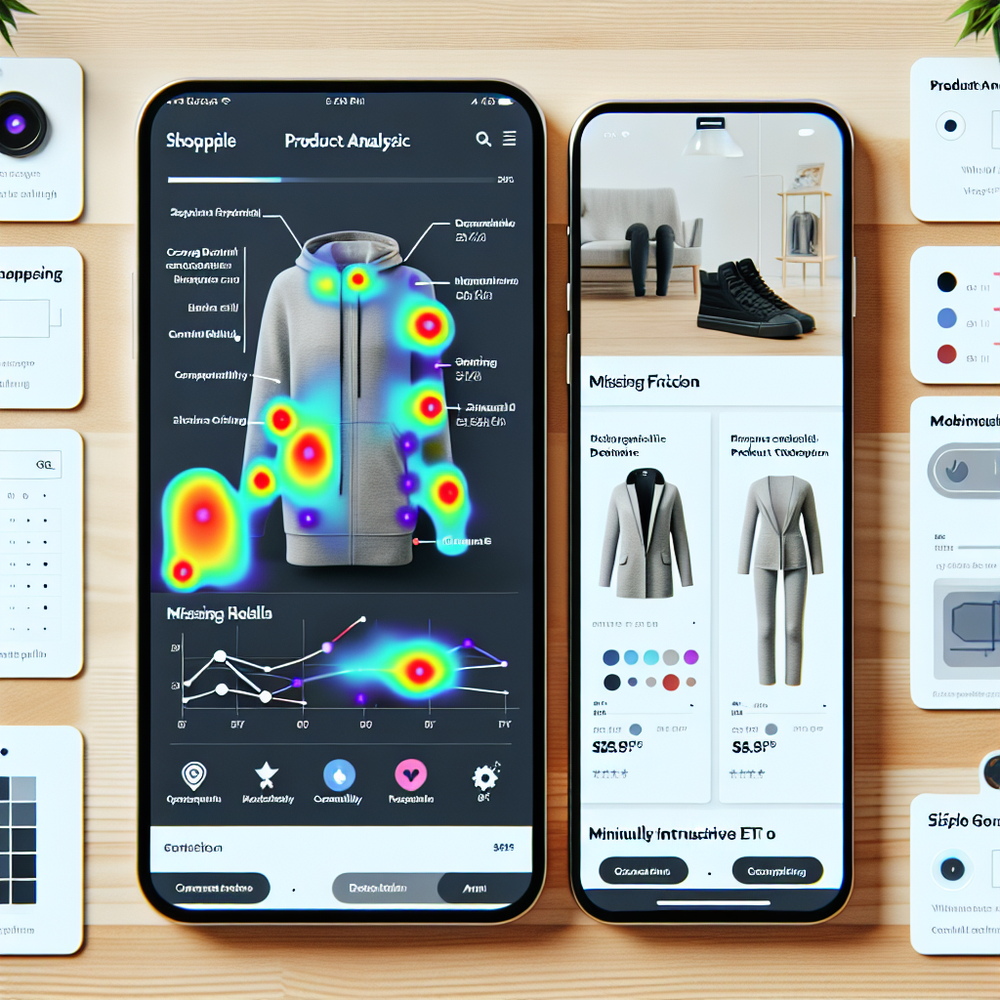
The winning pattern is retrieval-augmented generation (RAG) tuned for ecommerce. The model must cite and reason over your product catalog, variants, live inventory, shipping rules, and content—then answer crisply with links to products, not prose walls.
Key capabilities that matter in practice:
- Variant-aware reasoning: sizes, colors, bundles, backorder logic. - Real-time signals: inventory, regional availability, delivery estimates. - Merchandising controls: pin collections, exclude SKUs, throttle discounts.
- Guardrails: cite sources, never invent policy, escalate to human when unsure. - Session context: cart, referrer, and search queries to avoid repetitive questions.
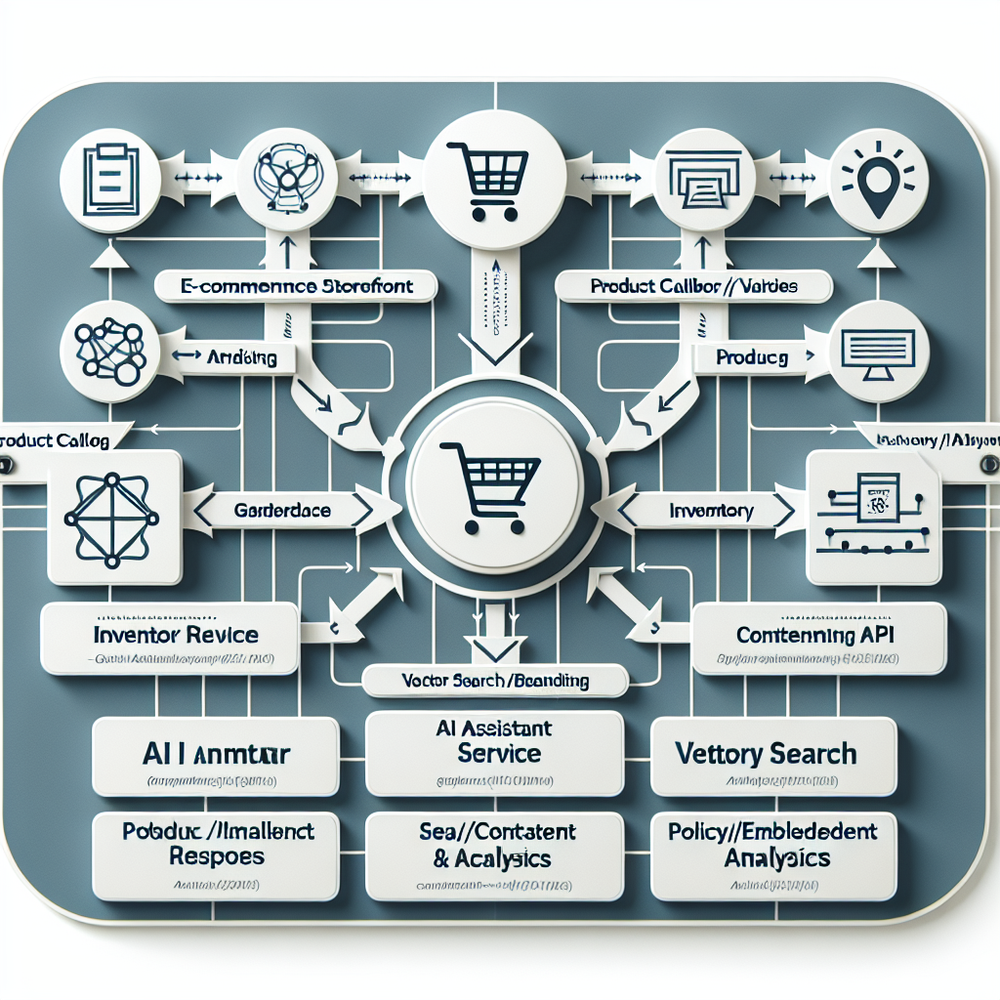
Brambles.ai implements this with a Shopify-aware schema, a vector index for product and content embeddings, and policy fallbacks. It snaps into your catalog and policies, then routes intents like “find my size” or “compare X vs Y” to concise, shoppable answers with add-to-cart actions.
What to Install vs What to Skip: A Practical Checklist
Use this checklist before you add yet another app. The quickest wins come from assistants that solve 3–5 high-intent questions and stay out of the way elsewhere.
Install if the assistant:
- Loads in under 200ms (loader) and responds within 2s to first token.
- Grounds every answer with product and policy citations.
- Is variant- and region-aware with live stock and ETA.
- Can A/B test by device and entry page.
- Offers clear analytics: assisted conversion, AOV, deflection, and EPS.
Skip if the app:
- Claims “customer support” without grounding or citations.
- Pushes long answers, no product cards or add-to-cart.
- Forces intrusive popups on first load.
- Ignores your merchandising rules and collections.
- Stores PII without clear consent or data residency controls.
If your blog or help center runs on WordPress, sync that content once via the Brambles WordPress Plugin so the assistant can quote sizing guides, care instructions, and FAQs directly—no manual copy-paste.
Implementation Guide: Brambles.ai on Shopify (Step-by-Step)
Ship in days, not weeks. This plan focuses on the 20% of work that drives 80% of the lift.
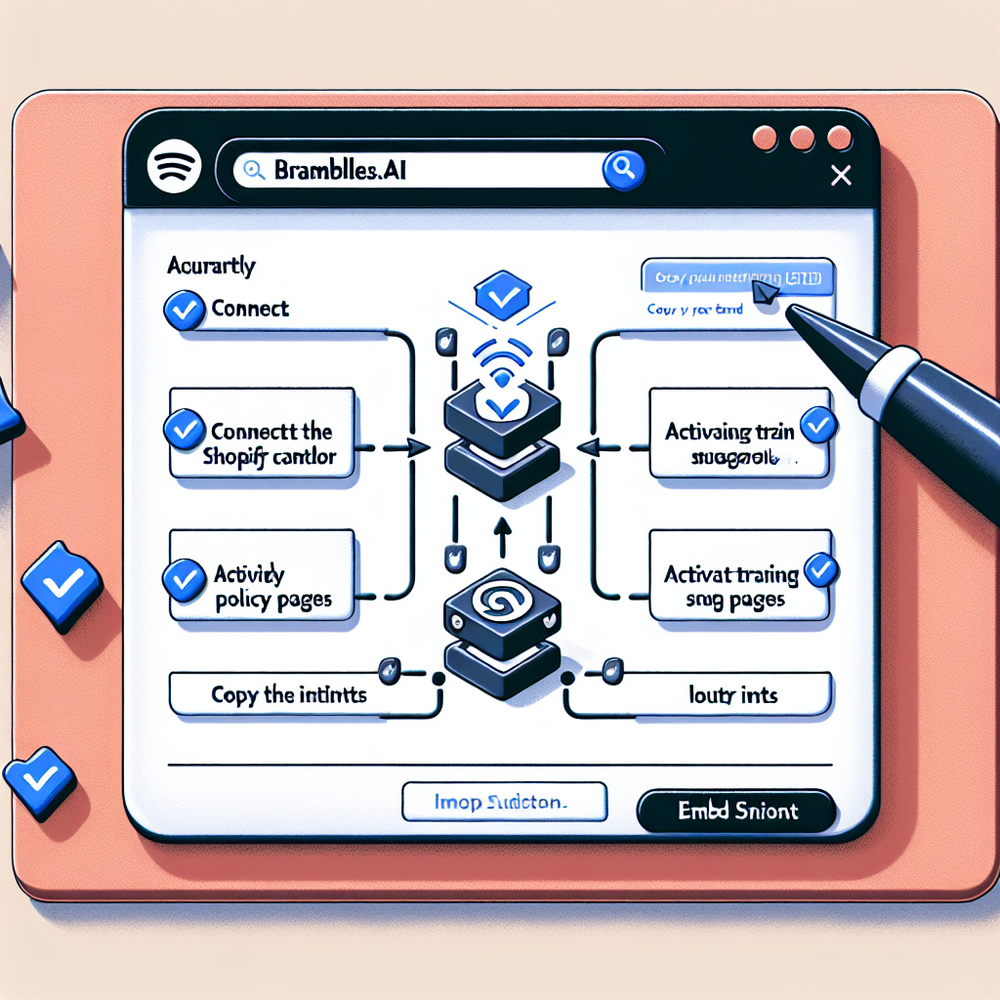
1) Connect data sources: sync Shopify catalog, collections, and inventory; import policy pages and top FAQs. Optional: pull in your WordPress blog and knowledge base for richer, cited answers.
2) Define intents: start with 4–8 high-impact flows—size/fit, compatibility, compare two products, refurb vs new, delivery ETA, returns window, find in-stock alternatives, bundle builder.
3) Configure grounding and guardrails: force policy citations, block health/medical claims, and set price/discount visibility rules. Add escalation to human for low-confidence responses.
4) Embed the widget: lazy-load below core CLS elements, defer heavy models to interaction, and pass session context (cart, geo). Target mobile PDPs and collection pages first; desktop later if analytics warrant it.
5) A/B test: split by device and page template. Primary KPIs: assisted conversion rate, AOV, EPS, and answer satisfaction. Run for at least two purchase cycles or 30k assisted sessions to stabilize effects.
6) Merchandising rules: pin hero collections, suppress OOS items, and cap promotions. Add a “compare” card for top SKU pairs to shortcut rabbit holes.
7) Go-live checklist: sub-2s responses, zero hallucinations in 100-sample QA, variant accuracy ≥99%, top 10 queries answered with citations, and observed uplift ≥5% in assisted conversion before full rollout.
A publisher who monetizes via affiliate Shopify storefronts connected Brambles’ Commerce Module to drive bundles from editorial guides; they saw a 23% click-to-cart rate on assistant-suggested bundles in month one.
Measuring ROI & KPIs That Matter
If you can’t measure it, don’t ship it. Tie the assistant to hard business outcomes, not vanity metrics.
Track these core KPIs:
- Assisted conversion rate (ACR): purchases among sessions with assistant interaction. - Assisted AOV: average order value for assisted checkouts. - EPS: revenue per assisted session (captures both ACR and AOV).
- Time to first token: under 2s on 75th percentile. - Answer quality score: manual audits of 100 chats per week with pass/fail on grounding, brevity, and shoppability.
Example: on a 80k-session month, if 25% interact with the assistant, ACR rises from 2.4% to 3.1%, and AOV moves from $68 to $73, EPS lift is roughly 15–18%. McKinsey’s personalization benchmarks show 10–15% revenue lift from relevant recommendations—your assistant should be in that range or it’s not pulling weight.
One merchant saw A/B significance after 18 days by gating the assistant to mobile PDPs only. Desktop showed minimal impact; removing it there recovered 80ms and improved Core Web Vitals. The assistant should earn its place per template and device.
First‑Party Data, Consent, and Shopper Trust
Trust is earned in the first 10 seconds. The assistant should disclose what data it uses, ask for just-in-time consent for email or quiz answers, and avoid dark patterns. Salesforce reports that most customers expect transparency about data use; meet them there.
Practical setup: keep PII out of prompts, tag sessions with anonymous IDs, and store opt-ins with consent strings. Use the assistant for zero‑party data (style, fit, preferences) via micro‑quizzes, then ground recommendations with those signals—never sell or share them without explicit permission.
Brambles.ai enforces consent-aware retrieval and regional data routing, with toggles for data retention windows. If your editorial content lives in WordPress, the plugin syncs only the sections you approve, making citations auditable and safe.
Common Pitfalls to Avoid
The fastest way to fail is to over-scope. Start narrow, measure, then expand. Other traps are just as costly.
- Letting the model improvise policy or specs—force citations or suppress. - Training on noisy UGC reviews without filters; you’ll surface claims and contradictions. - Ignoring search logs; your top 20 onsite queries should map to intents.
- Shipping without device-level tests; mobile != desktop. - Neglecting speed budgets; anything that slows CLS or adds >200ms TTFB is suspect.
If you need a deeper UX plan for guided finders and comparison patterns, we’ve documented designs that consistently reduce friction and lift conversion.
Future Outlook: Assistants as Merchandisers, Not Just Chat
Chat is just the doorway. The next phase is assistant-powered blocks across PDPs and collections—contextual bundles, explainers, and comparisons that feel native.
Expect assistants to own the boring but costly edge cases: compatibility across third-party accessories, mixed-cart delivery windows, and price-match nuance. Ship the assistant where it behaves like a smart merchandiser, not a chatbot.
FAQ
Do I need a developer to add an AI assistant to Shopify?
Usually no. Brambles provides a snippet and Shopify app flow; most teams embed it via theme customization. For advanced routing and analytics, a developer can help for a day or two.
Will an AI assistant hurt my SEO or Core Web Vitals?
It shouldn’t. Load the widget after main content, defer heavy models until interaction, and keep CLS stable. We routinely see neutral-to-positive Core Web Vitals with this setup.
How does Brambles.ai prevent hallucinations and bad advice?
Grounding plus guardrails: answers must cite your catalog or policies; low confidence triggers human handoff. We also blacklist risky claims and restrict tone to concise, shoppable guidance.
What does it cost, and when do I see ROI?
Pricing scales with usage. Most merchants see directional lift within 2–4 weeks on mobile PDPs. We recommend gating rollout until assisted conversion and EPS lift clear 5–10%.
Can I use it with WordPress content or a publisher storefront?
Yes. Sync approved WordPress posts via the plugin for cited answers, or attach affiliate/publisher catalogs through the Commerce Module to power curator-style assistants.
Related resources on Brambles.ai
If you are implementing this, start with Brambles.ai.
For deeper reading, see 10 Reasons Publishers Need Conversational Commerce, Affiliate Disclosure in Conversational UIs Done Right, Contextual, Not Creepy: Monetization That Wins, From Search Boxes to Conversations: Modern Shopping UX.
Related posts
View all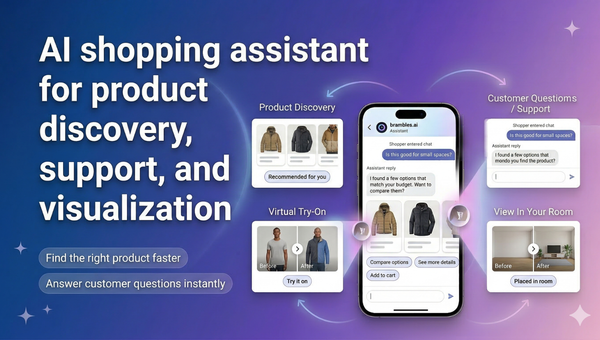
Brambles.ai Is Live on the Shopify App Store
Brambles.ai is live on the Shopify App Store, giving merchants an AI shopping assistant for discovery, support, try-on, and add-to-cart.
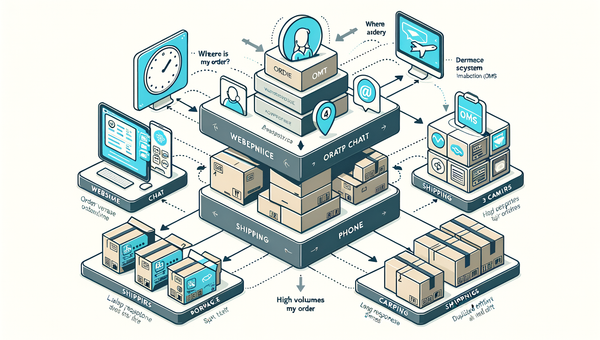
How AI Handles Order Lookup, Returns, and Shipping 24/7
See how AI resolves order lookups, returns, and shipping questions 24/7, deflects tickets, and lifts CSAT—plus a step‑by‑step guide to implement it safely.
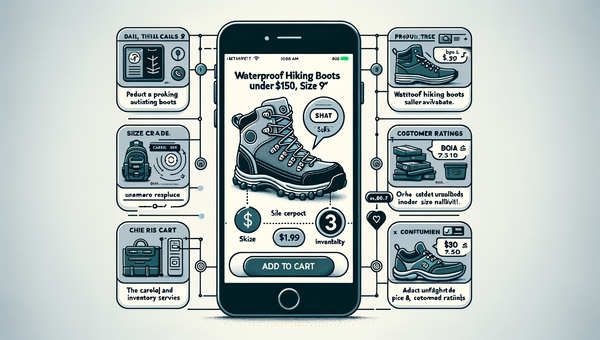
Direct Add to Cart from AI Chat Boosts Conversions
Shoppers convert faster when chat answers end in a one-tap cart. Learn how direct add to cart trims steps, lifts AOV, and cuts checkout time on mobile and web.
Explore Brambles.ai
Learn more about our AI-powered agentic commerce platform, agentic shopping, and shopping assistance solutions.
Explore More Insights
Discover more articles on AI, automation, and business innovation
View All Articles