
How to Test AI Chat for Final-Sale Variants on Shopify
Use one product and two colors to check whether AI chat gives the right return terms before a shopper adds the item to their cart.
Before AI chat answers “Can I return this?”, check that it knows which variant the shopper wants. On a Shopify product page with one final-sale color and one returnable color, ask about both in the same conversation. The answer should change with the selection. When the store’s sources leave the selection or policy unclear, have chat ask which option the shopper means or point to where they can confirm the terms before buying.
Set up one product with two return outcomes
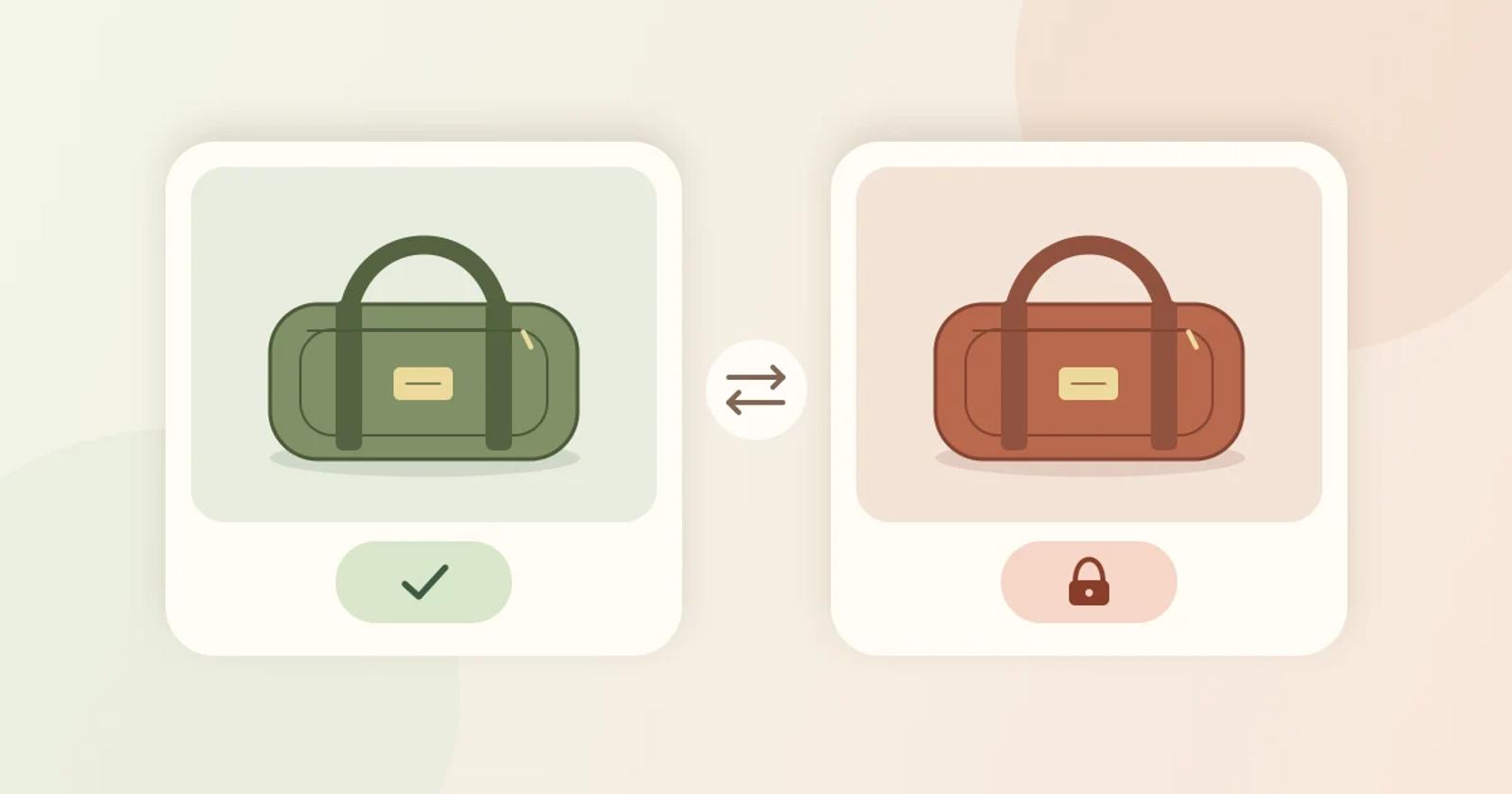
In a test store or merchant-approved preview, use one product with two in-stock variants in the same market. For example, create a fictional Canvas Weekender in olive and rust. Olive qualifies for change-of-mind returns within 30 days of delivery if unused. Rust is final sale for change-of-mind returns. Keep both available to buy at the same price so price alone gives chat no clue about the return policy.
Select only the rust variant as final sale in the test store. Shopify’s setup instructions allow merchants to select variants when adding final-sale items under Products. The instructions also describe how a final-sale designation takes precedence over a return-window override. Shopify’s return and cancellation rules
Write down the product URL, each variant ID, what the product page shows when each color is selected, and the current approved policy for each color. Use the merchant’s configured rule and approved policy as the answer key. If the storefront and the approved policy disagree, reconcile them before using the storefront as a control. A merchant in Shopify Community describes the same display problem: a final-sale badge needs to follow the selected size or color. Shopify Community’s variant-level final-sale example
Ask what happens when the shopper changes colors
- Start with a clear selection. Select olive and ask “Can I return the olive one if I change my mind?” Expect the test store’s 30-day window and unused condition. In a fresh chat, ask about rust and expect the final-sale answer. If chat offers a shopping link, follow it and verify which color is selected or whether the shopper can select it before buying.
- Switch colors in an open conversation. After the olive answer, select rust on the same page and say “Actually, I’ll take rust. Can I still return it?” Expect chat to apply the rust rule. Repeat from rust to olive. A stale rule in either direction fails the test.
- Leave out the color. Start a fresh chat on a collection page with no variant selected. Ask “Can I return the Canvas Weekender if I change my mind?” Expect a question about which color you mean, or an explanation of both outcomes that identifies each color. A store-wide 30-day answer misses the rust exception.
- Check conflicting information. In the test environment, leave an older product blurb saying both colors qualify for 30-day returns. Ask about rust again. If chat has the current, merchant-approved rule for rust, it should follow it. If it cannot verify which source applies, it should send the shopper to the merchant’s current terms or support without promising a return. Record the sources used in each configuration.
Compare Gorgias and Brambles.ai with the same policy
Gorgias documents a product view that shows what its AI Agent gets from Shopify and the storefront. Merchants can supplement that information with custom product details, including return policy. In a Gorgias pilot, check which source carries the rust exception and whether it identifies the variant. Then run the color switch using the storefront chat the shopper will see. Gorgias product information for AI Agent
Brambles.ai’s Product Discovery page describes validating which variants and product attributes are in scope and testing how chat handles missing or outdated information. For a Brambles.ai pilot, confirm that the store’s variant details and policy sources are available to the assistant. Run the same proposed test on both platforms to see whether each setup can use the current rule for the selected color. Brambles.ai Product Discovery
Decide which return answers to enable
Let chat answer for the tested product when it applies the right rule to both colors, handles the switch, and gives a safe response when information is missing or contradictory. If chat can identify the product but cannot verify the current rule for the selected variant, send the shopper to the product page if it shows the variant’s terms clearly. Otherwise direct them to the merchant’s help route. If chat keeps promising a return for rust or applying rust’s terms to olive, leave this product’s return answers out of the pilot until you correct the source and rerun the test.
Save the selected variant, the policy source and its date, the prompt, the answer, and the destination of any link. Retest after changing a return rule or the storefront’s variant messaging. Bring one product URL and the current return rules for two variants to the Brambles.ai Brand pilot. For the other catalog checks, use the Shopify product discovery pilot guide.
Related posts
View all
How to Test AI Chat for Fixed Bundles on Shopify
Compare a bundle added from AI chat with the same bundle added from its Shopify product page. Check the options, quantities, and cart grouping.
How to Test AI Chat Across Shopify Markets
Use two Shopify markets and two products to see whether AI chat recommends items shoppers can buy after they change countries.

How to Test AI Chat Fabric and Care Answers on Shopify
Run a four-question check on one Shopify garment to catch AI chat answers that copy fabric or care instructions from the wrong color.
Explore Brambles.ai
Learn more about our AI-powered agentic commerce platform, agentic shopping, and shopping assistance solutions.
Explore More Insights
Discover more articles on AI, automation, and business innovation
View All Articles