
How to Test AI Chat Across Shopify Markets
Use two Shopify markets and two products to see whether AI chat recommends items shoppers can buy after they change countries.
To test AI chat across Shopify Markets, pick a product that is in stock but sold in only one of your markets. Ask for it from both storefronts, then switch countries after the chat has recommended it. Check what the next answer offers and where its links take you. A recommendation that works in the US can still send a Canadian shopper to a product they cannot buy.
Verify what each storefront sells
In Shopify, catalogs can control which products customers can buy in each market. Check the effective assortment in both storefronts before testing chat. Shopify can combine catalogs inherited from a parent market with those assigned to a submarket of the same type. Leaving a product out of one catalog may still leave it available through another. Review Shopify's market catalog documentation before treating an exclusion as the expected result.
Use the storefront country selector or your market-specific URL and confirm which country the page shows. Shopify also uses signals such as arrival URL and saved preferences to localize the storefront. Record the country you actually see. The Shopify localization guide explains how these settings interact.
Run one test with two markets and two products
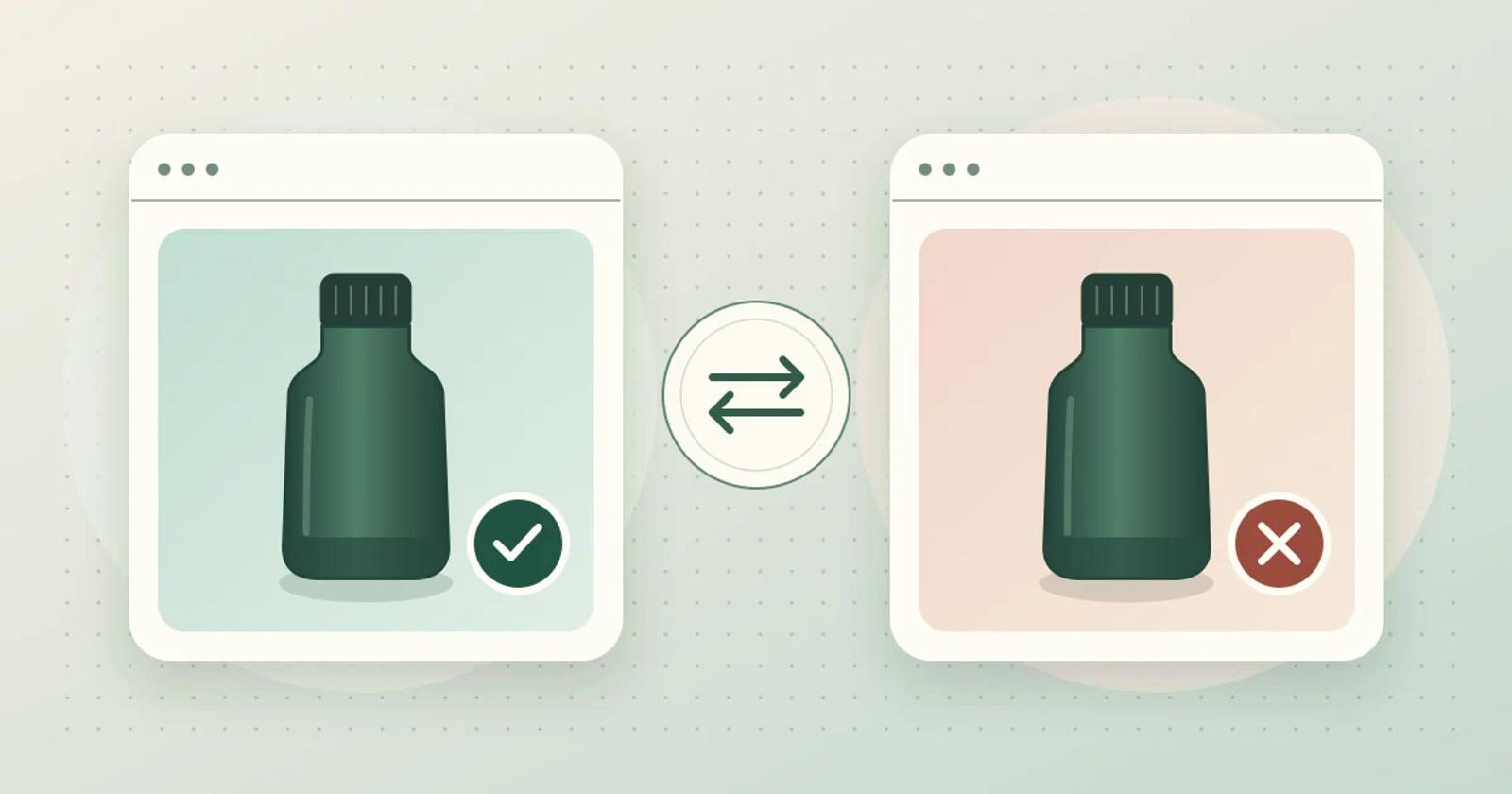
Here is a fictional example you can recreate in a test store. Both bottles are insulated, in stock, and sold on the US storefront. The Ridge Bottle has a twist cap and is excluded from the effective Canadian assortment. The Trail Bottle has a flip cap and is sold in both markets. Keep both products in stock during the exercise so a change in the recommendation can be traced to the market.
- Start in the US. Ask, “I want an insulated bottle with a twist cap. Which one can I buy?” Expect Ridge. Open the recommendation and verify that it leads to Ridge on the US storefront. Save the conversation and the destination URL.
- Start fresh in Canada. Use a separate browser profile or private window so the Canadian control cannot change the original US tab’s saved country. Ask the same question. Expect the assistant to say it cannot confirm a twist-cap match available to buy in Canada. Follow with, “A flip cap works too.” Trail now meets the stated requirements. Open the recommendation and confirm that the Canadian storefront can add Trail to the cart. You can stop before checkout.
- Switch from the US to Canada after a recommendation. Return to the tab from step one. Confirm it is still in the US, then change the country with the store selector. Confirm the storefront now says Canada. If the conversation remains open, ask, “Can I still buy the bottle you just recommended? I still need a twist cap.” The next answer should reconsider Ridge in the Canadian market. If the storefront reloads and starts a new conversation, record the reset and repeat the complete twist-cap question in that new Canadian chat.
Keep the old US recommendation in the test record. The question in step three is whether the current answer offers Ridge for purchase after the switch. A new Ridge card, a link that sends the shopper back to the US storefront, or an offer of Trail before the shopper accepts a flip cap each fails a different part of the test. If step two passes and step three fails, investigate how the assistant gets the active market when the storefront changes country.
Compare Rep AI and Brambles.ai on the same storefronts
Rep AI's Shopify Markets documentation says it uses Shopify's market catalogs and excludes products outside the active assortment from recommendations when the store has multiple active markets and grants Rep AI read access to markets. It also describes a catalog view where you can inspect what Rep AI knows for each market, including when catalog membership could not be verified. Use that view to check the test products, then check the country switch and the product links on the storefront.
Brambles.ai describes product discovery using the product information and content configured for your site. Ask which market signal and catalog your installation can use. Run the same two-market test before you enable shopping recommendations in a second market. These are vendor documentation and proposed storefront checks. The bottle example uses fictional products and has no comparative performance results.
Decide whether to launch in the second market
For each run, record the storefront country, expected eligible product, chat answer, product link destination and cart result. Save the test time and repeat it after a market catalog change has reached the assistant. If a market-specific product cannot be verified, keep recommendations for that market out of the pilot until you can run the check again with an expected result.
If your pilot includes delivery, run a separate checkout check after the market and cart tests. Use a test store or another merchant-approved checkout preview. Confirm you are still in the same market and keep the exact variant, quantity, and cart fixed. Compare shipping options for two approved test addresses: one you plan to serve and one at a delivery boundary. Record the expected and observed shipping result for each, excluding pickup, and stop before payment or placing an order. If an intended address has no shipping option, narrow the pilot to destinations you can verify. If checkout offers shipping to an address you meant to exclude, or if you cannot get a preview, leave delivery unverified for that scope until you reconcile it.
If you are evaluating AI chat for your Shopify store, use the Brambles.ai Brand pilot page and bring two storefront URLs and one product whose eligibility changes between them. For the rest of the pilot, see the Shopify product discovery test guide.
Related posts
View all
How to Test AI Chat for Final-Sale Variants on Shopify
Use one product and two colors to check whether AI chat gives the right return terms before a shopper adds the item to their cart.
How to Test AI Chat for Fixed Bundles on Shopify
Compare a bundle added from AI chat with the same bundle added from its Shopify product page. Check the options, quantities, and cart grouping.

How to Test AI Chat Fabric and Care Answers on Shopify
Run a four-question check on one Shopify garment to catch AI chat answers that copy fabric or care instructions from the wrong color.
Explore Brambles.ai
Learn more about our AI-powered agentic commerce platform, agentic shopping, and shopping assistance solutions.
Explore More Insights
Discover more articles on AI, automation, and business innovation
View All Articles