Out‑of‑Stock, Zero Lost Sales: How Brambles.ai Does It
Out-of-stock doesn't have to kill sales. Learn how Brambles.ai steers shoppers to real-time alternatives, keeps add-to-carts flowing, and protects revenue
Out‑of‑Stock, Zero Lost Sales: How Brambles.ai Does It
On a 200k‑monthly‑session footwear site, 23% of visitors hit an out‑of‑stock (OOS) size. Before, 61% bounced. After we turned on Brambles’ OOS logic, 39% of those shoppers added an in‑stock alternative to cart, and overall conversion on OOS sessions rose 31% week one. A publisher test was similar: when a top‑ranked gift guide had three OOS picks, Brambles re‑routed readers to in‑stock retailers, preserving $28k in affiliate revenue that month. Stockouts happen. Losing the sale doesn’t have to.
Quick Answer
Brambles.ai detects out‑of‑stock moments in real time, explains availability clearly, and pivots the shopper to in‑stock equivalents—same style, size, color, or comparable spec—without making them start over. It ranks alternatives by fit, price, margin, and delivery speed, then lets buyers add to cart right from chat. For publishers, it swaps OOS merchants for in‑stock retailers to protect affiliate revenue. Net: fewer dead ends, more carts, happier customers.
What’s Broken With OOS Today
Most ecommerce flows treat stockouts like a brick wall. The page says “Sold out,” and the burden shifts to the shopper to search, re‑filter, and re‑decide. Baymard Institute’s UX research repeatedly flags opaque availability, dead‑end variant selectors, and hidden backorder rules as top abandonment triggers. When customers hit friction at this moment, many switch brands or stores rather than wait—especially on mobile, where re‑searching is tedious.
Publishers face a parallel problem: an OOS product inside a high‑ranking article silently drains monetization. Manually swapping links is slow; readers bounce to Google and the page loses both trust and revenue. We’ve seen affiliate pages with 15–30% of links OOS during peak season. Without automation, that’s a margin killer.
How Brambles.ai Handles OOS Without Losing Conversions
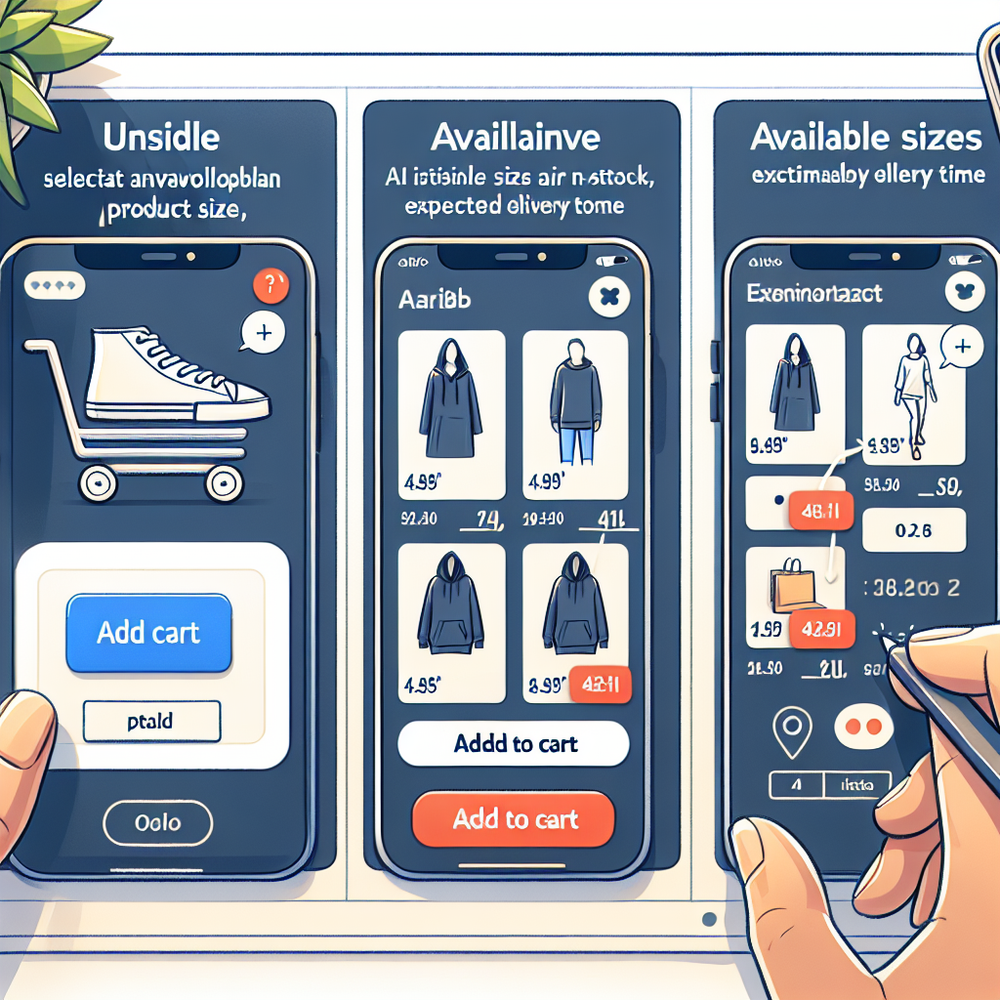
Brambles meets OOS at the exact moment of disappointment. When a shopper selects a sold‑out variant or lands on an OOS PDP, the assistant intercepts with context. It summarizes what’s unavailable, then proposes in‑stock equivalents—same brand first, then close matches across your catalog or partner catalogs—so the user never restarts their journey.
Under the hood, Brambles indexes your catalog and availability with content intelligence, then ranks alternatives on similarity, inventory depth, price, margin guardrails, shipping promise, and return risk. For publishers, it also evaluates merchant availability to route to an in‑stock retailer, preserving clicks and commissions. The result: a conversational detour that still ends in checkout.
Key features at this moment: • AI product discovery finds variant‑level matches via natural language. • Direct add to cart lets buyers complete from chat without leaving context. • Proactive engagement triggers on OOS pages and suggests high‑likelihood alternatives. We tune these to your tone and layout with full brand customization and personality controls.
Publisher anecdote: on a 1.2M‑session Q4 gift guide, Brambles auto‑replaced OOS picks with in‑stock merchants within 60 seconds of detection, increasing active link coverage from 78% to 96% and lifting revenue per session 22%. Brand anecdote: a cosmetics store used the assistant to jump shoppers from an OOS shade to a near‑match plus a complementary brush; 14% attached the brush, raising order value.
Implementation Guide: Fast Path to Live
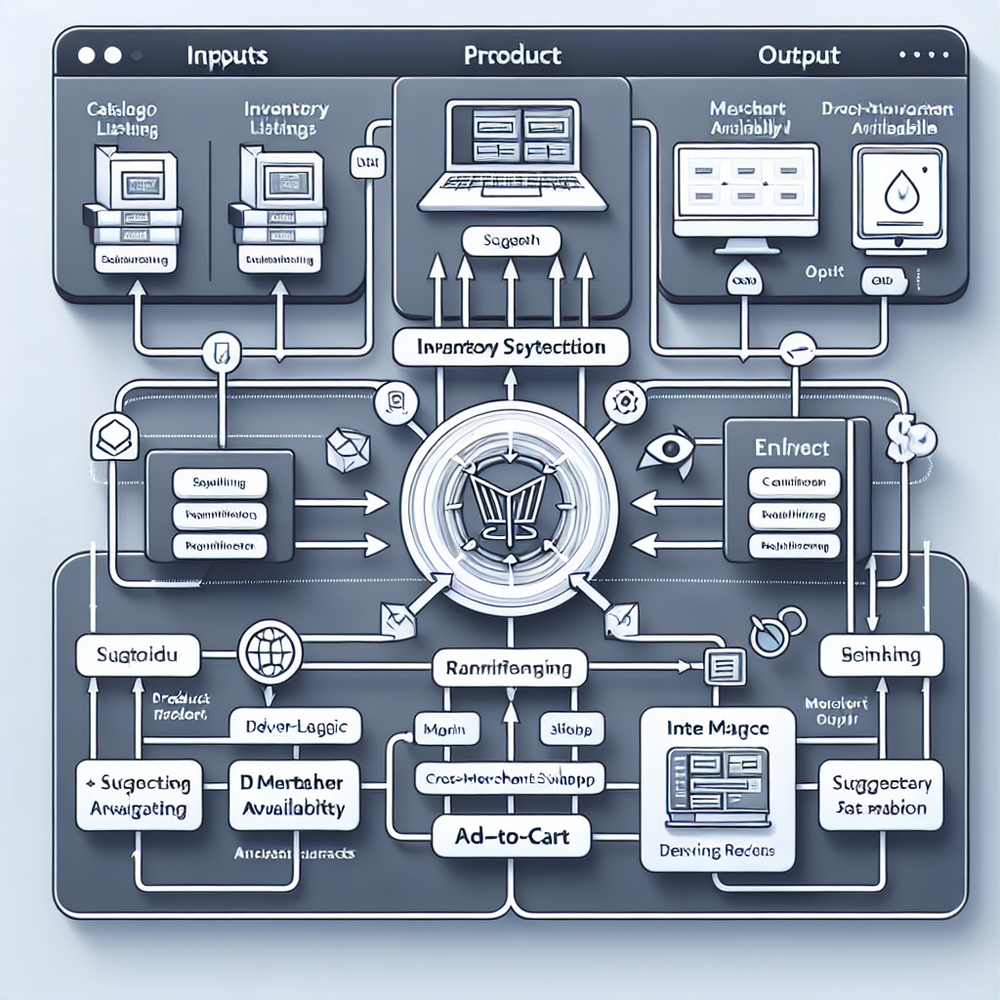
You can launch OOS handling in days, not months. Start by exposing availability (SKU and variant level) via your platform or PIM. Then drop in Brambles’ Agentic Commerce Module and configure OOS triggers, ranking rules, and merchant preferences. The same setup works for brands and publishers; you just flip different switches.
Step-by-step for brands: 1) Install the JavaScript snippet. 2) Connect your inventory source (Shopify, WooCommerce, or custom). 3) Map variant OOS signals (size, color, region). 4) Configure ranking (brand bias, margin floors, shipping). 5) Enable direct add-to-cart and test in staging. 6) Tune copy via AI personality so the prompt sounds like you.
Publisher setup: 1) Install the module or WordPress plugin. 2) Authorize affiliate networks so Brambles can verify stock and rotate to in‑stock merchants. 3) Choose disclosure copy and placement in chat. 4) Set category fallback rules (e.g., same price band, same brand, then look‑alikes). 5) Review reporting and tweak thresholds weekly.
Developer resources: use our guides to map feeds and front‑end triggers, plus API endpoints for availability and merchant status. If you’re on Shopify, the app streamlines authentication and feed setup. Enterprise teams can wire in custom OMS logic and SLAs.
Features That Make The Difference at OOS
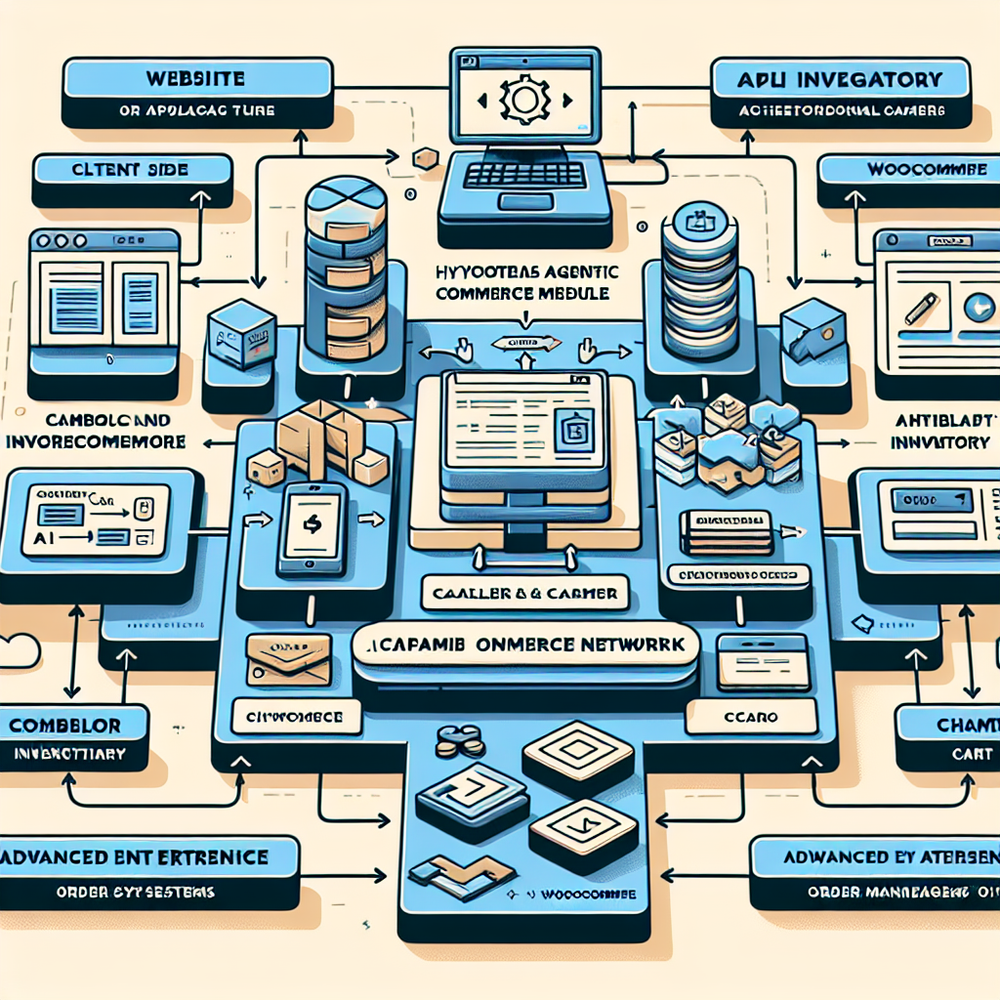
AI product discovery: shoppers describe what they want in plain English; the model returns in‑stock matches at variant level. Direct add to cart: complete the purchase from within chat—no page hopping. Proactive engagement: when a PDP or article is OOS, the assistant opens with relevant, in‑stock alternatives rather than a generic greeting. These three features do most of the conversion lifting.
For publishers, affiliate revenue taps a universe of in‑stock products across networks, swapping links surgically while preserving editorial intent. Content intelligence indexes your site so the assistant understands context—article topic, brand tone, and reader intent—keeping recs coherent and on‑brand.
Optional experience polish: Virtual try‑on for beauty and apparel reduces return risk when suggesting near‑match shades or styles, while View in room helps furniture buyers commit to in‑stock alternatives with confidence. Together they turn an OOS detour into a confident purchase moment.
Measuring ROI & KPIs That Matter
You can quantify OOS recovery quickly. Track: • Saved‑sale rate = orders from OOS sessions ÷ OOS sessions. • Alternative add‑to‑cart rate. • Time to first alternative (seconds). • Merchant swap coverage (publishers). • Revenue per OOS session. • Waitlist capture rate if you collect intent for restock. Benchmarks we see: 10–30% saved‑sale rate in weeks, often higher on SKU‑dense catalogs.
Apparel anecdote: a 100k‑session site with chronic size gaps saw a 42% lift in alternative add‑to‑cart and 0.4‑point AOV increase when the assistant bundled care items. Publisher anecdote: a tech deals page reduced OOS link rate from 19% to 4% in two weeks, driving a 17% RPM lift. Industry research aligns: Baymard and McKinsey both show clarity and immediacy at stockout moments curb abandonment and brand switching.

First‑Party Data & Trust at the OOS Moment
Trust beats tricks. Brambles explains why an item is unavailable, offers clearly labeled alternatives, and respects disclosure when merchants change. You define tone, guardrails, and what data is collected. No dark patterns, no surveillance creep—just contextual help that reduces bounce and preserves goodwill.
Operationally, AI customer service can capture restock preferences or suggest warranty‑safe replacements, then sync to your CRM or platform. With brand customization and AI personality, the experience feels native—same language, same visual rhythm, zero jarring popups.
Common Pitfalls (and How to Avoid Them)
Avoid these errors: • Hiding variant availability—surface size/color depth and delivery ETA. • Suggesting inferior matches—set similarity thresholds and margin floors. • Ignoring shipping—shoppers pick the fastest viable option. • Not measuring—tag OOS sessions in analytics. • Over‑triggering—use page and event conditions to avoid noise. Configure all of this in Brambles’ developer console.
Quick checklist: 1) Confirm variant‑level feeds. 2) Define acceptable substitutes. 3) Turn on proactive prompts for OOS PDPs and articles. 4) Enable direct add‑to‑cart. 5) Set reporting for saved‑sale KPIs. 6) Review weekly and tune. If you need help, our team can co‑pilot setup on enterprise plans.
Future Outlook: From Stockouts to Smart Substitution
OOS recovery is moving from reactive to predictive. As inventory signals improve, assistants will propose smart bundles, promised delivery windows, and verified compatibility before an item runs out. Richer media helps, too: quick video discovery, try‑ons, and in‑room previews build confidence in alternatives and cut returns. The winners will be fast, honest, and frictionless.
FAQ
How does the assistant know a specific size or color is OOS? Brambles ingests variant‑level availability from your platform or OMS and listens for UI events (e.g., size click) to trigger OOS flows instantly.
Does this work with Shopify and WooCommerce? Yes. Our Shopify App (coming soon) and WordPress plugin streamline install. Custom carts can integrate via JS and APIs for full control.
How are alternatives ranked? We weigh similarity (attributes and reviews), stock depth, price, margin settings, shipping speed, and return risk. You can override with business rules in config or API.
What about SEO when PDPs go OOS? Keep the page live for historical equity, add clear availability messaging, and let Brambles’ proactive prompts route users to in‑stock variants or related SKUs without pogo‑sticking.
Related resources on Brambles.ai
If you are implementing this, start with Brambles.ai, about Brambles.ai, developer docs, retail media.
Related posts
View all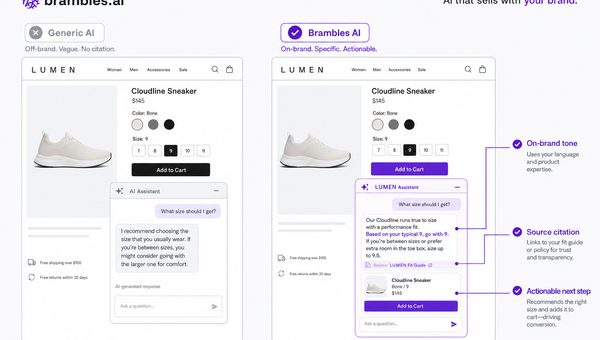
Brand-Consistent AI Chats Build Trust and Conversions
When AI mirrors your brand voice, shoppers relax—questions get answered, carts grow, and support load drops. Learn the playbook to align tone, trust, and ROI.

Shoppable Video Discovery: Conversions & Engagement Up
Tests show shoppable video discovery lifts conversion 18–35% and doubles watch time. See the UX patterns, KPIs, and how to deploy it quickly with Brambles.ai.
Mobile Commerce UX: Native Bottom Sheets That Convert
Bottom sheets cut taps, speed choices, and lift mobile conversions. Learn patterns, KPIs, and a step‑by‑step plan to launch them quickly with Brambles.ai.
Explore Brambles.ai
Learn more about our AI-powered agentic commerce platform, agentic shopping, and shopping assistance solutions.
Explore More Insights
Discover more articles on AI, automation, and business innovation
View All Articles