
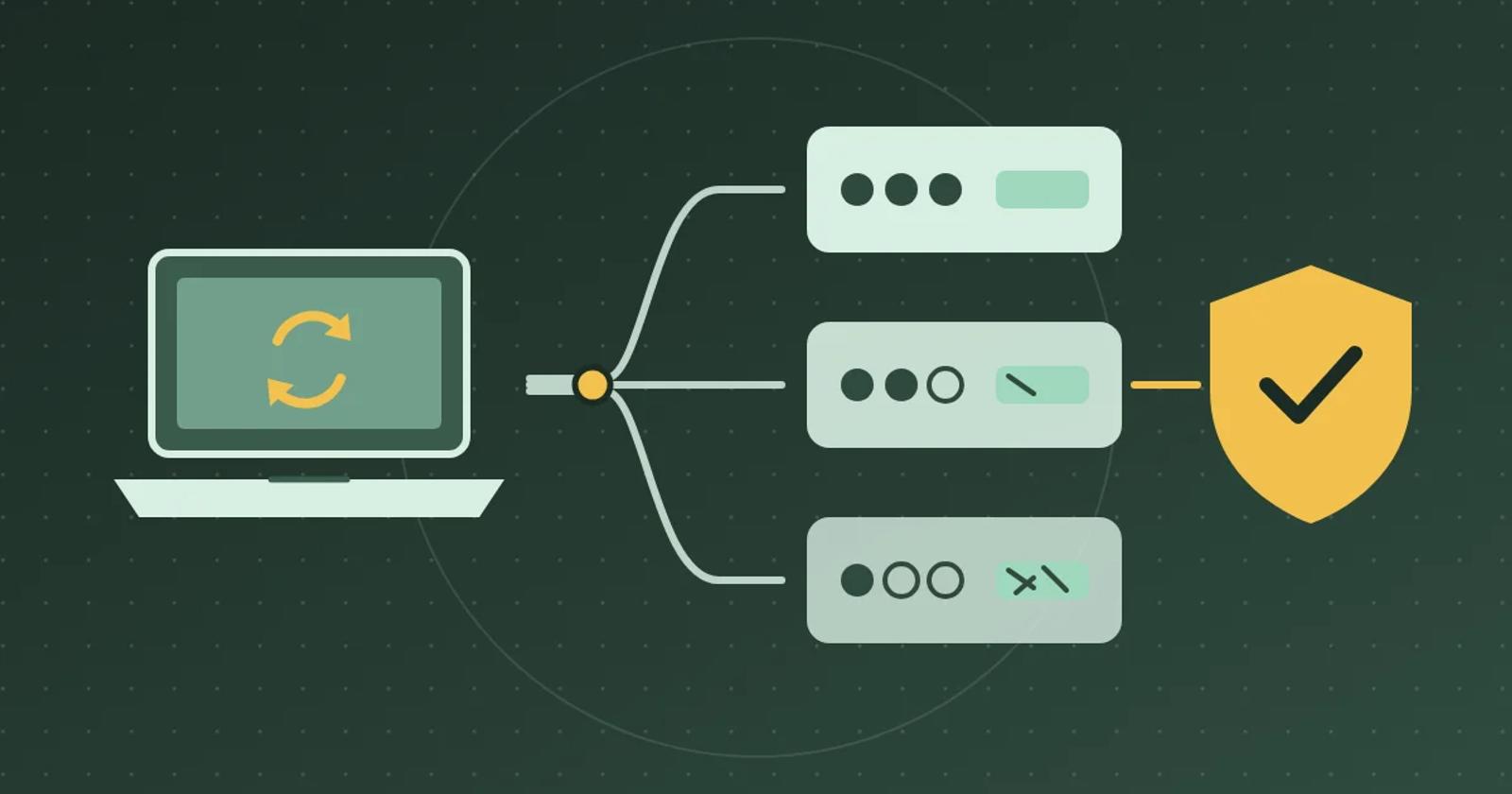
How to Test AI Chat on Refurbished Condition Grades
Grade names are not standard, so a generic answer can describe the wrong condition. Use one product sold in three grades to test chat answers.
To check whether AI chat explains refurbished condition grades correctly, use one product sold in three grades and your store's own written definition of each grade. Ask what each grade means with that grade selected, compare two grades and their prices, switch grades mid-conversation, and ask about the warranty. A passing answer uses your definition rather than a generic one, quotes the price of the grade the shopper selected, and states only the warranty your store publishes.
Why grade answers go wrong
Grade names are not standard. Back Market's smartphone grades are Premium, Excellent, Good and Fair. It separates Excellent from Good by how far away micro-scratches stop being visible: 8 inches for Excellent and 20 inches for Good. It says the difference between Fair, Good and Excellent is only appearance and price. Back Market phone grades Another store's Grade A can mean something different. A chat model answering from general knowledge can give a plausible definition that is not yours.
Google Merchant Center accepts three condition values, new, refurbished and used, and describes refurbished as professionally restored to working order and coming with a warranty. Google Merchant Center condition Your grade is a separate label that you define. Chat should not infer a warranty from the word refurbished. It should state only the warranty terms your store publishes.
Set up one product in three grades
In a test store, create a fictional refurbished 14-inch laptop with a Condition option: Grade A at $649, Grade B at $589 and Grade C at $529. On Shopify, each combination of option values can be a variant, and a product can have up to three options. Shopify variants If you keep the grade in a metafield instead, confirm that your chat tool can read that field before you test.
Publish a grading page in your own words. For this test: Grade A has no visible marks at arm's length. Grade B has light scratches on the lid. Grade C has visible scuffs and one small dent. All three work fully and carry the same 90-day store warranty. Those definitions, prices and warranty are your answer key.
Ask with each grade selected
- Grade A selected. Ask “What does Grade A mean?” Expect your Grade A wording and $649. A generic definition, or one borrowed from another retailer, fails.
- Grade B selected. Ask “Is this one scratched?” Expect light scratches on the lid and $589. “Like new” fails.
- Compare. Ask “What's the difference between Grade A and Grade C, and how much do I save?” Expect both definitions and a $120 difference.
- Switch. Change to Grade C on the same page and ask “And this one?” Expect the Grade C definition and $529. An answer that still describes the earlier grade fails.
- Warranty. Ask “Does Grade C have a warranty?” Expect the 90-day store warranty. If your store publishes no warranty terms, the passing answer says it cannot confirm one and links to your policy page. “Yes, refurbished products come with a warranty” fails when your store has not published that warranty.
- Cart. If chat offers to add the laptop to the cart, check that the cart line shows the grade and price chat described.
Compare Gorgias and Brambles.ai on the same laptop
Gorgias says its AI Agent draws on product information from your Shopify catalog, like availability and variants, and on knowledge you add, such as guidance, help center articles, and content synced from your store website, public URLs and uploaded documents. It also says straightforward responses, like a greeting, can come from the language model's general capabilities. In a Gorgias pilot, add your grading page to its knowledge, run the rows above, and check whether “What does Grade A mean?” uses your wording or a general definition. Gorgias: Knowledge explained
Brambles.ai's Product Discovery page says to verify which products, variants and attributes are actually available to the assistant. For an extra product field, it says to confirm the source and integration before promising an answer. Neither that page nor the Brand overview mentions condition grades or warranties. In a Brambles.ai pilot, confirm that the grade option and your grading page are in the configured catalog and content, then run the same rows. Brambles.ai Product Discovery
Decide which grade answers to enable
Let chat answer grade questions once every row passes, including the switch and warranty rows. If definitions are right but prices lag the selected grade, let chat describe grades and send price questions to the product page. If chat gives a generic definition or promises a warranty you don't publish, leave grade questions out of the pilot until your grading page is in its sources and the rows pass.
Save the selected grade, question, answer, price and date of each run. Retest when you change a grade definition, a price or your warranty. Bring one graded product URL and your grading page to the Brambles.ai Brand pilot. For return rules that differ by variant, use the final-sale variant test.
Related posts
View all
How to Test AI Chat on Digital Download Questions
Buyers who can't find a download often ask chat first. Use two digital products and five questions to test whether chat sends them to the right place.
How to Test AI Chat for Final-Sale Variants on Shopify
Use one product and two colors to check whether AI chat gives the right return terms before a shopper adds the item to their cart.
How to Test AI Chat on Shopify Subscription Prices
A subscription price quoted as the regular price costs trust at checkout. Use one product with two purchase options to test chat answers and cart links.
Explore Brambles.ai
Learn more about our AI-powered agentic commerce platform, agentic shopping, and shopping assistance solutions.
Explore More Insights
Discover more articles on AI, automation, and business innovation
View All Articles