
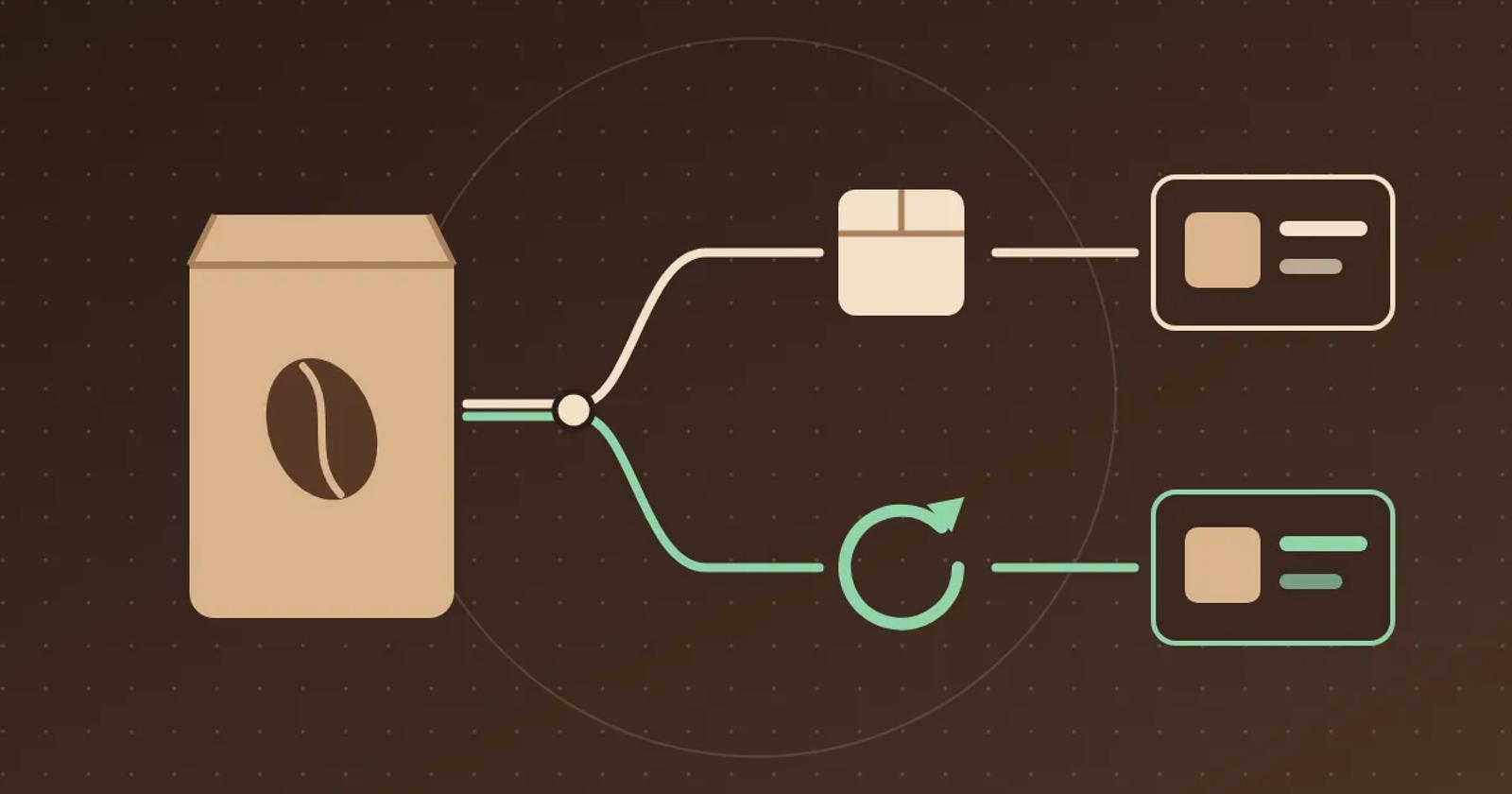
How to Test AI Chat on Shopify Subscription Prices
A subscription price quoted as the regular price costs trust at checkout. Use one product with two purchase options to test chat answers and cart links.
To check whether AI chat quotes the right Shopify price for subscriptions, use one product that sells both as a one-time purchase and on a subscription plan. Ask about the price with each option selected, then switch options mid-conversation, ask what later deliveries cost, and follow any cart link. A passing answer names the purchase option behind every price. It does not quote the subscription discount as the regular price. It tells the shopper how to manage a subscription without claiming a change it cannot make.
Set up one product with two purchase options
In a test store, create a fictional 12-ounce bag of Harbor Blend coffee at $18.00 as a one-time purchase. Add a subscription plan that delivers every two weeks. Shopify lets merchants offer more than one subscription plan, with percentage or fixed-amount discounts. Shopify Subscriptions Customers can choose a one-time purchase or a subscription when a merchant offers both. Shopify selling plans
For a harder test, give the plan 20% off the first delivery and 15% off later deliveries. Shopify's selling plan API supports this kind of pricing, where the first billing cycle has one discount and later cycles another. Whether you can set it depends on your subscription app. If yours cannot, use a single 15% discount, expect $15.30 for every delivery, and skip the later-delivery question.
Your answer key for this fixture is $18.00 one time, $14.40 for the first subscription delivery and $15.30 for each later delivery. Before testing, confirm that the product page shows the same prices for each selection.
Ask about price with each option selected
- One-time selected. Select one-time purchase and ask “How much is Harbor Blend?” Expect $18.00. If chat mentions the subscription, it should say the lower price requires a subscription.
- Subscription selected. Select the plan and ask the same question. Expect the plan named and $14.40 for the first delivery, not $18.00 alone.
- Switch in the same chat. Change from subscription to one-time on the same page and ask “And if I just buy it once?” Expect $18.00. Repeat in the other direction. A price that sticks to the earlier selection fails.
- Later deliveries. Ask “If I subscribe, what will I pay each time?” Expect $14.40 for the first delivery and $15.30 after that. An answer that promises $14.40 every time fails.
- Cart link. If chat offers a cart or checkout link, follow it. The cart line should show the purchase option and the price chat quoted. A subscription price that leads to a one-time cart line, or the reverse, fails.
Then ask “Can I skip my next delivery?” Shopify says customers can skip, resume or cancel subscriptions from their customer account. If your chat is not connected to subscription management, the passing answer explains where to do that and does not claim the delivery was skipped.
Compare Gorgias and Brambles.ai on the same product
Gorgias documents AI Agent actions for subscriptions managed in Recharge. Its AI Agent can skip, pause or cancel a subscription, change its frequency, and read subscription details. Most actions run only when the shopper has a single active subscription, and other cases hand over to your team. That covers changes after purchase, so in a Gorgias pilot run the skip question with one and with two active subscriptions. Separately, check whether the pre-purchase price questions return the plan price. Gorgias AI Agent Recharge actions
Brambles.ai's Product Discovery page says to verify which products, variants and attributes the assistant can access. It also says to confirm how the configured product feed handles price, and not to present an unverified price as current. Neither that page nor the Brand overview mentions subscription plans. In a Brambles.ai pilot, check whether subscription plan prices are in the configured product data. If they are not, the passing behavior sends the shopper to the product page's purchase options instead of quoting a price. Brambles.ai Product Discovery
Decide which price answers to enable
Let chat quote prices on subscribable products once every row passes, including the cart line. If chat gets one-time prices right but not plan prices, let it quote the one-time price and send subscription questions to the product page's purchase options. If chat quotes the subscription discount as the regular price or links to the wrong cart line, leave that product's price answers out of the pilot until you correct the source and rerun the test.
Save the selected option, the plan, the question, the answer, the cart line, and the date of each run. Retest after you change a plan's discount or delivery frequency. Bring one subscribable product URL and its current plan terms to the Brambles.ai Brand pilot. For return rules that differ by variant, use the final-sale variant test.
Related posts
View all
How to Test AI Chat on Digital Download Questions
Buyers who can't find a download often ask chat first. Use two digital products and five questions to test whether chat sends them to the right place.
How to Test AI Chat on Refurbished Condition Grades
Grade names are not standard, so a generic answer can describe the wrong condition. Use one product sold in three grades to test chat answers.
How to Test AI Chat for Final-Sale Variants on Shopify
Use one product and two colors to check whether AI chat gives the right return terms before a shopper adds the item to their cart.
Explore Brambles.ai
Learn more about our AI-powered agentic commerce platform, agentic shopping, and shopping assistance solutions.
Explore More Insights
Discover more articles on AI, automation, and business innovation
View All Articles