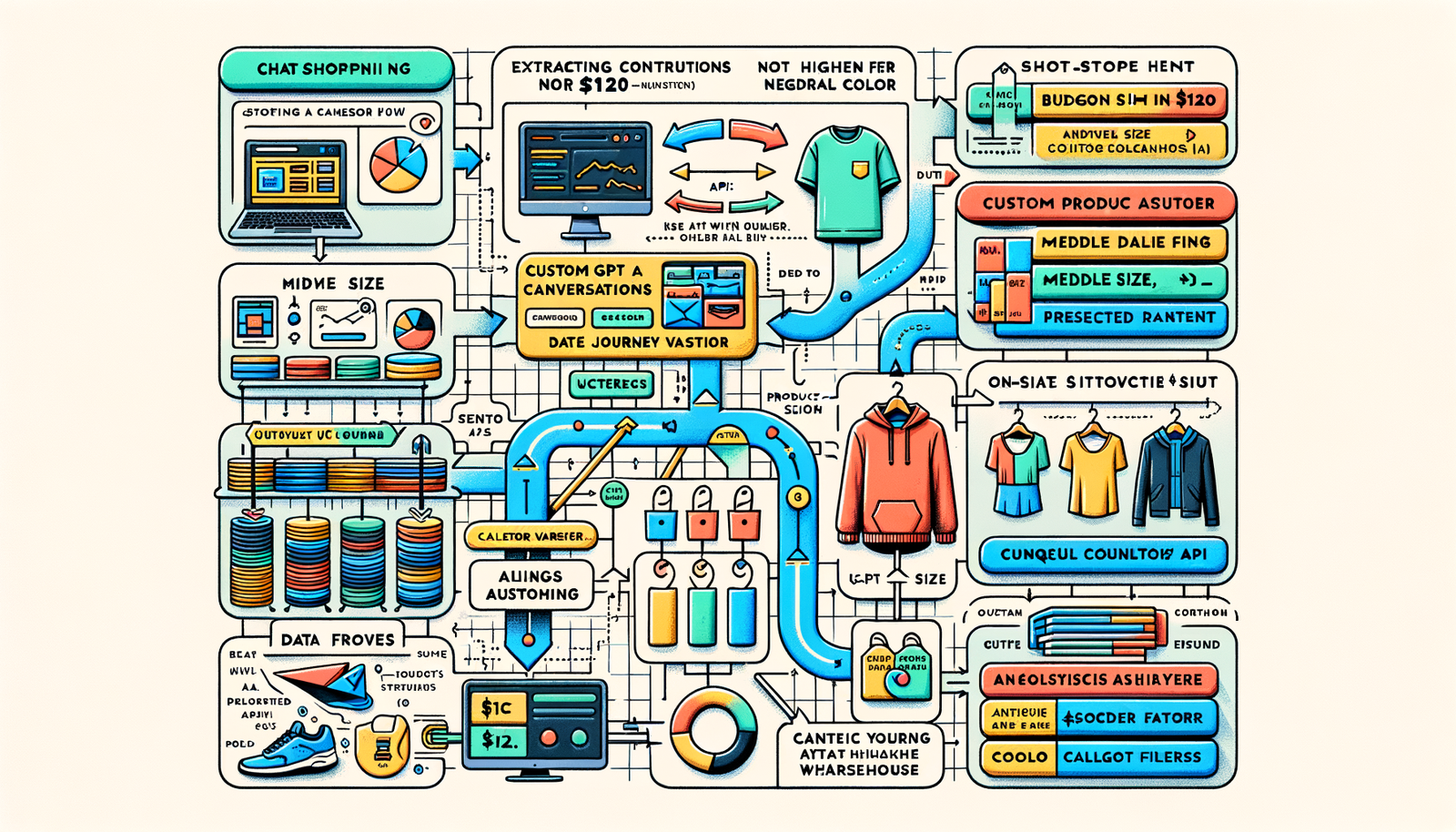
ChatGPT Shopping + Brambles.ai: Capture AI & On‑Site Demand
Turn ChatGPT shopping conversations into conversions. See how Brambles.ai unifies AI handoffs and on‑site UX, with steps, KPIs, and real tests to capture demand
Two weeks after we launched a conversational shopping handoff for a mid-market apparel brand, 18% of their new orders traced back to ChatGPT-originated sessions. When we preserved the shopper’s prompt constraints (budget under $75, size M, neutral colors) into the on‑site assistant, SKU views per session jumped 31% and conversion rose 19%. On a 100k‑session publisher, adding structured PDP deep links from AI summaries pushed eRPM up 24% and made ChatGPT queries 7% of affiliate revenue. The signal is clear: AI discovery is creating intent; your site has to catch it without friction. Brambles.ai makes this catch reliably repeatable—without sprawling replatform work.
Quick Answer
ChatGPT shopping creates qualified intent that often dies on the first click because context is lost. The fix is to pass prompt metadata into on‑site search, filters, and assistance while measuring the full handoff path. Use deep links with parameters, render fast PDPs with the right variant preselected, and greet users with an assistant seeded by their ChatGPT query. Brambles.ai stitches this together using its on‑site assistant, WordPress plugin for content embeds, and Commerce Module for catalog and cart continuity—so discovery becomes purchase, not bounce.
What’s Broken in AI-to‑Site Handoffs
Most AI journeys drop the thread at click-through. The user asks for “waterproof trail runners under $120, wide fit,” gets reasonable options, then lands on a generic category or the wrong size. Baymard’s research shows even small mismatch frictions compound abandonment; add a context reset and you’re gifting competitors the sale.
We also see analytics blind spots. UTM tags often stop at source/medium, ignoring the actual constraints from the AI conversation. Without those constraints, merchandising can’t personalize, and product teams can’t test the moments that matter. Salesforce’s Connected Customer data highlights that omnichannel shoppers expect continuity; a cold restart feels broken. Google UX research echoes this—speed and relevance in the first 5 seconds set the fate of the session.
Anecdote: a home goods retailer saw 42% higher add‑to‑cart when inbound clicks from ChatGPT pre‑selected size and color vs. the same PDP without preselection. The traffic quality didn’t change; the continuity did.
How It Works: From ChatGPT to Your Site Without Losing Context
The core move is to treat ChatGPT as a high‑intent upstream channel and carry its semantics across the boundary.
That means mapping conversation fields—budget, category, size, brand preferences, constraints like “vegan leather”—into URL parameters that your site can consume.
A custom GPT (or assistant) can return deep links that include these parameters and a referral token for analytics.
On arrival, your site should: 1) translate parameters into prefilled search or filtered collections, 2) preselect PDP variants, 3) warm your on‑site assistant with a seeded prompt, and 4) log a single journey ID that follows through to cart and order. Merchandising rules (e.g., in‑stock, margin guardrails) must apply before the link is generated to prevent dead ends.
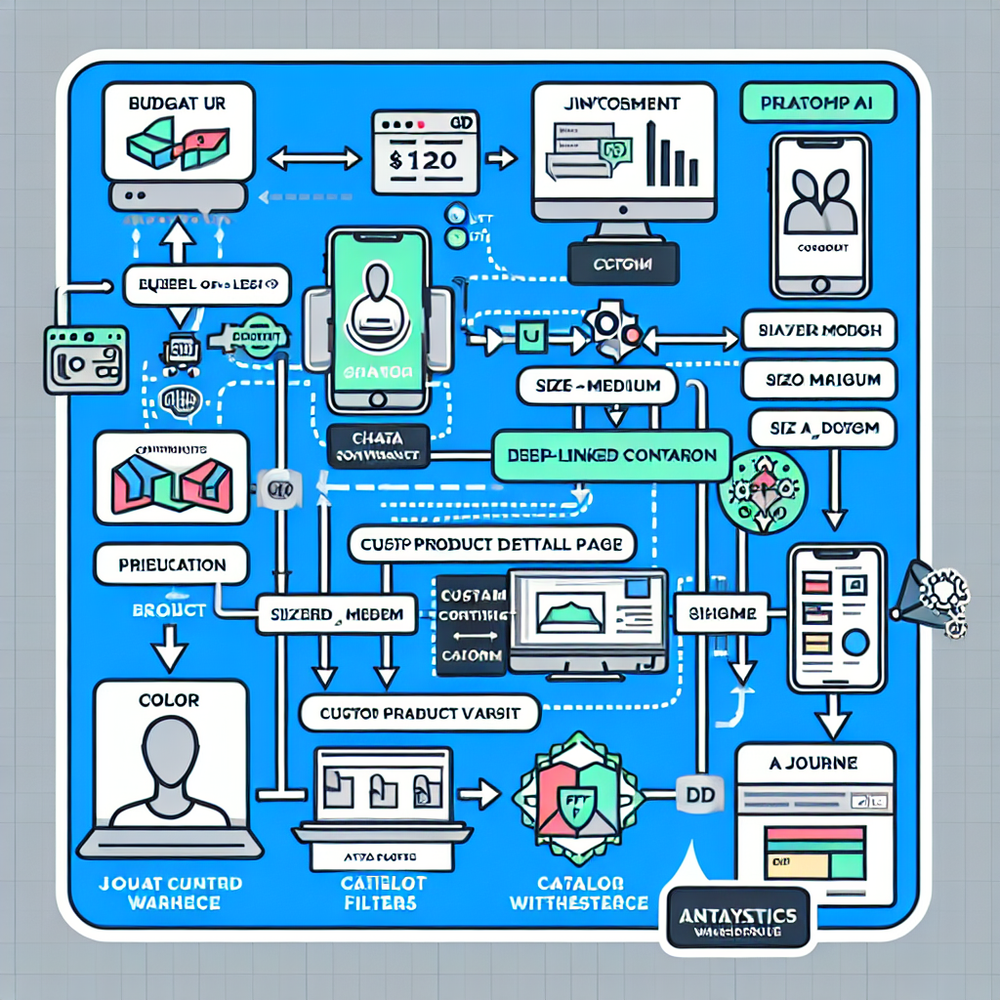
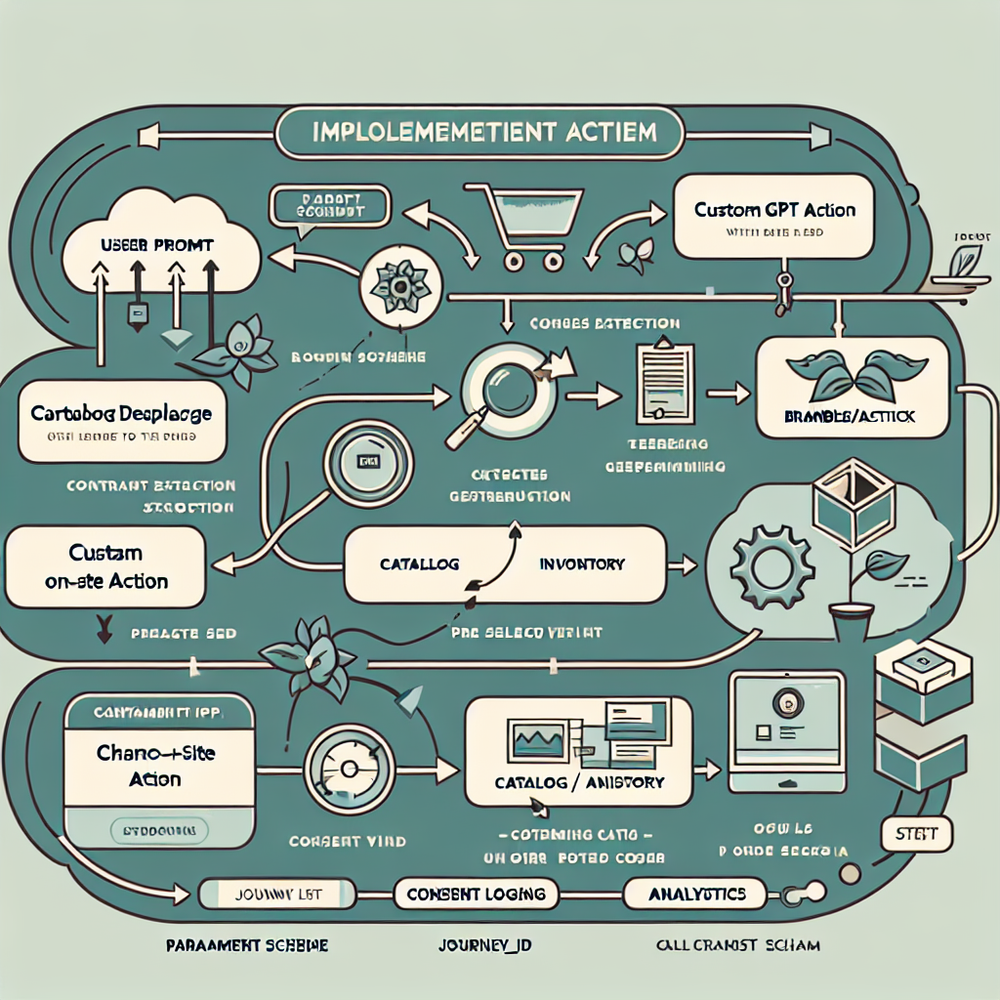
Implementation Guide with Brambles.ai
You can ship this in weeks, not quarters. Brambles.ai handles the heavy lifting by standardizing context capture, handoff, and on‑site assistance while plugging into your catalog and analytics. Below is a pragmatic path we’ve used across retailers and content publishers.
Step‑by‑step: 1) Define your constraint schema (budget, category, size, brand, material). 2) Configure a custom GPT Action or assistant endpoint that queries your catalog with guardrails. 3) Emit deep links with parameters like ?budget=120&size=M&journey_id=xyz. 4) Install the on‑site assistant via the platform’s snippet and seed it using the parameters. 5) Map parameters to PDP variant preselection. 6) Use the Commerce Module to ensure cart continuity and stock validation. 7) Log journey_id from first click to order in your analytics layer.
For publishers, the WordPress plugin renders commerce cards that accept AI‑originated parameters and output compliant affiliate links. This keeps reviews and roundups synchronized with real‑time availability and price. For brands and retailers, the assistant flow personalizes listings or PDPs based on the original ChatGPT prompt while maintaining first‑party tracking. Brambles.ai is the connective tissue: one schema, one journey ID, consistent analytics.
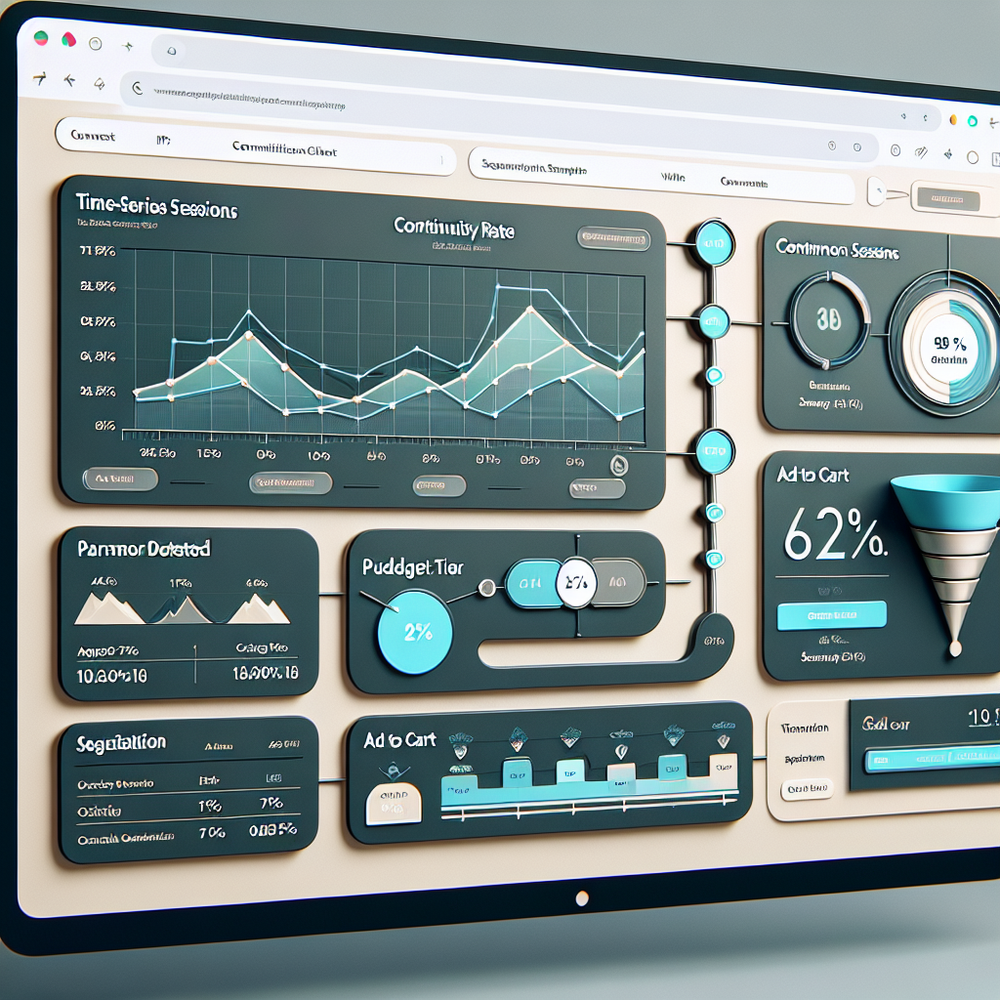
Measuring ROI & KPIs Across AI and On‑Site
Decisions follow metrics, so define them up front.
Track: 1) AI‑originated sessions (source=chatgpt or referrer token), 2) continuity rate (parameters detected / AI sessions), 3) variant accuracy (correct size/color auto‑selected), 4) assistant engagement (first 10 seconds), 5) add‑to‑cart rate, 6) conversion rate, 7) gross margin per session, and 8) publisher eRPM for content sites.
Benchmarks we’ve seen after continuity fixes: +12–25% conversion lift on qualified traffic, +15–30% PDP engagement, and reduced bounce by 18–35%. McKinsey’s personalization studies align with these ranges when context persists across steps. Use cohort tests: route a portion of AI clicks to a vanilla PDP as a control. Tie journey_id to orders to attribute revenue back to the AI channel credibly.
First‑Party Data and Trust: Don’t Sneak, Declare
Continuity should be transparent. Tell users why size M or budget filters are preselected and give a one‑tap way to change them. Capture consent for using AI‑provided context and store preferences as first‑party data. This isn’t just compliance; it reduces cognitive load and speeds to value. Google’s UX work consistently shows clarity reduces pogo‑sticking and task abandonment.
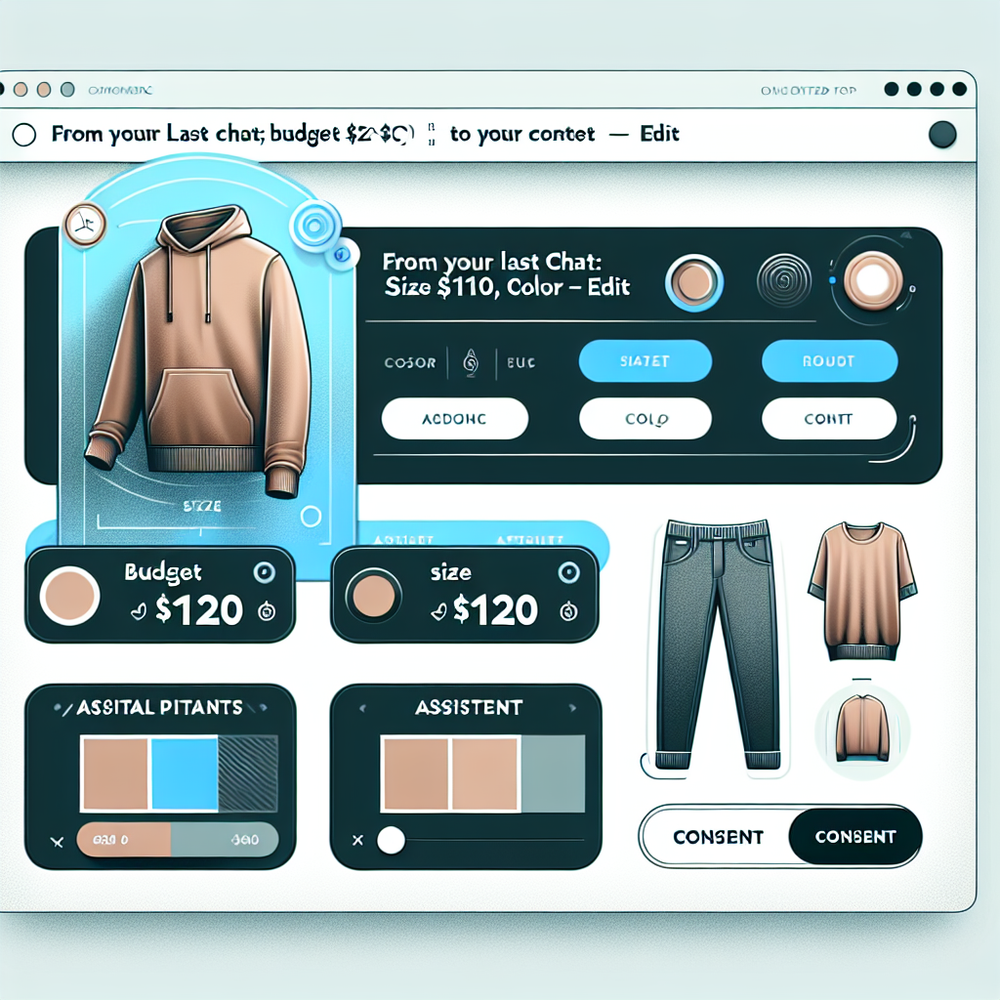
On the platform, preference keys map to your schema and sync to analytics with consent state. Publishers can disclose affiliate relationships contextually on rendered cards. Retailers can expose a compact “From your last chat: budget ≤$120, size M” banner with an edit icon. Brambles.ai supports inline consent recording tied to journey_id, so audits are simple and users stay in control.
Common Pitfalls and How to Avoid Them
The fastest way to lose the sale is to overpromise in chat and underdeliver on your site. Avoid dead links, out‑of‑stock SKUs, and latency spikes that cause a context reset.
Cache catalog answers for popular constraints, and validate stock before emitting deep links. Ensure your assistant fails gracefully when parameters conflict (e.g., “vegan leather” with a brand that doesn’t offer it).
Checklist: • Parameter schema documented and versioned • Deep links tested for all top constraints • PDP variant mapping verified • Assistant seeded and guardrailed • Stock and price validated server‑side • Journey_id persisted through cart • Consent banner displayed for context use • A/B test splits running • Analytics joined to orders and refunds • Publisher disclosures auto‑rendered on commerce cards.
Step‑by‑Step: From Prompt to Purchase
Here’s a concrete launch plan that works for both brands and publishers. Start small, measure, then scale. Keep the scope to one or two categories and the top three constraint patterns you already see in chats.
Week 1: Instrument ChatGPT referrals with a journey_id and capture a minimal constraint set. Week 2: Map parameters to on‑site search and one PDP template, seed the assistant, and run a 50/50 A/B split. Week 3: Add variant preselection and stock validation via the Commerce Module; enable WordPress commerce cards for your top three evergreen articles. Week 4: Expand to a second category and roll out margin guardrails. Expect to tune copy on the context banner for clarity.
Anecdote: a specialty footwear brand ran this four‑week plan and saw +22% conversion on AI‑origin traffic and a 0.7‑point improvement in margin per order by filtering out low‑margin SKUs in the Action layer. For a publisher, adding structured commerce cards to three high‑ranked guides lifted click‑through 29% and stabilized earnings against seasonal dips.
FAQ
How do I connect ChatGPT to my catalog?
Expose a read‑only endpoint with search and filters (price, availability, attributes) and register it as an action for your custom GPT or assistant. Return deep links with parameters and a journey_id. The platform can wrap this with caching and guardrails so responses are fast and in‑stock.
What if my PDP templates can’t preselect variants?
Add a lightweight client script that reads URL parameters and triggers your existing variant selectors. It’s typically a two‑file change. If you use headless, handle it server‑side to avoid FOUC. Many teams ship this behind a feature flag in under a day.
Will this work for publishers without a store?
Yes. Use commerce cards that fetch live availability and route to merchants via compliant affiliate links. You’ll keep context, disclose relationships, and raise eRPM. The WordPress plugin handles rendering and click tracking with journey_id support.
How does Brambles handle consent and privacy?
Preferences derived from chat are stored as first‑party with explicit consent, scoped to your site, and linked to journey_id. You can export audit logs and honor revocation instantly. This keeps continuity useful and compliant.
What’s the fastest way to start?
Pilot one category with the assistant seeded by budget and size. Preselect variants on a single PDP template. Measure continuity rate and conversion against a holdout. If the lift clears your target, expand to more categories and publisher pages.
Related resources on Brambles.ai
If you are implementing this, start with Brambles.ai, for publishers, for brands, get started.
For deeper reading, see 10 Reasons Publishers Need Conversational Commerce, Affiliate Disclosure in Conversational UIs Done Right, From Search Boxes to Conversations: Modern Shopping UX, Contextual, Not Creepy: Monetization That Wins.
Related posts
View all
Brand-Consistent AI Chats Build Trust and Conversions
When AI mirrors your brand voice, shoppers relax—questions get answered, carts grow, and support load drops. Learn the playbook to align tone, trust, and ROI.

How Context-Aware AI Recommendations Lift CTR
See how context-aware AI recommendations lift CTR by 25–60% with intent signals, page context, and history. Practical steps, KPIs, and implementation tips.

Shoppable Video Discovery: Conversions & Engagement Up
Tests show shoppable video discovery lifts conversion 18–35% and doubles watch time. See the UX patterns, KPIs, and how to deploy it quickly with Brambles.ai.
Explore Brambles.ai
Learn more about our AI-powered agentic commerce platform, agentic shopping, and shopping assistance solutions.
Explore More Insights
Discover more articles on AI, automation, and business innovation
View All Articles