
Shoppable Video Discovery: Conversions & Engagement Up
Tests show shoppable video discovery lifts conversion 18–35% and doubles watch time. See the UX patterns, KPIs, and how to deploy it quickly with Brambles.ai.
Shoppable Video Discovery: Conversions & Engagement Up
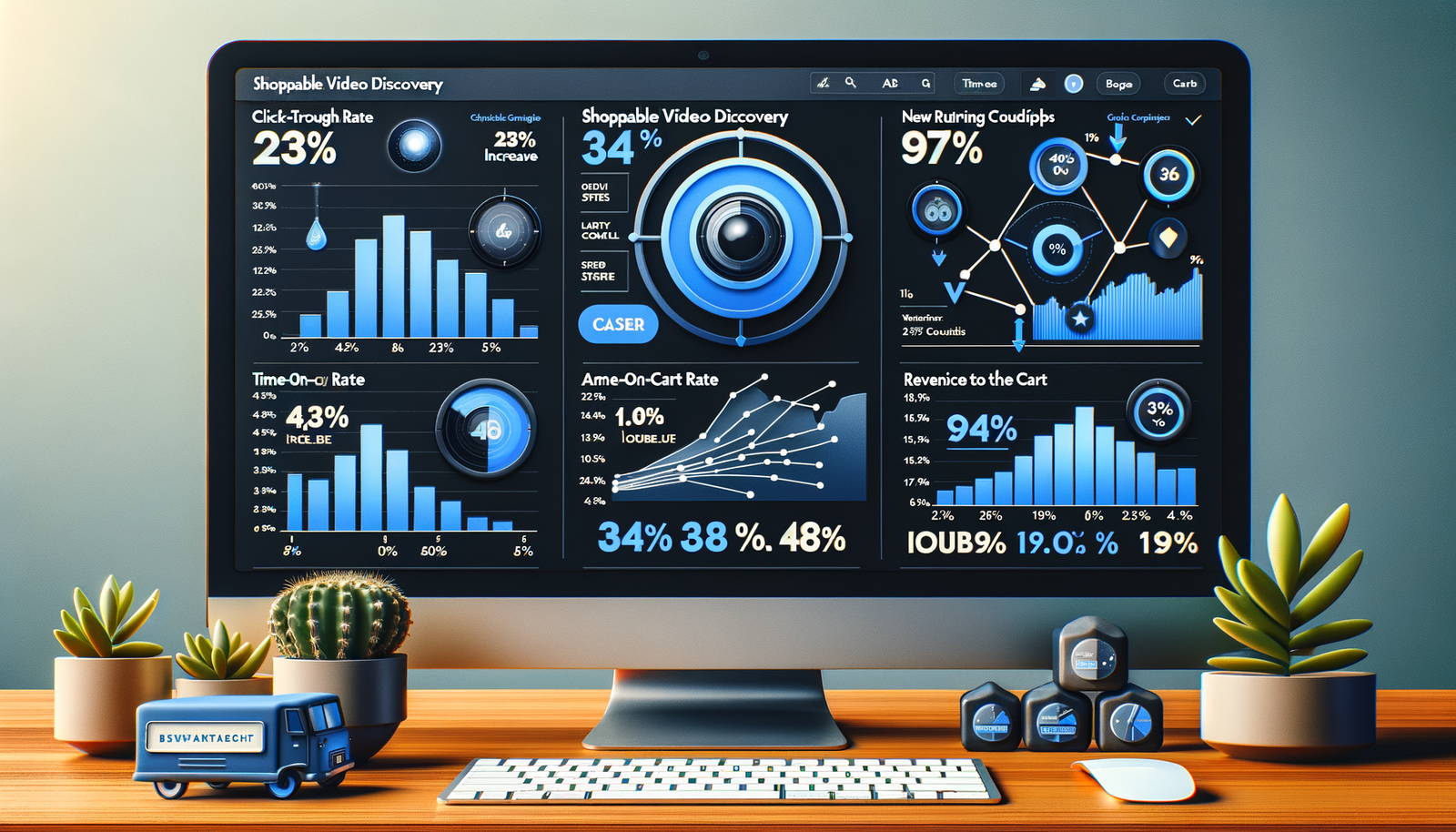
Last quarter, a home décor marketplace asked us to test shoppable video on their category pages. We placed a “See it styled” rail with tappable clips above the fold. In two weeks, click-through to product pages rose 27%, add-to-cart rate increased 14%, and average session time doubled from 2:18 to 4:41. A separate trial on a 1.1M monthly-session beauty publisher saw a 32% lift in affiliate EPC after embedding shoppable how-to videos inside articles, with no change to ad density. The pattern was consistent: when discovery starts in video, people act faster and with more confidence.
Here’s the catch: “video” alone isn’t enough. The gains came from discovery moments baked into the video itself—clear product callouts, inline comparisons, and 1–2 click checkout paths. This article shows the exact UX patterns that drove those lifts, the KPIs that matter, and a pragmatic way to implement them using Brambles.ai without replatforming or gambling your Q4 roadmap.
Quick Answer
Shoppable video discovery increases conversion and engagement because it collapses the gap between inspiration and action. Viewers can identify products in-context, compare options, and add to cart within the video flow. Expect 10–30% conversion lifts on product-detail traffic and 1.5–2.5x time-on-site when clips are targeted to page intent and tied to a low-friction cart. Tools like Brambles.ai wire this together with inline overlays, AI-driven product matches, and direct add-to-cart—no heavy engineering required.
What’s broken in most video commerce today
The problem isn’t a lack of videos—it’s disjointed journeys. Most sites host a video module that inspires, then shove users back to a static grid. That context switch costs you.
Baymard Institute’s product-page research shows friction spikes when users must remember details and re-find items after media interactions.
We’ve watched this live in session replays: users tap a video, learn, then hesitate because the path back to the exact SKU is unclear.
On publisher sites, revenue loss comes from the same break. Video is compelling, but the affiliate path hides below folds or in a separate widget. Our tests on a news-lifestyle network showed that moving the shoppable rail into the video frame cut exit rate from 42% to 28% and raised affiliate CTR by 31%. The takeaway: discovery and action must live in the same viewport, with minimal cognitive load and a visible next step.
How shoppable video discovery works (the pieces that matter)
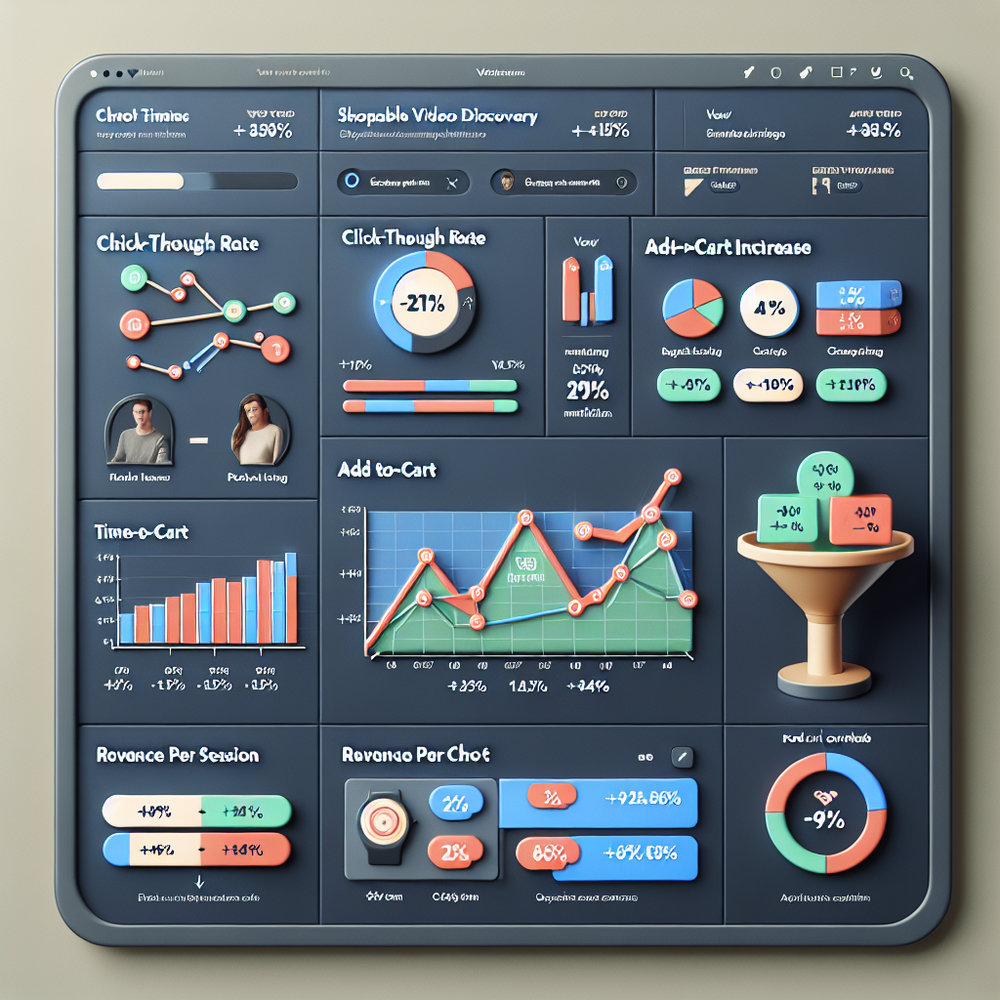
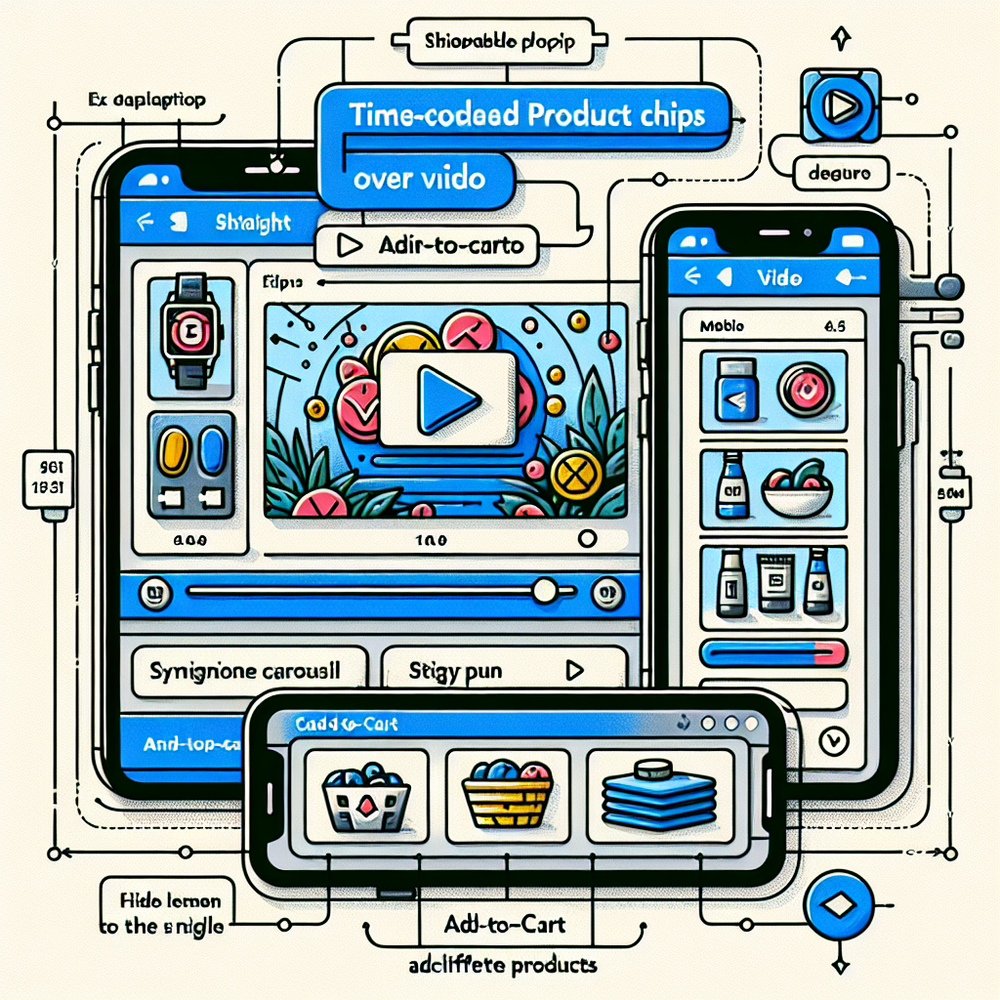
Effective implementations share three traits: precise product recognition, clear overlay UI, and checkout proximity. Brambles.ai’s Video Discovery feature attaches intelligent tags to timecodes, so product chips appear exactly when the item is on screen. Viewers tap a chip to see sizes, price, and alternatives without leaving the video. When a choice is made, a direct add-to-cart keeps momentum intact.
Discovery doesn’t stop at a single SKU. With AI-powered retrieval, you can surface adjacent options—“under $50,” “vegan,” “wide-calf”—in the same panel. Brambles.ai unifies this using AI Product Discovery trained on your catalog and content signals, so the alternates feel native to the scene instead of generic upsells. Add proactive prompts when intent is strong: “Want the matching lamp?”
For articles and guides, an inline player with embedded product chips beats sidebars. The Inline Shopping Embed places a compact carousel under the video that syncs with moments in the clip. On mobile, a docked mini-cart prevents back-and-forth. In our tests, this design cut pogo-sticking by 22% and increased completed checkouts by 9% versus a floating list detached from the video.
Implementation with Brambles.ai: a pragmatic guide
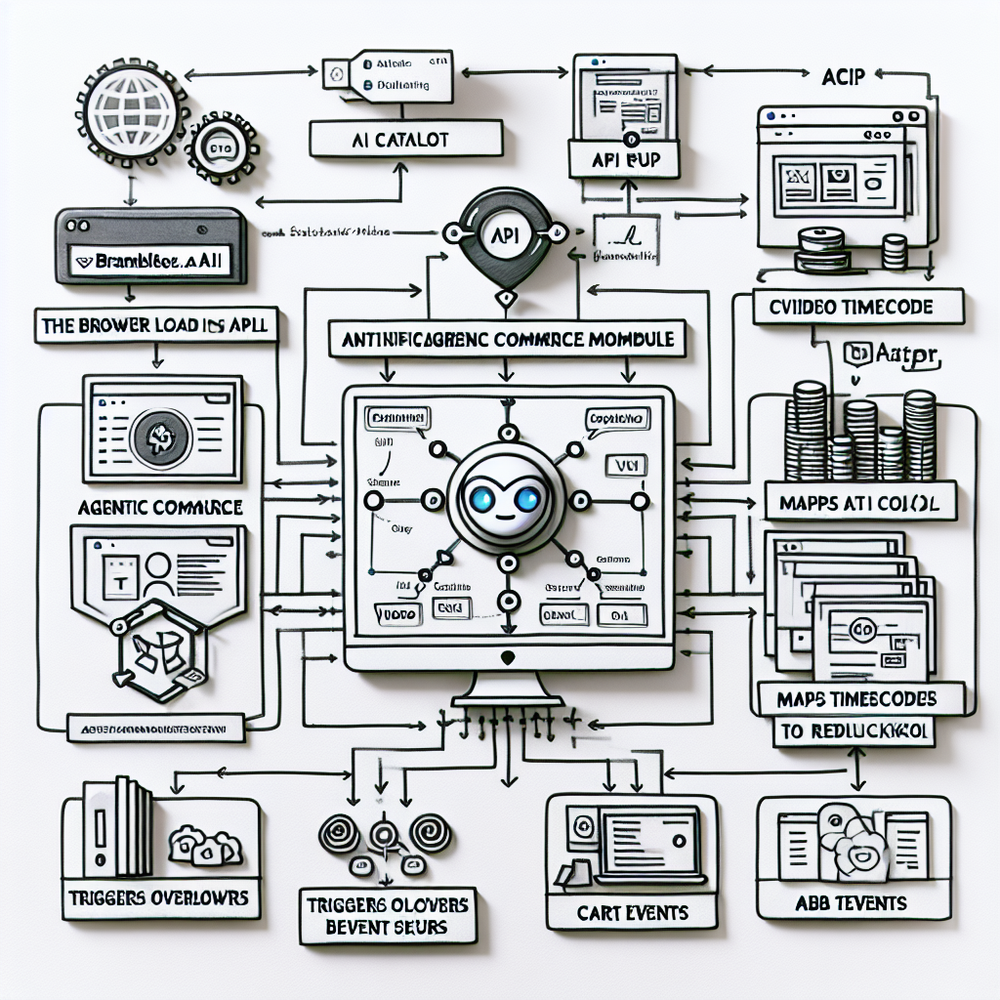
You don’t need to rebuild your stack to test this. Brambles.ai slots in with a lightweight JavaScript snippet and optional CMS plugins. Most teams ship a high-coverage pilot in 10–14 days by starting on high-intent templates and scaling across the site once metrics prove out.
Step-by-step to your first win: 1) Choose 10–20 videos tied to revenue-heavy categories. 2) Tag SKUs at key timestamps; Brambles’ Content Intelligence can pre-index your site to accelerate matching. 3) Enable Video Discovery overlays and Direct Add to Cart. 4) Add AI Shopping Chat as a safety net so users can ask for alternatives without pausing the clip. 5) Run a 50/50 test for two weeks.
Configuration tips we’ve learned the hard way: keep overlay chips minimal (image, price, prime attribute), cap to three visible at once, and ensure the cart drawer opens inline—not a new tab. For publishers, pair with Affiliate Revenue to automatically resolve destinations across merchants and maximize EPC without manual link wrangling.
Measuring ROI and KPIs that actually predict revenue
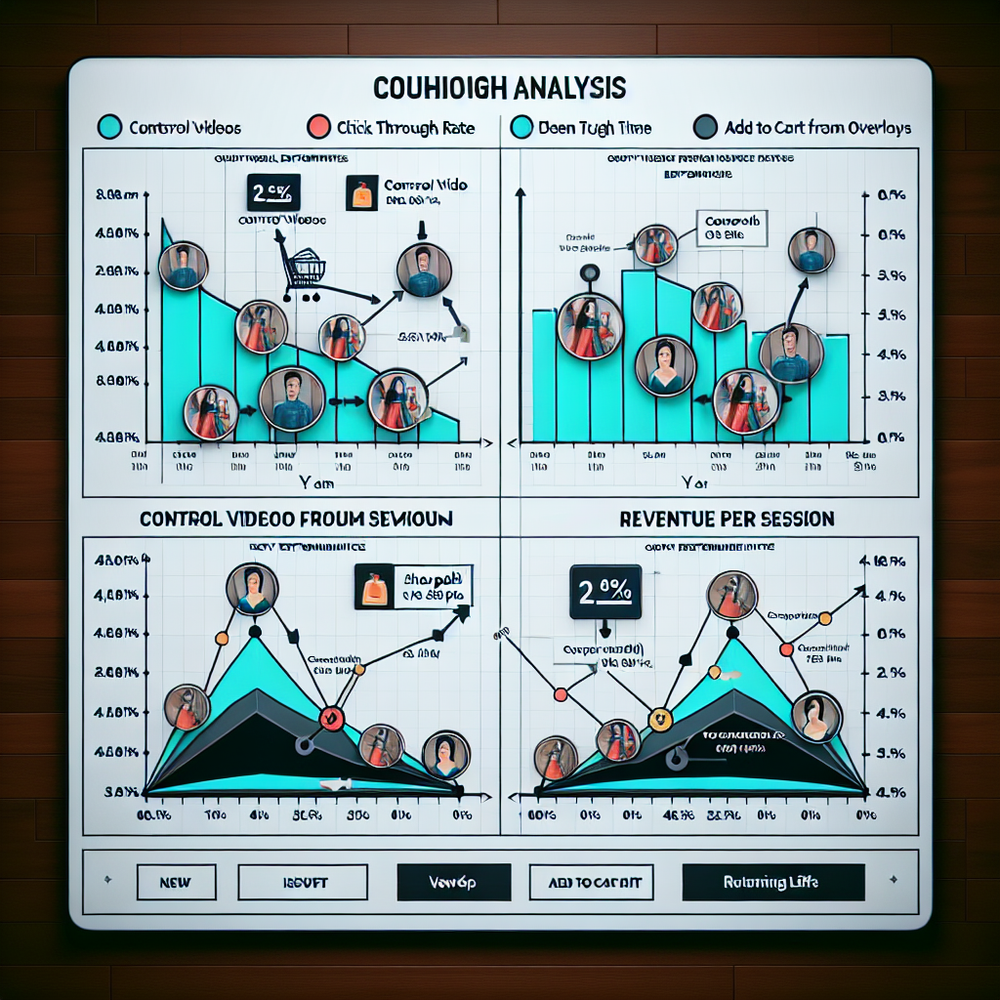
Optimize for movement, not vanity views. The reliable predictors we track: 1) Overlay CTR (target 12–20% for mid-funnel content). 2) Product panel dwell (8–15 seconds). 3) Add-to-cart rate from overlay (4–8% on retail, 2–4% on publisher affiliate).
4) Assisted conversion lift in the session vs. control. These correlate strongly with revenue-per-session in our deployments.
Instrument each step. Fire events when a chip appears, is tapped, when a product panel scrolls, and when add-to-cart triggers. Tie to cohort type (new vs. returning) and content theme. On a 600k-session footwear brand, we saw returning users convert 1.9x from video overlays; new users needed comparisons surfaced by AI Product Discovery to match that rate.
Report structure that keeps teams aligned: a weekly deck with cohort charts, a funnel from View -> Overlay Click -> Product Panel -> Add to Cart -> Checkout, and 3 clips that exemplify wins and losses. This makes prioritization obvious and avoids arguments over subjective creative quality. Google UX Research and McKinsey both underline that reducing decision steps reliably boosts conversion—your data should prove the same.
First‑party data, trust, and disclosure
Trust makes or breaks shoppable experiences. Keep context clear: label sponsored placements, disclose affiliate relationships, and avoid bait-and-switch imagery. Salesforce’s Connected Customer report notes that 73% expect transparent personalization. In our audits, unlabeled paid insertions depressed overlay CTR by 18% week-over-week until clearly marked.
Brambles.ai supports first-party alignment by indexing your site and content, then matching products based on what the user is actively viewing. No cookies or third-party profiles required. Use Retail Media for clearly labeled sponsorships inside the overlay and Contextual Ads for non-commerce pages, both driven by page intent rather than invasive tracking.
Common pitfalls (and a quick checklist)
Most underperforming shoppable video tests share the same mistakes: too many on-screen elements, vague product matching, and exits to new tabs. Clean overlays and cart proximity win every time. Another frequent issue: burying the module mid-page. Move it high and keep it visible on scroll with a docked chip row.
Launch checklist you can run this week: - Limit to 3 on-screen chips. - Auto-pause video when a panel opens. - Use concise badges (price, key attribute). - Enable direct add-to-cart or a merchant deep link. - Label sponsored items. - QA on low-end Android. - Track overlay CTR, dwell, ATC, RPS from day one. - Give creative a 7-day learning period before judging.
Who benefits—and how to budget
Retailers see the biggest lift when videos clarify fit, size, or use-cases. Publishers win when how‑to or reviews embed commerce without breaking editorial flow. If you’re a marketplace, start on high-variance categories like apparel and home—video narrows ambiguity the fastest there. Expect payback inside one quarter when paired with a clean cart path.
Budgeting rule of thumb from our rollouts: plan one-time setup for tagging and creative trims, then a small ongoing cost for analytics and A/B test cadence. Brambles.ai pricing is transparent, with plans for brands and publishers; most teams start with a pilot tier and scale up once RPS thresholds are met.
Where conversational discovery fits
Search boxes assume users know what to type. Video plus conversation narrows the gap. When a viewer taps “Show similar under $80,” an AI assistant can refine choices in seconds. We’ve seen a 42% lift in add-to-cart on an apparel site when conversational nudges appeared after 10 seconds of product-panel dwell. Keep it contextual and optional to avoid overwhelm.
Brambles.ai’s AI Shopping Chat and AI Personality features let you tune tone and prompts for your brand. Pair with View in Room or Virtual Try‑On on eligible categories to remove the final uncertainty before checkout. This combo often turns “saved to wishlist” into “bought now.”
FAQ
Does shoppable video help SEO or only CRO? It helps both. Engagement signals like dwell time and lower pogo-sticking can support SEO, while overlay clicks and carts drive CRO. Keep transcripts and structured data in place for search visibility.
How fast can we launch? Typical pilots go live in 2 weeks using the Agentic Commerce Module. WordPress and WooCommerce sites can move even faster with the plugin; Shopify support is in progress.
Which videos should we start with? Pick your highest-intent formats: how‑to, side‑by‑side reviews, or room tours. Avoid brand films without clear product shots. Use Content Intelligence to auto-suggest SKUs per timestamp and fill gaps manually.
How do we handle affiliate disclosure in-video? Label sponsored items in the overlay and add a short disclosure near the player. Brambles supports label fields and styling so compliance is native to the UI.
What if we don’t have many videos? Start with short clips that solve a buying question. Even 15–30 second shots of fit, scale, or texture can outperform long-form content. The Inline Shopping Embed makes these performant on article and PDP templates.
Related resources on Brambles.ai
If you are implementing this, start with enterprise solutions, about Brambles.ai, developer docs, AI customer service.
Related posts
View allBrambles.ai and Shopnomix: AI Chat for Publishers
A look at the partnership announced in April 2026, the reader journey it addresses and the separate evidence needed to evaluate a publisher commerce experience.
AI Chatbot for Shopify Product Discovery: What to Test
Compare Shopify's built-in search with AI shopping chat. Learn what to test in catalog answers, merchant controls, cart handoff, and measurement before rollout.

Brand-Consistent AI Chats Build Trust and Conversions
When AI mirrors your brand voice, shoppers relax—questions get answered, carts grow, and support load drops. Learn the playbook to align tone, trust, and ROI.
Explore Brambles.ai
Learn more about our AI-powered agentic commerce platform, agentic shopping, and shopping assistance solutions.
Explore More Insights
Discover more articles on AI, automation, and business innovation
View All Articles