
Beginner KPI Stack for Agentic Commerce with Brambles.ai
A practical KPI stack for agentic commerce: what to track, how to wire it, and how Brambles.ai implements it—complete with steps, metrics, and real results.
On a mid-market beauty retailer we audited last quarter, the assistant answered 82% of product questions but only influenced 11% of orders. The issue wasn’t the model; it was the measurement. No one was tracking assisted steps in the journey—only the final purchase. After we added a minimal product discovery and two events for “assist-opened” and “recommendation-clicked,” assisted conversions jumped to 19% in three weeks, and chat deflection (customers self-serving instead of emailing support) improved by 28%. The lesson: agentic commerce needs its own yardstick, not recycled web analytics from 2014.
This guide lays out a practical, beginner KPI stack you can wire in a day, how each metric maps to agent behavior, and how to implement it cleanly with Brambles.ai. Expect concrete definitions, a fast setup checklist, and what to watch in your first 30 days.
Quick Answer: The KPI stack you actually need
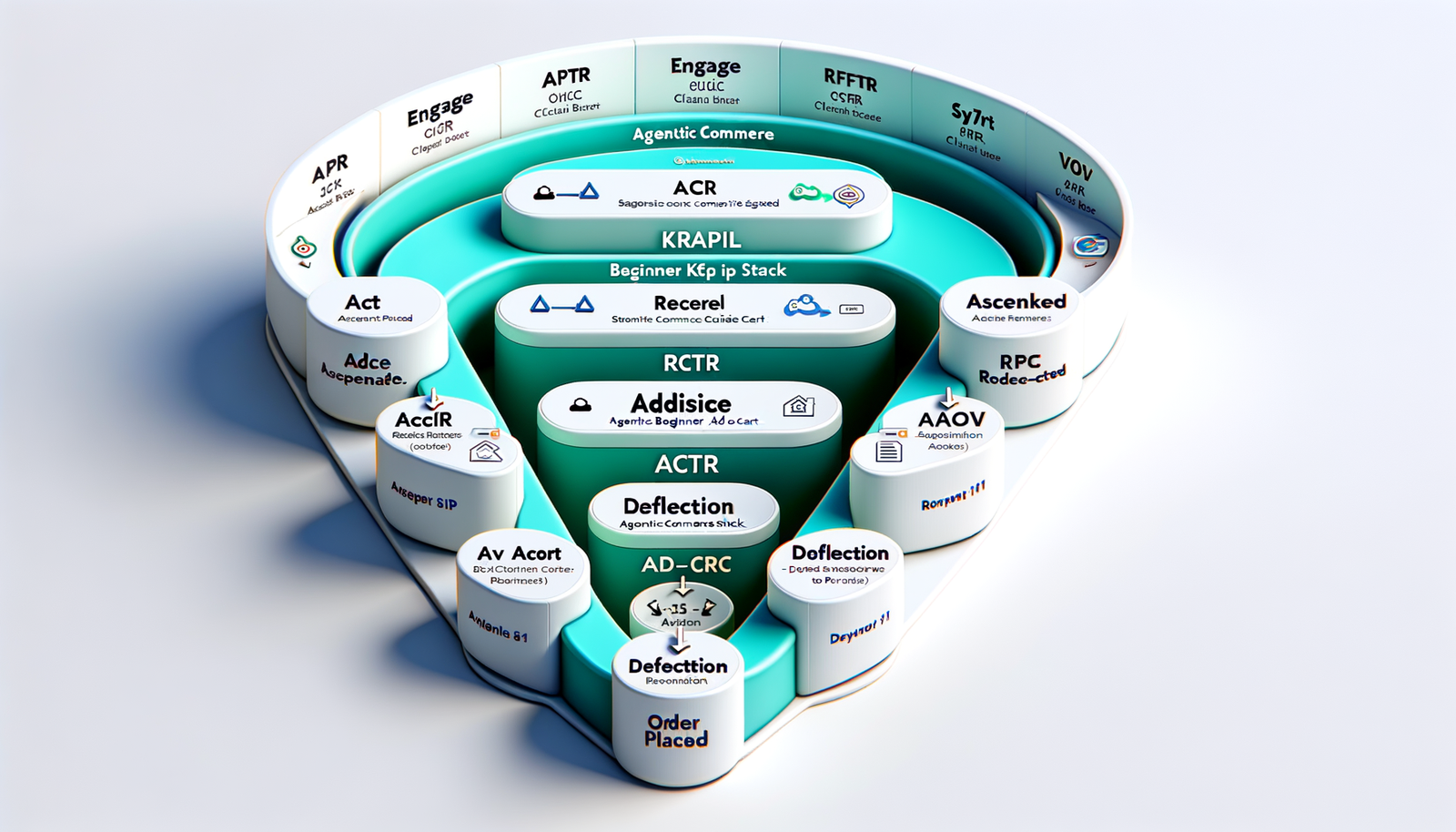
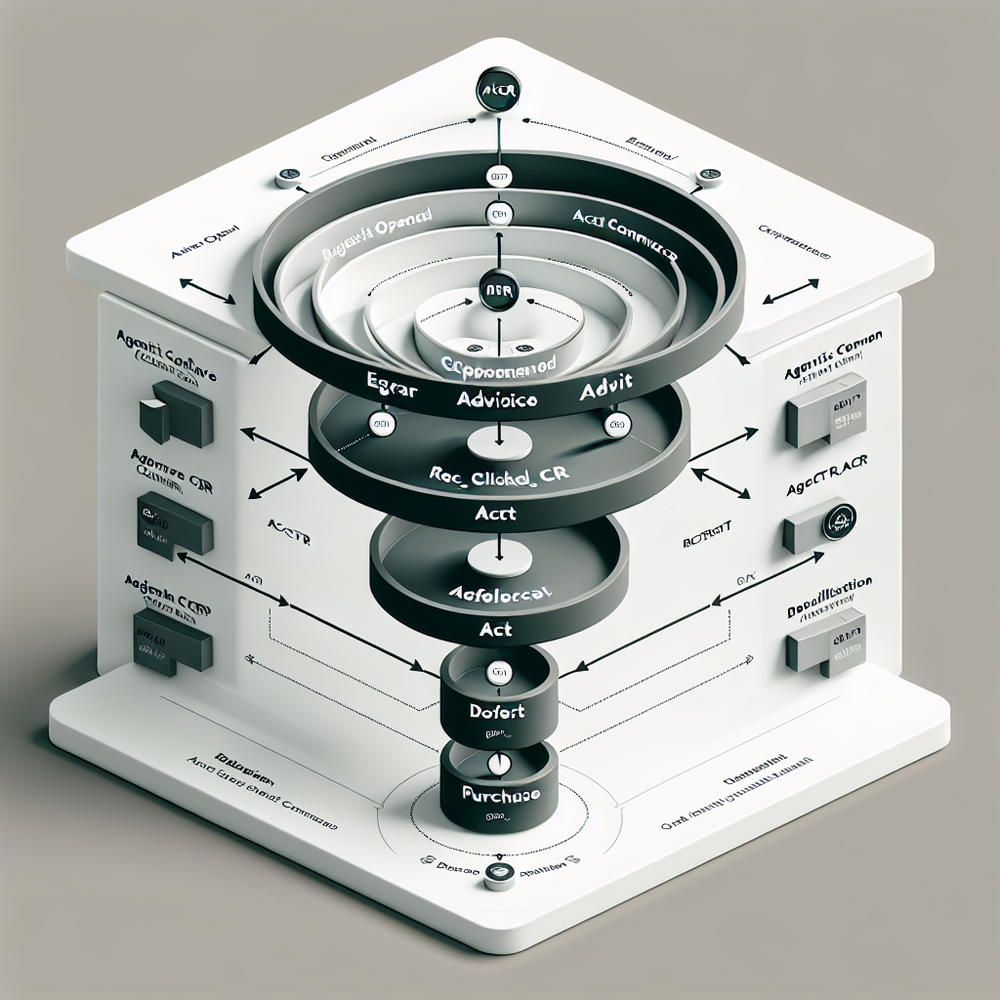
Start with seven KPIs that reflect how assistants guide shoppers: direct add-to-cart, Recommendation Click-Through Rate (rCTR), Session to First Response Time (SFRT), Assisted Add-to-Cart Rate (AACR), Average Order Value (AOV), customer service (from support), and Resolution Rate (did the assistant solve it?). Track them by funnel stage—engage, advise, act, purchase—and annotate experiments. Use a minimal event set: assist_opened, assist_message, rec_shown, rec_clicked, assist_add_to_cart, checkout_started, order_placed, support_deflected. Wire it via your tag manager or the Brambles WordPress plugin and review weekly.
What’s broken with how we measure agentic commerce
The core issue: most teams only measure the destination (purchase) and ignore the conversation that got shoppers there. Assistants do three jobs—reduce friction, increase relevance, and collapse decision time. If KPIs don’t capture those jobs, you will undercount impact and underinvest.
Known gaps we routinely see: no events for recommendations, no timing metrics for response speed, and zero linkage between assistant sessions and orders. Baymard’s research on abandonment still holds—nearly 70% of carts are abandoned—yet many assistants aren’t measured on their ability to chip away at those reasons (shipping clarity, fit, compatibility). If you can’t see where the assistant helps, you can’t tune it.
Anecdote: on a 100k‑session publisher marketplace, we tagged “compare_spec” and “bundle_suggested.” Within 30 days, assisted add‑to‑cart rose 18%, and ticket volume dropped 12%. That’s not magic—it’s visibility. Once the KPIs were visible, content owners prioritized copy and the assistant’s prompts where they mattered.
The beginner KPI stack mapped to the agentic funnel
Think in four stages and anchor one or two KPIs to each. Keep it boring, consistent, and easy to QA.
Engage: Session to First Response Time (SFRT). Target under 2 seconds on web; sub‑1 second in apps. Google UX research ties speed to engagement—if first response lags, abandonment spikes. Also track Assist Open Rate (sessions where the assistant is opened).
Advise: Recommendation CTR (rCTR) and Resolution Rate. rCTR shows if suggestions resonate; Resolution Rate tells you whether the assistant solved the shopper’s job-to-be-done. Salesforce’s Connected Customer report shows expectations for relevance keep climbing; these two KPIs prove you’re meeting the mark.
Act: Assisted Add‑to‑Cart Rate (AACR). Tag assist_add_to_cart when a cart add follows a recommendation click within your attribution window (we start with 30 minutes, then tune).
Purchase: Assisted Conversion Rate (ACR) and Average Order Value (AOV). ACR is the share of orders preceded by any assistant interaction; segment by first‑time vs returning. McKinsey has shown personalization lifts revenue 10–15%; AOV validates whether your assistant’s guidance is doing that without inflating returns.
Support: Deflection Rate. If the assistant prevents an email or live chat, count it. For a skincare client, labeling “stuck” states (e.g., confusion on shades) cut human tickets by 22% within a month while keeping CSAT flat.
Implementation with Brambles.ai: a one‑day setup
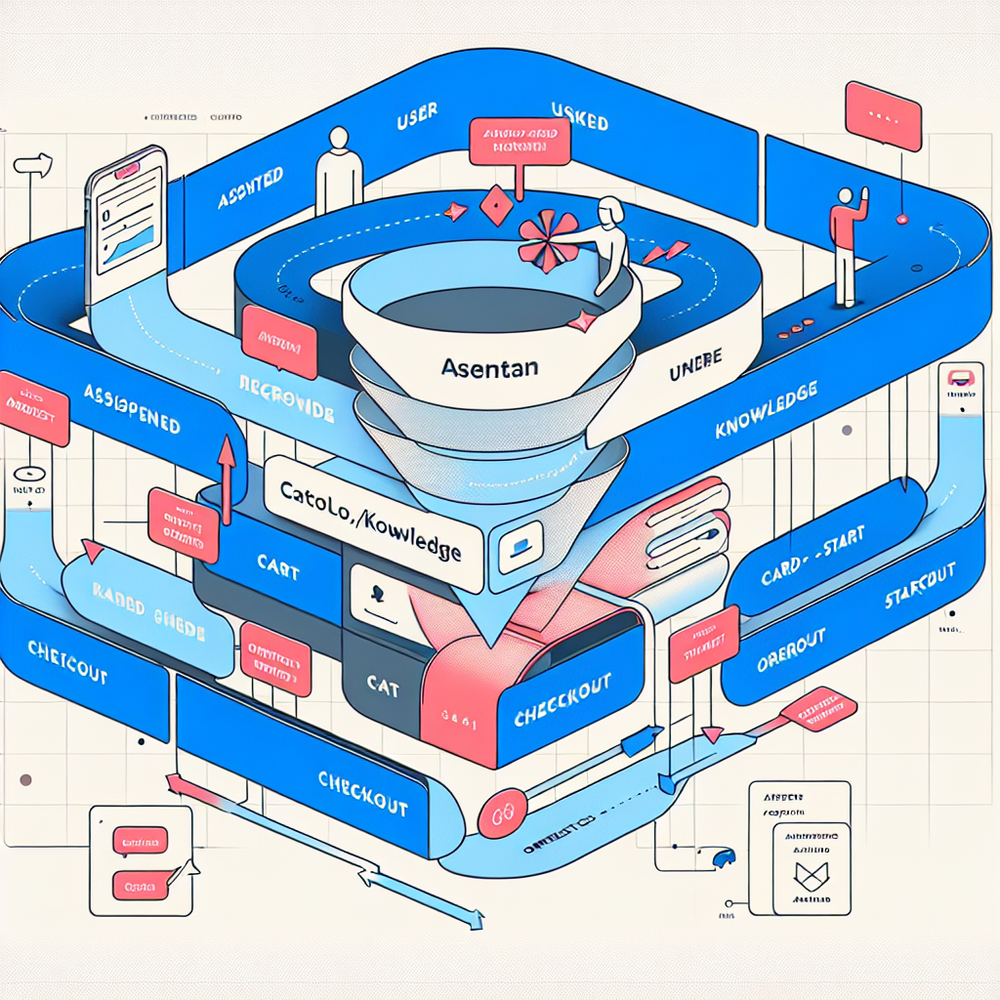
You can wire the full beginner stack in a day using your tag manager or the Brambles.ai plugins. Here’s the fastest path we use on new builds.
Step 1: Decide your attribution window. Start with 30 minutes for rCTR→AACR and 7 days for ACR. Document it in your analytics glossary so reporting is consistent across teams.
Step 2: Emit the core events. In your data layer or via the WordPress plugin, fire assist_opened, assist_message, rec_shown, rec_clicked, assist_add_to_cart, checkout_started, order_placed, support_deflected. Add session_id, user_status (new/returning), and product_ids as properties.
Step 3: Connect to your commerce stack. The Commerce Module ships with standard mappers for Shopify, WooCommerce, and headless carts, so assist_add_to_cart and order_placed stay consistent even if your frontend changes.
Step 4: Annotate experiments. Create a single toggle in your tag manager for prompts, personas, or pricing tests. Use a dimension like exp_variant so you can read ACR and AOV by variant later.
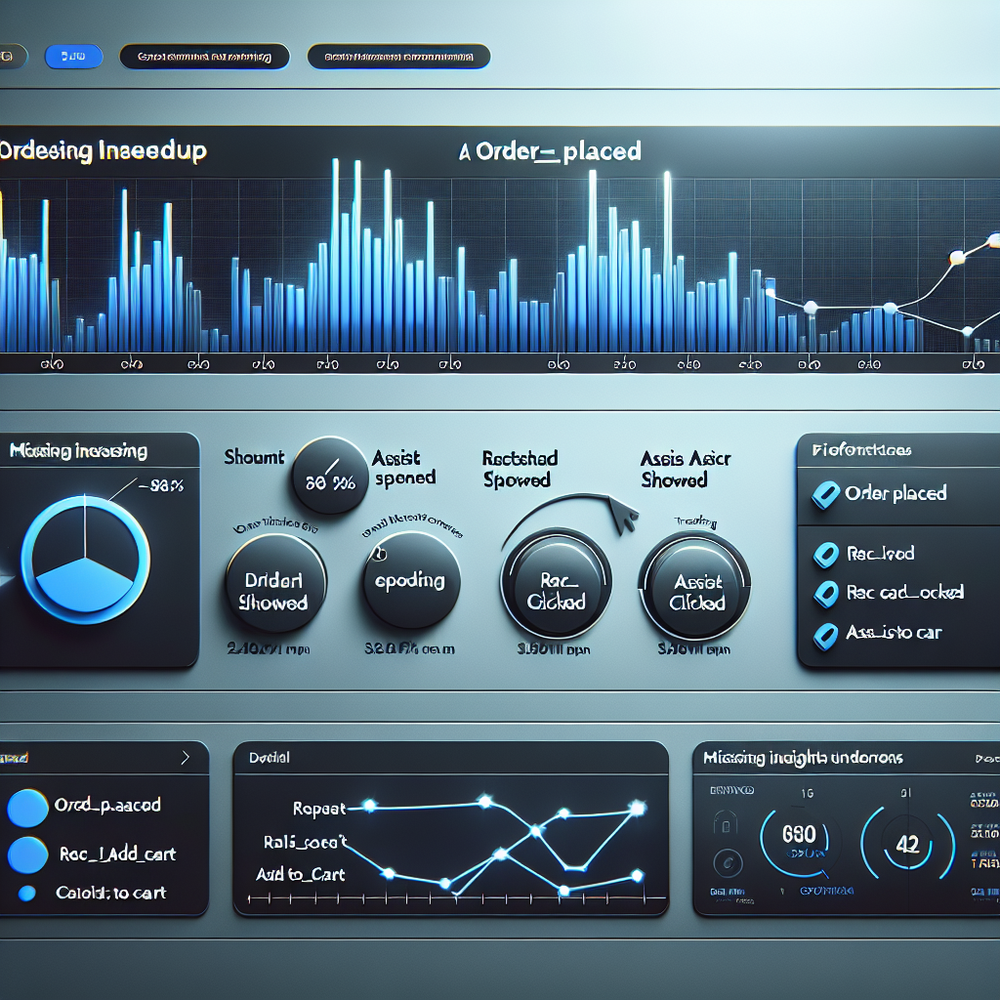
Step 5: QA with a micro‑dashboard. Use your BI tool (or the starter dashboard we provide) to visualize the seven KPIs by device, channel, and persona. Review daily in week one; weekly after that.
How Brambles.ai helps: our WordPress plugin emits the standard events with one toggle, while the Commerce Module normalizes order and cart events across platforms. If you’re monetizing as a publisher, the monetization flow links advice clicks to partner conversions cleanly, so ACR includes affiliate orders without clobbering your primary analytics.

Measuring ROI and reading the metrics
The beginner stack earns its keep when you can explain lift in plain terms. Anchor on three ratios and two money metrics.
Essential ratios: ACR (assisted orders / total orders), rCTR (recommendation clicks / rec_shown), AACR (assist_add_to_cart / sessions with recommendations). Money metrics: AOV and incremental revenue from assisted orders. If ACR rises without AOV or retention moving, you may be nudging indecisive buyers, not creating value.
Directional benchmarks we’ve observed on early programs: rCTR 12–25%, AACR 6–15%, ACR 10–22%, Deflection 10–30%. Treat these as starting points, not goals. Baymard’s longstanding cart‑abandonment figure (~70%) frames the upside; your assistant’s job is to chip away at a few high‑impact objections at a time.
Anecdote: after we routed shade‑matching to the assistant and exposed rCTR in the weekly review, a cosmetics client saw chat‑engaged users convert 12% higher with the Commerce Module wired in. Bounce on PDPs fell 9% week over week as we trimmed long answers and pushed images up.
First‑party data and trust
Agentic commerce thrives on explicit signals—size, intent, preferences—but you only get them if you earn consent and make value obvious. Keep prompts short, explain why you’re asking, and show the payoff (better fit, fewer returns). Salesforce reports most customers expect tailored experiences yet worry about misuse. Close that gap with transparency.
Implementation tips: ask one question at a time; persist responses client‑side until consent; log only what you use; and always provide a way to edit or delete. For regulated categories, add a visible privacy link inside the assistant.
How Brambles.ai handles it: the consent‑aware data layer delays event enrichment until a user opts in, and our publisher monetization flow keeps affiliate tracking separate from PII. This lets you attribute revenue without over‑collecting. It also simplifies portability across CMS and storefronts.
Common pitfalls (and a 10‑point checklist)
Most KPI failures are about clarity, not tooling. Avoid these traps and use the checklist to keep your first 30 days focused.
Frequent pitfalls:
- Measuring only orders, not assisted steps
- No timing metrics (slow first response)
- Overlong answers that bury CTAs
- Unscoped attribution windows
- Missing QA across devices
- No experiment annotations
30‑day checklist:
- Define attribution windows and write them down
- Emit the eight core events consistently
- Build a small dashboard for the seven KPIs
- Review rCTR and AACR by persona weekly
- Trim any assistant answer over 4 lines; add a product tile
- Add a consent‑aware size or preference prompt
- Segment ACR by new vs returning users
- Annotate every prompt change
- QA GTM tags on mobile web and app
- Book a calibration with your merch or editorial lead
If you want a deeper blueprint, this overview pairs with our posts on funnel design and first‑party data, plus the step‑by‑step WordPress install guide. The goal is not to measure everything; it’s to measure the few behaviors that actually move shoppers forward.
FAQ
What’s the fastest way to prove impact?
Run a two‑week test where the assistant pushes one high‑value recommendation tile on PDPs. Track rCTR→AACR→ACR, and compare to a holdout where the tile is hidden. Keep all else equal.
How do I separate assistant impact from general site improvements?
Annotate releases and segment your KPIs by “chat‑engaged vs not.” If ACR and AACR climb only in the engaged cohort after a prompt change, you have directional causality.
What counts as a recommendation for rCTR?
Any clickable item surfaced by the assistant that links to a PDP, bundle, or category. Log rec_shown with IDs and rec_clicked with the same IDs for clean joins.
Do I need complex MTA to start?
No. Use simple session‑scoped windows first. Advanced multi‑touch attribution helps later, but beginners should focus on consistent events and weekly KPI readouts.
How does Brambles.ai fit into an existing stack?
It drops into WordPress or headless frontends, emits standardized events, and normalizes cart and order data via the Commerce Module, so your KPIs are consistent across channels.
Related resources on Brambles.ai
If you are implementing this, start with Brambles.ai, for publishers, for brands, get started.
For deeper reading, see 10 Reasons Publishers Need Conversational Commerce, Affiliate Disclosure in Conversational UIs Done Right, From Search Boxes to Conversations: Modern Shopping UX, Contextual, Not Creepy: Monetization That Wins.
Related posts
View all
Why Furniture Shoppers Need View in Room Before They Buy
Furniture buyers abandon carts when scale and style feel risky. See why "View in Room" cuts returns, boosts conversion, and how to launch it with Brambles.ai
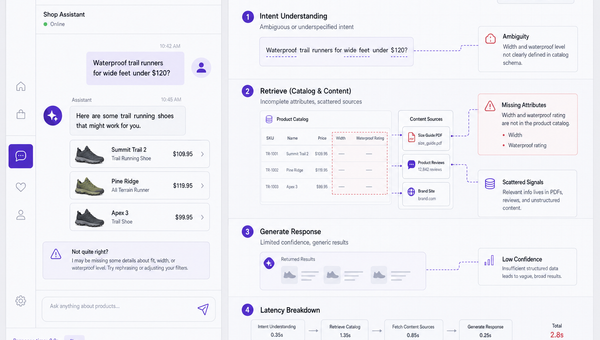
Why Good AI Shopping Agents Are Hard—and How Brambles Helps
Most AI shopping bots fail on data quality, UX, and trust. See why agents break in the wild and how Brambles.ai fills the gaps with measurable features.
How AI Handles Order Lookup, Returns, and Shipping 24/7
See how AI resolves order lookups, returns, and shipping questions 24/7, deflects tickets, and lifts CSAT—plus a step‑by‑step guide to implement it safely.
Explore Brambles.ai
Learn more about our AI-powered agentic commerce platform, agentic shopping, and shopping assistance solutions.
Explore More Insights
Discover more articles on AI, automation, and business innovation
View All Articles