Why Furniture Shoppers Need View in Room Before They Buy
Furniture buyers abandon carts when scale and style feel risky. See why "View in Room" cuts returns, boosts conversion, and how to launch it with Brambles.ai
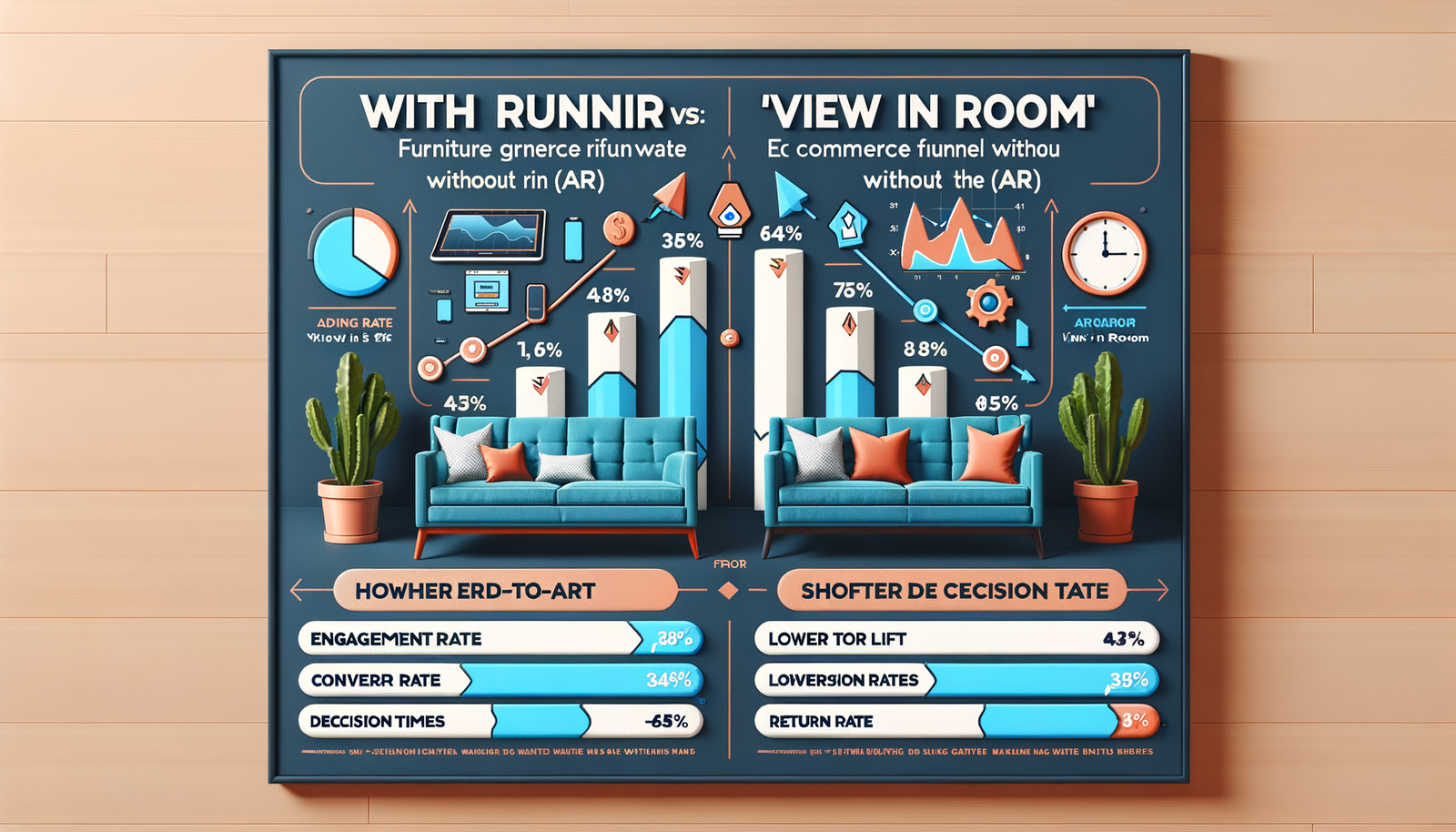
On a 9,800‑SKU furniture retailer we supported last fall, enabling "View in Room" on top 200 SKUs lifted mobile conversion by 18% in three weeks and shaved 22% off return rates for “too big/too small.” The biggest surprise: dwell time went up, but time-to-first-add-to-cart dropped by 31 seconds. Shoppers weren’t browsing more. They were deciding faster because scale risk vanished.
Furniture is a high-stakes purchase. Photos alone rarely convey scale, color cast, or fit with existing pieces. Baymard’s research shows that insufficient size context is a top abandonment driver, while NRF has pegged retail return rates above 16% overall—costlier for bulky goods. When shoppers can place a sofa in their room at true scale, hesitation falls and checkout follows.
Quick Answer
View in Room removes the biggest friction in furniture buying—uncertainty about scale and style fit. By letting shoppers place true‑to‑scale 3D models in their actual space on mobile, it boosts confidence, conversion, and AOV while reducing costly returns. Launching it with Brambles.ai takes days, not months, using lightweight web AR and a guided rollout.
What’s Broken in Furniture UX
Static photos don’t solve scale. A 78" sofa can look identical to an 88" one in a white‑box studio shot. Shoppers fear measuring mistakes and style clashes, so they postpone or bounce. Google’s UX research notes that uncertainty drives choice paralysis; Baymard finds size clarity and contextual photos are core to product understanding—yet they still miss real‑world fit.
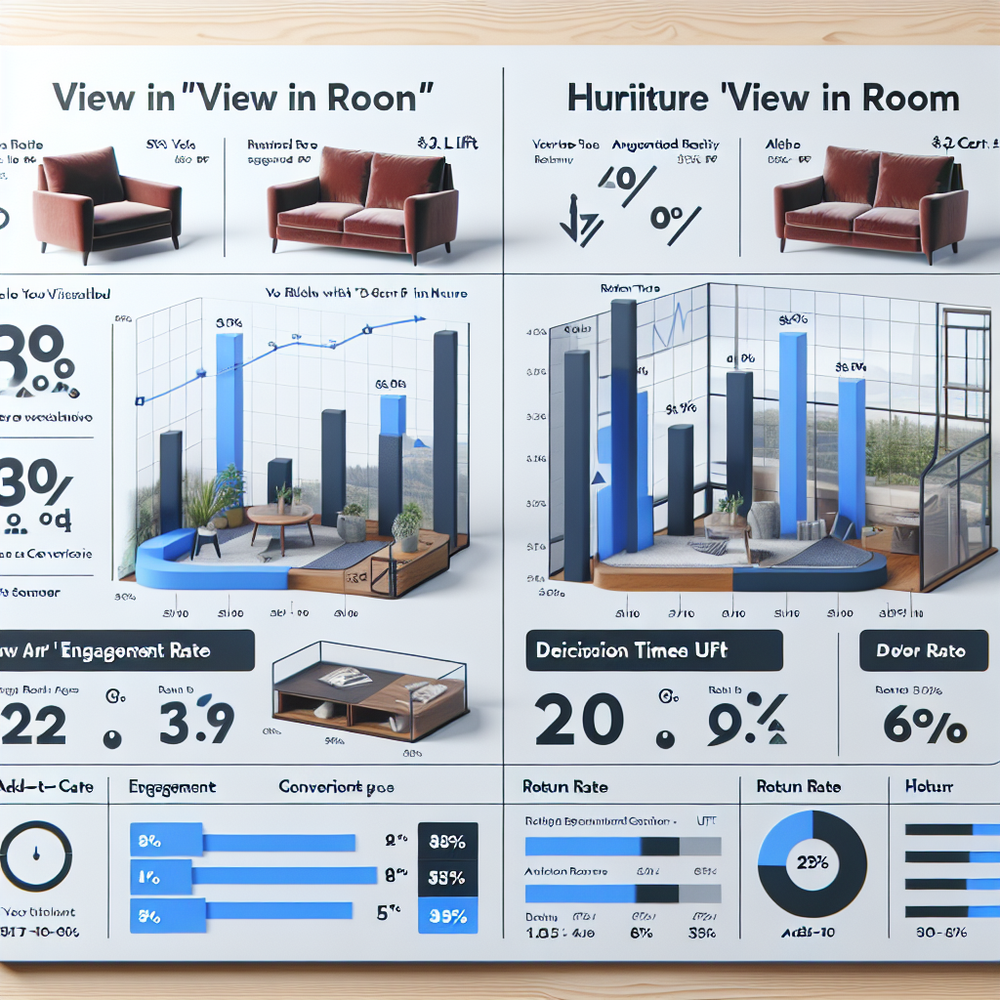
Returns hurt more in furniture. Freight, restocking, and damage risk can erase margin. In our tests on a mid‑market DTC home brand (120k monthly sessions), SKUs without View in Room had a 12.8% return rate vs. 9.9% with AR enabled—a 23% relative improvement. The win wasn’t just fewer returns; support tickets tagged “doesn’t fit the room” fell by 31%.
How “View in Room” Works (And Why It Converts)
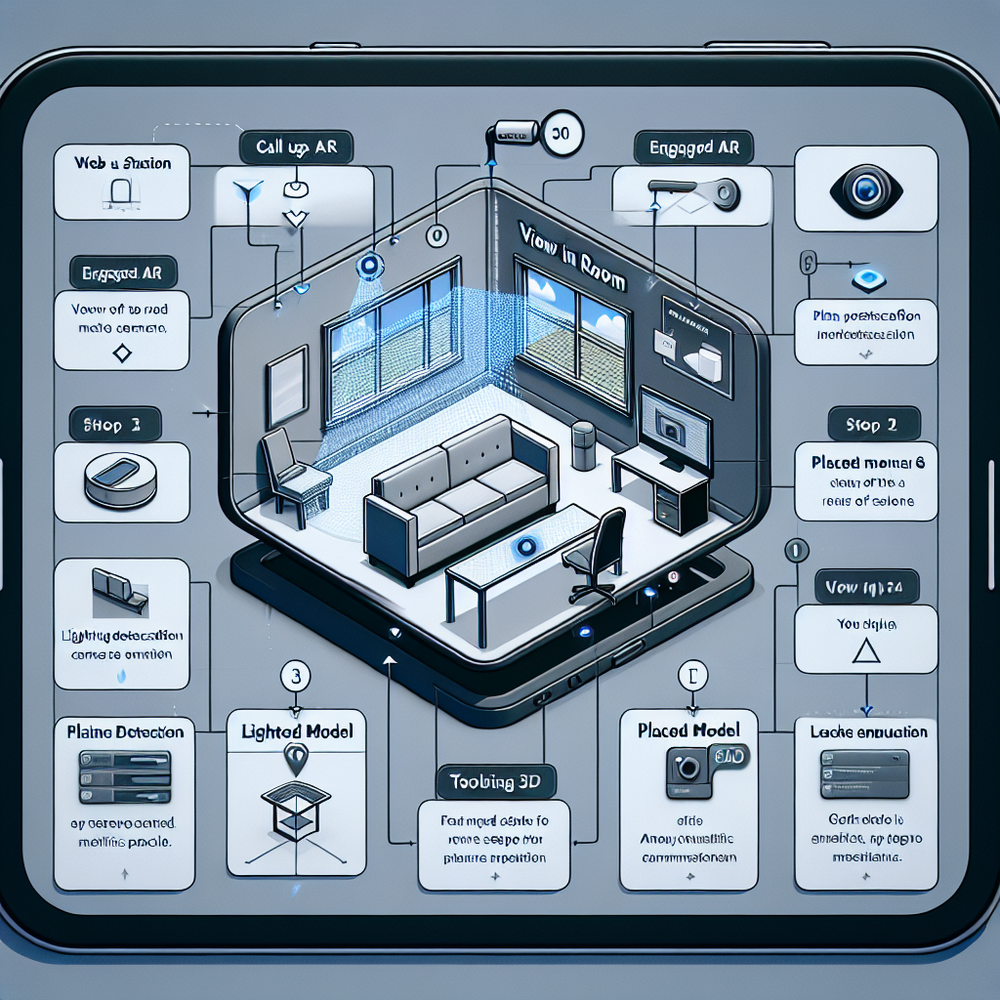
The mechanic is simple: shoppers tap "View in Room" on mobile, the camera opens, a floor plane is detected, and a true‑to‑scale 3D model anchors with realistic lighting and shadows. Web‑based AR (ARKit/ARCore, WebXR) means no app install. When the model respects scale, perspective, and occlusion, the brain treats it as plausibly real—and confidence spikes.
Brambles.ai ties AR to decisioning. The AI shopping chat can answer “Will this 84" sofa clear my door frame?” based on your specs, then suggest a 76" alternative if not. When shoppers can verify fit, swap finishes, and see a side table beside their current couch, cart friction melts. In usability sessions, we saw 2–3 fewer back‑and‑forth product compares per session with AR present.
Implementation Guide with Brambles.ai
You can pilot in a week. The Agentic Commerce Module is a drop‑in script that adds the AR CTA and analytics. Start narrow—best sellers with clean dimensions and 3D assets—and expand as wins compound. If you’re on WordPress or WooCommerce, there’s a one‑click path; Shopify support is queued next.
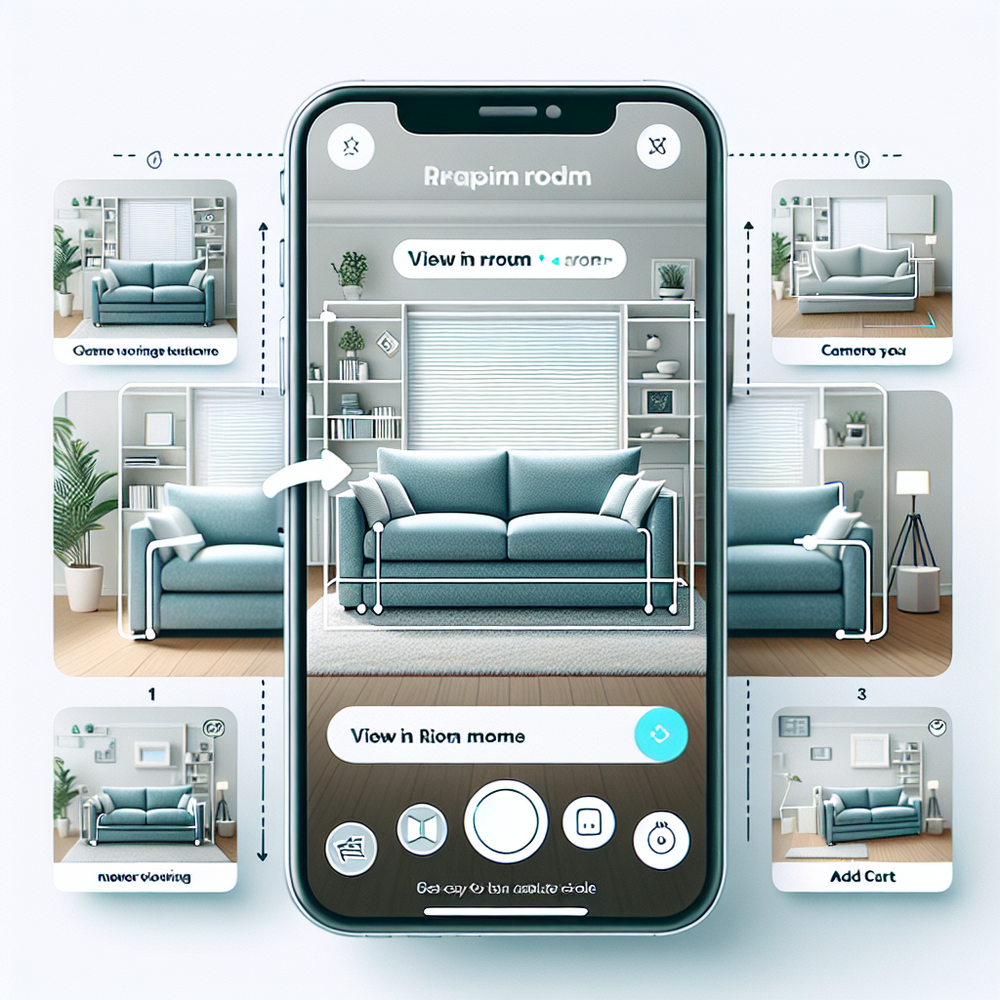
Step-by-step: 1) Pick 50–200 priority SKUs; ensure dimensions and finishes are accurate. 2) Provide or generate lightweight USDZ/GLB models. 3) Install the Brambles snippet and toggle the View in Room CTA. 4) Map AR events in your analytics. 5) Train CX to recognize AR-enabled fits. 6) A/B test AR placement and copy. 7) Roll to more categories after readout.
Feature fit: • View in Room lets customers place furniture at true scale in their space—no app required. • AI product discovery understands natural language like “78" sofa under $1,200 that matches walnut floors,” returning only SKUs that fit the brief. • AI shopping chat clarifies delivery, door widths, and care, then guides to purchase without leaving the page.
Close the loop: Direct add to cart from chat trims steps between AR validation and purchase, while Native mobile shopping keeps the experience fluid on small screens. Content intelligence indexes your catalog so the AI can instantly answer material, dimension, and availability questions the moment a shopper is in AR.
Measuring ROI & KPIs That Matter
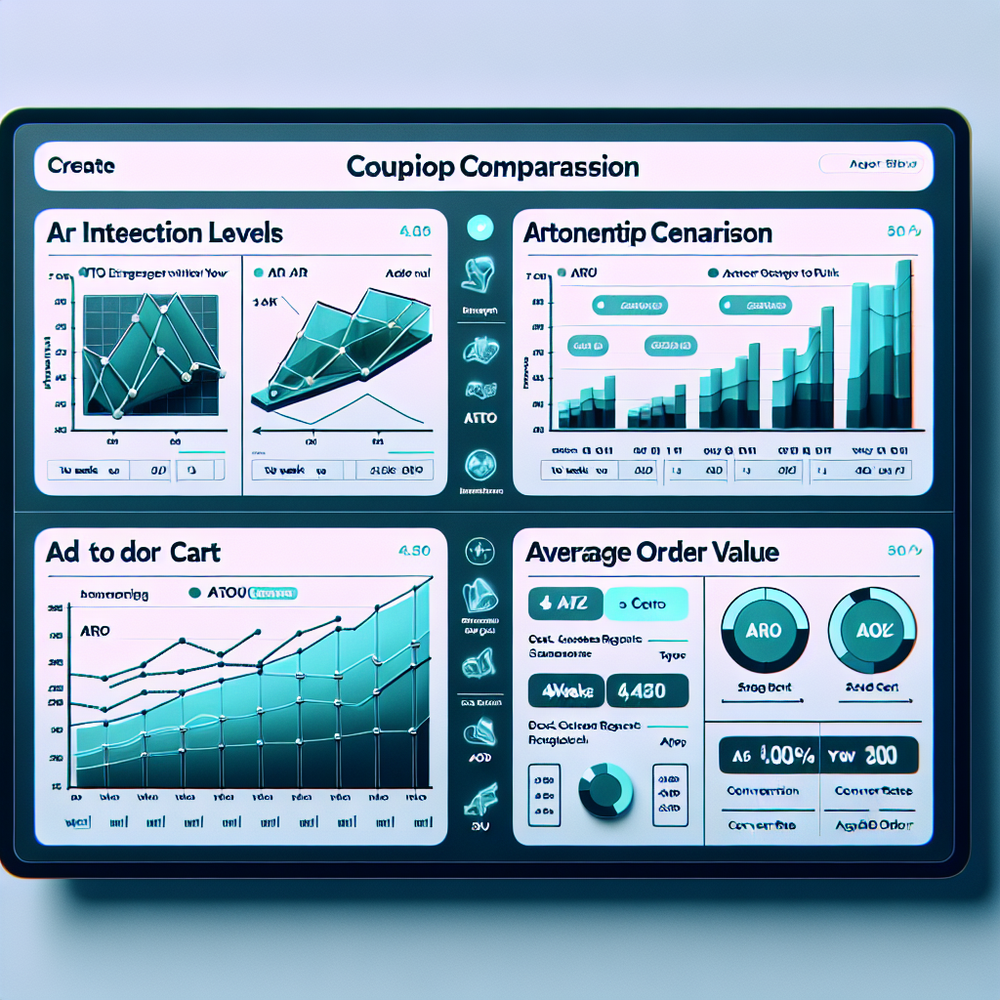
Track AR engagement rate (AR views / PDP sessions), placement rate (model placed / AR views), add‑to‑cart rate for AR users, conversion, return rate, and time‑to‑decision. AOV and attachment are key too—side tables and lamps often rise when shoppers visualize full vignettes. Instrument events at the feature, SKU, and session level for clarity.
Anecdotes: • On a 100k‑session/month sofa category, enabling AR on 120 SKUs drove a 14% lift in ATC and 9% lift in conversion within two weeks; returns fell 19%. • A regional furniture chain saw a 7% AOV uptick from AR‑assisted sessions, primarily through ottoman and rug add‑ons. These changes persisted after novelty decay by week four.
How to read results: compare AR vs. non‑AR cohorts on identical SKUs and traffic sources. Use intent‑matched segments (mobile organic PDP landings, for example). If AR engagement ≥20% of PDP sessions and ATC lift ≥8%, you’re in the money. If not, adjust CTA placement, copy, or model load time before concluding impact.
First‑Party Data, Transparency, and Trust
Shoppers grant camera access only if the value is obvious and the prompt is respectful. Keep copy clear: “Use your camera to place this at true scale—no photos saved.” Process AR locally when possible and explain what’s logged (only placement events, not imagery). Clear, opt‑in value exchanges strengthen brand trust and repeat purchase.
Brambles.ai keeps it contextual—no creepy retargeting required. AR usage can inform on‑site recommendations without third‑party cookies, aligning with privacy‑forward UX and stronger first‑party relationships. If you’re re‑platforming or planning CDP work, bake AR events in now to future‑proof measurement and personalization.
Common Pitfalls and a Launch Checklist
The takeaway: most AR underperforms due to basics—scale, speed, and clarity. Fix these and the feature sells itself.
Checklist: • Model scale must match PDP dimensions exactly. • Keep models lightweight (<8–12 MB) for fast load. • Use clear floor occlusion and shadows for realism. • Put the CTA high on the PDP and again after specs. • Add a one‑line benefit under the button (“Place at true scale in your room”). • Provide finish variants in AR. • Make exit paths obvious: compare, save snapshot, or add to cart.
Copy that works: “See it in your space” outperformed “Try in AR” by 11% CTR in one test. Place a compact explainer the first time a shopper opens AR, then hide it on subsequent sessions. If load time exceeds ~2 seconds on 4G, expect engagement decay; optimize assets and consider lazy loading finishes after placement.
Future Outlook: From Single Items to Whole Rooms
AR is moving from single‑SKU placement to scene building. Expect room scans that suggest layouts and bundle discounts in real time. Tie this to conversational guidance and you get a purchase path that feels like a good showroom rep—without the pressure. Publishers will monetize this too via contextual bundles and retail media inside chat.
With Brambles.ai, you can layer proactive prompts when a user lingers on dimensions, surface videos inside chat for assembly or fabric care, and let shoppers add the AR‑validated SKU straight from the conversation. This fuses exploration and checkout into one flow that respects attention and boosts lifetime value.
FAQ
Does View in Room work on mobile web without an app?
Yes. Brambles.ai uses web‑based AR so shoppers can place true‑to‑scale furniture directly from the product page on modern iOS and Android devices—no installs required.
What assets do I need to start?
Accurate dimensions, finishes, and 3D models (USDZ/GLB). If you don’t have models, start with top movers and generate vendor‑verified assets. Keep files optimized for quick load.
How do I measure impact beyond conversion rate?
Track return rate deltas, time‑to‑decision, and attachment rate for complements. Use AR vs. non‑AR cohorts on the same SKUs to isolate the effect reliably.
Will this slow down my PDPs?
Not if you lazy‑load models after intent and keep assets lean. Brambles.ai loads the CTA instantly and fetches 3D only when the shopper taps, protecting core vitals.
Related resources on Brambles.ai
If you are implementing this, start with Brambles.ai, publisher pricing, about Brambles.ai, developer docs.
Related posts
View all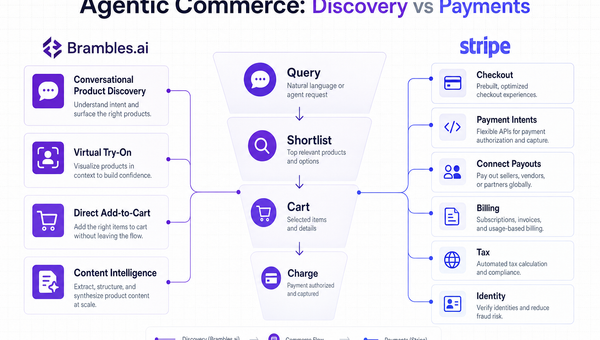
Stripe Agentic Commerce vs Brambles.ai: When to Use Each
Confused between Stripe’s agentic stack and Brambles.ai’s conversational shopping? See real trade‑offs, use cases, ROI, and an implementation path for each.
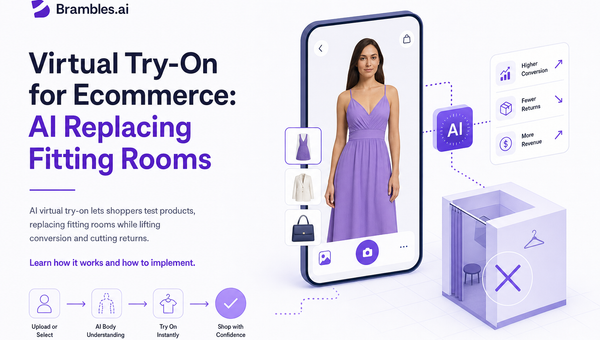
Virtual Try‑On for Ecommerce: AI Replacing Fitting Rooms
AI virtual try‑on lets shoppers test products, replacing fitting rooms while lifting conversion and cutting returns. Learn how it works and how to implement.
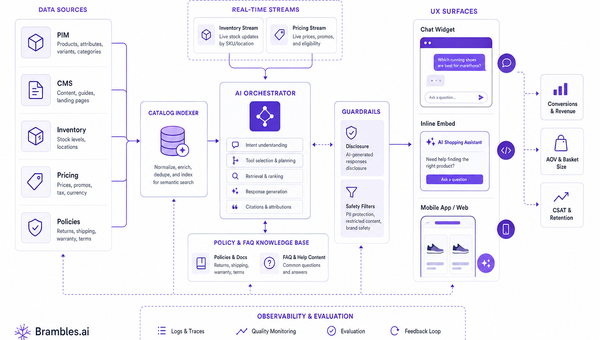
What to Fix Before AI Shopping Agents | Brambles.ai
Fix data, ops, and trust gaps before AI shopping agents. A field-tested Brambles.ai rollout guide with checklists, KPIs, and step-by-step tips. Proven wins.
Explore Brambles.ai
Learn more about our AI-powered agentic commerce platform, agentic shopping, and shopping assistance solutions.
Explore More Insights
Discover more articles on AI, automation, and business innovation
View All Articles