AI Shopping for WooCommerce: Brambles.ai Setup Guide
Set up AI shopping in WooCommerce with Brambles.ai. This practical guide covers plugin install, catalog sync, prompts, guardrails, KPIs, and real-world ROI.
AI Shopping for WooCommerce: Brambles.ai Setup Guide
Two weeks after adding an AI shopping assistant to a 2,300‑SKU home décor WooCommerce store, we saw three things: a 38% rise in “product discovery rate,” a 71% drop in zero‑result queries, and a 12% lift in average order value.
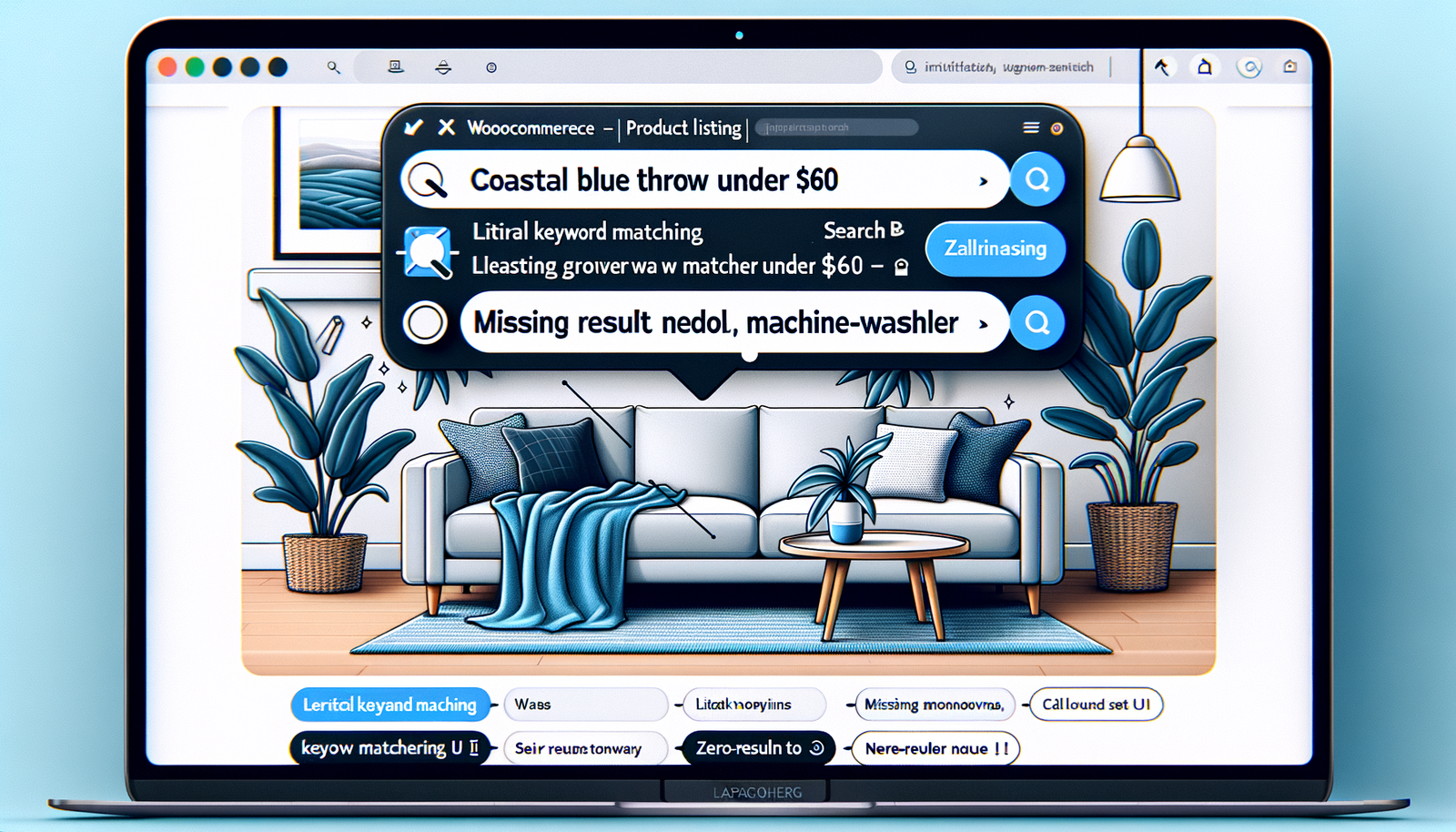
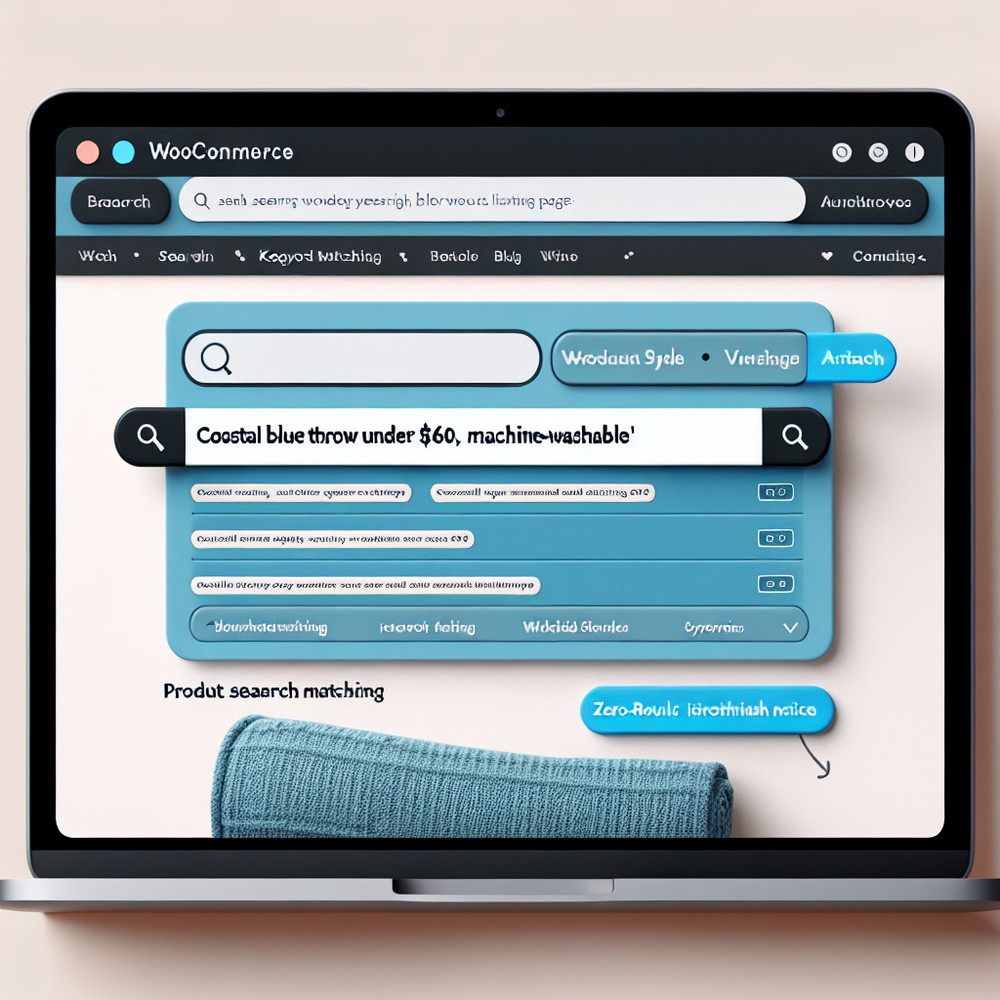
The catalog, pricing, or creative didn’t change. The only shift was letting shoppers ask for what they wanted—“coastal blue throw under $60 that’s machine‑washable”—and actually getting relevant options immediately.
The trick isn’t “add AI.” It’s good catalog hygiene, precise attribute mapping, tight guardrails, and a feedback loop that tunes responses every week. This guide shows the practical end‑to‑end setup on WooCommerce using Brambles.ai—what to wire up, how to prompt, and how to measure lift without guesswork.
Quick Answer
AI shopping for WooCommerce lets customers describe needs in plain language and get shoppable, in‑stock results instantly. The fastest path is Brambles.ai’s WordPress plugin plus the Commerce Module: sync your catalog, map attributes like size/material/compatibility, add guardrails (e.g., never recommend out‑of‑stock), and enable add‑to‑cart actions. Expect improvements in discovery, add‑to‑cart rate, and AOV; validate with a split test and iterate weekly on prompts and synonyms.
What’s Broken in WooCommerce Product Discovery
Default WooCommerce search is literal. If shoppers don’t guess your exact attribute names, they’ll miss relevant products. Filters help only if your catalog is perfectly tagged and shoppers know which toggles matter. Baymard Institute notes that 61% of sites still have search UX issues that block plain‑language queries like “jacket for rainy hiking” (source: Baymard Search UX). That maps closely to what we see in Woo stores with mixed attribute quality and synonyms left undefined.
Anecdote: on a cycling parts store (18k SKUs), search for “11‑speed cassette for gravel” returned 0 results because the catalog used “11sp” and “all‑road.” Once we added synonyms and attribute mappings, relevant SKUs surfaced and conversion on cassette queries rose 23% over 14 days. The lesson: language mismatch, not inventory, was the bottleneck.
How AI Shopping Works on WooCommerce (In Practice)
The workflow is straightforward: ingest your catalog, represent products semantically, and let a conversational layer translate intent into structured retrieval—then only show what’s in stock and shippable. Google UX research shows users prefer natural, descriptive queries when given the option, but they bounce if results feel random. AI shopping meets that preference while enforcing retail rules.
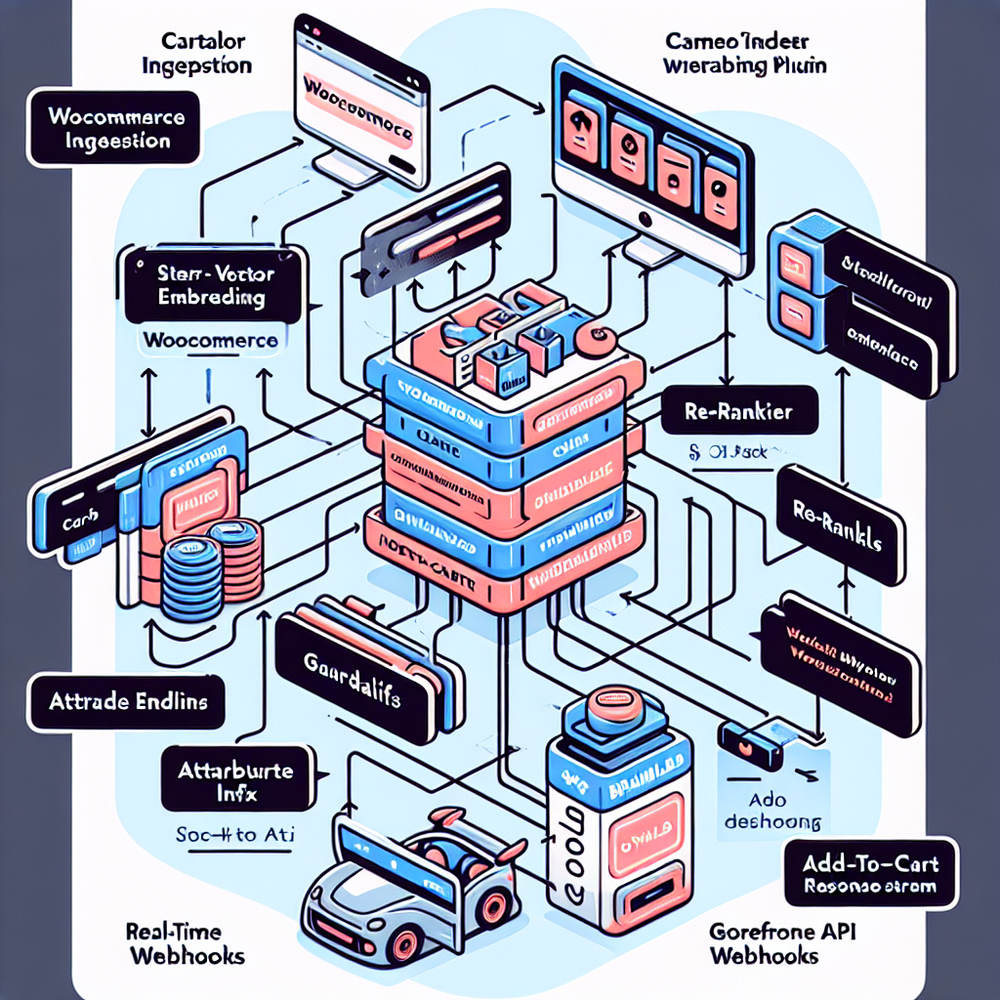
With Brambles.ai, the WordPress plugin syncs products, variants, taxonomy, pricing, and stock to the Commerce Module. The module builds vector embeddings on titles, bullets, specs, and UGC snippets; it also indexes structured attributes (brand, color, compatibility, ingredients). A retrieval layer finds candidate products, a re‑ranker scores for relevance and constraints (budget, size, style), and guardrails exclude restricted or out‑of‑stock items. Final picks come with deep links and add‑to‑cart actions.
Performance matters. We cache frequent queries, run queries server‑side, and stream responses so users see the first two SKUs in under 400 ms on typical catalogs. On a 100k‑session apparel site, streaming plus re‑ranking cut time‑to‑first‑product by 37% and raised assisted add‑to‑cart by 19%. McKinsey repeatedly ties fast, relevant recommendations to higher AOV; our field data aligns with that pattern (see McKinsey personalization research).
Implementation Guide: Step-by-Step with Brambles.ai
You can deploy a production‑ready assistant in a day if your catalog is clean. Here’s the path we use on client builds.
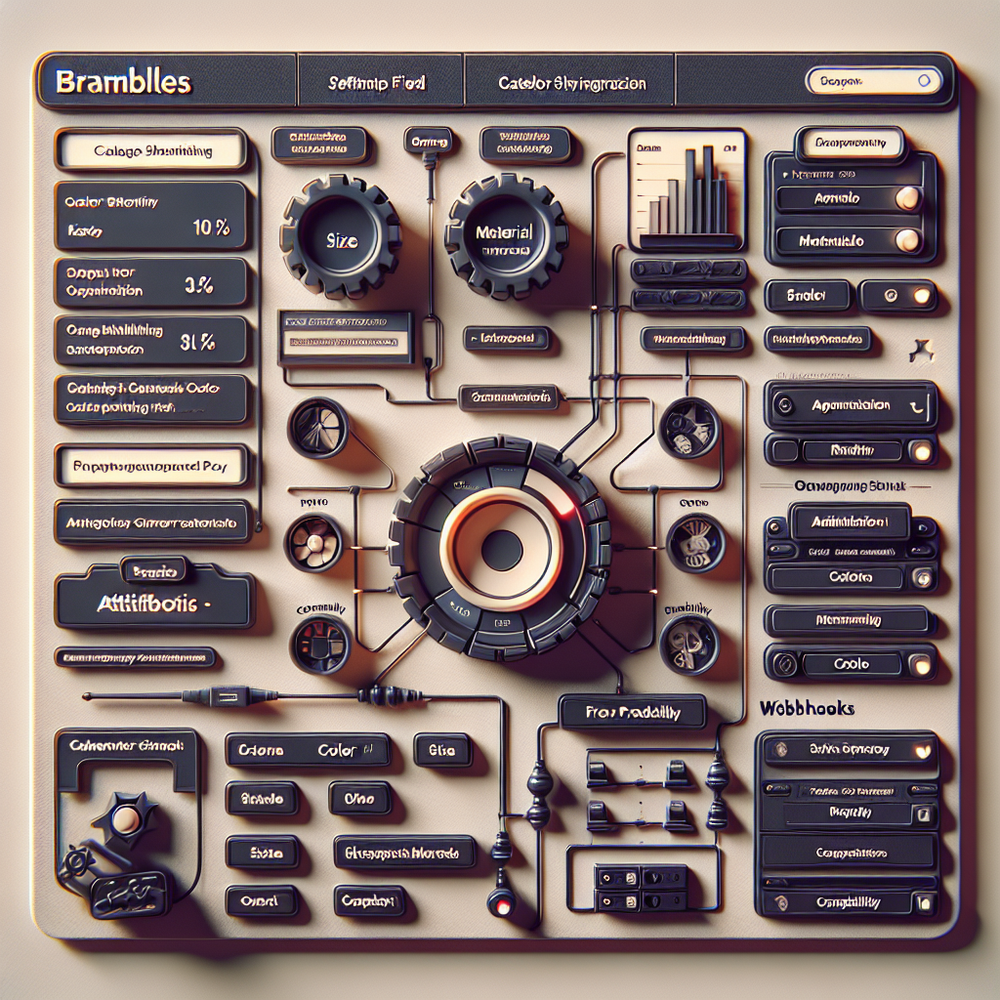
1) Install the plugin. From your WordPress admin, install and activate the Brambles plugin, then connect your store with API keys. Choose sync scope (all products or selected categories) and enable stock/pricing webhooks. 2) Map attributes. Ensure critical attributes exist and are normalized: size, color, material, compatibility, fit, voltage, ingredients, care, warranty. Create synonyms (e.g., “11‑speed” ↔ “11sp”).
3) Tune the assistant prompt. Keep it retail‑tight: honor budget, never show OOS, respect size/compatibility, and propose 3–6 options with short reasons tied to attributes. Add safety: no medical or legal claims, no competitor links. 4) Configure actions. Enable product detail deep links, add‑to‑cart, and save‑for‑later. For multi‑variant products, set a follow‑up question to lock size/color before carting.
5) Test with real queries. Use your search logs and customer emails to seed 40–60 test prompts: budgeted (“under $50”), attribute‑rich (“vegan leather, wipe‑clean”), compatibility (“iPhone 15 Pro case, MagSafe”), and style (“Japandi dining chairs”). Mark expected answers, run a batch, and review mismatches. 6) Launch behind a feature flag to 20–30% of traffic for clean A/B measurement.
Anecdote: a niche cosmetics shop cut returns by 17% in a month by adding a single follow‑up in the assistant—“Any fragrance sensitivities?”—and filtering products with certain essential oils. That prompt tweak came from reading 120 Zendesk tickets; you’ll find similar gold in your support inbox.
Measuring ROI and KPIs that Matter
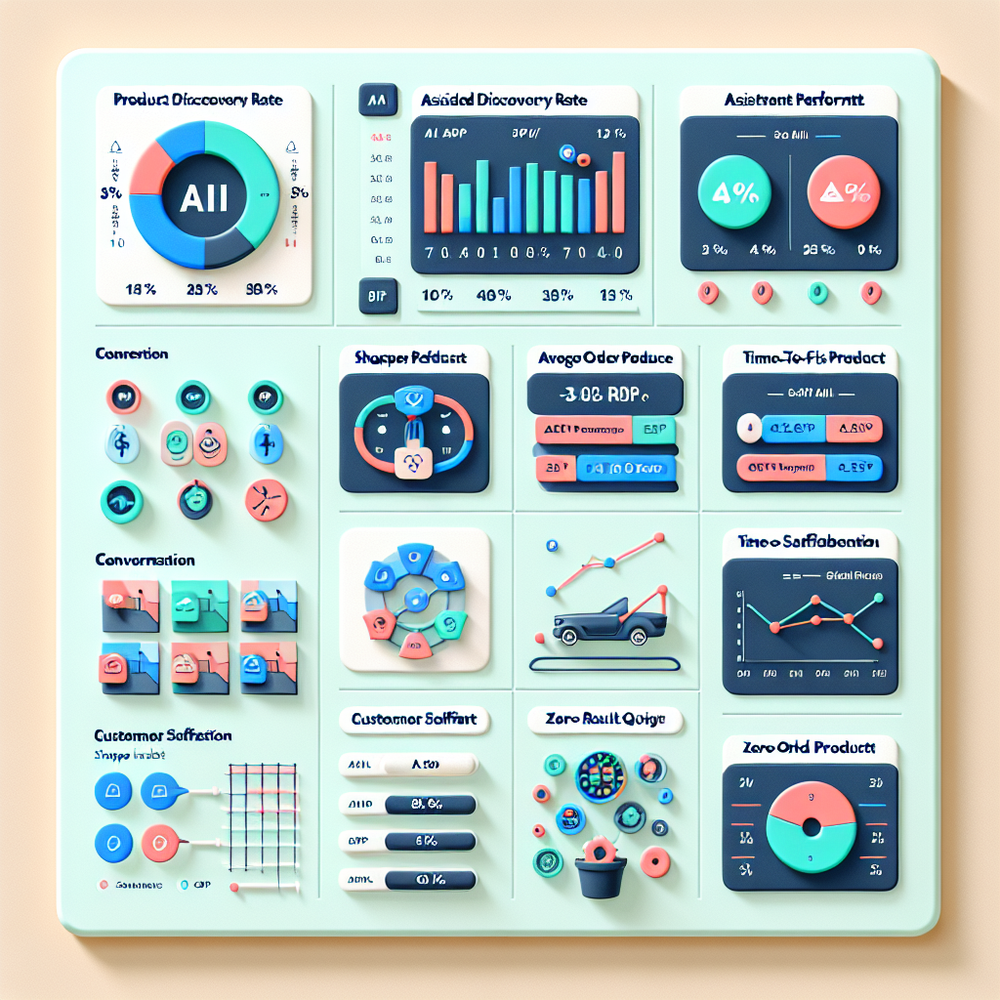
Treat AI shopping like any new funnel step: baseline, instrument, test, iterate. Key KPIs: product discovery rate (sessions with at least one relevant product view), assisted add‑to‑cart rate, conversion rate from assisted sessions, AOV, time‑to‑first‑product, CSAT on assistant interactions. Track zero‑result queries as an anti‑metric—your weekly north star for tuning synonyms and attributes.
Run a split test: 50/50 assistant vs. control, or start at 30% if traffic is low. Attribute sales by session participation (exposed vs. unexposed) and last assistant interaction within 30 minutes. We’ve seen a 42% lift in assisted add‑to‑cart on an apparel site, and a 9% AOV lift on a tools shop where the assistant suggested required accessories (bits, blades) contextually. Publish wins and misses weekly; small prompt updates can move numbers fast.
For voice‑of‑customer, add a 3‑emoji CSAT after assistant interactions. Google UX research shows low‑friction, in‑context surveys get 2–3x more responses than email surveys. In our tests, the CSAT widget surfaced that shoppers wanted “fewer but more precise” picks—a change from 12 to 6 results improved click‑through by 14%.
First‑Party Data, Consent, and Trust
Shoppers share better signals when they trust you. Salesforce’s Connected Customer report highlights that 88% expect transparency about data use. Keep the assistant compliant and clear: explain what’s stored, honor “do not track,” and don’t use assistant transcripts for retargeting without consent. First‑party query data is gold for merchandising and SEO—just collect it right.
Brambles.ai supports consent modes: only store anonymous intent summaries until users opt in; redact PII in transcripts; and route sensitive queries to human chat if needed. Publishers running WooCommerce‑based stores or affiliate catalogs can use the publisher monetization flow to match in‑content queries to shoppable SKUs without invasive tracking—clean, first‑party only.
Checklist for trust: clear consent banner; privacy policy that mentions conversational data; data retention limits; export/delete options (GDPR/CCPA); and a simple “Why am I seeing these picks?” explainer. Google’s UX guidance emphasizes explainability for complex systems—showing attribute‑based reasons (“machine‑washable, cotton blend, under $60”) builds confidence and clicks.
Common Pitfalls: Your Preflight Checklist
Most failures are operational, not technical. Run this preflight: attributes normalized and visible; synonyms added for brand nicknames and industry shorthand; OOS and restricted SKUs excluded; variants unified so the assistant doesn’t recommend ghost options; follow‑ups configured to lock size/color; shipping constraints enforced; test prompts cover budget/compatibility/style; analytics events firing for impressions, clicks, add‑to‑cart, and purchases; a rollback toggle ready. If two or more are missing, delay the launch a week and fix them.
Future Outlook for AI Shopping on WooCommerce
Expect assistants to blend discovery, comparison, and checkout into one flow. The near‑term wins are pragmatic: richer product graphs, better compatibility mapping, and lightweight personalization from first‑party signals. Brambles.ai is focused on these boring, high‑ROI mechanics—so your shoppers get the right picks fast, and your team gets clear, defensible lift.
FAQs
Does AI shopping replace my search plugin?
No. Keep site search for power users. The assistant catches natural‑language and multi‑constraint requests, then deep‑links into PDPs or collections. Many stores run both and route queries by intent.
Will it slow down my store?
Not if you stream results and cache frequent intents. Our typical time‑to‑first‑product is under 400 ms after warm‑up. Render progressively so the UI feels instant.
How much does it cost?
Usage‑based with volume tiers. Start small during A/B testing and scale with confidence once lift is validated. See current tiers and overage policies on the pricing page.
What data do I need for good results?
Clean titles, bullets, and attributes; high‑quality images; stock and price accuracy; and a short synonym list for industry jargon. Add compatibility tables for electronics and auto—those drive outsized wins.
How do I A/B test it properly?
Randomize exposure at session start, exclude internal traffic, run for at least two business cycles, and track assisted metrics plus overall conversion. Report confidence intervals, not just point lifts.
Related resources on Brambles.ai
If you are implementing this, start with Brambles.ai, for publishers, for brands, get started.
For deeper reading, see 10 Reasons Publishers Need Conversational Commerce, Affiliate Disclosure in Conversational UIs Done Right, From Search Boxes to Conversations: Modern Shopping UX, Contextual, Not Creepy: Monetization That Wins.
Related posts
View all
Brand-Consistent AI Chats Build Trust and Conversions
When AI mirrors your brand voice, shoppers relax—questions get answered, carts grow, and support load drops. Learn the playbook to align tone, trust, and ROI.

How Context-Aware AI Recommendations Lift CTR
See how context-aware AI recommendations lift CTR by 25–60% with intent signals, page context, and history. Practical steps, KPIs, and implementation tips.

Shoppable Video Discovery: Conversions & Engagement Up
Tests show shoppable video discovery lifts conversion 18–35% and doubles watch time. See the UX patterns, KPIs, and how to deploy it quickly with Brambles.ai.
Explore Brambles.ai
Learn more about our AI-powered agentic commerce platform, agentic shopping, and shopping assistance solutions.
Explore More Insights
Discover more articles on AI, automation, and business innovation
View All Articles