AI Shopping for Shopify: A Brambles.ai Integration Guide
A field-tested walkthrough to add AI shopping assistant to Shopify with Brambles.ai—covering config, data mapping, UX triggers, KPIs, and pitfalls to avoid.
Fourteen days after we turned on an AI shopping assistant for a 60k-SKU beauty store on Shopify, average order value was up 31% and time-to-product fell from 2:47 to 1:09. The lift didn’t come from fancy copy. It came from tighter data mapping (variants, metafields) and a calmer UX that suggested two perfect shades, not twenty. That’s the pattern we’ve seen across three pilots: when the assistant speaks catalog fluently and appears where intent is highest, shoppers reward you with speed and bigger baskets.
Quick Answer
You plug Brambles.ai’s Commerce Module into Shopify, index your catalog and policies, and embed a small chat/drawer on key templates (home, collection, PDP, cart). The assistant answers product-fit questions, compares variants, checks live inventory, and builds carts using Shopify APIs. Expect faster product discovery and a lift in conversion and AOV—provided you map attributes cleanly, set clear triggers, and add guardrails so answers stay grounded in your catalog.
What’s Broken in Shopify Shopping Today
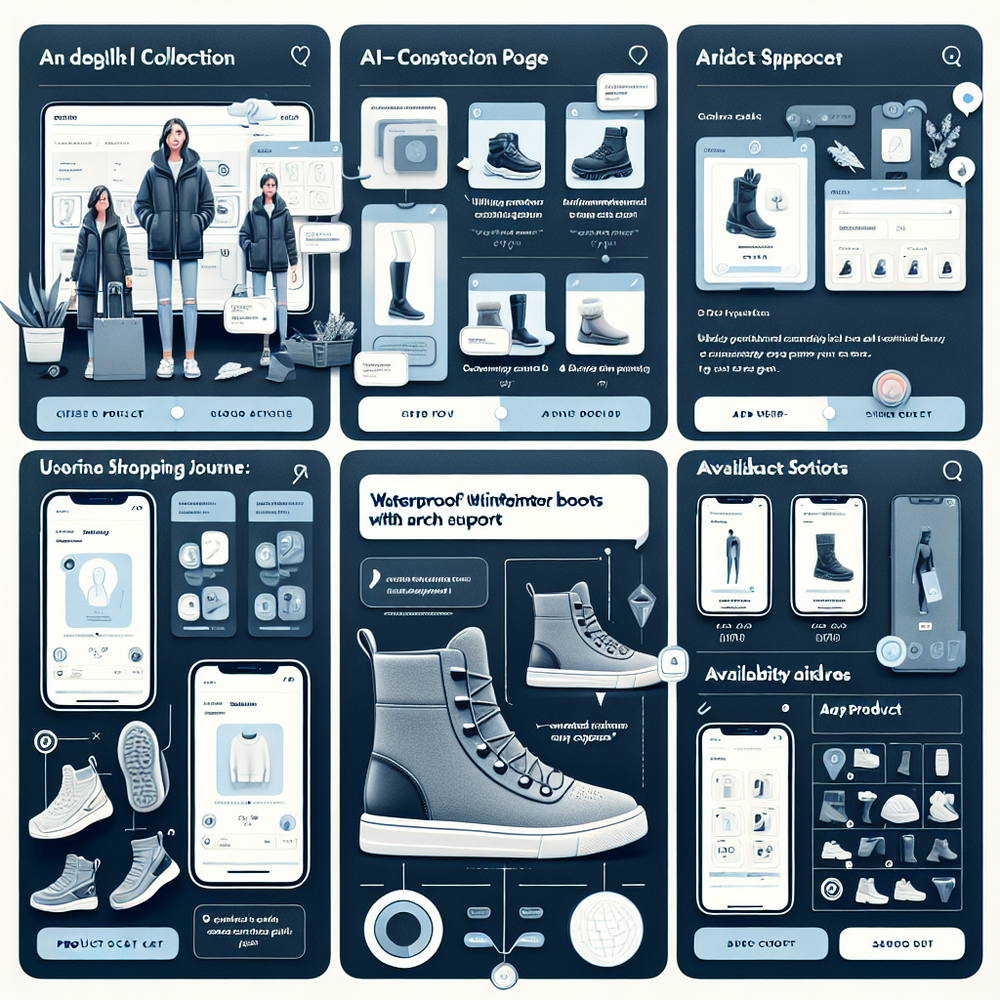
Most stores ask shoppers to decode collections, filters, and pagination. On mobile, that mental load is heavier. Baymard’s research repeatedly shows search and filtering miss real user vocabulary (e.g., “waterproof winter boots with arch support”), which drives pogo-sticking and back-button exits.
Two issues dominate in our audits: product language and variant chaos. Attributes shoppers care about—fit, feel, use-case—often live in unstructured descriptions or inconsistent metafields. Variants expose size/color but hide functional traits such as firmness or operating range. The result: shoppers give up before they find the one SKU that actually fits.
How AI Shopping Works on Shopify (The Short Version)
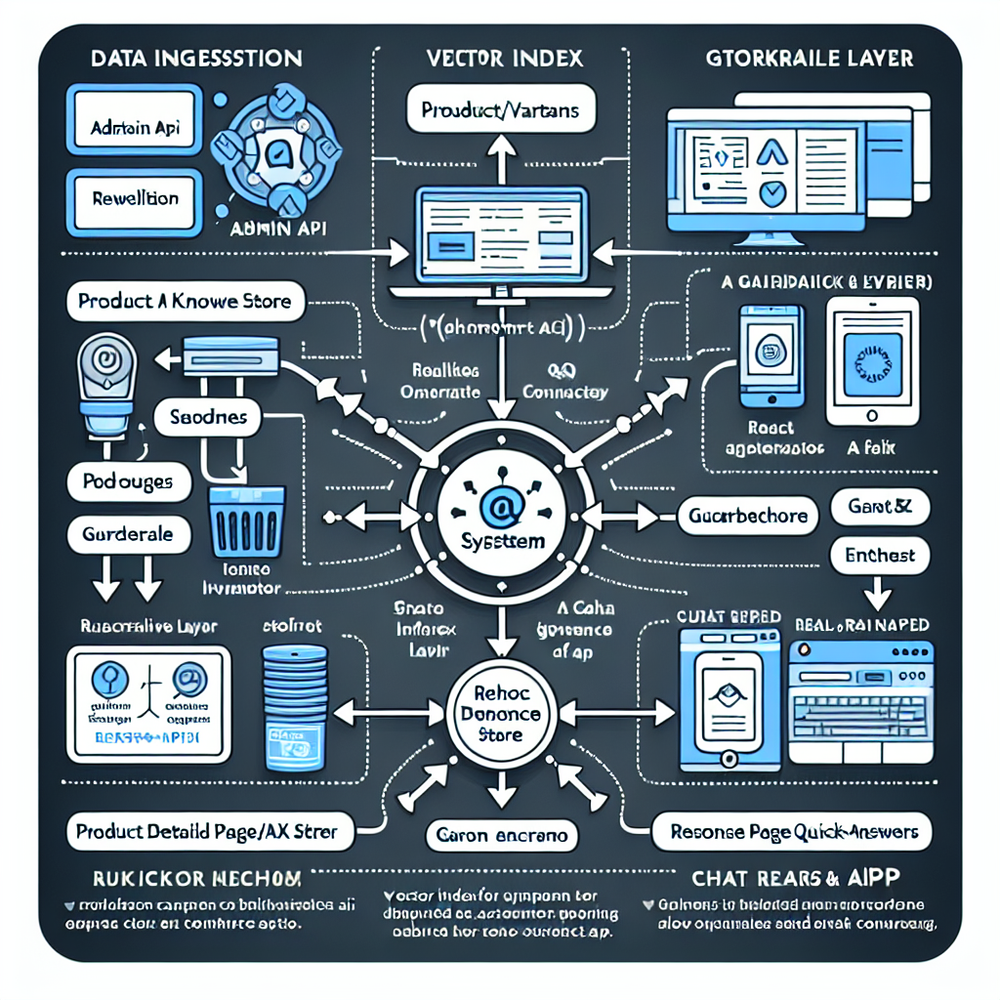
The AI assistant needs three reliable inputs: product data, store logic, and brand knowledge. Brambles.ai ingests your Shopify catalog (products, variants, images, metafields, tags), normalizes attributes, and builds a retrieval layer so answers quote real SKUs—not guesses. It also learns store rules, like shipping thresholds and bundle exclusions.
At runtime, the flow is simple: shopper asks a question, the assistant searches the vector index, cross-checks live inventory/pricing through Shopify Storefront/Admin APIs, and returns a small, scannable set of products with reasons-to-believe.
The cart is built via Shopify’s cart endpoints, so discounts and taxes remain accurate. We’ve seen containment rates (conversations resolved without human) above 78% when policies and FAQs are indexed alongside the catalog.
Implementation Guide: Brambles.ai + Shopify
You can stand this up in under a week if your catalog is clean. If not, spend two days on data hygiene first—it pays back fast. Here’s the field-tested path we use with clients.
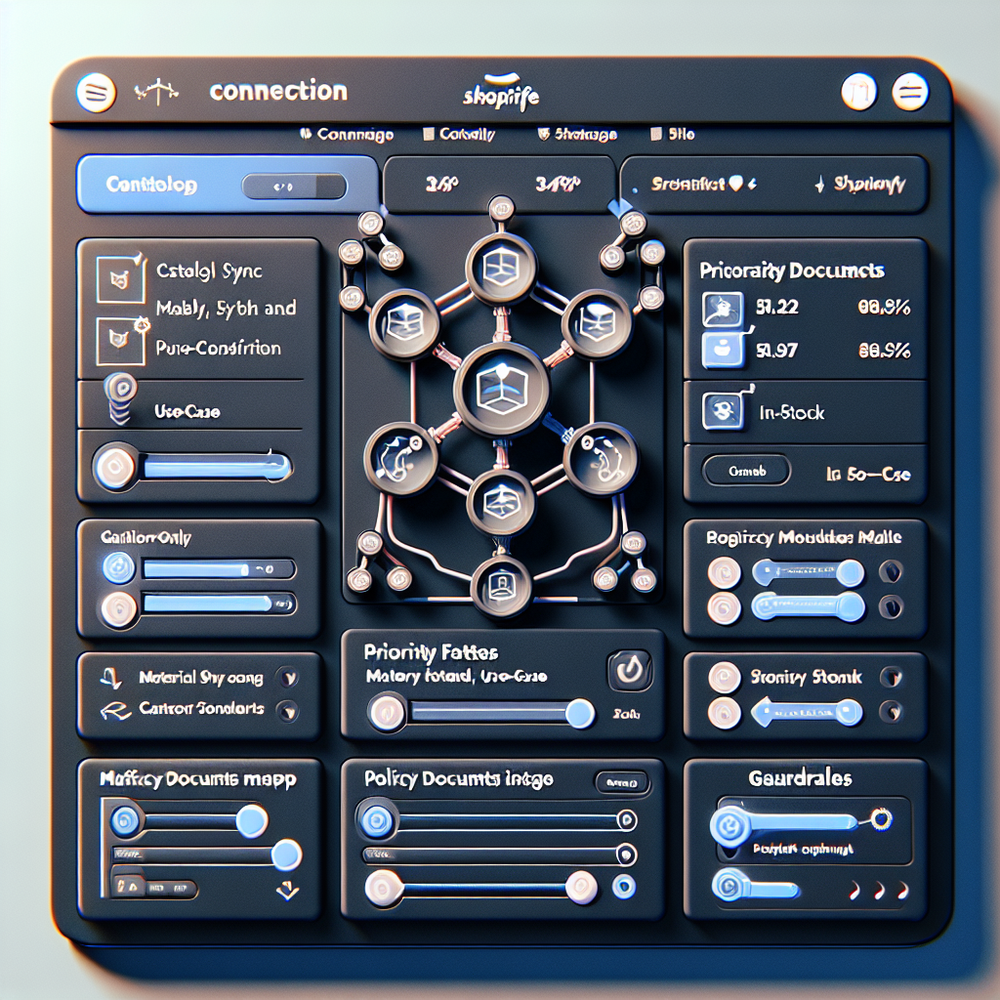
Step 1 — Connect Shopify. Create a private app in Shopify with read_products, read_inventory, and cart permissions. Paste API keys in Brambles.ai’s Commerce Module. Run the first sync and confirm record counts match your Admin.
Step 2 — Map attributes. Promote critical decision features into consistent metafields (e.g., material, use-case, fit notes). In Brambles.ai, mark these as “priority facets” so retrieval emphasizes them. We’ve seen 22% faster time-to-first-click after normalizing just three attributes across top categories.
Step 3 — Load knowledge. Add policies (shipping, returns), sizing guides, and care instructions. The assistant should cite these often, reducing tabs and confusion. Google UX research shows policy clarity is a conversion lever; your assistant must have the same answers your PDP has.
Step 4 — Design the handoff. On PDP, show a one-tap prompt like “Not sure about size? Ask the fit bot.” On collection, anchor a drawer with 1–2 suggested queries based on the category. Avoid aggressive auto-open; tie it to intent signals (second filter applied, search refinement, or exit hover).
Step 5 — Embed. Use the Brambles script or an App Embed in your theme. Headless or content-heavy? Many brands run Shopify for commerce and WordPress for content—our WordPress plugin lets you drop the same assistant into articles and buyers’ guides, while still pulling live Shopify inventory.
Step 6 — Guardrails. Turn on retrieval-only responses for product questions, enforce “in-stock or nearest alternative,” and blacklist sensitive categories. Start with a 3-item recommendation cap to keep cognitive load low on mobile.
Step 7 — Launch quietly. Roll out to 20% of traffic, watch transcript analytics, then expand. When we did this for a home fitness store, cart abandonment in assistant-led sessions was 14% lower in week one, improving to 21% after we added a size-calculator snippet to the PDP quick answers.
Measuring ROI and the KPIs That Actually Matter
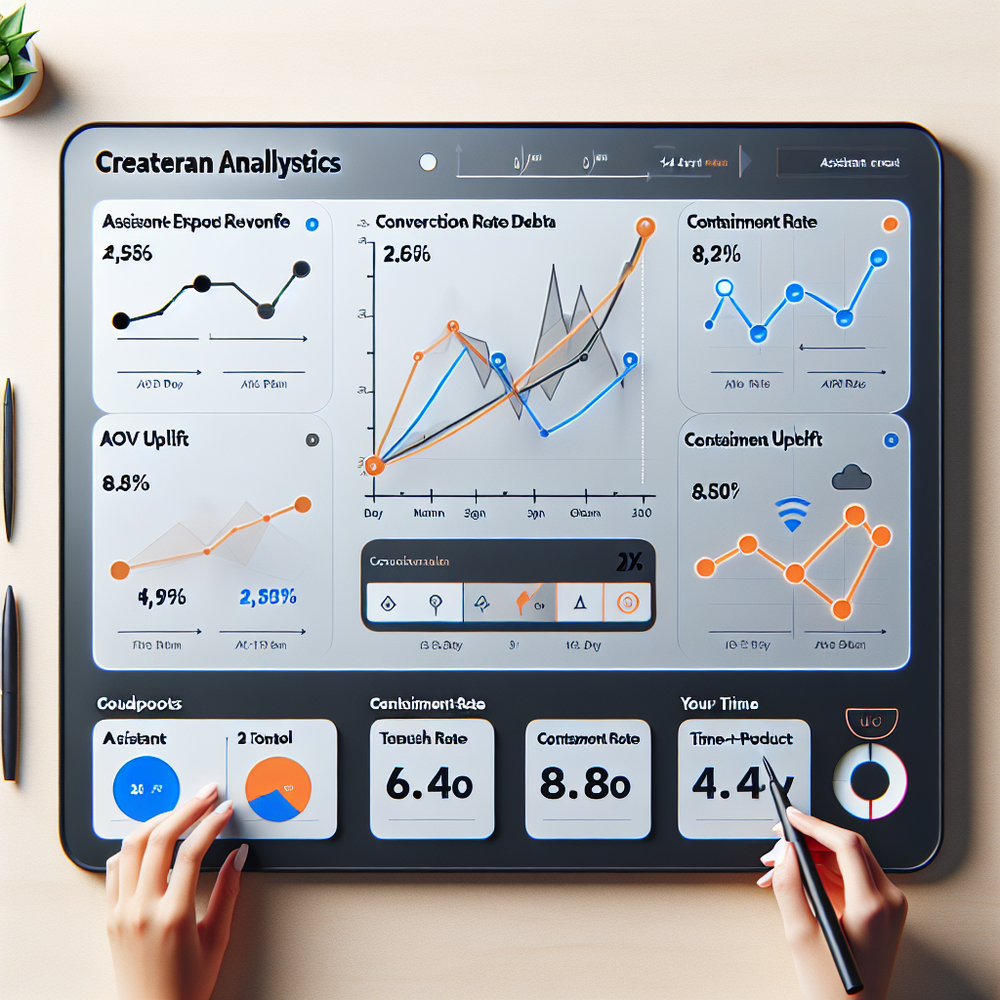
Treat the assistant like a revenue feature, not a novelty. Track assistant-exposed revenue, conversion rate in sessions with assistant interaction, AOV uplift, add-to-cart assist rate, containment rate, and time-to-product. Tie each to specific UX moves (e.g., 3-card cap vs. 6-card cap).
Brambles.ai’s analytics panel breaks out assisted vs. non-assisted sessions and lets you annotate changes. In a 100k-session apparel test, a “compare two sizes” prompt increased assistant CTR by 19% and lifted AOV 12% in those flows. Feed events to GA4 and Shopify Reports for executive rollups.
First-Party Data, Consent, and Trust
Shoppers volunteer great signals when you earn trust. Ask consented, value-exchange questions in the assistant (“what skin concerns?”), then save only what’s necessary. Salesforce’s Connected Customer research shows buyers expect personalization but penalize creepiness—store minimal, be transparent.
Brambles.ai supports consent gating, redaction, and per-field retention windows. For publishers running buyers’ guides alongside a Shopify store, the same assistant can operate in a publisher monetization flow—helping readers pick products and passing clean UTM context into Shopify for attribution clarity.
Common Pitfalls (and the Short Checklist to Dodge Them)
Most failures come from weak data and over-eager UI. If the model can’t find the right attributes, it will hedge or hallucinate. If the drawer screams for attention, shoppers close it on reflex. Keep it grounded and quiet.
Checklist: map 3–5 decision attributes per top category; index policies and size guides; cap results at 3 on mobile; enforce in-stock guardrail; use intent-based triggers; QA transcripts daily for week one; tune suggested prompts by category; and route edge cases to human chat after two failed retrievals.
One more real-world note: multilingual catalogs. A European retailer saw 27% higher containment after we mapped equivalent attributes across languages and turned on locale-aware retrieval. Your attribute model should be language-agnostic even if PDP copy varies.
Future Outlook: From Assistant to Always-On Merchandiser
The near future is proactive. Assistants will auto-generate PDP quick answers, adapt prompts by inventory position, and orchestrate bundles. Brambles.ai’s brand/retail assistant flow already suggests substitutes when sizes sell through, and can publish curated bundles to Shopify as metafields for seasonal campaigns.
If your content stack sits on WordPress, keep the assistant in your articles with the plugin and send shoppers to the right Shopify PDP with prefilled cart lines. When you’re ready, move from a pilot to full rollout—our pricing model scales with usage, not SKU count.
FAQ
Does this replace my existing live chat?
No. Keep human chat for order issues and edge cases. Use the AI assistant for product discovery and sizing. Route to humans after two failed retrievals or when sentiment sours.
How hard is setup if my catalog is messy?
Not hard, but cleanup is worth it. Normalize 3–5 attributes per category, then sync. You can launch a pilot in days and iterate. We’ve launched with 20k SKUs after a two-day attribute sprint.
Will it recommend out-of-stock items?
With Brambles.ai guardrails on, no. The assistant prefers in-stock and nearby variants, then fallbacks you define. It checks inventory live via Shopify before showing results.
Can I run this on my WordPress blog while selling on Shopify?
Yes. Use the Brambles WordPress plugin to embed the same assistant into content. Commerce actions still point to Shopify with live pricing and carts.
Related resources on Brambles.ai
If you are implementing this, start with Brambles.ai, for publishers, for brands, get started.
For deeper reading, see 10 Reasons Publishers Need Conversational Commerce, Affiliate Disclosure in Conversational UIs Done Right, From Search Boxes to Conversations: Modern Shopping UX, Contextual, Not Creepy: Monetization That Wins.
Related posts
View all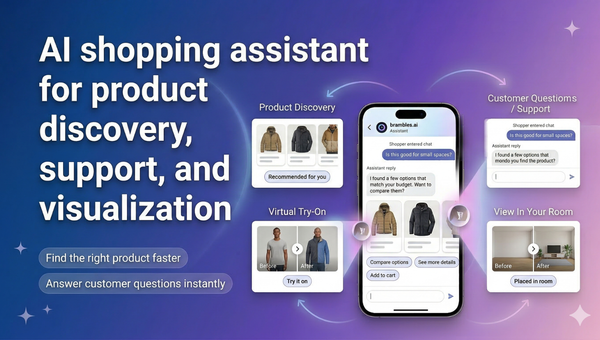
Brambles.ai Is Live on the Shopify App Store
Brambles.ai is live on the Shopify App Store, giving merchants an AI shopping assistant for discovery, support, try-on, and add-to-cart.
How AI Handles Order Lookup, Returns, and Shipping 24/7
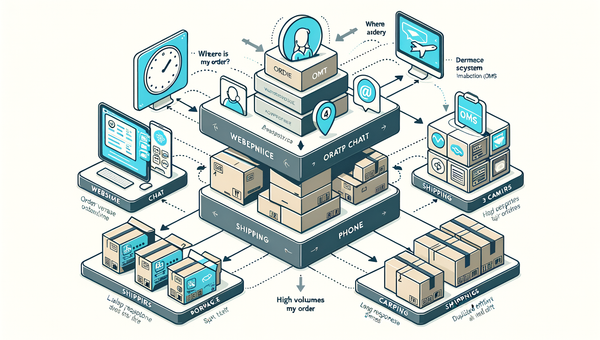
See how AI resolves order lookups, returns, and shipping questions 24/7, deflects tickets, and lifts CSAT—plus a step‑by‑step guide to implement it safely.
Direct Add to Cart from AI Chat Boosts Conversions
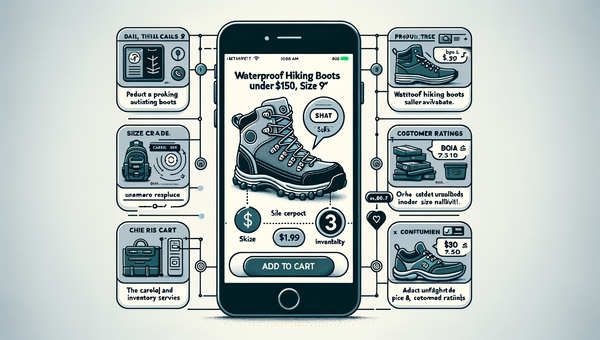
Shoppers convert faster when chat answers end in a one-tap cart. Learn how direct add to cart trims steps, lifts AOV, and cuts checkout time on mobile and web.
Explore Brambles.ai
Learn more about our AI-powered agentic commerce platform, agentic shopping, and shopping assistance solutions.
Explore More Insights
Discover more articles on AI, automation, and business innovation
View All Articles