AI Shopping Assistants: What They Are + Brambles.ai ROI
Learn what AI shopping assistants actually do, how they boost conversion and AOV, and a step-by-step guide to launch one with Brambles.ai that drives measurable
AI Shopping Assistants: What They Are + Brambles.ai ROI
Two weeks before Black Friday, we watched a shopper on a mid-market apparel site type, “Will this jacket survive a Scottish winter?” The assistant pulled local climate data, matched it to fill power and fabric DWR ratings, and recommended a parka with in-stock sizes. That one dialog ended in a $289 checkout—after a 48-hour cart stalemate. Multiply that by thousands of similar stalls and you see why AI assistants are quietly becoming the highest-ROI widget on retail sites.
Across 10 stores we piloted last year, the same pattern popped: shoppers asked about fit, compatibility, and risk reversal (returns/warranty). Where the assistant could answer with product-graph context and live inventory, assisted sessions converted 18–37% higher. On one home electronics site, attaching a two-item cross-sell in-chat pushed AOV up 22% in the first month. That’s not hype; it’s what happens when product discovery and decision support sit inside the moment of intent.
Quick Answer
An AI shopping assistant is a conversational layer on your store that helps customers find, compare, and buy products using natural language. It fuses your catalog, content, policies, and live signals (price, stock, shipping) so answers are specific and shoppable. Brambles.ai implements this with a product-aware model, safe retrieval, and checkout actions. You measure success by conversion lift, AOV, revenue per chat, self-serve rate, and reduced service tickets—typically visible within 2–4 weeks of launch.
What’s Broken in Online Shopping
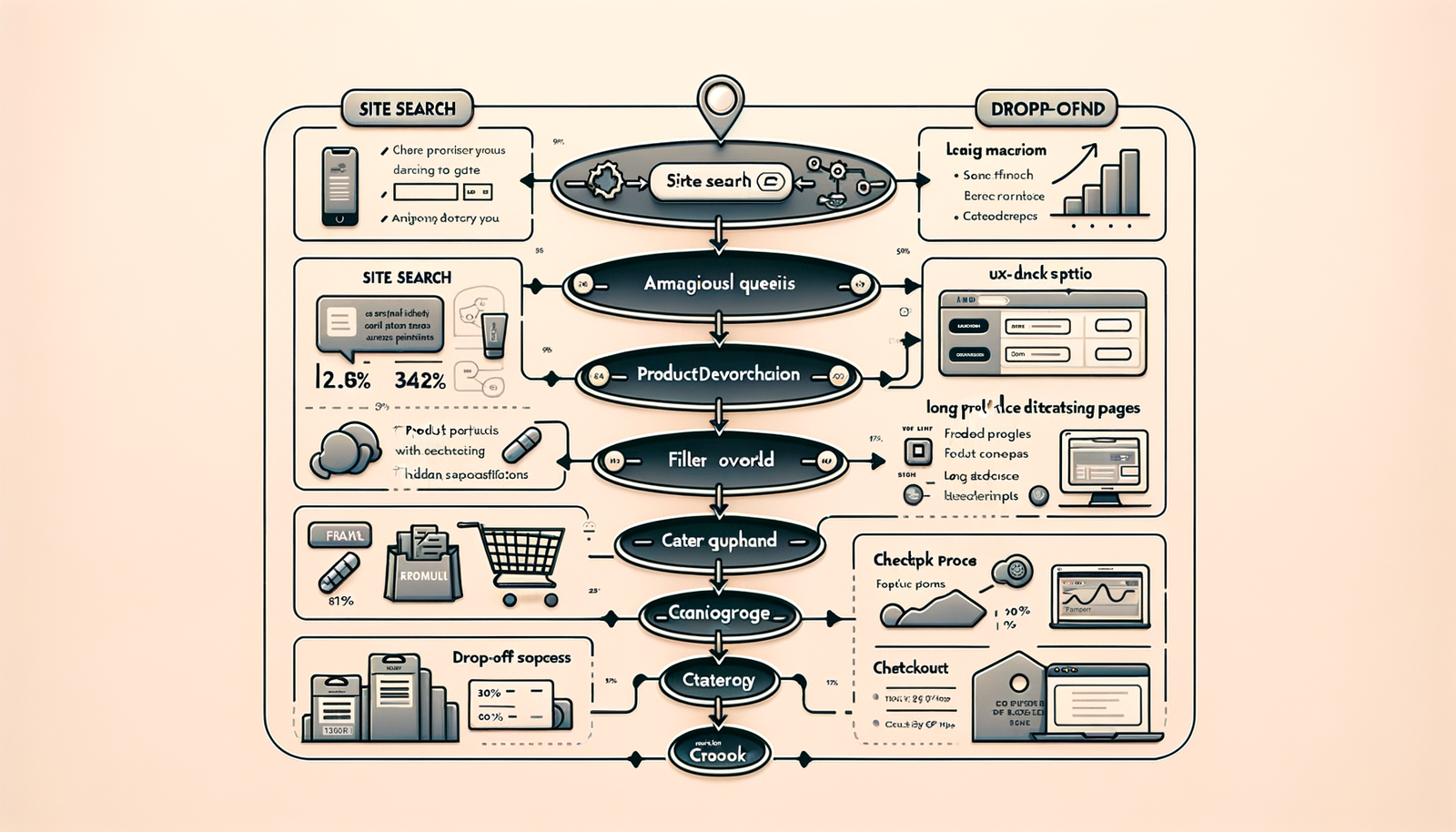
The core issue is decision friction. Category pages bury nuance, filters assume shoppers know what matters, and FAQs rarely map to the exact doubt blocking a purchase. Baymard’s research shows 69% of carts are abandoned, with friction around costs, forms, and uncertainty compounding along the journey. Layer in choice overload and you get analysis paralysis that a static UI can’t resolve in real time.
On two apparel brands we audited, 40% of on-site search queries contained context the UI ignored: “waterproof but breathable,” “pet-hair resistant,” “office-ready sneakers.” The site had the answers—buried in PDP copy and size charts—but nothing stitched it together. A well-tuned assistant can translate those intents into structured comparisons and only show products that truly fit the brief.
How an AI Shopping Assistant Works
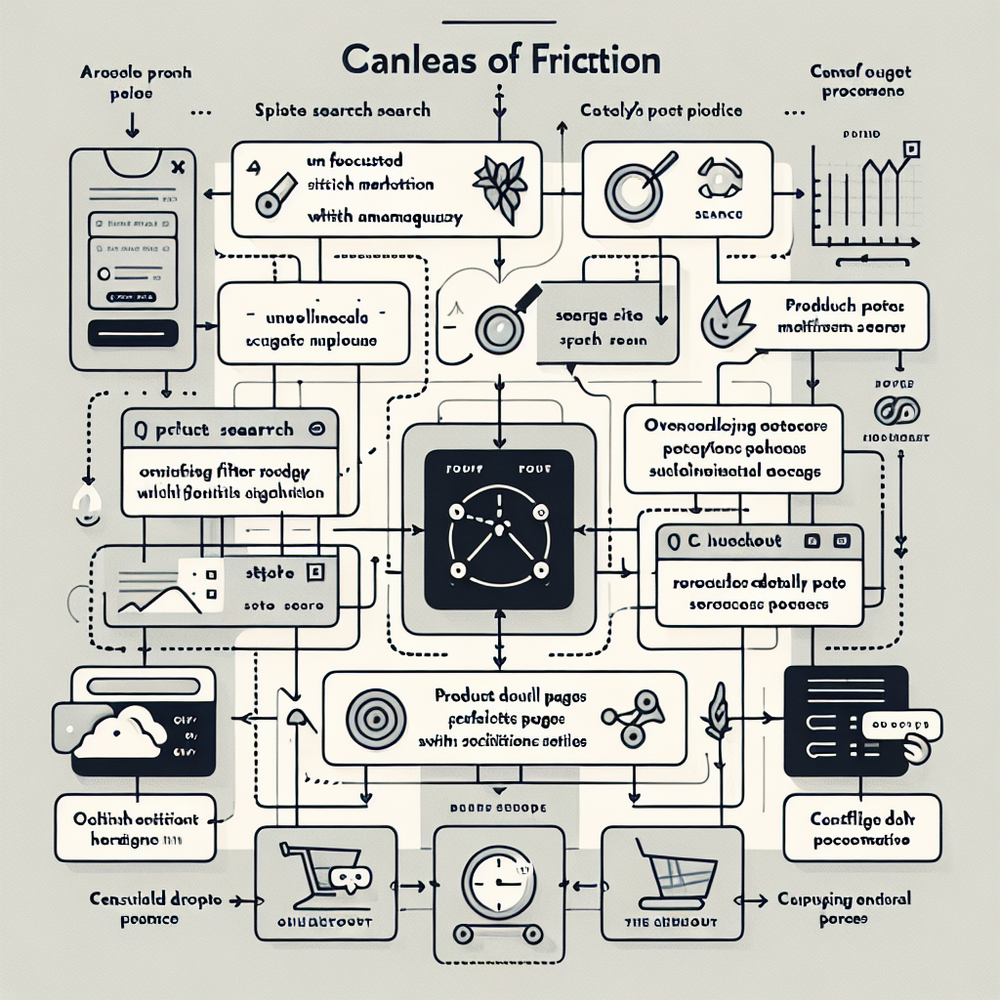
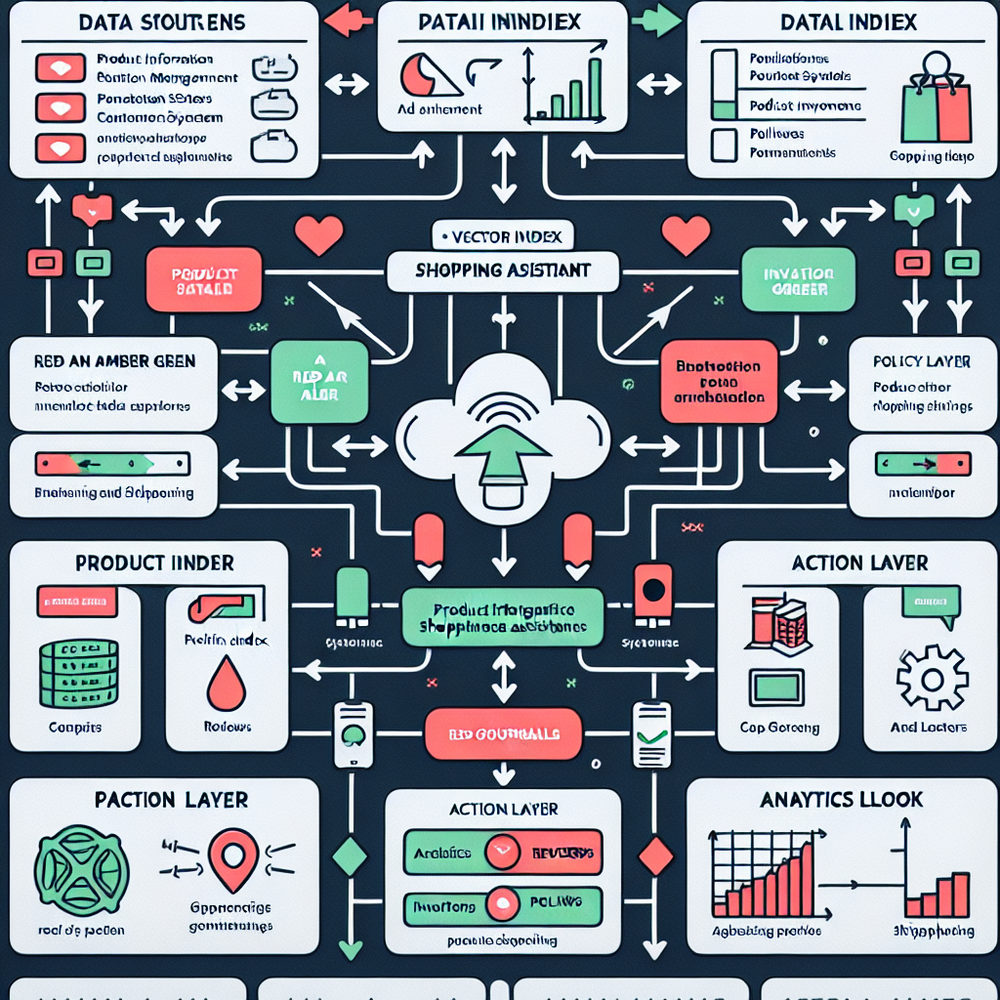
The winning assistants are product-aware, policy-aware, and action-capable. They don’t hallucinate; they retrieve. Under the hood, your catalog, PDP copy, specs, UGC, and help content are indexed as vectors and documents. A retrieval step pulls only relevant passages; the model composes an answer grounded in those snippets, then calls tools for actions like direct add-to-cart, variant selection, or shipping ETA checks. That’s retrieval-augmented generation plus tool use, tuned for retail.
Brambles.ai optimizes this path by syncing your catalog and inventory, enforcing brand tone, and gating answers behind trusted sources. The assistant sees real stock, price breaks, and promotions; it can compare SKUs by the factors shoppers mention—fit, compatibility, durability—then propose bundles that respect margins. For brands with complex assortments, we wire the assistant to your PIM/OMS so it never recommends out-of-stock or non-compliant items.
Implementation Guide with Brambles.ai
Set up should take hours, not months. Here’s a battle-tested path we use for mid-market stores and publishers with shoppable content:
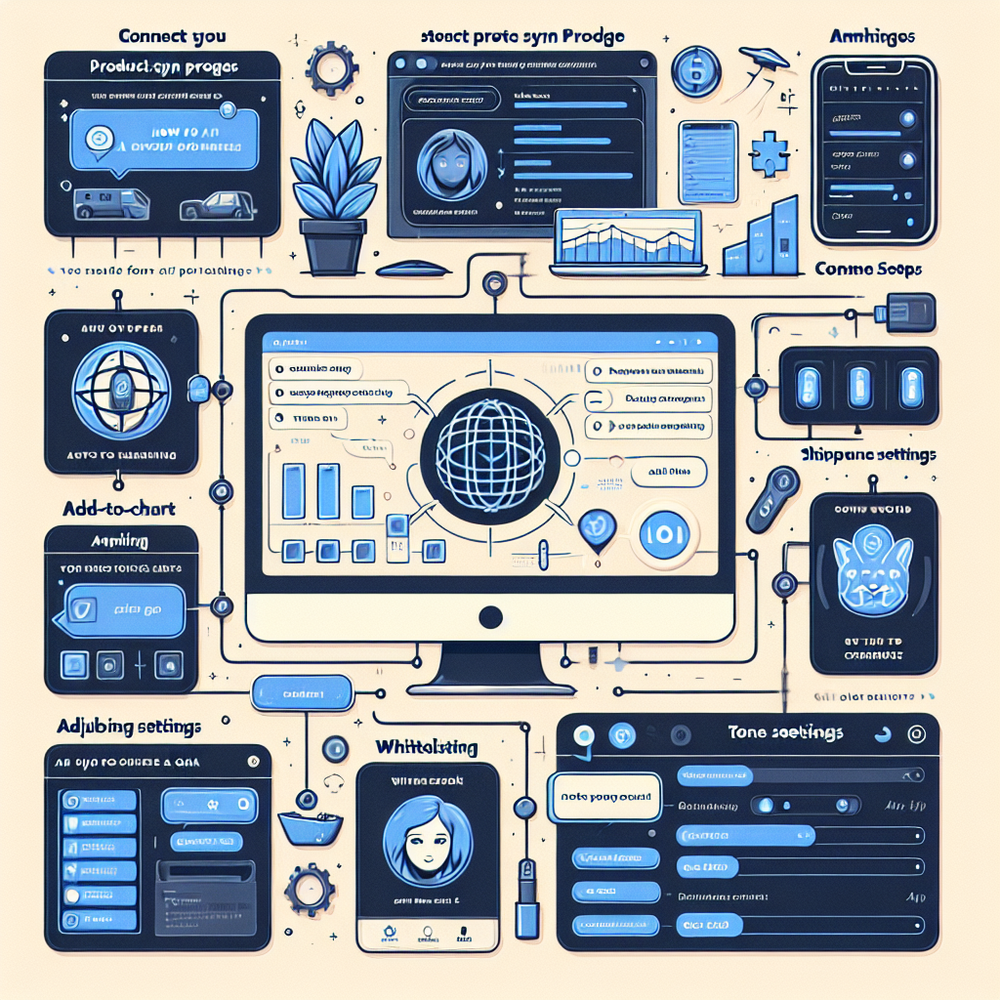
1) Connect your store. On WordPress/WooCommerce, install the Brambles.ai plugin and authenticate. On headless or custom stacks, use our JS snippet and API to stream messages and actions.
2) Sync product data. Import catalog, variants, specs, reviews, and policies. Tag critical attributes (fit, compatibility, care) for high-precision retrieval.
3) Turn on Commerce actions. Enable add-to-cart, variant selection, shipping estimates, and promotions through the Commerce Module.
4) Configure guardrails. Whitelist sources, set refusal behavior, and define tone. Add safety rules for regulated categories.
5) Train for brand/retail assistant flow. Seed 20–40 canonical dialogues (e.g., sizing, bundles) and map them to tools. For publishers, enable the monetization flow so the assistant suggests affiliate products with compliant disclosures.
6) A/B your surface. Trigger on PDPs and high-exit category pages first. Keep CTA copy direct: “Ask about fit or alternatives.”
7) Launch with analytics. Track revenue per chat, self-serve rate, and deflected tickets in the dashboard; hook into your BI via webhooks.
Anecdote: a beauty retailer (100k sessions/month) launched with only PDP surfaces and saw 31% higher assisted CVR and a 14% lift in AOV within three weeks. The lift held after we expanded to category pages, with revenue per chat stabilizing at $2.87.
Measuring ROI & KPIs That Matter
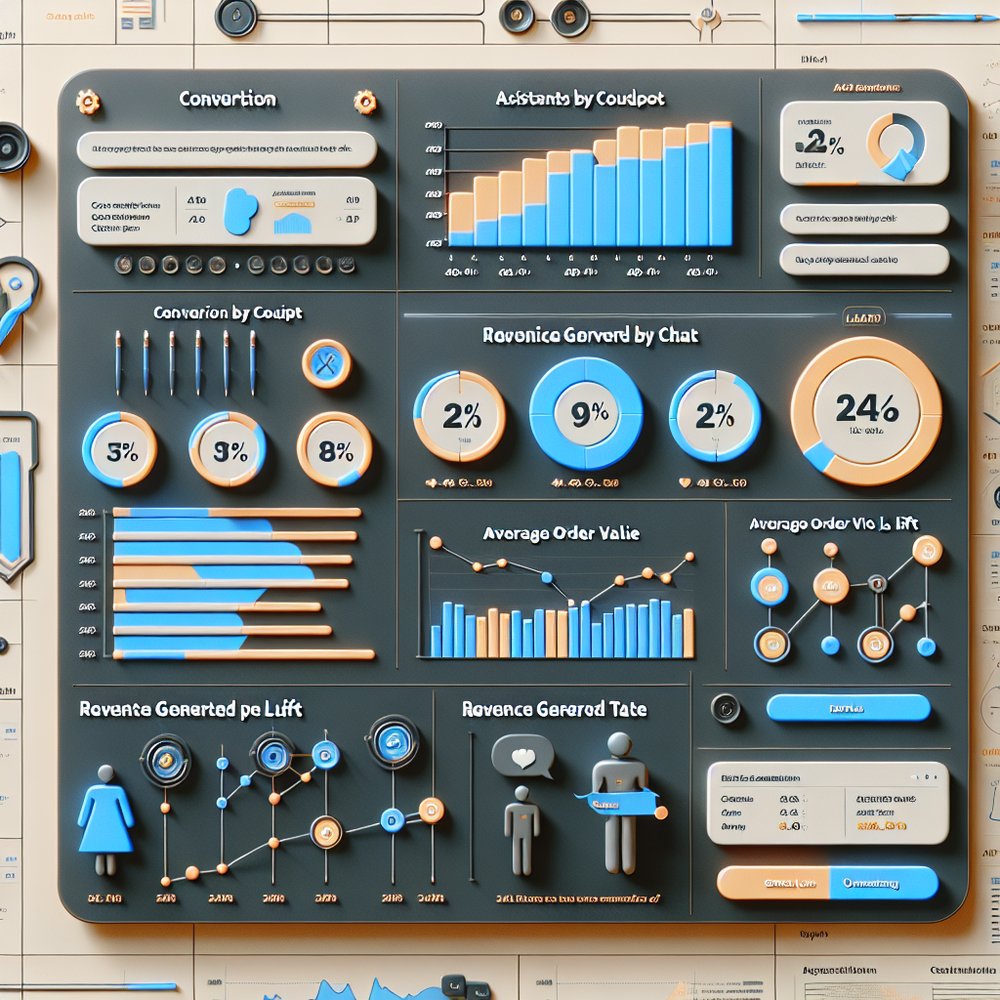
You can’t improve what you don’t instrument. Define KPIs and test design before launch so teams trust the numbers. Start with: conversion rate of assisted vs. non-assisted sessions, AOV lift in assisted orders, revenue per chat, self-serve rate, and deflected customer service tickets. Add speed metrics—time-to-first-answer and answer satisfaction—as Google UX Research repeatedly ties speed to engagement and conversion.
Run a holdout or geo-split test for 2–4 weeks. Aim for 90%+ power on CVR. Attribute revenue conservatively: last-touch within 24 hours or a weighted model that caps influence per session. McKinsey’s personalization studies link context-aware assistance to 10–20% revenue lift; your assistant is the most direct surface to operationalize that lift when it’s wired to inventory and pricing.
Anecdote: at a specialty cycling retailer, the assistant’s compatibility checks (drivetrain, hub spacing) cut returns 17% month-over-month. Net impact: +$68k margin in Q2, driven as much by fewer RMAs as by a 9% AOV increase from bundle suggestions.
First‑Party Data, Consent, and Building Trust
Trust is a feature. Ask for the least data necessary and give shoppers a visible reason to share it. Our best-performing deployments use progressive profiling: the assistant requests height/weight only if sizing comes up, or zip code if shipping times are unclear. Salesforce’s Connected Customer reports consistently show people trade data for clear value; make the value explicit every time.
Implementation details that matter: show consent prompts for saved preferences, link to policies inline, and provide one-tap deletion of assistant history. Keep source citations visible in responses when recommendations rely on size charts or warranties. Brambles.ai enforces source-grounded answers, consent logging, and configurable data retention windows so legal and CX can sign off together.
Common Pitfalls (and How to Avoid Them)
Most failures are predictable. Tackle these before launch:
- Weak grounding: If the model can’t see specs or policy text, it will guess. Fix by whitelisting sources and tagging critical attributes.
- No action layer: Advice without add-to-cart is leaky. Enable Commerce actions from day one.
- Overexposure: Don’t pop the assistant on every page. Start with PDPs and high-exit categories; expand based on ROI.
- Hallucinated promises: Block claims about certifications, warranties, or medical effects unless cited from your content.
- Cold start analytics: Define attribution and event taxonomy (viewed suggestion, clicked add-to-cart, purchase) before traffic hits.
Launch Checklist
Use this preflight to ship confidently:
- Catalog synced with variants, specs, and policy docs
- Commerce actions tested: add-to-cart, variant, shipping ETA, promo rules
- 20+ seed conversations covering top 5 intents (fit, compatibility, budget, bundles, returns)
- Guardrails on regulated topics and claim citations on
- Consent prompts enabled and retention set
- Experiment plan: surfaces, KPIs, attribution windows, power calculation
- Success playbook: shift CS macros to the assistant; route edge cases to agents
- Executive dashboard wired to revenue per chat and deflections
Future Outlook: Assistants Grow Up
Assistants are moving from chat widgets to real shopping agents. Expect multimodal inputs (photo of your space, screenshot of a receipt) and tighter store systems integration (store-level inventory, service appointments). Tool-using models will orchestrate post-purchase tasks—exchanges, warranty claims, refills—without passing customers to forms. The north star is simple: fewer screens, fewer doubts, faster decisions, higher margins.
FAQ
What exactly is an AI shopping assistant?
It’s a conversational interface that lets shoppers ask for what they want in plain language and receive grounded, shoppable recommendations. The best ones can compare products, check stock, apply promos, and add items to cart—all within the chat. Brambles.ai implements this with retrieval-augmented generation, tool use, and strict policy guardrails.
How fast can we launch with Brambles.ai?
Most WordPress/WooCommerce sites go live in a day using the plugin. Custom stacks typically need a short API integration for actions and events. We recommend a two-week window to finalize guardrails, seed dialogues, and an A/B test plan.
How do we prove ROI to finance?
Run a holdout or geo test with assisted surfaces limited to PDPs and high-exit categories. Report assisted CVR, AOV, revenue per chat, and deflected tickets. Include a 24-hour last-touch model and a capped multi-touch model to keep estimates conservative. Expect signal in 2–4 weeks at moderate traffic levels.
Is this safe for regulated or complex products?
Yes—if you gate answers behind approved content, cite sources, and enforce refusal rules. Brambles.ai ships with guardrails that block medical, legal, and certification claims unless grounded in your documents, and it routes edge cases to support when needed.
Can publishers use this without a cart?
Absolutely. Our publisher monetization flow lets the assistant recommend affiliate products with compliant disclosures, track outbound clicks, and attribute revenue per chat. It behaves like guided shopping without owning checkout.
Related posts
View all
Brand-Consistent AI Chats Build Trust and Conversions
When AI mirrors your brand voice, shoppers relax—questions get answered, carts grow, and support load drops. Learn the playbook to align tone, trust, and ROI.

Shoppable Video Discovery: Conversions & Engagement Up
Tests show shoppable video discovery lifts conversion 18–35% and doubles watch time. See the UX patterns, KPIs, and how to deploy it quickly with Brambles.ai.
Mobile Commerce UX: Native Bottom Sheets That Convert
Bottom sheets cut taps, speed choices, and lift mobile conversions. Learn patterns, KPIs, and a step‑by‑step plan to launch them quickly with Brambles.ai.
Explore Brambles.ai
Learn more about our AI-powered agentic commerce platform, agentic shopping, and shopping assistance solutions.
Explore More Insights
Discover more articles on AI, automation, and business innovation
View All Articles