
WooCommerce AI Shopping Assistants for Product Advice
Compare Brambles.ai, Tidio Lyro and LiveSmart for WooCommerce. See what each needs and use one catalog test to check product choice, variants and the next step.
If you already have customer support covered, compare WooCommerce AI shopping assistants on how well they help someone choose a product before checkout. Start with Brambles.ai for catalog-guided AI chat, Tidio Lyro if you already use Tidio, or LiveSmart if your WordPress team wants to run the extension and manage its own OpenAI billing. Give each one the same shopper question and check the item it actually sends the shopper to.
Brambles.ai publishes this guide and is one of the vendors included. The comparison describes documented capabilities. Test the options on your own store before choosing.
What each option needs
Brambles.ai is a candidate when the main job is helping shoppers explain what they need, compare relevant products and find the next step on your storefront. Brambles Brand plans list WooCommerce connectivity. Before starting a pilot, confirm that the specific catalog fields your shoppers rely on are available to the assistant and that it can reach the product destination you need. See how Brambles.ai Product Discovery works.
Tidio Lyro belongs on the shortlist if you're already using Tidio and can add advice to that experience. Its WooCommerce product recommendation documentation describes recommendations for specific variants, product comparisons and product cards. This requires the WooCommerce integration, an up-to-date Tidio plugin with product access and an active Lyro setup. Ask whether your current setup can use the feature, then check what happens in the same chat when the shopper switches from product advice to order help.
LiveSmart’s AI Shopping Assistant is worth comparing if your WordPress team wants to manage an extension alongside the existing support workflow. Its WooCommerce documentation describes product comparison, cart actions and a merchant-supplied OpenAI API key. Give someone ownership of that account and its usage costs before the pilot. Confirm which products the extension can retrieve and how quickly a catalog change reaches the shopper.
Use the same catalog decision for all three
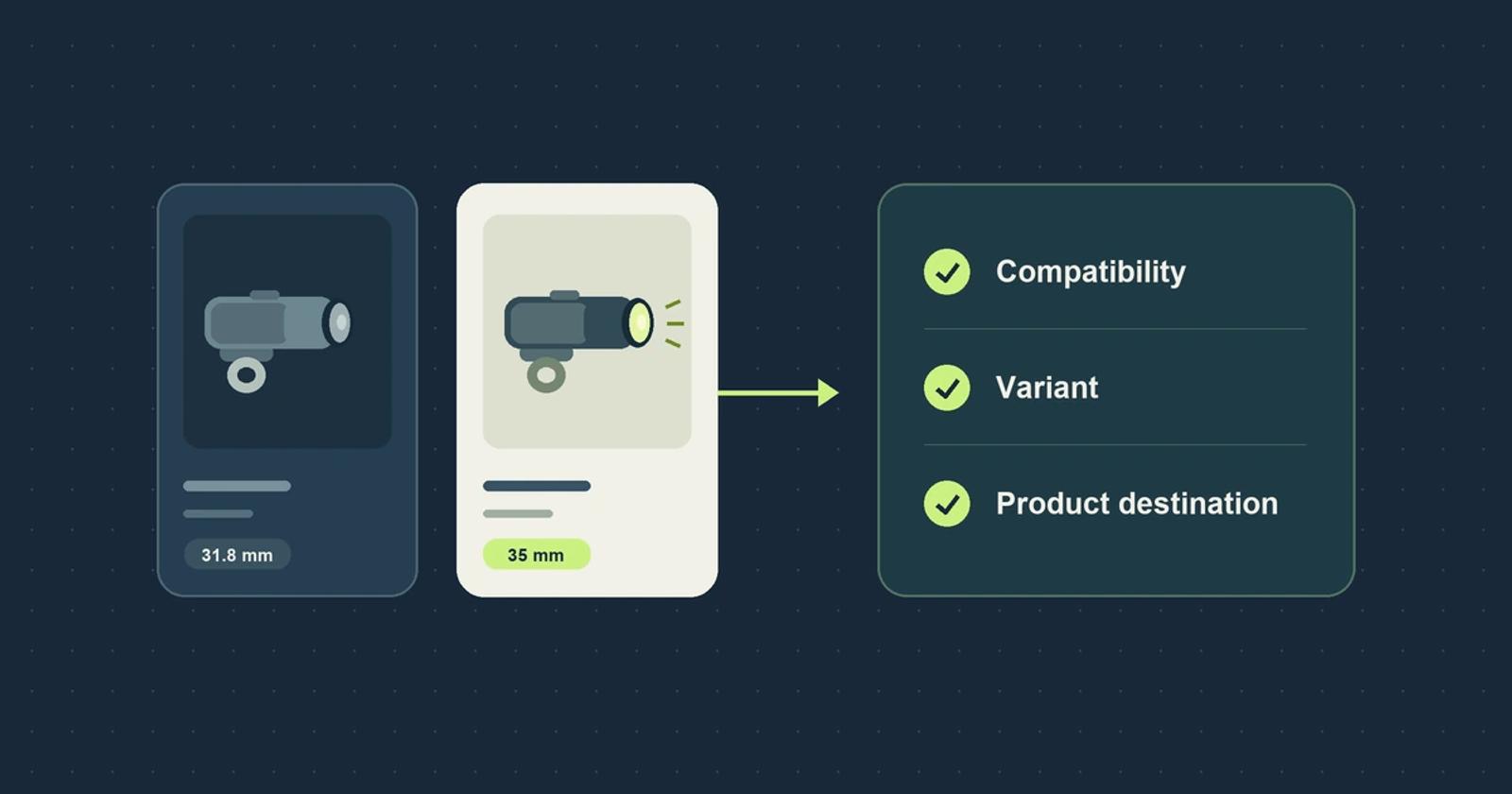
Say you sell bike lights. A shopper asks, “Which rechargeable front light under $60 fits a 35 mm handlebar?” Choose a real group of products where one model fits, a second has the wrong mounting size, and a third is sold out in the matching bundle. Have a member of your team record the expected products, variants and current details from WooCommerce before the test.
- Check compatibility. The recommendation should depend on a documented 35 mm fit. If the mount diameter is missing from the catalog, the answer should say what's missing or direct the shopper to someone who can confirm it.
- Check the follow-up. Ask for the version with the longer published battery life. The answer should keep the price and fit constraints, show where its runtime comparison comes from, and avoid presenting the sold-out option as available.
- Check the destination. Open the product link on a phone. Verify the product, price and availability. If you intend to offer an add-to-cart action, confirm that the cart contains the shopper’s actual choice and quantity. If the destination requires shoppers to select the variant themselves, make that visible.
- Check the job boundary. Switch to “Where is my last order?” and verify what the shopper sees. If your existing helpdesk owns that question, the published path should take them there or show them how to reach it.
Treat an unsupported compatibility answer or wrong cart item as a failed case. If an attribute is missing from the product data, fix the source and repeat the same question. When two tools pass, compare how much setup and catalog maintenance each adds to the support workflow you already have.
Start with one collection
Bring one collection, a few real shopper questions and the WooCommerce product records you’ll use to check the answers. Review Brambles.ai Product Discovery for the shopper experience and compare Brambles Brand plans to see the next step for your store.
Related posts
View all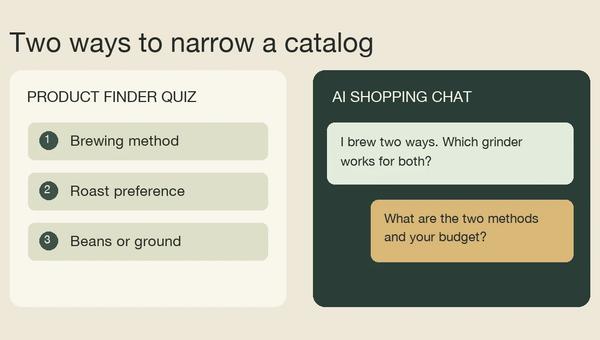
Product Finder Quiz vs. AI Shopping Chat
Choose a product finder quiz or AI shopping chat based on how shoppers describe their needs. Compare the two on the same catalog before launching.

Can AI Chat Answer Shopify Store Pickup Questions?
See what AI chat can tell a Shopify shopper about store pickup when stock varies by location or the item needs a transfer.

How to Test AI Chat for Shopify Backorders
Use one Shopify variant and three inventory states to check whether chat tells shoppers when they can order, when they’ll need to wait, and when it’s sold out.
Explore Brambles.ai
Learn more about our AI-powered agentic commerce platform, agentic shopping, and shopping assistance solutions.
Explore More Insights
Discover more articles on AI, automation, and business innovation
View All Articles