
Can AI Chat Answer Shopify Store Pickup Questions?
See what AI chat can tell a Shopify shopper about store pickup when stock varies by location or the item needs a transfer.
To test AI chat for Shopify store pickup, ask for one exact variant at a named store. Check the answer against the selected variant on the product page and the pickup option at checkout. An item can be in stock at one store and available by transfer at another. If chat can’t verify the pickup estimate, send the shopper to the product page or checkout to confirm before they make the trip.
Set up one product at two pickup locations
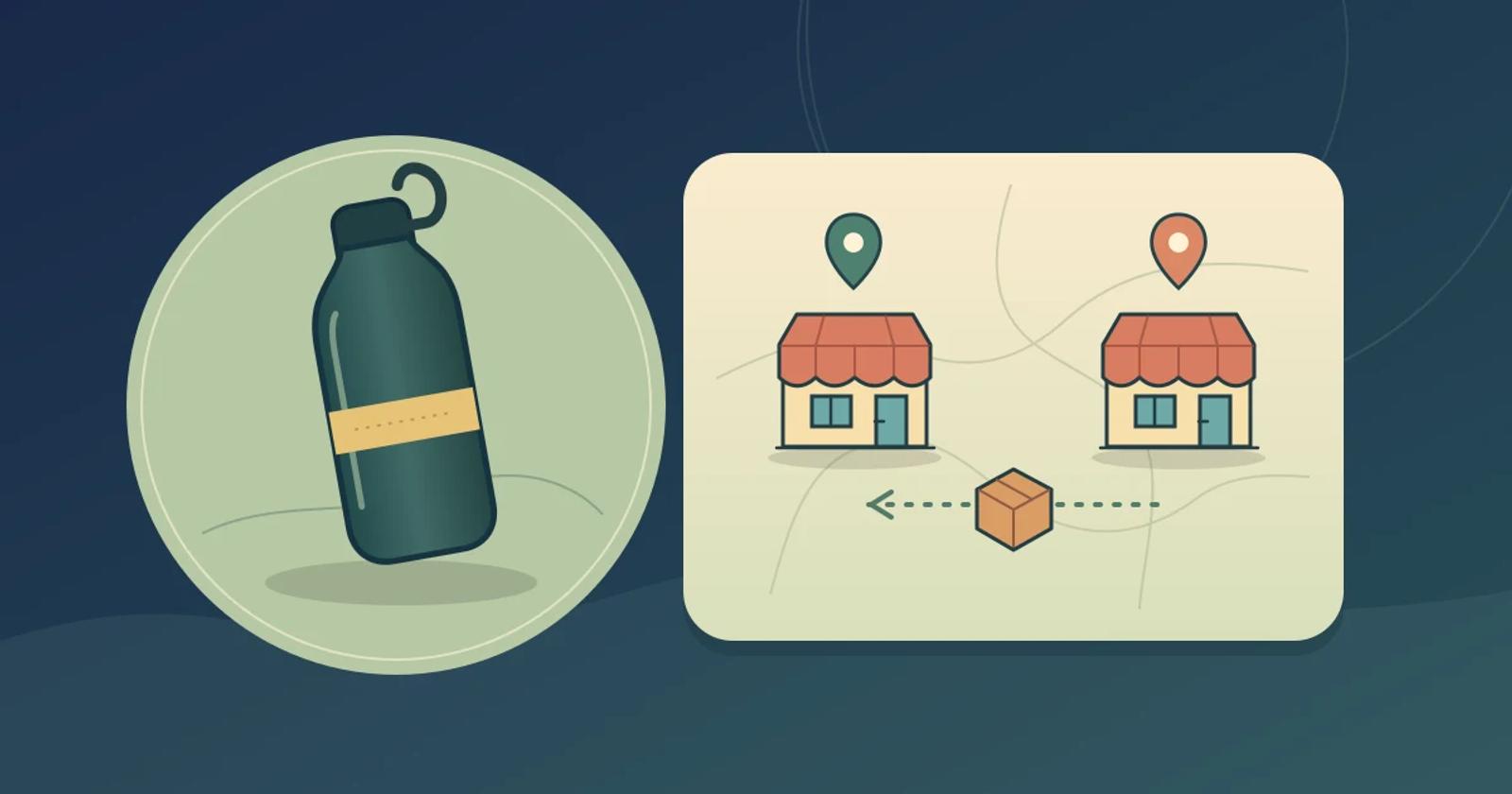
Use a Shopify test storefront with native pickup in store enabled at two locations. In this fictional example, the Trail Bottle comes in Cedar and Slate. Downtown has three Cedar bottles and zero Slate bottles. Riverside has zero Cedar bottles and three Slate bottles. Track both variants, turn off continued selling at zero inventory, and set Downtown’s regular pickup to the shortest processing time Shopify offers in your test store. Keep the same market and Online Store channel and test one unit in an otherwise empty cart.
Shopify says its native pickup option normally requires the order to be in stock at the pickup location. Eligible store transfers can make an item available at another location and change the estimate shown at checkout. Shopify’s Storefront API also distinguishes stock and pickup timing at a location. Its available field can be true even when the on-hand quantity is zero, and a returned location may have pickup disabled. Check pickup eligibility for the exact variant and quantity in checkout. Shopify pickup settings and store transfers · Shopify StoreAvailability fields
Run three pickup checks on the same storefront
- Local stock. With transfers to Downtown off, ask “Can I pick up one Cedar Trail Bottle at Downtown today?” Verify the Cedar variant and Downtown in checkout. A passing answer can give the shorter estimate displayed in checkout when it has current evidence. Tell the shopper to wait for the store’s ready-for-pickup notice before traveling.
- Wrong variant or wrong store. Keep transfers off and ask “What about Slate at Downtown?” Downtown should be unavailable for Slate under this setup. A passing answer can offer Riverside after verifying that location for Slate. Quoting Cedar’s Downtown estimate or silently changing the variant or store fails.
- Pickup by transfer. Turn on transfers from Riverside to Downtown and select a longer transfer estimate in Shopify. Keep Downtown’s Slate inventory at zero. Ask again about Slate at Downtown after checkout reflects the setup change. A passing answer uses the transfer estimate if verified, or directs the shopper to checkout for timing. Claiming Slate is already in Downtown or repeating the shorter local estimate fails.
For each case, check which variant the chat opens or adds, then compare that path with the same variant added directly from its product page. Open checkout, select pickup and record the location and displayed estimate. Stop before placing an order. A product page can show pickup availability for the selected variant when the theme supports it. Checkout is where you verify the option for the cart you actually built. Shopify’s guide to pickup on product pages
Compare Gorgias and Brambles.ai on the same pickup question
Gorgias documents that its Shopping Assistant uses the Shopify catalog, product pages, and custom product information. It recommends at the product level, so check which variant a recommended Trail Bottle actually opens. Gorgias also tells merchants to update Shopify app permissions so the assistant can see inventory across locations. Ask the same Slate question in chat and check whether the answer changes when checkout shows a transfer. Gorgias product information for AI Agent · Gorgias recommendation and inventory behavior
Brambles.ai documents Shopify catalog-aware answers, variant selection and add-to-cart actions. For the same Slate question, confirm what supplies the location and timing facts, then check whether selecting or adding from chat preserves Slate as you continue to Shopify checkout. Use these documented capabilities to set up the same three cases on both tools. The pickup answers and timing are outcomes to verify on your storefront. Brambles.ai Shopify app capabilities
Decide what you’ll let chat promise
Approve a location-specific answer when the variant, pickup location and estimate agree with Shopify for the same cart. If chat can only confirm the variant, send shoppers to that variant’s page or to checkout to check pickup. Ask shoppers to wait for the store’s pickup confirmation before they travel.
If shoppers still need help choosing a product or variant, see when an AI chatbot helps with Shopify product discovery. Start with the selected variant when you check pickup.
Bring one variant and two pickup locations to a Brambles.ai Brand pilot. If you also sell out-of-stock items for later delivery, run the separate Shopify backorder test.
Related posts
View allAI Chatbot for Shopify Product Discovery
When should a Shopify store add an AI chatbot? See how native search and AI chat handle product questions, catalog constraints and cart handoff.

How to Test AI Chat for Shopify Backorders
Use one Shopify variant and three inventory states to check whether chat tells shoppers when they can order, when they’ll need to wait, and when it’s sold out.
How to Test AI Chat for Software Compatibility
Build a five-question answer key that catches wrong-edition links and unsupported compatibility promises before a software buyer checks out.
Explore Brambles.ai
Learn more about our AI-powered agentic commerce platform, agentic shopping, and shopping assistance solutions.
Explore More Insights
Discover more articles on AI, automation, and business innovation
View All Articles