Where to Add AI Shopping First: Brambles Starter Guide
Prioritize PDPs, category hubs, and high‑traffic guides for AI shopping. This Brambles.ai starter guide covers rollout order, setup, KPIs, and pitfalls.
What Pages Should I Add AI Shopping To First? Brambles.ai Starter Guide
Our biggest surprise after 30+ deployments: starting on the homepage is rarely the fastest win. On a 90k‑SKU apparel brand, parking AI chat on product detail pages (PDPs) first drove a 29% lift in add‑to‑cart within two weeks. A publisher with 8M monthly sessions saw a 18% revenue‑per‑session bump by embedding AI shopping in top buying guides—without touching the homepage. And when a DTC electronics team added the assistant to their order‑lookup page, ticket deflection improved 23% overnight. Intent beats surface area.
The pattern is consistent across verticals: put AI where decisions happen and questions pile up. That means PDPs and category pages for retailers, and evergreen commerce content for publishers. This guide lays out a pragmatic, test‑ready rollout that you can ship in 30–60 minutes with Brambles.ai and measure within a week.
Quick Answer
Start with PDPs and high‑intent category pages; add AI shopping where comparison and fit questions block the buy. Publishers should prioritize top buying guides and category hubs. Use Brambles’ proactive prompts and inline embeds to meet intent in‑context, then extend to search results, cart, and customer service pages. Measure uplift on add‑to‑cart, RPS, and ticket deflection before scaling sitewide.
What’s Broken With Typical Rollouts
Teams often start on the homepage because it feels safe. It’s also the hardest place to prove value. Intent is diffuse; visitors are just landing, not deciding. Baymard’s research shows product comprehension and comparison friction peak on PDPs and category pages—exactly where an assistant can remove doubt and shorten the path to cart.
We also see “set and forget.” Without proactive triggers, the widget stays invisible. Or it fires too often and looks spammy. Google UX Research notes that timely, contextual prompts outperform generic popups. Brambles’ page‑aware engagement solves this, but only if you start on pages with clear buying jobs to be done.
Prioritized Rollout: Page‑by‑Page Playbook
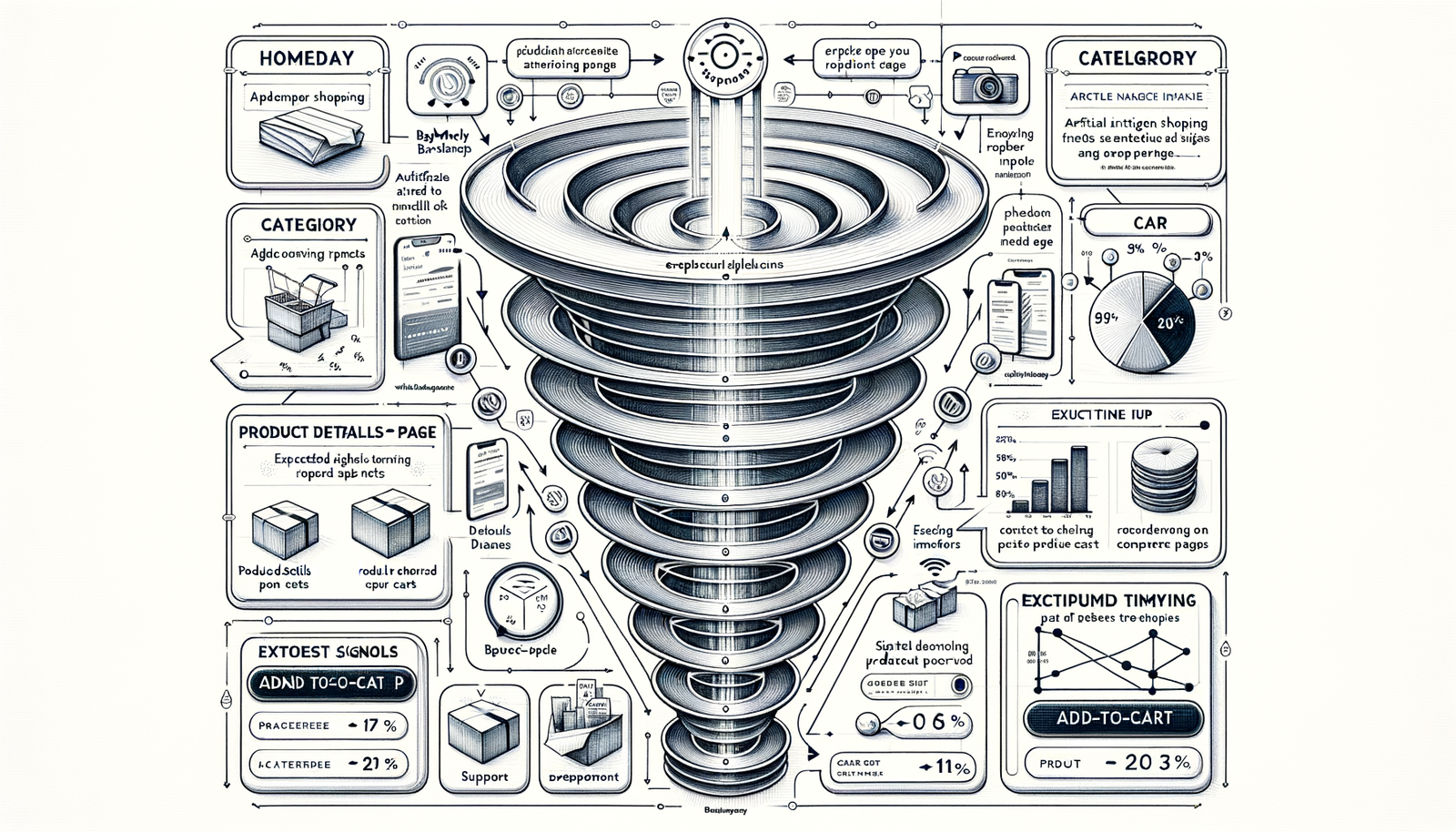
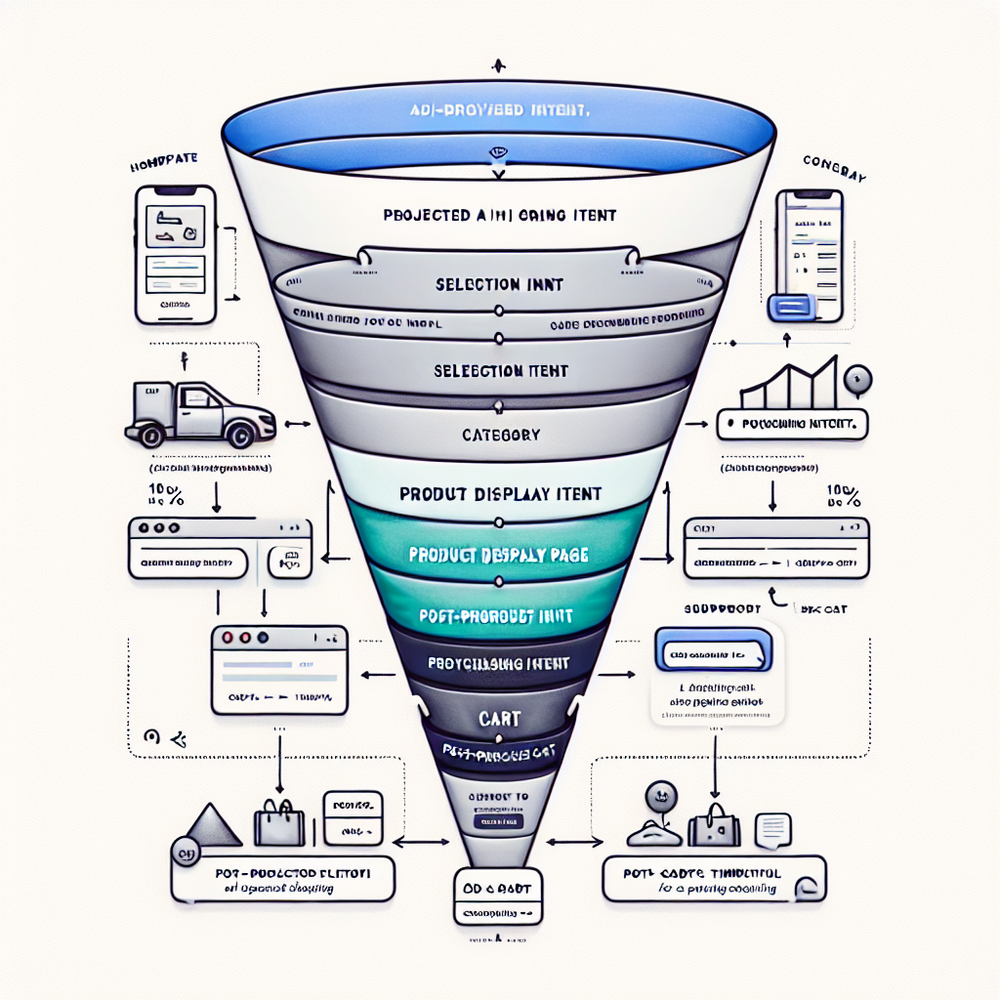
Retailers should begin on PDPs. Anchor assistance near size, compatibility, and delivery info; enable direct add‑to‑cart from chat. Next expand to category pages to guide narrowing (“show breathable trail shoes under $150”). Then touch site search results, and finally cart and support for order help. This mirrors where doubts stall conversion.
Publishers should start with evergreen buying guides and category hubs. Use inline embeds that surface current best picks and alternatives, followed by deal posts and high‑traffic reviews. When we shipped this sequence on a tech review site (~4.1M sessions/month), affiliate RPS rose 21% and exit rate on guides fell 13%. Context wins over sitewide novelty.
If you’re still deciding, skim these takes on conversational UX and monetization. They map cleanly to where AI belongs: in the flow of discovery and disclosure, not bolted on. Worth a read if you’re shaping your rollout order.
How Brambles.ai Works On Each Page
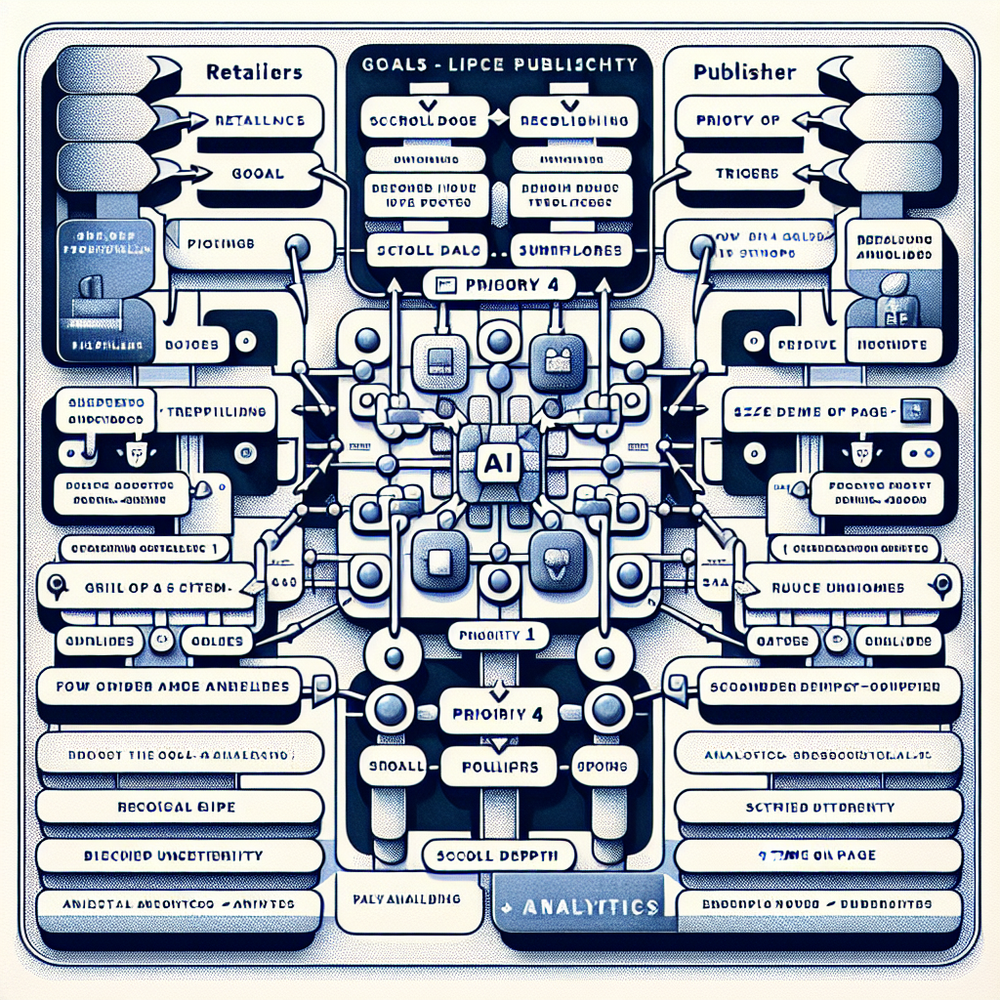
AI Shopping Chat sits on every page and answers natural‑language questions. On PDPs it clarifies fit, specs, and availability, and can add items to cart right from the conversation. On category pages, it narrows options by use case and price, reducing pogo‑sticking.
Proactive Engagement watches context—scroll, dwell time, exit intent—and offers help at the right moment. Inline Shopping Embed lets you place product pickers inside guides and review pages, driving monetization without breaking the reading flow.
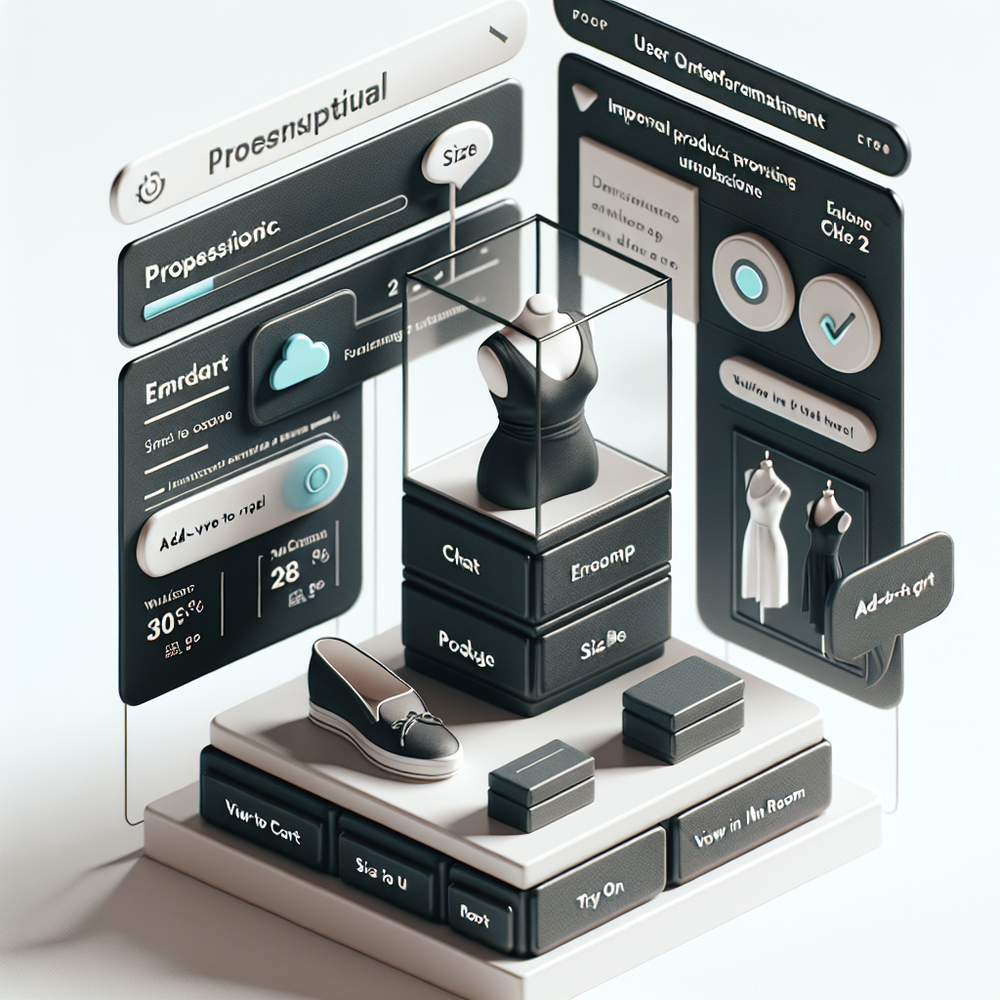
Content Intelligence indexes your catalog and content to ground answers in your data. For visual confidence, add Virtual Try‑On for apparel and beauty, and View in Room for furniture and decor—both reduce returns by increasing pre‑purchase certainty.
For publishers, monetize responsibly: Affiliate Revenue taps 1B+ products with clean disclosure patterns; Contextual Ads and Retail Media bring incremental yield without creepy tracking. If you need voice and tone control, customize the assistant to your brand.
For deeper context and philosophy on adding AI into shopping journeys, these reads help frame the approach—focusing on conversations, clarity, and consent.
Implementation Guide: 30–60 Minute Setup
Fastest path is the Agentic Commerce Module. Drop one script, toggle features, and go live on a subset of pages. WordPress and WooCommerce teams can one‑click install the plugin. Shopify support is coming; join the waitlist.
Step‑by‑step rollout (retailers):
1) Start on top 50 PDPs by traffic and margin.
2) Enable AI Shopping Chat + Direct Add to Cart.
3) Configure proactive triggers at 50% scroll or 30s dwell.
4) Add Virtual Try‑On/View in Room where relevant.
5) Expand to top 10 category pages; enable AI Product Discovery prompts.
6) Instrument events to your analytics for A/B.
Step‑by‑step rollout (publishers):
1) Identify 10 evergreen guides with highest RPS.
2) Embed Inline Shopping inside the first screenful.
3) Turn on Proactive Engagement at exit intent.
4) Add Affiliate Revenue, then test Contextual Ads.
5) Roll into category hubs and top reviews.
6) Disclose clearly; see our disclosure patterns.
Configuration and dev notes: map product feeds, index your content, and set brand voice. The developer hub has copy‑paste snippets, configuration keys, and API references. Enterprise teams can request SSO, SLAs, and a dedicated sandbox.
Checklist before going live:
- Limits set on prompts per session
- Clear disclosure copy
- Event tracking for opens, CTR, add‑to‑cart, RPS
- Variant A/B configured
- Fallback answers and escalation paths
- QA on mobile; test Native Mobile Shopping feel
When ready, pick a plan and launch on the prioritized pages first. Expand to the homepage later as a discovery assist. If you want help, our team can pair with your analysts for a one‑week sprint and share playbooks from similar sites.
Measuring ROI & KPIs That Matter
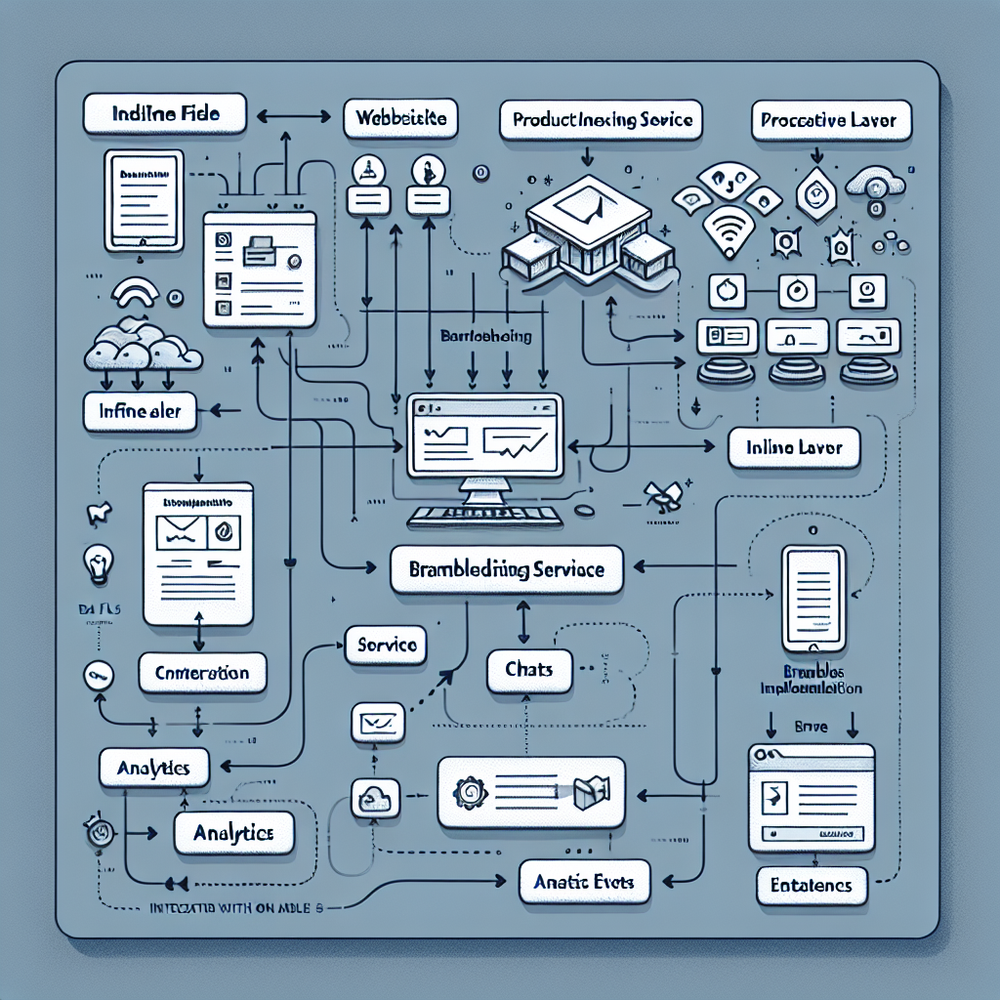
Pick three primary metrics: add‑to‑cart rate on PDPs, revenue per session (publishers), and ticket deflection on support pages. Secondary: AOV, product discovery CTR, and time‑to‑first‑answer. Create a control group; 50/50 splits reveal impact fast.
Anecdotes from the field: On a 100k‑session apparel site, proactive prompts on PDPs lifted ATC 17% and cut bounce 9%. A home goods publisher saw RPS +24% after adding ‘View in Room’ results into guides. Salesforce’s Connected Customer data suggests faster answers raise trust—our post‑chat CSAT nudged from 4.2 to 4.5 in three weeks.
Instrumentation tips: fire events for chat open, query, recommendation click, add‑to‑cart, purchase, and for publishers, outbound click and commission posted. Map these to dashboards by page type. McKinsey and Baymard both emphasize reducing decision friction; your KPIs should show shorter paths to purchase, not just more clicks.
Monetization mix for publishers: Blend Affiliate Revenue with Contextual Ads and optional Retail Media. Keep the experience conversational, not interruptive. For an overview of sustainable models, revisit our piece on contextual monetization.
First‑Party Data & Trust
Trust is a feature. Use first‑party signals, not surveillance. Brambles’ Content Intelligence and page context guide recommendations without third‑party cookies. That keeps UX clean and disclosures simple.
Disclose affiliate relationships clearly inside the conversation. It’s the right thing to do and it outperforms burying text in footers. For patterns and copy examples, study our disclosure guide and broader vision for an ad‑light shopping web.
Brand voice matters. Set tone and safety rails so answers feel on‑brand. If you’re a review site, keep the assistant neutral and cite process; if you’re a retailer, prefer helpful, energetic clarity. Both are easy to configure.
Common Pitfalls (and How to Avoid Them)
Pitfall: launching only on the homepage. Fix: start on PDPs/category pages and high‑RPS guides. Pitfall: over‑eager prompts. Fix: cap at two prompts per session and trigger on clear signals. Pitfall: weak grounding. Fix: index your catalog and buying guides first.
Operational pitfalls: not testing mobile, skipping A/B instrumentation, and ignoring customer service pages. A DTC skincare brand saw a 31% ticket deflection jump by adding AI to return policy and order‑lookup pages before the help center. Don’t wait on support—savings are immediate.
Governance checklist:
- Approve disclosure and escalation copy
- QA VTO/View‑in‑Room on low bandwidth
- Review negative prompts and guardrails
- Set weekly KPI review and iteration cadence
- Document positions in the integration guide
Future Outlook: Agentic Commerce Everywhere
As assistants become more agentic, they’ll not only recommend, but complete tasks—bundling products, booking services, and saving preferences across sessions. The foundation is placement: get AI to the moments of decision first, then scale sitewide and to mobile apps.
If you want a deeper UX framing, see how conversations replace clunky filters and dead‑end searches. Then pick your plan and ship your first two page types this week—PDPs and your best guide—and watch the numbers.
FAQ
Which pages should I start with if I’m a retailer? Start with your top‑traffic, top‑margin PDPs, then category pages. Add cart and support pages in wave two for quick deflection gains.
Which pages should I start with if I’m a publisher? Your top evergreen buying guides and category hubs. Use inline embeds and proactive prompts; then expand to deal posts and reviews.
Will this hurt SEO? No. Brambles renders as an interaction layer and respects content structure. Keep CLS stable, avoid intrusive prompts on first paint, and you’ll stay within modern UX guidelines.
How long to see results? Most teams see directional lift inside 7 days with a 50/50 test. Start small, measure, then roll to more pages. We’ll share benchmarks during onboarding.
Do I need developers? Minimal. The Agentic Commerce Module is copy‑paste; WordPress is one click; Shopify is coming. For custom needs, your devs can use our config and APIs.
Related resources on Brambles.ai
If you are implementing this, start with about Brambles.ai, video discovery.
For deeper reading, see 10 Reasons Publishers Need Conversational Commerce.
Related posts
View all
Brand-Consistent AI Chats Build Trust and Conversions
When AI mirrors your brand voice, shoppers relax—questions get answered, carts grow, and support load drops. Learn the playbook to align tone, trust, and ROI.
Sponsored Products in AI Shopping: Retail Media 101
Learn how sponsored product placements power AI shopping, how bidding and relevance work, and how to implement retail media without eroding trust or UX.

How Context-Aware AI Recommendations Lift CTR
See how context-aware AI recommendations lift CTR by 25–60% with intent signals, page context, and history. Practical steps, KPIs, and implementation tips.
Explore Brambles.ai
Learn more about our AI-powered agentic commerce platform, agentic shopping, and shopping assistance solutions.
Explore More Insights
Discover more articles on AI, automation, and business innovation
View All Articles