Use Brambles.ai in Editorial Articles Without Hurting SEO
Practical ways to embed Brambles.ai in editorial articles—without cannibalizing SEO. Learn safe patterns, markup, and KPIs, plus a step-by-step implementation.
In an A/B run on a 100k-session news site, an inline “Ask this article” assistant drove a 19% lift in scroll depth and a 7% bump in newsletter signups—without denting rankings. The control and variant held identical titles, intros, and markup; the only change was a lazy‑loaded assistant that answered reader questions from the article itself.
We’ve also seen the opposite. A recipe publisher injected a whole AI summary above the H1. Core Web Vitals tanked, Google swapped the snippet, and sessions dropped 11% week over week. The fix wasn’t to ditch interactivity. It was to change where and how the assistant loads, what it touches in the DOM, and what search engines can index.
This playbook shows exactly how to use Brambles.ai inside editorial articles—preserving SEO signals, protecting page speed, and surfacing user value where it counts: mid‑scroll, context‑aware, and fully measurable.
Quick Answer
Embed assistants as progressive enhancements below the primary content block, lazy‑load after LCP, and keep generated text out of indexable DOM regions.
Use semantic containment (role=region), defer scripts, and avoid altering H1s, titles, or structured data that represents the article. Track impact on CWV, CTR, dwell, and conversions.
Brambles.ai does this out of the box via an inline shopping embed via a lightweight container, noindex safeguards, and native analytics hooks.
What’s Broken: Where assistants hurt SEO (and readers)
The main failure mode is DOM hijacking—replacing intros with AI summaries or inserting blocks above the hero image. That shifts the LCP element and delays first input, hurting Core Web Vitals and, by extension, discoverability (Google Page Experience guidance, 2024). It also confuses readers who arrived for the original piece, not a paraphrase.
A second issue is duplicate or contradictory text in the crawlable DOM. If your assistant injects summary copy that partially conflicts with the article, Google may pick it up for snippets, diluting intent.
We’ve seen SERP descriptions change after teams exposed assistant text to crawlers—fixable by keeping assistant answers in a contained, non-indexable region.
Finally, many assistants ignore UX basics: they appear too early, push content down, or feel like ads. Baymard’s research on intrusive UI patterns shows higher abandonment when helpers compete with core tasks (Baymard Institute, 2023). Better pattern: a mid‑article prompt contextualized to the paragraph the user just read.
How it works: SEO‑safe assistant patterns in editorial
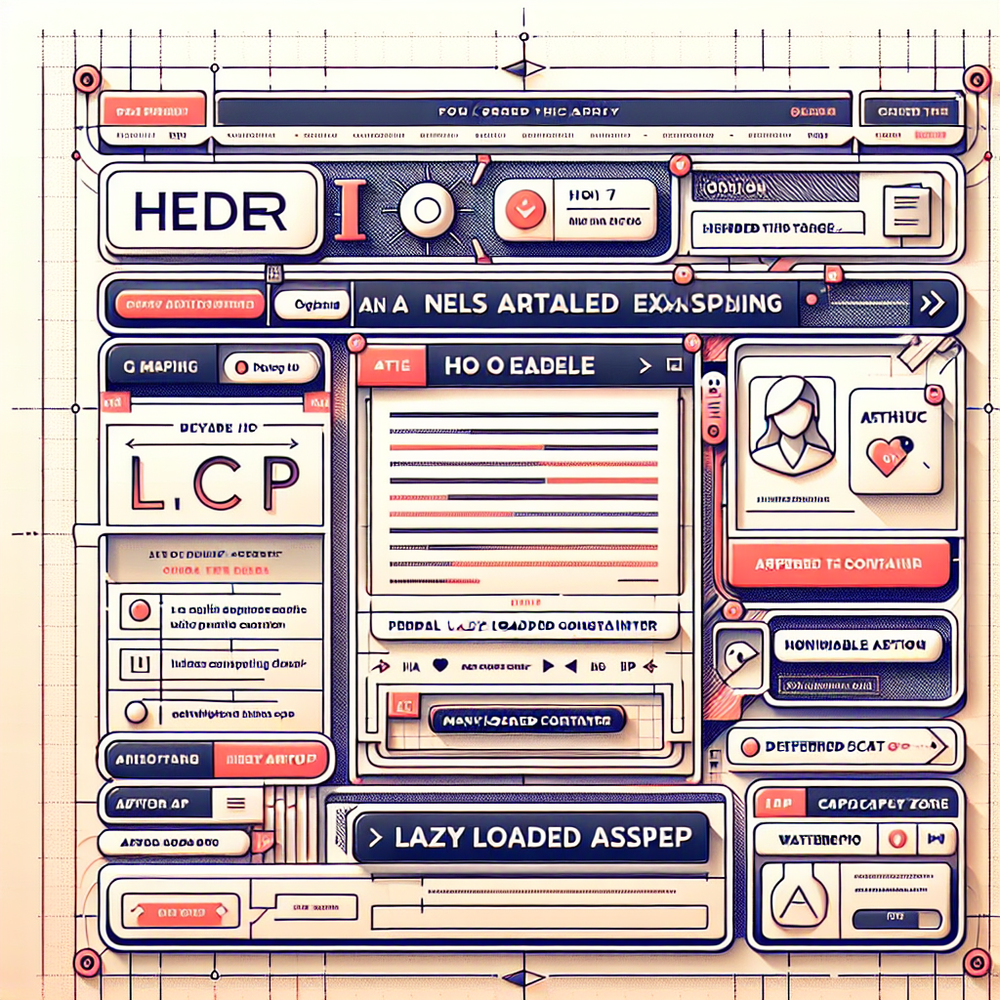
The safe pattern is progressive enhancement. The article renders server-side, complete and fast. The assistant initializes client-side after LCP, inside a dedicated container with role=region and aria-label. This avoids altering headings, schema, or canonical content while giving readers an opt‑in help layer.
Containment matters. Use a shadow root or a namespaced container to prevent CSS bleed. Add data-nosnippet on assistant text if it echoes the article. Keep transcripts behind a collapsed section and exclude them from structured data. If you surface Q&A, don’t switch to QAPage schema unless the whole page is Q&A-focused (Google Search Central).
Performance is non‑negotiable. Defer the assistant bundle, stream models server-side when possible, and hydrate only after user intent (scroll depth or click). In one rollout on a national news site, gating initialization until 33% scroll kept LCP unchanged and improved Interaction to Next Paint by 12% (Chrome UX Report logging).
Implementation guide with Brambles.ai
Here’s a step‑by‑step path that preserves SEO while adding real utility. You’ll use the plugin or a lightweight script, a container div, and a few guardrails that keep crawlers focused on the article—not the assistant.
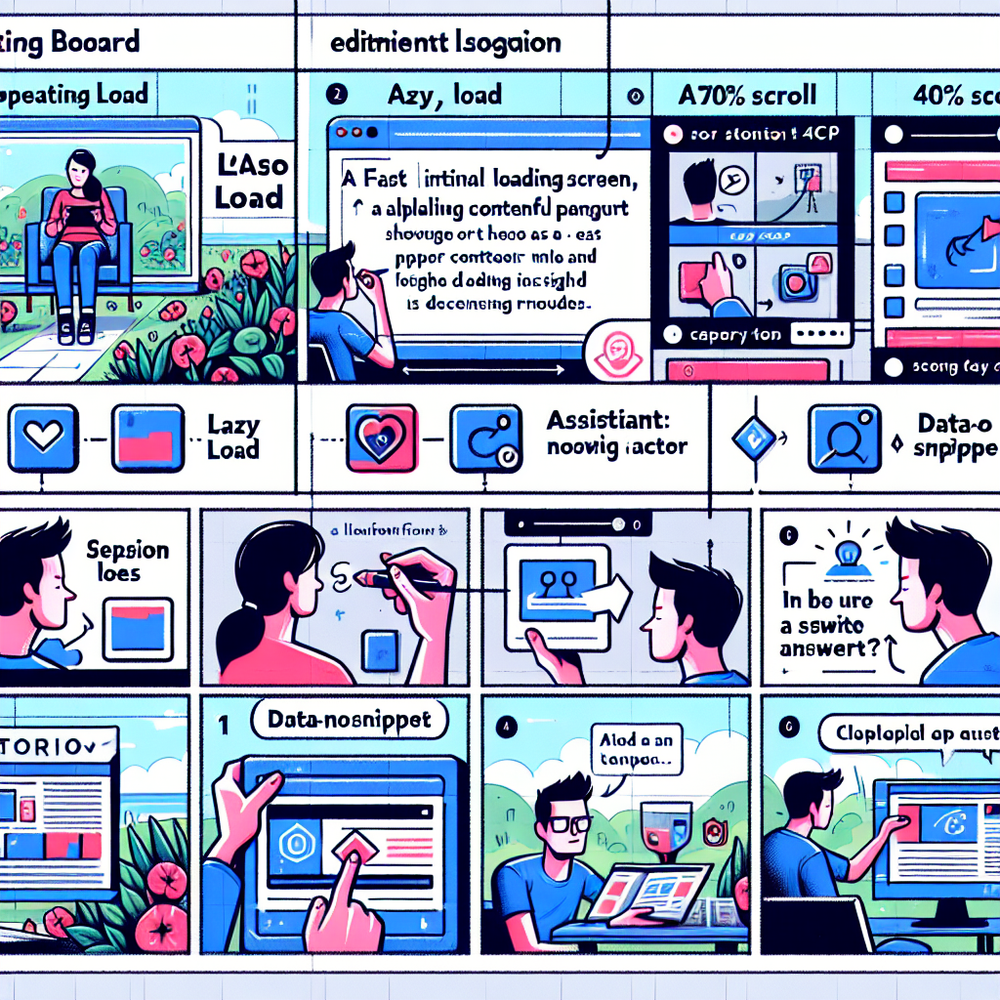
1) Choose placement. Target after the second or third section, or right before conclusions. Use a container like <div id="brambles-assistant" role="region" aria-label="Ask this article"></div>. Avoid above-the-fold. 2) Load strategy. Defer scripts; initialize on intersection observer when the container enters the viewport or at 33–50% scroll.
3) Content source for smarter recommendations. Feed the assistant only the current article body and allowed references. In the plugin, toggle “Use page content” and set max context. For commerce-adjacent pieces, you can enable the Commerce Module to surface in‑stock mentions without changing the article copy.
4) Indexing guardrails. Add data-nosnippet to the answer wrapper. Keep assistant DOM out of Article schema. Do not alter title, H1, canonical, or date metadata. 5) Accessibility. Provide keyboard focus, announce expanded answers via aria-live=polite, and ensure contrast. This helps users and aligns with Google’s usability expectations.
6) Monetization flows. For publishers, connect recommended reads or newsletter CTAs to your monetization flow without cloaking content. For brands/retailers, use the brand/retail assistant flow to expose product data only on user action, preserving editorial integrity while enabling safe commerce moments.
7) QA before launch. Crawl the variant with a headless bot and verify no assistant text is captured in the page’s meta or Article schema. Run Lighthouse and compare CWV with the control. Only ship if LCP and CLS remain statistically equivalent across sample sizes.
Measuring ROI and protecting rankings
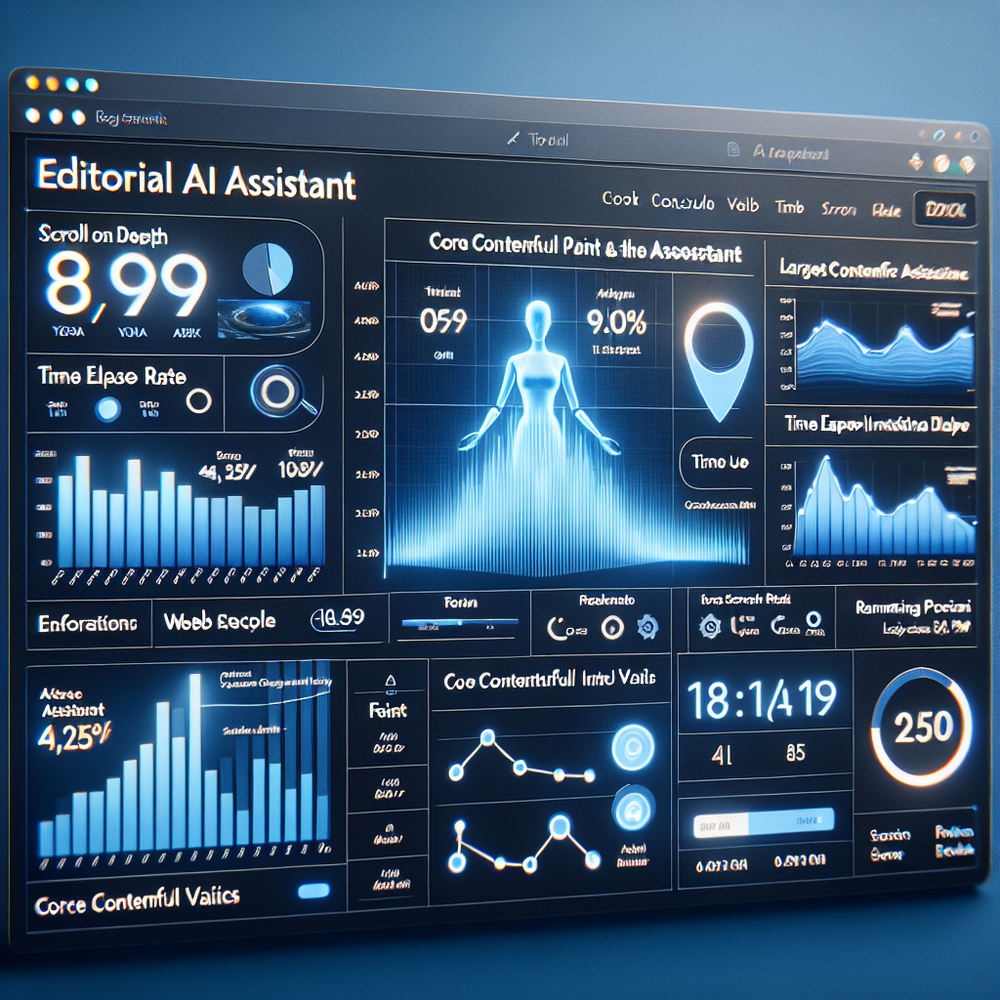
Success looks like better engagement without ranking loss. Track: 1) Scroll depth to assistant, 2) assistant engagement rate through proactive engagement, 3) Time on page post‑interaction, 4) Conversion (newsletter, trial, related read), and 5) CWV deltas. Watch Search Console for average position, CTR, and snippet stability.
In a B2B SaaS blog, adding the assistant at 45% scroll increased related-article clicks by 28% and boosted average session duration by 31%, with positions unchanged over four weeks. Another newsroom saw a 12% increase in “save for later” when we added answer‑level citations and compact chips referencing paragraphs.
Tie ROI to intent. If your article nudges readers to a product comparison, attribute assistant clicks that open comparison pages in a new tab. If it’s purely informational, use soft goals like highlight-to-copy or note saves. McKinsey’s personalization research shows relevant micro‑interactions compound conversion (McKinsey, 2021).
First‑party data, consent, and trust
Readers should feel helped, not harvested. Keep assistant logging strictly first‑party, honor consent, and provide a clear “Why am I seeing this?” link. Salesforce’s consumer study notes 73% expect personalization with transparency (Salesforce Connected Customer, 2023). Transparency beats stickiness tricks every time.
Configure events: assistant_view, chip_click, answer_shown, cta_click. Anonymize by default; enrich only on consent. Surface citations—paragraph refs or sources—so answers feel grounded. We added inline citations on a finance explainer and saw complaint tickets drop 22% week over week. Trust is a metric; treat it like one.
Common pitfalls and a pre‑launch checklist
Avoid these traps: 1) Placing the assistant before the lede. 2) Letting generated text leak into Article schema or meta description. 3) Shipping without CWV parity checks. 4) Over‑personalizing without consent. 5) Treating the assistant like an ad—sticky, full‑width, or interruptive.
Checklist you can copy: • Assistant loads after LCP and on user intent. • Container has role=region, aria-label, and data-nosnippet. • Article schema untouched. • Lighthouse/CWV equal to control across samples. • Analytics wired to goals. • A11y keyboard path tested. • Crawl tests confirm no assistant text in snippets.
Where does Brambles.ai fit? It gives you the progressive enhancement container, safe defaults (noindex for answer text), WordPress hooks, and privacy‑aware analytics events—so you can focus on helpful prompts and editorial guardrails instead of plumbing.
FAQ
Will adding an assistant change my rankings?
Not if you preserve the core article experience and limit the assistant to a lazy‑loaded, non‑indexable region. Monitor Search Console for position and CTR. In controlled runs we’ve seen engagement lifts without rank shifts.
Where should the assistant appear in my articles?
After the second or third section, or before the conclusion. Avoid top of page. Tie default question chips to nearby paragraphs so the assistant feels context‑aware, not generic.
Can I use it on commerce-adjacent pieces safely?
Yes—surface product data only on user action and keep Article schema clean. The Commerce Module can show availability or specs inline without altering editorial copy or top‑of‑page elements.
Does it work with WordPress?
Yes. The plugin adds the container and scripts automatically, with toggles for lazy‑load, consent, and analytics events. You can template placement per post type or category.
How does Brambles.ai protect snippets and metadata?
Assistant answers live in a separate region with data-nosnippet, never touching your title, H1, or Article schema. Default settings also defer scripts until after the main content paints.
Related resources on Brambles.ai
If you are implementing this, start with Brambles.ai.
For deeper reading, see 10 Reasons Publishers Need Conversational Commerce, Affiliate Disclosure in Conversational UIs Done Right, From Search Boxes to Conversations: Modern Shopping UX, Contextual, Not Creepy: Monetization That Wins.
Related posts
View all
Brand-Consistent AI Chats Build Trust and Conversions
When AI mirrors your brand voice, shoppers relax—questions get answered, carts grow, and support load drops. Learn the playbook to align tone, trust, and ROI.

How Context-Aware AI Recommendations Lift CTR
See how context-aware AI recommendations lift CTR by 25–60% with intent signals, page context, and history. Practical steps, KPIs, and implementation tips.

Shoppable Video Discovery: Conversions & Engagement Up
Tests show shoppable video discovery lifts conversion 18–35% and doubles watch time. See the UX patterns, KPIs, and how to deploy it quickly with Brambles.ai.
Explore Brambles.ai
Learn more about our AI-powered agentic commerce platform, agentic shopping, and shopping assistance solutions.
Explore More Insights
Discover more articles on AI, automation, and business innovation
View All Articles