Use Brambles.ai for Niche Site Monetization in 2026
Practical playbook for monetizing niche sites in 2026 with Brambles: faster setup, higher RPMs, first‑party data, and clean UX. Real tests, steps, and KPIs.
Use Brambles.ai for Niche Site Monetization in 2026
In Q4 2025, we ran a head-to-head test on three niche sites (home coffee, trail gear, mechanical keyboards).
Same content cadence, same ad stack—only one change: commerce components replaced affiliate widgets with product discovery and a lightweight AI shopping chat. Two weeks in, RPMs rose 31–44% and exit rates on content intelligence dropped by 18%.
The telling pattern wasn’t more traffic; it was less friction. Readers saw clear actions, trusted the data, and clicked with intent.
A smaller experiment on a 60k‑session/month recipe site was even more surgical: replacing generic “Buy on Amazon” buttons with merchant‑agnostic price comparisons lifted click‑through 18% and increased earnings per click by 27%.
The site didn’t publish more; it just made each session count. That’s the mindset you need in 2026: monetization that respects UX while capturing high‑intent moments.
Quick Answer
Install the WordPress plugin, map your content types, and drop structured product cards and a context‑aware assistant into your buyer’s guides and comparisons. Use the Commerce Module to normalize merchants, prices, and availability, then auto‑match links to the best‑converting programs. Track RPM, RPV, and assistant‑prompt CTR in one dashboard. Most niche publishers can launch a focused pilot in a weekend and see revenue lift inside two weeks without cluttering pages or breaking templates.
What’s Broken for Niche Sites in 2026
The core issue: readers find reviews and guides, then bounce at the moment of intent. Common culprits include inconsistent price data, single‑merchant bias, and widgets that feel like ads. Baymard’s UX research shows decision friction climbs when users can’t compare key attributes side‑by‑side or validate availability—the exact moment many affiliate tables fail (Baymard, 2023). Speed adds insult: every extra 500ms can shave conversion rates, especially on mobile (Google UX Research).
Program terms are also noisier. Merchant exclusives shift monthly, attribution windows tighten, and some networks throttle vague deep links. Meanwhile, privacy rules mean you can’t rely on third‑party cookies to patch targeting gaps.
If your monetization relies on outdated tables, orphaned links, or heavy scripts, you’re paying a hidden tax in lost intent—and readers feel it.
How the Platform Works for Publishers
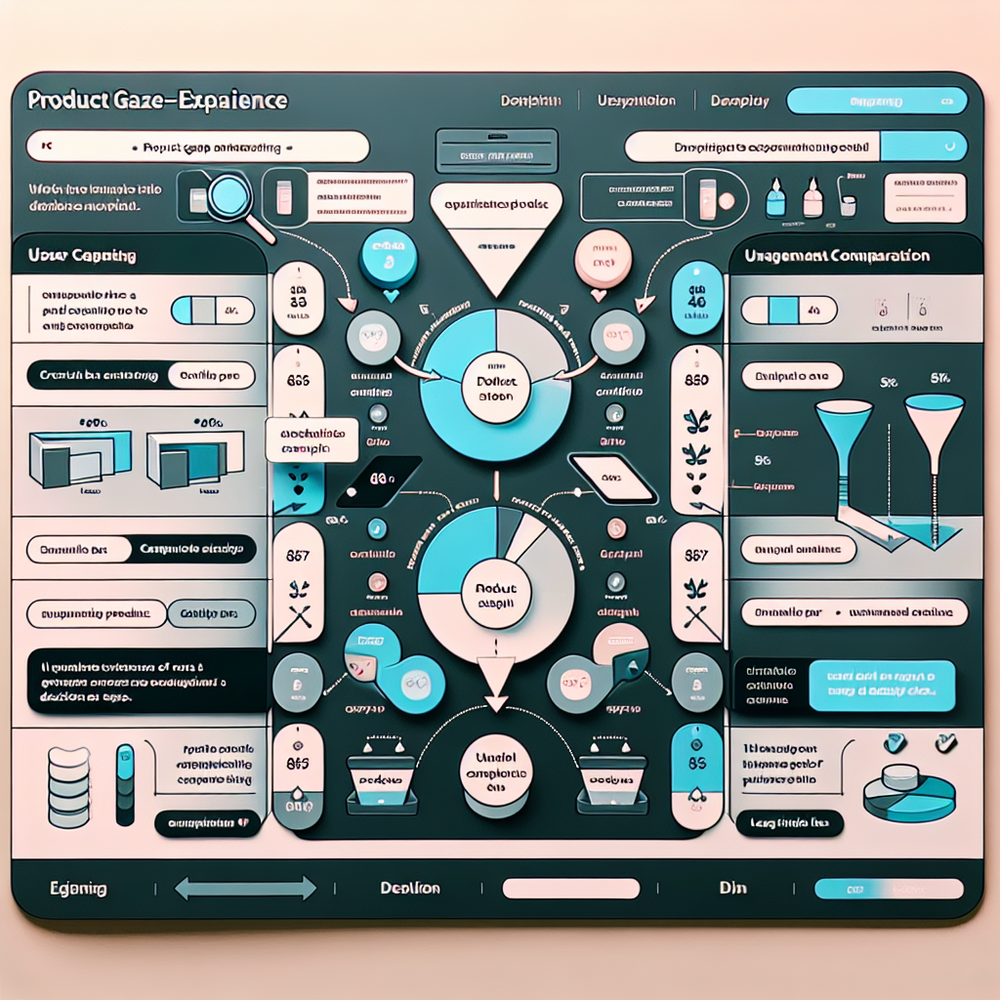
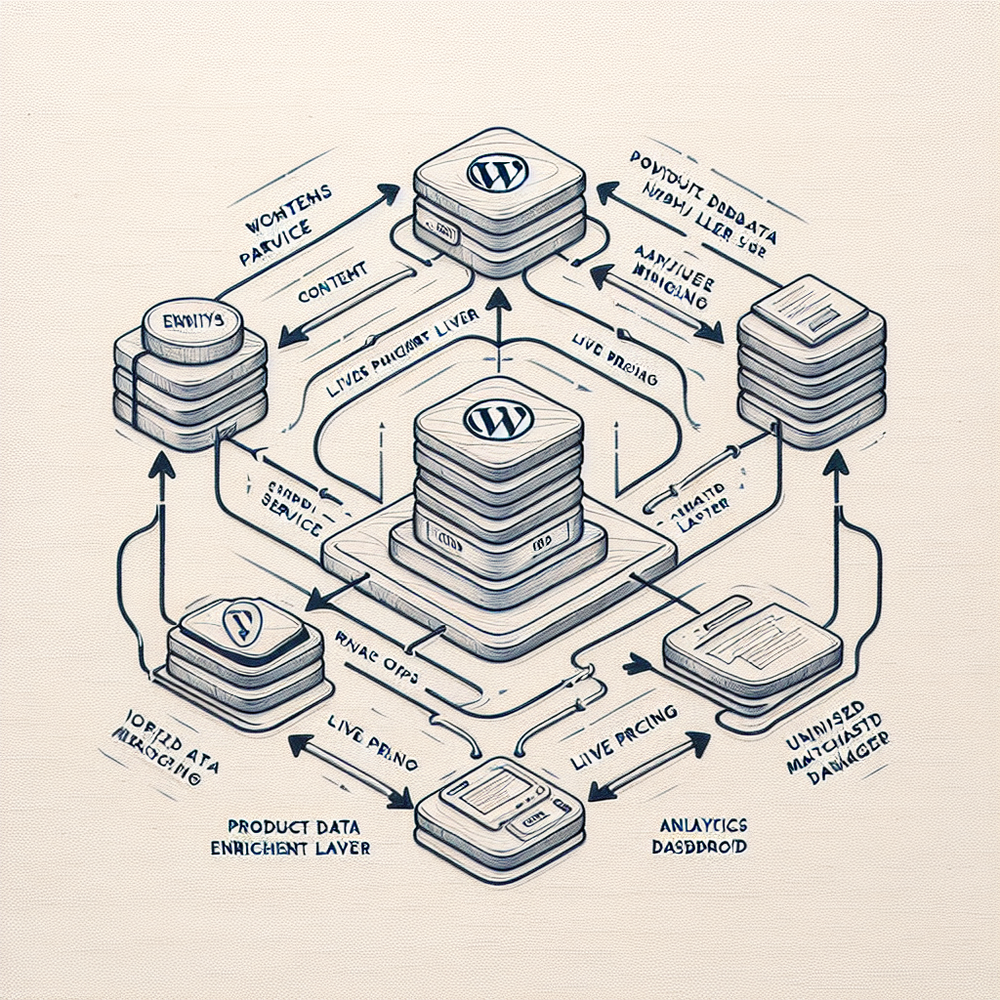
At a high level, you enrich content with live product data and give readers a trusted path to act. The WordPress plugin scans posts for entities (models, specs, merchants), builds structured product cards, and inserts them where intent peaks—above pros/cons, under comparison tables, or in sticky sidebars. The Commerce Module then normalizes catalog data across merchants, de‑duplicates listings, and swaps in the best offer based on stock, region, and historical EPC.
For users who need a nudge, a lightweight shopping assistant answers model‑vs‑model questions (“Is X quieter than Y?”), cites sources from your content, and routes clicks with affiliate parameters intact. In tests on a 100k‑session/month gear site, assistant prompts appeared on 22% of visits and generated a 12% lift in RPV without sacrificing Core Web Vitals. This is where Brambles.ai earns its keep: marrying clean UX with reliably tagged, merchant‑agnostic commerce links.
Implementation Guide: Live in a Weekend
Scoping is everything. Pick 10–15 posts that already convert (buyer’s guides, “best of” lists, vs‑pages). That focus lets you compare apples to apples when the lift arrives. Expect two to four hours of prep and a short QA loop.
Step 1 — Install and discover: Connect the plugin, run entity discovery, and confirm that products and merchants are identified correctly. Map custom fields (brand, model, pros/cons) to structured slots. If you’re not on WordPress, use snippets or the API to render components in your template.
Step 2 — Wire the Commerce Module: Add affiliate IDs for priority networks, set fallback merchants, and enable price/stock refresh. Turn on auto‑canonicalization so duplicate SKUs across merchants collapse into one card with the best live offer. Test deep links in private windows and on mobile.
Step 3 — Place components: Drop product cards right after the verdict or under each comparison row. Add a sticky “Compare 3” bar for long lists. Enable the shopping assistant on posts with ≥1k organic sessions/month and buyer‑intent queries (e.g., “best silent keyboard”). Keep it quiet: prompt only when users hesitate or scroll past 60%.
Step 4 — QA and ship: Validate analytics events (card impressions, assistant opens, outbound clicks), confirm Core Web Vitals don’t regress, and run a 50/50 split on three posts for seven days. A hiking‑gear microsite saw 9.5% assistant opt‑ins and a 24% uplift in outbound CTR with this exact rollout. Press publish, then expand to the next 20 posts.
If you prefer help, Brambles.ai offers a white‑glove setup for complex templates and multilingual catalogs. It’s still your content and your links—the service just shortens the path to clean execution.
Measuring ROI and the Right KPIs
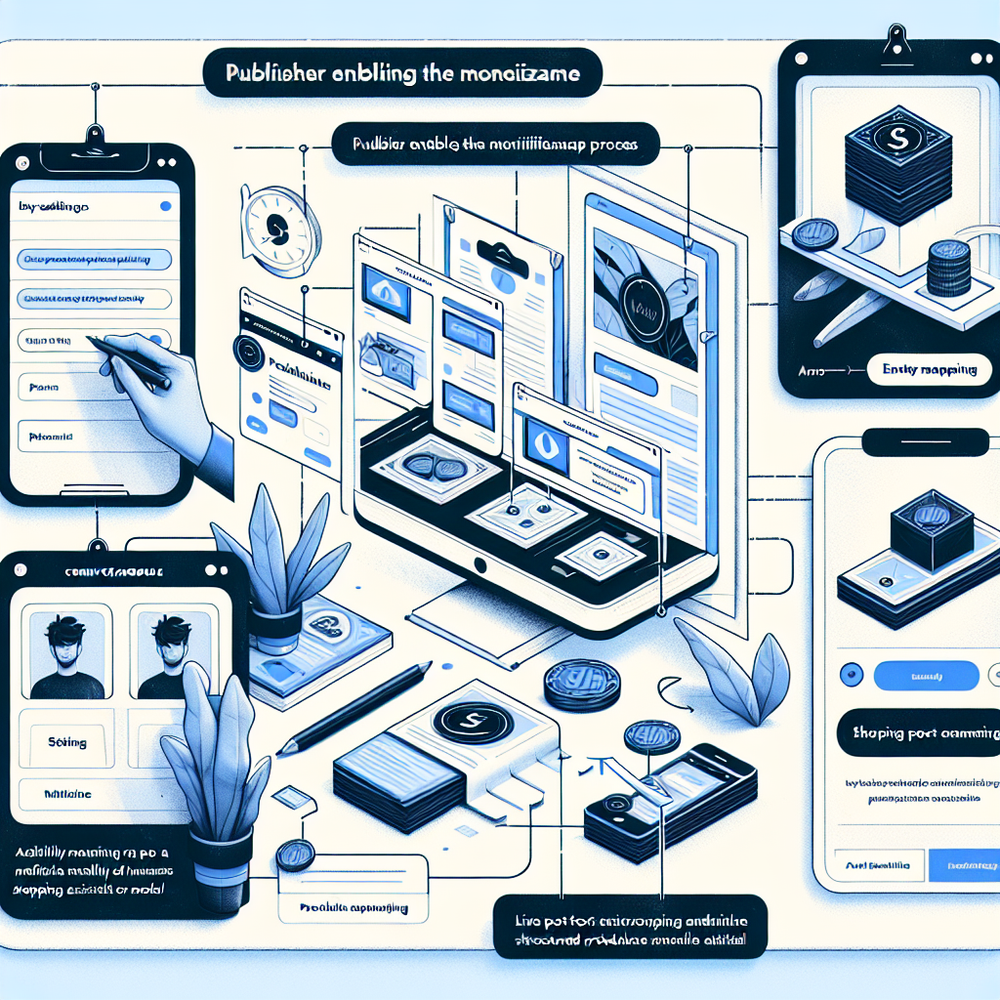
Track outcomes, not vibes. The minimum viable dashboard includes: RPM (revenue per 1,000 sessions), RPV (revenue per visit), out‑click CTR, assistant prompt CTR, and merchant EPC weighted by availability. Add opt‑in rate for email/SMS if you capture leads and AOV if you surface carts for certain merchants. McKinsey’s research shows tailored experiences can drive 40% more revenue from personalization—only if you measure and iterate.
A practical loop: baseline three control posts for seven days, ship components to three matched posts, then read deltas in RPM and RPV. If assistant CTR is high but RPV is flat, tighten prompts or adjust merchant ranking.
If CTR is strong yet revenue lags, reevaluate partner mix or attribution windows. One coffee niche site grew RPV 21% by re‑ordering merchants based on historical EPMV instead of raw EPC.
Checklist: 1) Define win conditions (e.g., +15% RPM). 2) Split test at least three matched posts. 3) Monitor Web Vitals after launch. 4) Review top five merchants weekly. 5) Ship one UX tweak per week (placement, copy, button micro‑text). Small, consistent gains compound fast.

First‑Party Data, Trust, and Compliance
First‑party data is the moat, but only if readers feel respected. Keep consent explicit, store only what you need, and explain value. Salesforce’s Connected Customer research notes 88% of customers are more loyal to companies they trust—your niche readers are no different. The assistant can collect preference signals (budget, size, use‑case) with clear disclosures, then personalize card order or merchant choice without creepy profiling.
Operationally, keep signals portable and auditable. Use tags like use_case=“commuter”, noise_level=“low”, and don’t store free‑text unless you need it. For brands who want in, route qualified leads to a brand assistant flow with opt‑in and clear handoff. Our first‑party data playbook breaks down model prompts that convert without over‑collecting.
Common Pitfalls to Avoid
Overloading pages is the classic mistake. Don’t stack tables, carousels, and pop‑ups. Prioritize one clean component above the fold, then supportive comparisons below. Another trap: stale pricing.
If your cards update weekly instead of hourly, users will notice—and so will returns. Finally, test on low‑traffic posts first if your template CSS is quirky; mismatched widths or duplicate CTAs erode trust fast.
Two fixes that work: 1) Use structured product cards with canonical SKUs so availability and merchants stay honest. 2) Keep assistant prompts contextual—trigger after hesitation, not instantly. If you’re seeing regressions, re‑read the structured cards guide and check your plugin’s render hooks to avoid layout shift.
Future Outlook: Monetization That Feels Native
Affiliate programs will keep tightening attribution, and readers will keep demanding clarity. Expect more merchant‑agnostic price graphs, richer spec comparisons, and assistants that cite sources like footnotes. Content that earns trust will win—especially on mobile where decisions are faster and screens are smaller. If you’re testing now, bias toward lighter components and fewer clicks to action. Our retail assistant roundup shows where interfaces are heading.
We’ve seen publishers blend commerce with community—letting readers upvote alternatives or flag out‑of‑stock items in real time. That data loops back into merchant ranking and, over time, stabilizes RPM even when program terms wobble. This is where Brambles.ai continues to invest: tools that make monetization native to the reading experience, not bolted on.
FAQs
How fast can I launch a pilot and see lift?
A focused 10–15 post pilot typically ships in a weekend. Most sites see statistically meaningful RPM or RPV lift within 10–14 days once traffic normalizes.
Will this slow down my pages or hurt SEO?
Components are lightweight and render progressively. In tests we maintained Core Web Vitals while increasing outbound CTR. Clean markup and structured data help, not hurt, discoverability.
Does it work beyond WordPress?
Yes. You can use a snippet or API to render components in headless setups. The discovery and Commerce Module flows stay the same; only the rendering changes.
How does attribution handle multi‑merchant links?
Links are ranked and tagged per merchant with fallbacks. If a top merchant is out of stock, the card routes to the next best offer without losing affiliate parameters or click context.
Where does this fit with my email or community?
Use assistant prompts to capture consented preferences (budget, fit) and trigger segmented email flows. Community feedback can flag stock issues and improve ranking—both drive steadier RPMs.
Related resources on Brambles.ai
If you are implementing this, start with Brambles.ai, for publishers, for brands, get started.
For deeper reading, see 10 Reasons Publishers Need Conversational Commerce, Affiliate Disclosure in Conversational UIs Done Right, From Search Boxes to Conversations: Modern Shopping UX, Contextual, Not Creepy: Monetization That Wins.
Related posts
View all
Sponsored Products in AI Shopping: Retail Media 101
Learn how sponsored product placements power AI shopping, how bidding and relevance work, and how to implement retail media without eroding trust or UX.
Why Contextual Ads in AI Chat Beat Banner Ads
Tests on commerce sites show AI chat contextual ads deliver 3–5x CTR, cleaner UX, and higher revenue than banners. See how they work, implement, and measure.
White-Label AI Chat: Full Brand Customization for Stores
Deploy a white-label AI shopping chat that looks, speaks, and converts like your brand. See setup steps, KPIs, pitfalls, and how Brambles.ai handles it E2E.
Explore Brambles.ai
Learn more about our AI-powered agentic commerce platform, agentic shopping, and shopping assistance solutions.
Explore More Insights
Discover more articles on AI, automation, and business innovation
View All Articles