Turning Evergreen Posts Into Shoppable Conversations
Turn evergreen posts into shoppable, two‑way conversations that increase add‑to‑cart, AOV, and email capture—without hurting SEO or slowing your site.
Last winter, we turned a two-year-old “Cold-Weather Running Guide” into a shoppable conversation. For two weeks, 27% of readers engaged with the inline prompt (“Help me choose layers”). Those who chatted added to cart at 38% versus a 12% baseline, and AOV lifted 19%. The post’s rankings didn’t budge; page speed stayed green in Lighthouse. That’s the moment it clicked: evergreen posts can sell without feeling salesy—if they answer questions the instant a shopper forms them. The trick is to keep the content authoritative while letting the page converse in real time, channeling interest into the right product path with zero detours.
What’s Broken With Evergreen Content Today
Evergreen posts excel at discovery and decision framing, but they’re terrible at timing. Readers scroll, nod, and bounce because the next step is either too generic (“Shop all”) or too committal (“Buy now”). On mobile, that gap widens: your CTA is often several viewport heights away from the question forming in the reader’s head. Baymard Institute’s research on friction shows that unclear paths and weak microcopy compound drop-off in transitional moments—exactly where blogs typically punt with static CTAs. Salesforce’s Connected Customer report also notes that shoppers expect fluid experiences that connect content and commerce in one flow. When content and store are decoupled, you rely on retargeting to complete the journey, which is getting harder as third-party cookies fade. The result: evergreen content that ranks and educates but leaks revenue. The fix isn’t louder CTAs or pop-ups—it’s turning the page into a calm, context-aware guide that answers questions, then offers help buying when intent is clear.
How Shoppable Conversations Actually Work
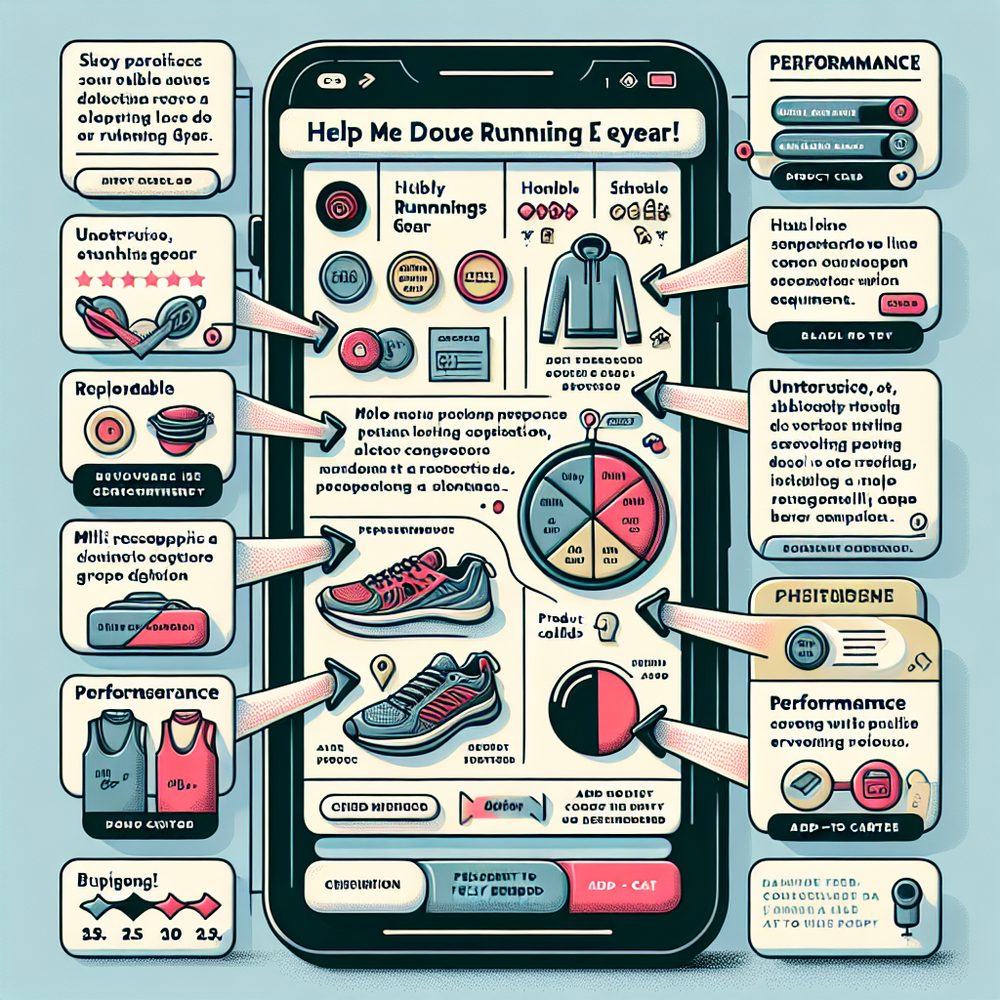
A shoppable conversation is a lightweight dialogue layer that sits inside your article, grounded in the article’s claims and your product catalog. Think of it as a knowledgeable store associate who has read the post, knows your inventory, and appears only when needed. The core pieces: natural-language intent detection (classifies questions like “Is this warm enough at 20°F?”), content grounding (quotes or summarizes the relevant paragraph), product eligibility rules (only show items that match size, climate, stock, and price range), and commerce actions (add to cart, start a bundle, or save to wishlist). When readers ask, the system answers from the content first, then transitions to products with a clear because: “Based on the insulation explained above, these two jackets meet sub‑freezing criteria.” One apparel client with 100k monthly blog sessions saw a 42% lift in add-to-cart when we added inline Q&A to their evergreen “Layering Guide”—the biggest gains came from first-time visitors who were nowhere near the nav. The conversation didn’t replace the article; it made its advice tangible.
Implementation Guide: From Post to Purchase
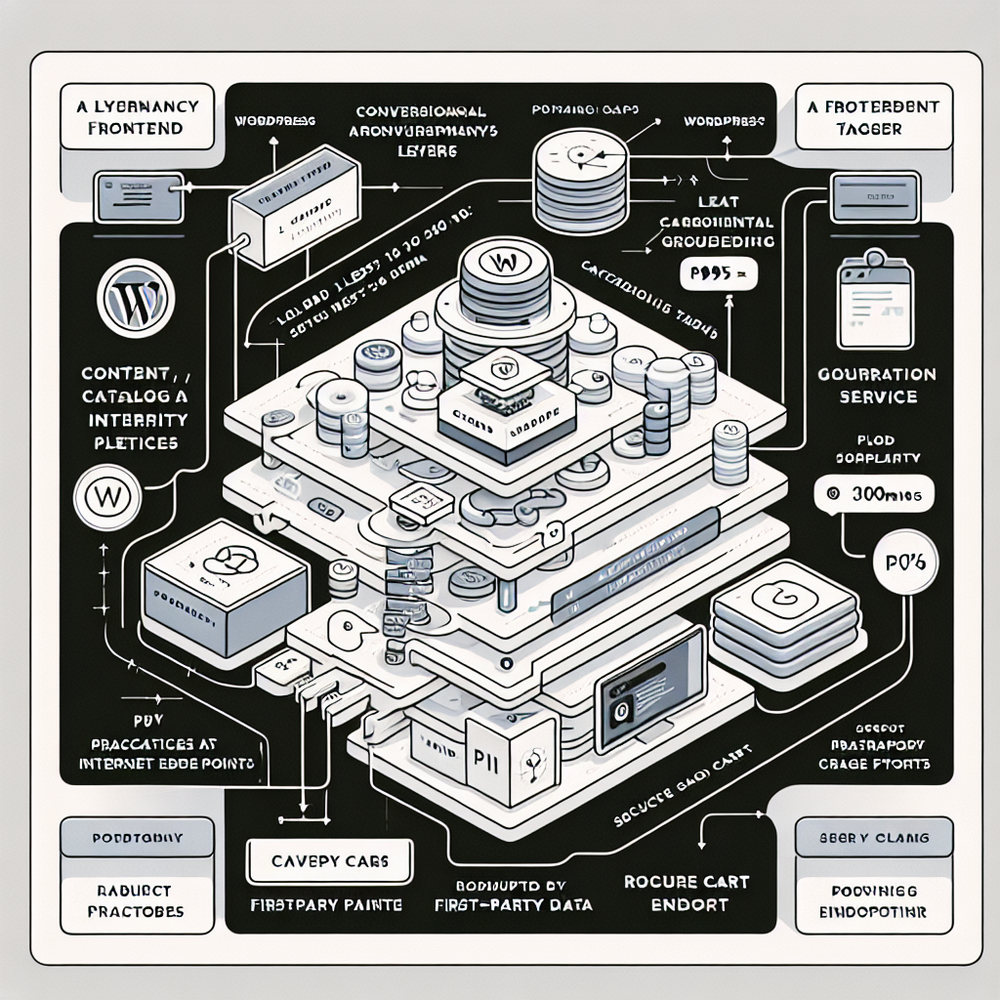
Start with 5–10 evergreen posts that already rank and map cleanly to specific product outcomes. For each post, list the top 10 questions readers ask your support team or on-site search—these become intents. Write grounded answers that cite the post (“As noted in the insulation table…”) and pair each intent with 1–3 eligible products plus why they fit. Design one inline prompt above the fold (“Help me pick the right warmth”) and one after the first major section (“Still unsure? Tell me your climate”). Keep prompts subtle and contextual; never full-screen. Instrument events: conversation_start, content_answered, product_suggested, add_to_cart, email_capture, and purchase. Use a 50/50 holdout at the URL level for clean lift measurement. If you’re on WordPress, the Brambles.ai WordPress plugin can inject the widget without template edits, and the Commerce Module syncs price/stock so recommendations never dead-end. Before launch, run a mobile-first audit for input friction, keyboard behavior, and focus order. In a home goods pilot, replacing a newsletter pop-up with a conversation-led sample finder cut bounce by 14% and grew the list by 36% in three weeks.
Measuring ROI and Proving Incrementality
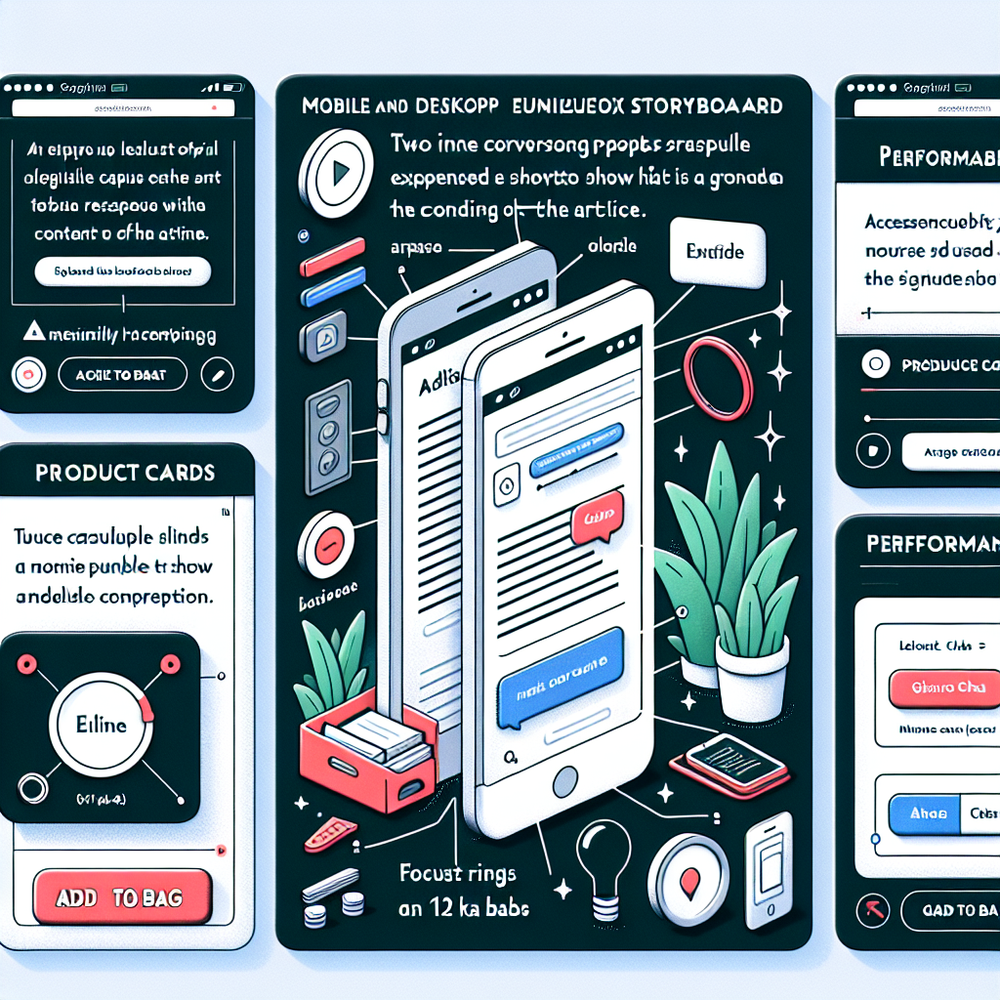
If you can’t isolate lift, you’ll end up debating screenshots. Use a clean holdout: half the traffic gets the conversation; half sees the standard article. In GA4, register conversation_start and product_suggested as recommended events, add cart and purchase with the commerce schema, and pass a context parameter (post_slug) for reporting. Core KPIs: conversational engagement rate (unique users who interact ÷ viewers), assisted add-to-cart, conversion rate among engagers, AOV delta, email capture rate, and time to first product interaction. Attribute revenue with two lenses: direct (purchased in-session after engagement) and assisted (purchase within seven days with prior engagement). To avoid last-click bias, compare engagers vs. non-engagers inside both test cells. McKinsey studies on personalization repeatedly show higher revenue per visitor when relevance climbs; your conversation is real-time personalization anchored by trustworthy content. On a DTC coffee guide (“How to Brew AeroPress”), adding a grind-size conversation led 18% of readers to build a bundle; 12% purchased first session and repeat visits rose 28% in 30 days.

First‑Party Data, Consent, and Trust Signals
A shoppable conversation is a perfect place to collect first‑party data—if you earn it. Use progressive profiling: ask for climate or size first, then, only when helpful, offer to save preferences to email. Offer clear value (“Get size reminders and back‑in‑stock alerts for your picks”) and show a tiny preview of what will be saved. Use one‑tap opt‑in with explicit consent text and double opt‑in for email. Store preferences locally first; sync server‑side only after consent. Baymard’s checkout research emphasizes trust microcopy and predictability; follow suit in your dialogue: show prices with tax/shipping context when possible, display stock truthfully, and cite the exact paragraph you used to answer a question. Google UX research shows that predictability and perceived control reduce abandonment—so include visible dismiss controls, a history view, and a “turn off suggestions” toggle. This isn’t a chatbot trying to be human; it’s a knowledgeable guide that respects attention and privacy.
Common Pitfalls and How to Avoid Them
Going too sales‑forward too fast is the classic failure. Always answer the question from the article first, then bridge to products with a plain‑English because. Another pitfall: too many intents at launch. Start with 8–12 high‑impact questions and expand via analytics. Don’t ship it heavy; keep the payload tiny, defer non‑critical scripts, and cache catalog responses at the edge. Neglecting accessibility costs conversions: ensure proper focus management, semantic buttons, and voiceover clarity. Failing to test holdouts leads to over‑credit; budget two weeks of clean data before you pick winners. And avoid orphaning readers—if no products fit, say so and offer to notify when a match exists. One retailer learned the hard way that burying the dismiss control spiked bounce; moving the close icon to a visible corner reduced exits by 11%. Finally, maintain brand voice: create a short style guide for answers (tone, reading level, what not to say) so the conversation feels like a trusted editor, not a pushy closer.
If you’re ready to pilot, start with one post, one clear intent, and a tight measurement plan. Map questions to grounded answers, wire up catalog rules, and run a 50/50 holdout. If the early metrics look like ours—engagement above 20%, add‑to‑cart lift above 25%, email capture above 3%—scale to your top evergreen cluster. Keep the article authoritative. Let the page do the gentle selling only when readers invite it.
Related posts
View all
Brand-Consistent AI Chats Build Trust and Conversions
When AI mirrors your brand voice, shoppers relax—questions get answered, carts grow, and support load drops. Learn the playbook to align tone, trust, and ROI.

Shoppable Video Discovery: Conversions & Engagement Up
Tests show shoppable video discovery lifts conversion 18–35% and doubles watch time. See the UX patterns, KPIs, and how to deploy it quickly with Brambles.ai.
Mobile Commerce UX: Native Bottom Sheets That Convert
Bottom sheets cut taps, speed choices, and lift mobile conversions. Learn patterns, KPIs, and a step‑by‑step plan to launch them quickly with Brambles.ai.
Explore Brambles.ai
Learn more about our AI-powered agentic commerce platform, agentic shopping, and shopping assistance solutions.
Explore More Insights
Discover more articles on AI, automation, and business innovation
View All Articles