Turn Evergreen Posts into Shoppable Conversations
Turn evergreen articles into revenue by embedding shoppable conversations. Learn frameworks, setup steps, KPIs, and pitfalls, backed by data and case studies.
Turning Evergreen Posts Into shoppable conversations
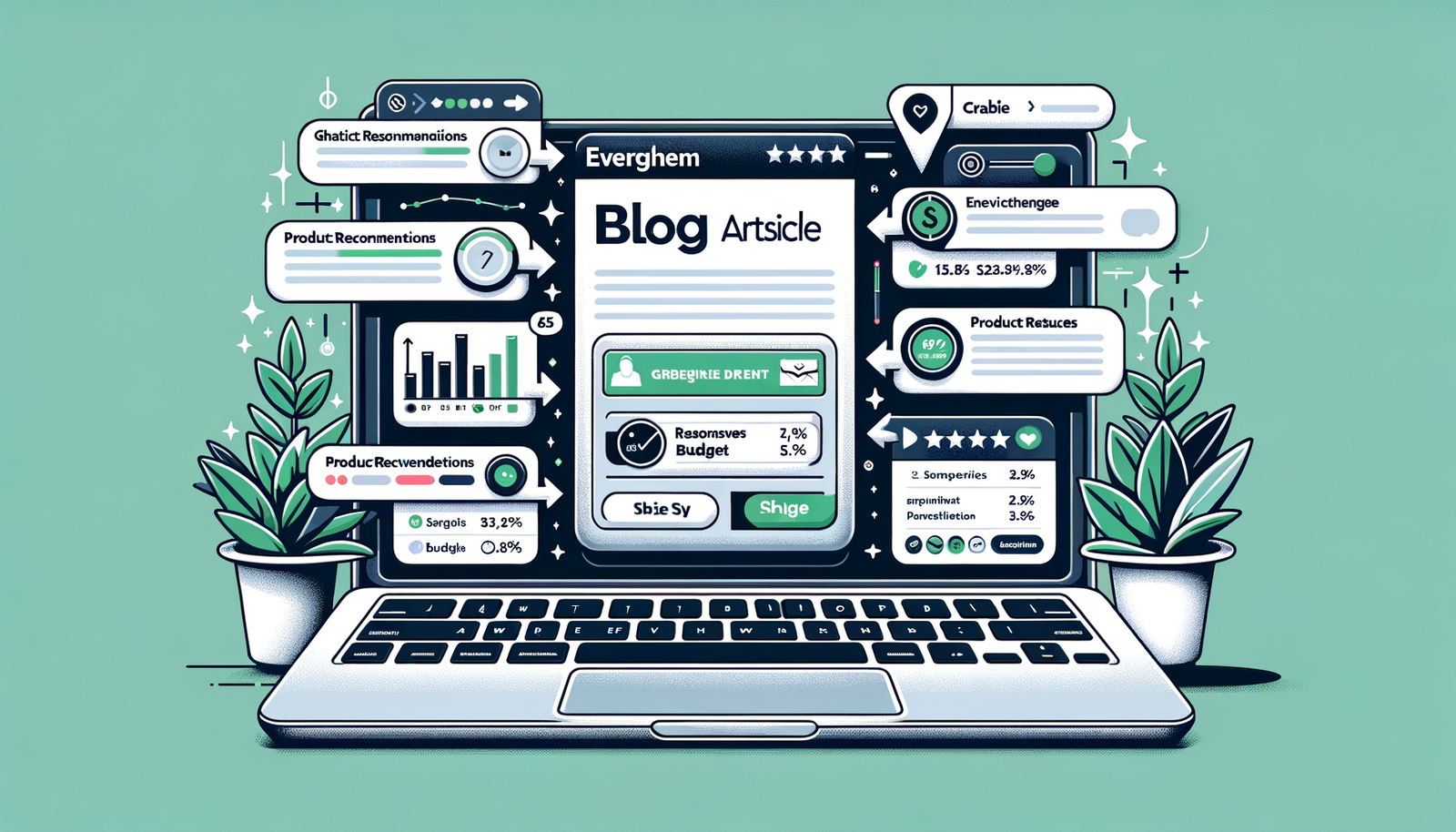
Your evergreen posts already rank, attract steady organic traffic, and answer timeless questions. But most of them stop short of conversion. By turning these high-intent articles into shoppable conversations—guided, AI-powered chats that recommend the right products at the right moment—you convert “research mode” into “buying mode” without adding friction. McKinsey finds that personalization can lift revenues by 10–15%, and the effect compounds when delivered at decision points inside content. Salesforce reports 88% of customers say the experience a company provides is as important as its products. This post shows exactly how to embed shoppable dialogues into your top evergreen articles, measure ROI, and avoid common pitfalls.
Why Evergreen Posts Are a Goldmine (and What’s Broken)
Evergreen posts capture durable demand: definitions, “how-to” tutorials, and perennial buyer’s guides. They rank for non-branded, informational queries where readers are primed to learn and compare. Yet monetization stalls because the experience is static—one-size-fits-all affiliate links, generic CTAs, or banner ads that don’t respond to the reader’s unique needs. Baymard Institute’s research shows the average cart abandonment rate hovers around 69.8%, often fueled by poor product discovery and friction after a user finally clicks through. Google’s mobile research has also shown that over half of visits are abandoned if a page takes longer than three seconds to load—making every extra click risky. In short: visitors come for answers, but the journey from insight to product is fragile, slow, and impersonal.
A conversational layer inside the article solves this by diagnosing intent in context—“What skin type do you have?” in a skincare guide or “What room size?” in an air purifier review—and instantly mapping answers to the best-fit products or offers. The reader never leaves the page to search; the right SKU, variant, or bundle appears in chat with clear comparisons, pros/cons, and direct add-to-cart options. The result: fewer dead ends, fewer bounces, and faster time-to-product-fit.
From Static Pages to Shoppable Chats: How It Works
A shoppable conversation combines three ingredients: your evergreen article, a structured product catalog, and an AI assistant tuned to your voice. The assistant reads the article’s context, asks 2–4 clarifying questions, then recommends products with rationale. It ingests product feeds (price, availability, attributes), enforces guardrails (no medical claims, brand-safe tone), and outputs compliant affiliate or checkout links. It can also surface bundles, alternatives for out-of-stock items, and “good-better-best” comparisons to match different budgets.
Under the hood, retrieval maps user answers and page topic to structured attributes (e.g., mattress firmness, laptop RAM, room size in sq. ft.). The assistant scores candidates and explains tradeoffs so readers understand why a product fits. This mirrors a great in-store associate, but at scale. Importantly, the chat should load fast, respect privacy preferences (consent banners, opt-in for messaging), and fail gracefully—offering a contact form or saved comparison table when the user stops engaging.

Implementation Guide: WordPress and Any CMS
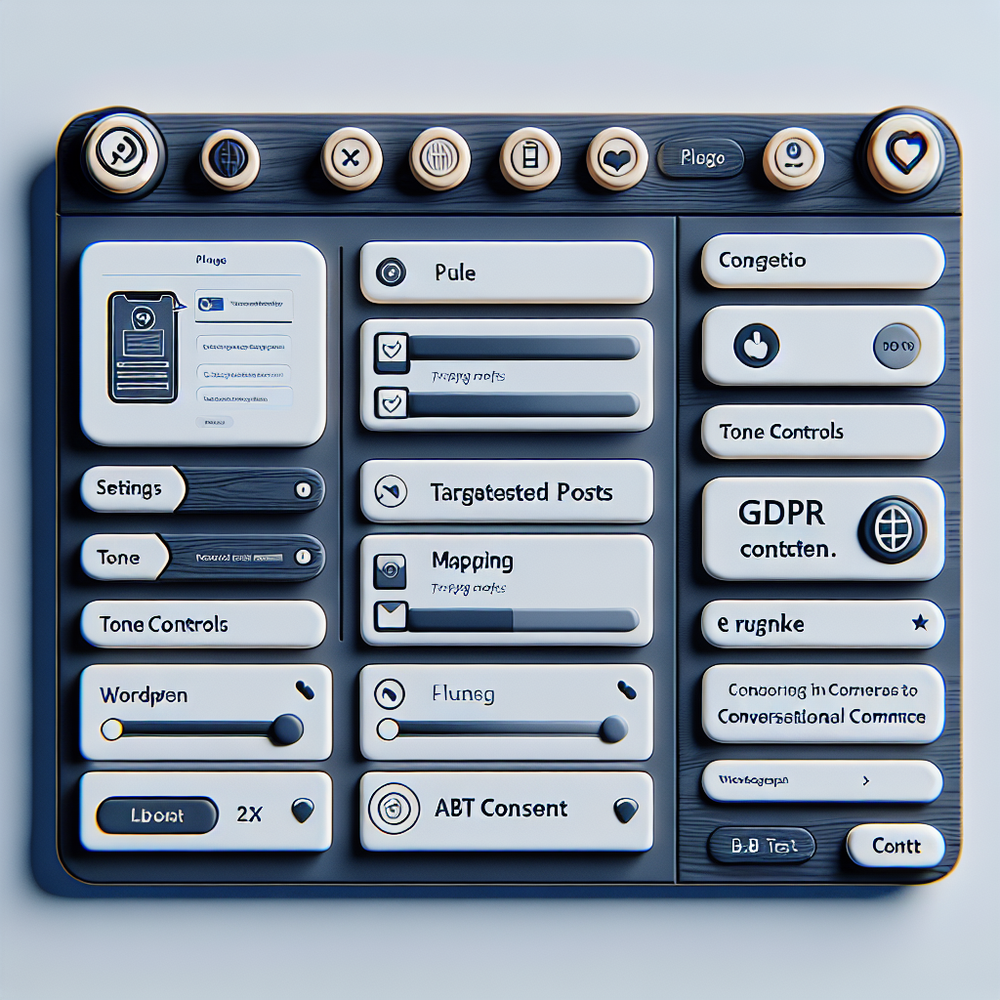
1) Identify high-impact evergreen posts. Pull the top 20 articles by organic sessions and time on page. Flag those with buying intent words (“best,” “vs,” “for [use case]”) and high exit rates. 2) Define decision questions. For each article, list the 3–5 variables that determine the “right” product (e.g., budget, skin type, room size, compatibility). 3) Install the on-page chat. On WordPress, use a lightweight plugin or snippet to inject the assistant sitewide and configure rules to activate on targeted slugs only. 4) Connect a product feed (Shopify, BigCommerce, Google Merchant Center, or a CSV) and map attributes to the question set. 5) Author response templates with brand voice and compliance guardrails. 6) Launch an A/B test on 20–30% of traffic and set KPIs.
On Brambles.ai, you can: a) choose a conversation style (guided quiz or free-form chat), b) import your product catalog, c) set eligibility rules (stock, price floors, affiliate priorities), and d) enable analytics and event forwarding to GA4 and your CDP. Publishers can attach affiliate IDs per merchant; brands can push users to PDPs or embedded carts. Keep the widget under 70KB where possible and lazy-load images to protect Core Web Vitals. When in doubt, test!
Orchestrating Product Data and Content
Great conversations require clean product data. Start by normalizing attributes (e.g., brand, category, price, stock, color, size, compatibility), and enforce canonical values. Include benefit statements and differentiators in your feed—“HEPA H13 filter,” “fragrance-free,” “USB-C PD 100W.” Add image URLs, rating counts, and badges (editor’s pick, best value) the assistant can reference in explanations. Use schema.org/Product markup on relevant pages so search engines understand your content-to-commerce connections, and keep prices and availability in sync (cron or webhooks) to avoid dead links.
Route analytics events for full-funnel insight: chat starts, questions answered, product cards viewed, click-throughs, add-to-carts, checkouts, and revenue. Create audiences for retargeting—e.g., users who selected “oily skin” but didn’t convert—then tailor offers in email/SMS. If you run affiliate programs, pass sub IDs for precise EPC and commission tracking by article and conversation path. When data and dialogue stay aligned, recommendations feel like tailored advice instead of ads.
Measuring ROI and the KPIs That Matter
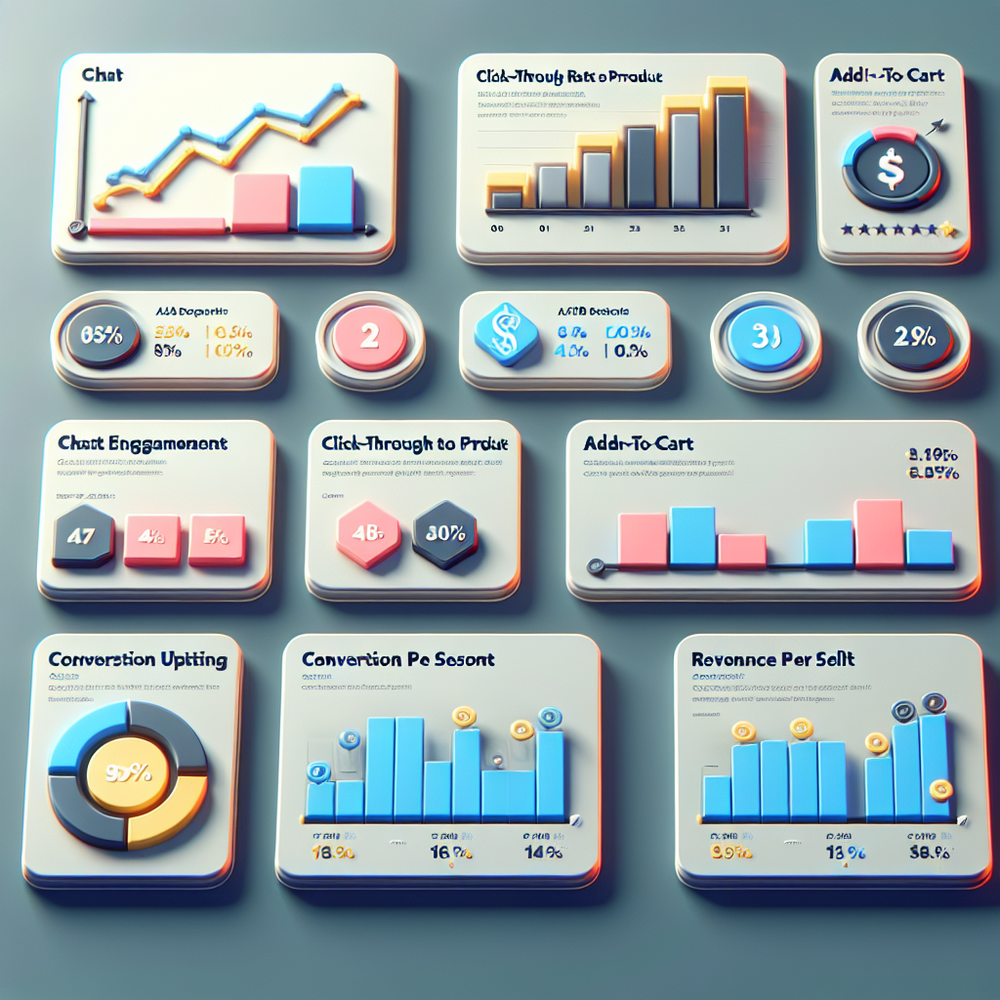
Establish a clean baseline. For each evergreen post, record: conversion rate, revenue per session (RPS), affiliate EPC, average order value (AOV), and bounce rate. Then launch your conversational variant and measure lifts. Key metrics: 1) Chat engagement rate (target 25–45% on buying-guide content), 2) Product click-through rate (20–35% of chat users), 3) Add-to-cart rate from chat (8–15%), 4) Conversion rate uplift (+10–25% vs. control), 5) RPS lift (+10–20%), 6) Form or newsletter opt-in (2–6%). McKinsey’s 10–15% revenue lift from personalization provides a reasonable expectation; we regularly see higher on intent-rich evergreen pages.
Speed remains critical. Google’s research has shown that as page load time increases from 1s to 3s, the probability of bounce rises by 32%. Keep the assistant fast and defer non-critical scripts. Salesforce’s State of the Connected Customer notes that 88% of customers value experience as much as product—so track qualitative signals too: conversation ratings, helpfulness tags, and customer comments. Tie everything to cohorts and A/B test cells to isolate impact with statistical confidence (p<0.05).
Common Pitfalls and How to Avoid Them
- Slow or intrusive widgets: Inflate CLS or block rendering and you’ll lose users before the chat appears. Solution: async load, preconnect, compress assets, cap bundle size. - Hallucinations or off-brand advice: Untuned models can invent features. Solution: retrieval from your product feed only, tight guardrails, and explicit refusal rules. - Compliance gaps: Disclose affiliate relationships; avoid medical/financial claims; honor consent for data capture. - Shallow questions: Asking only budget produces generic picks. Solution: 3–5 targeted questions tied to attributes that matter. - No fallback paths: If chat stalls, present a comparison table and quick links. - Weak measurement: Without event-level analytics, you won’t prove ROI. Instrument every step.
Finally, remember that category UX still matters after the click. Baymard’s research highlights persistent findability and checkout issues that compound abandonment. Use the conversation to pre-qualify and then deep-link to the exact variant (size, color) to reduce friction. If you sell directly, consider an embedded cart or one-click add-to-cart in the chat. Keep shipping, return policy, and delivery date transparent within the recommendations to minimize unpleasant surprises that drive churn.
Case Studies: What Good Looks Like
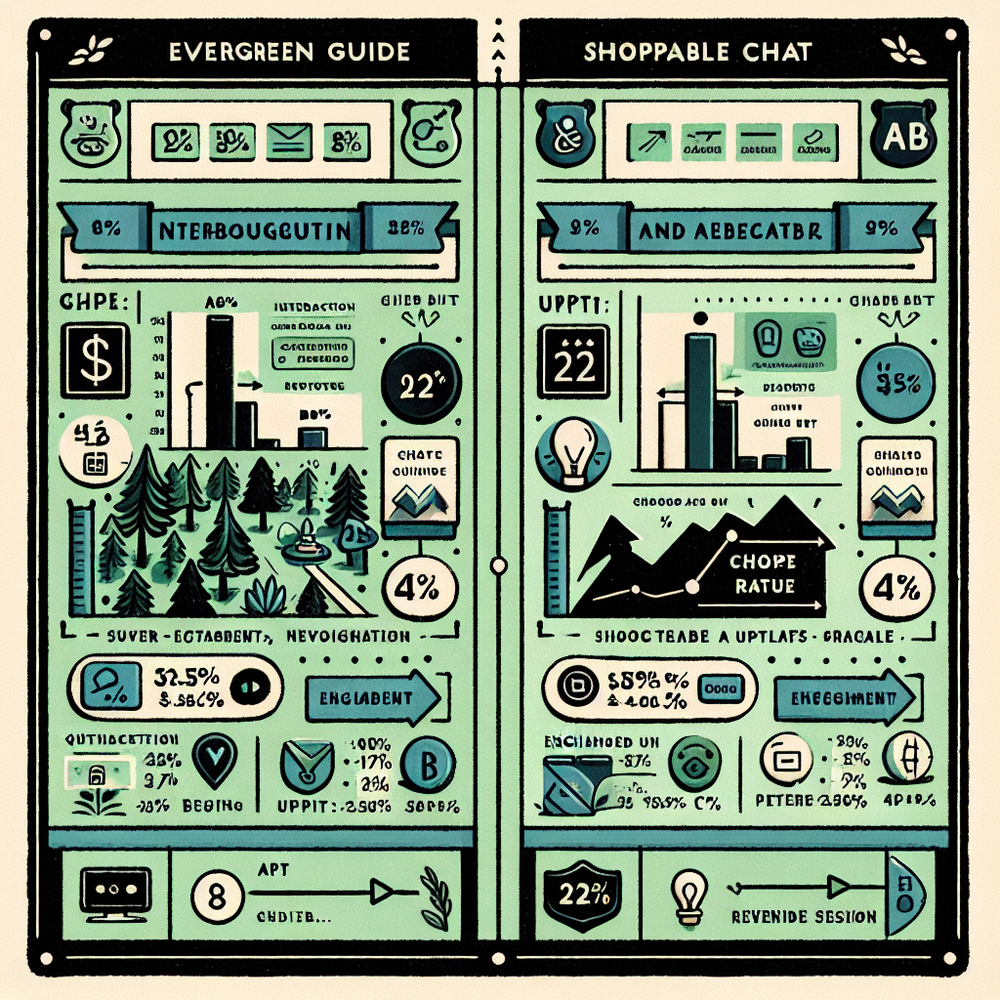
Publisher (Tech Guides): Anonymized media site added a shoppable chat to a “Best Laptops for College” evergreen guide. Results over 28 days, 50/50 split: 41% chat engagement, 29% product CTR, +18% conversion rate vs. control, +22% revenue per session. The assistant asked three questions (major, budget, portability) and explained tradeoffs (RAM vs. battery life). This reduced pogo-sticking to multiple tabs and helped students choose faster.
DTC Brand (Skincare): A mid-market skincare brand embedded conversations into evergreen “How to Build a Routine” posts. With ingredient-aware mapping (retinol sensitivity, oiliness), chat users saw 12.4% add-to-cart and a 14% AOV lift from recommended bundles. Returns decreased 6% due to better fit. Speed upgrades (lazy-loaded widget) improved LCP by 220ms, aligning with Google’s Core Web Vitals guidance and reducing bounce.
Affiliate Commerce (Home Air Purifiers): A niche site used shoppable conversations to match CADR to room size and allergy severity. Engagement reached 38%, with +27% EPC and 35% fewer exits from the guide. When items were out of stock, the assistant automatically presented comparable alternatives, keeping sessions alive and protecting revenue during supply fluctuations.
Future-Proofing: SEO, E-E-A-T, and Governance
Your goal is to enrich, not replace, the content. Keep the article authoritative—original research, expert quotes, and updated comparisons—then let the conversation personalize the last mile. Document sourcing and expertise inline to reinforce E-E-A-T signals. Mark up products and FAQs with structured data to win rich results. Ensure accessibility (keyboard navigation, ARIA roles) and privacy (consent modes, data retention policies). Version your prompts and flows just like code; maintain a changelog so you can correlate updates with KPI shifts. When governance is tight, conversational monetization strengthens user trust instead of eroding it.
Conclusion: Turn Durable Traffic into Durable Revenue
Evergreen posts are perennial traffic assets. When you embed shoppable conversations, they become perennial revenue assets too—guiding readers from intent to the exact product, fast. Start with your top 20 articles, add a clean product feed, ask the few questions that matter, and prove lift with disciplined A/B testing. Expect double-digit RPS gains when personalization meets high-intent content, consistent with McKinsey’s 10–15% benchmarks and the experience-first expectations Salesforce documents. Ready to pilot? Explore Brambles.ai’s conversational commerce capabilities and deploy in hours, not weeks.
Related posts
View all
Brand-Consistent AI Chats Build Trust and Conversions
When AI mirrors your brand voice, shoppers relax—questions get answered, carts grow, and support load drops. Learn the playbook to align tone, trust, and ROI.

Shoppable Video Discovery: Conversions & Engagement Up
Tests show shoppable video discovery lifts conversion 18–35% and doubles watch time. See the UX patterns, KPIs, and how to deploy it quickly with Brambles.ai.
Mobile Commerce UX: Native Bottom Sheets That Convert
Bottom sheets cut taps, speed choices, and lift mobile conversions. Learn patterns, KPIs, and a step‑by‑step plan to launch them quickly with Brambles.ai.
Explore Brambles.ai
Learn more about our AI-powered agentic commerce platform, agentic shopping, and shopping assistance solutions.
Explore More Insights
Discover more articles on AI, automation, and business innovation
View All Articles