Smart Placements: Buy Advice Buttons, TOC & Sticky Chat
A practitioner's guide to placing “Ask which one to buy” CTAs, sticky chat, footers, and TOC inserts—what works and how to measure revenue lift with testing tip
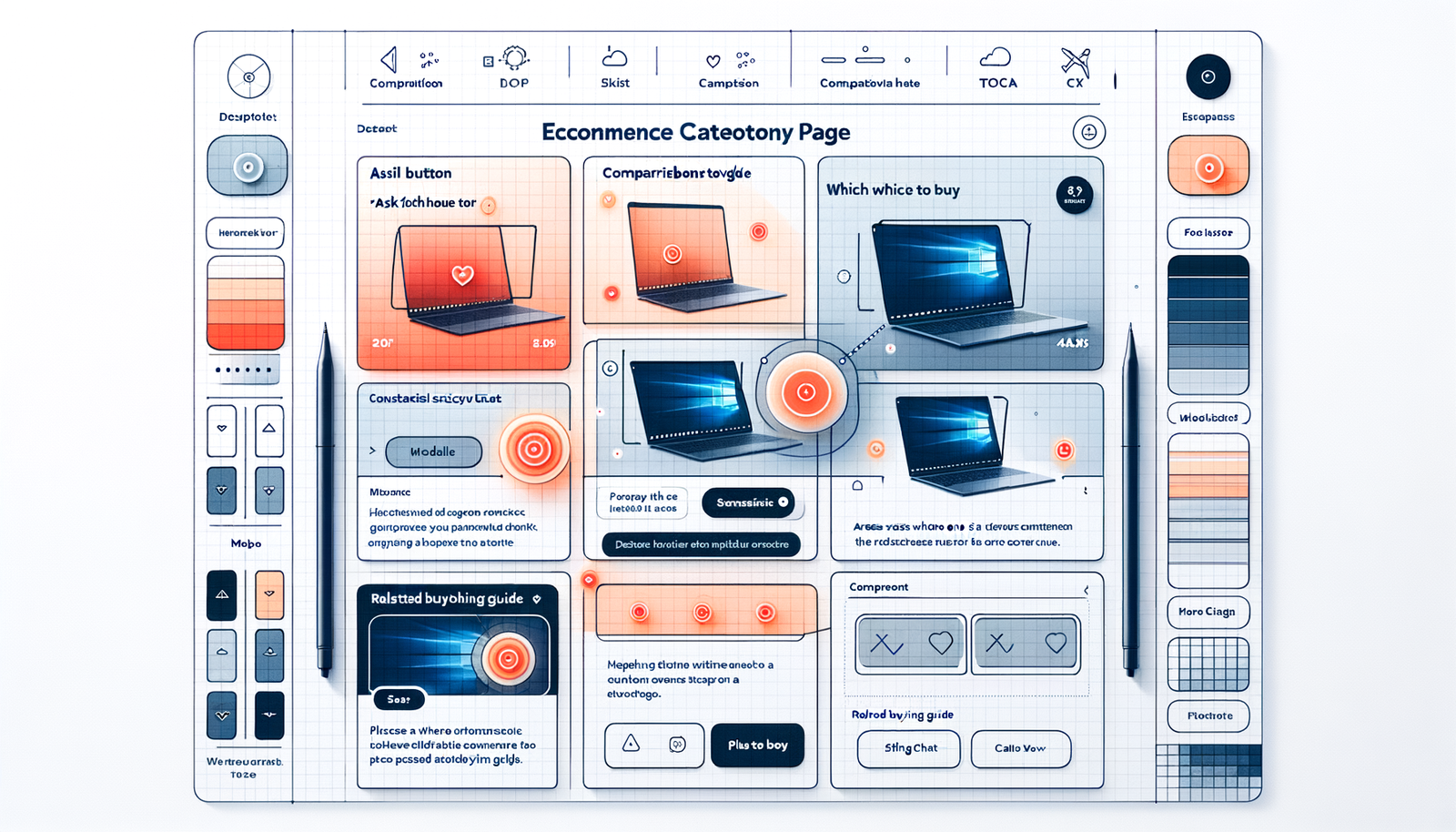
On a category page for mid-range laptops, a small “Ask which one to buy” button tucked beneath the compare toggle lifted product-detail-page clicks by 22% in 14 days. The same copy, shipped a week earlier but parked in the footer, moved nothing. Same words, same model behind the assistant—different placement. That’s the pattern we keep seeing: advice works best when it sits where the choice anxiety spikes. Fold it into the moment of hesitation and users tap it; bury it, they don’t. Over hundreds of experiments across list pages, buying guides, and help centers, four placements repeatedly pull weight: a context-aware “Ask which one to buy” CTA near product lists, a sticky chat (not on page load), a short prompt embedded in the table of contents of long-form guides, and a quiet footer slot that catches late-stage scrollers. Each solves a different hesitation. Place them deliberately and you’ll capture high-intent queries without adding clutter. Get it wrong and you’ll train shoppers to ignore the help they actually wanted.
What’s broken in most sites
Most stores still rely on a lone chat bubble in the lower-right corner, fighting for attention with sticky coupons, consent banners, and a floating “Back to top.” It’s no wonder shoppers ignore it. Baymard Institute’s research has long shown that comparison friction on category and search pages is a primary source of abandonments; users need clarity between near-identical items, not a generic “How can I help?” tucked off to the side (Baymard Institute, Product Lists & Filtering). In long-form buying guides, helpful advice often sits 1,000+ words down, while the TOC. That’s a missed invitation to ask for help before the scroll fatigue kicks in. On mobile, footers can be graveyards for CTAs, yet they’re still where a surprising number of users retreat to “reset” or look for store policies. The core issue isn’t that assistance doesn’t exist. It’s that the prompts show up out of context—too early, too late, or in the wrong modality for the task at hand.
How these four placements actually work
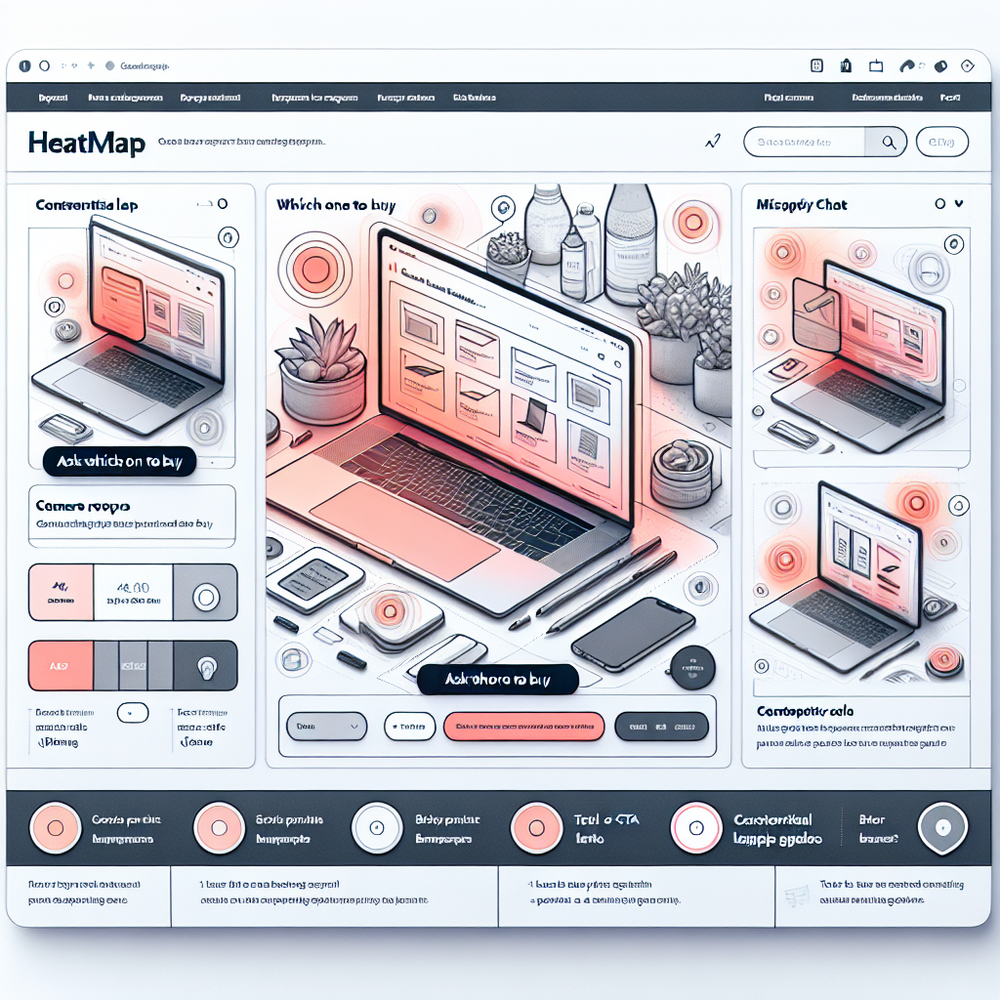
Ask which one to buy: Place a compact button under the category header or right beside the “Compare” control. Carry the current context—selected filters, price range, and any comparison shortlist—into the assistant. The handoff matters: start the conversation with, “You’re comparing 13-inch laptops under $1,200 with 16GB RAM. What matters more: battery life or weight?” That opening line signals you’ve been paying attention.
Sticky chat on behavioral triggers: Don’t pop it instantly. Wait for a signal like: applied 2+ filters, dwell time >45 seconds on the list, or two back-to-back quick PDP bounces. The assistant should slide in with a precise, one-sentence offer: “Want help choosing between these 3?” Collapse it by default after 10 seconds if ignored.
TOC insert inside buying guides: In long guides, add a short “Not sure which one to pick? Ask for a recommendation” line as a TOC item that jumps into the assistant with the article’s topic as context. Readers scanning the TOC are already mapping the decision.
Footer catch-all: A minimal footer prompt is insurance for late-stage scrollers. It won’t drive volume, but it often attracts high-intent questions about compatibility, shipping, or price changes—useful for closing and for insight mining.
Implementation guide: precise steps that ship
1) Identify hesitation hotspots: Pull a two-week slice of GA4 and session replay. Look for high dwell on category pages (>40s), pogo-sticking between PDPs, and filter churn. Tag these URLs for pilot.
2) Wire the context: Expose selected filter chips, price range, and in-stock status to a client-side data layer. When the user taps the buy-advice CTA, pass this context as the assistant’s system prompt. Autocomplete a starter question like, “I’m choosing between these two.”
3) Trigger rules for sticky chat: Fire only after two or more comparison signals. Auto-collapse on inactivity. Respect reduced-motion settings and accessibility.
4) TOC insert: Add a TOC item that routes into the assistant with the article topic and any comparison table data, so answers can cite actual specs.
5) Footer: Keep it short—one line and a chevron. Prioritize mobile legibility. Avoid competing with legal links.
6) WordPress setup: If you’re on WordPress, use a plugin that can inject context-aware widgets, map events to GA4, and connect product data. Configure environments to A/B test placements without code pushes.
Field note: On a 40k-SKU electronics retailer, shipping a category-header “Ask which one to buy” button that prefilled the user’s filter context increased PDP click-through by 18% and boosted overall conversion by 7% over a 21-day split. The footer-only variant showed no statistically significant lift. Small copy changes mattered less than the behavioral trigger discipline.
Measuring ROI and the KPIs that actually matter
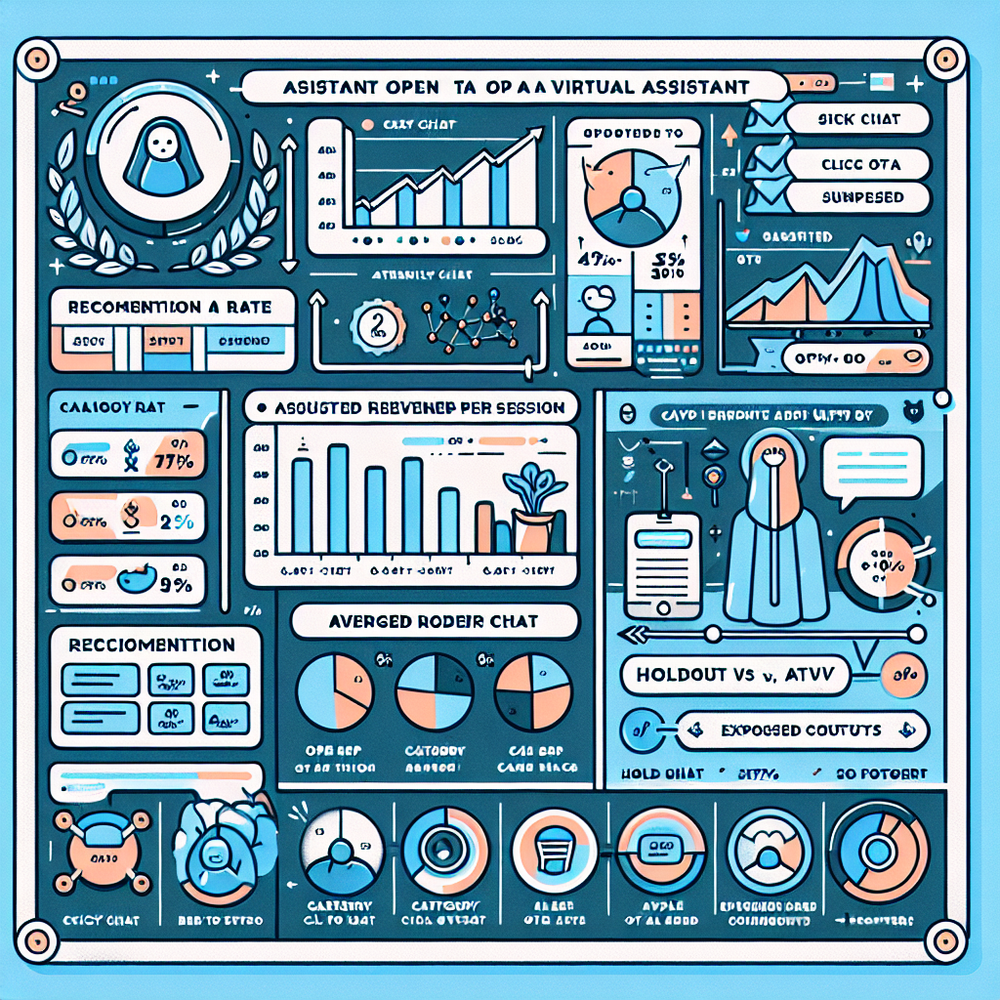
Define an assisted session: Any session where the assistant is opened and the user clicks a recommended product or adds to cart. Track these KPIs by placement and device: assistant open rate, question-to-recommendation rate, click-through to PDP, add-to-cart rate, conversion rate, AOV, and revenue per session. Layer in time-to-first-response and helpfulness feedback to catch quality drift.
Set up measurement: Send GA4 events for assistant_view, assistant_interaction, recommendation_click, and assistant_add_to_cart. Use a 10–20% holdout with all assistant UI hidden to measure incremental lift. Keep cohorts clean by device and traffic source. ROI math stays simple: (incremental gross profit – cost of assistant + implementation) / cost of assistant.
Field note: On a home fitness merchant, sticky chat triggered only after users filtered by price and brand drove a 31% higher conversion rate for segmented traffic from non-branded search, with AOV up 9%. However, when we turned on an immediate-on-load chat for a weekend promo, help usage spiked but conversion fell 6%—too much interruption.
First‑party data, trust, and the advice contract
The best placements earn trust by being relevant and transparent. Make the assistant’s opening line reflect the user’s context and disclose what data you’re using (e.g., “based on filters you applied”). Ask permission before storing any conversation, and offer a one-tap way to clear history. Salesforce’s Connected Customer research shows that customers reward brands that demonstrate value and respect for data through transparency and control (Salesforce, State of the Connected Customer).
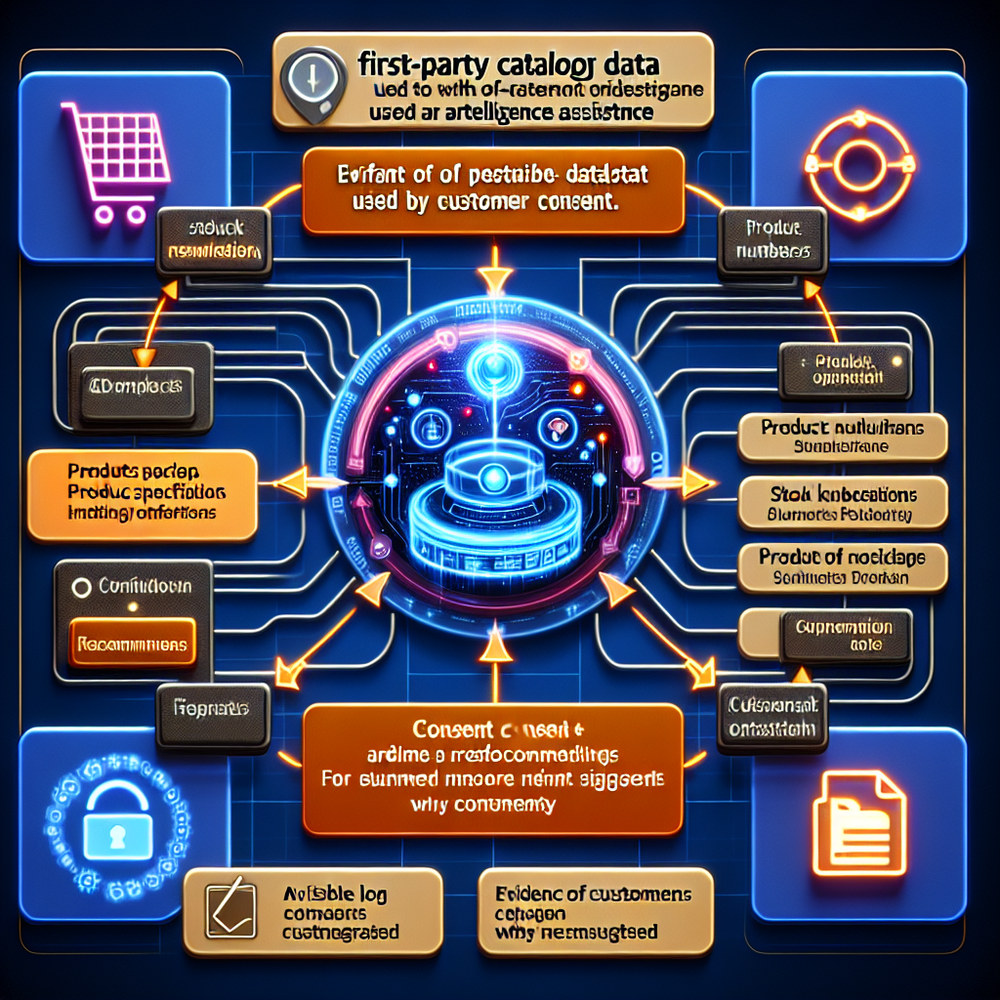
Use first-party catalog data to ground answers in real specs, stock, and price. If your backend exposes compatibility or warranty attributes, bring them into the conversation, especially for technical categories. Reinforce the advice contract: no invented details, cite sources in short references (“From the product page: 10h battery”).
Field note: In a DIY tools store, adding a short explainer—“We’ll use the filters you selected to recommend 2–3 options”—lifted assistant engagement by 14% and helpline tickets dropped 8% over a month. Clarity invites usage and reduces support thrash.
Common pitfalls to avoid
Overexposure: Four placements shouldn’t mean four prompts at once. Use suppression rules so only one assistant invitation is visible at any time.
Wrong default on mobile: Sticky chat that covers the add-to-cart button will tank conversions. Keep it minimized until the second qualifying signal.
Generic openings: “How can I help?” is ignorable. Use the user’s context in the first line and offer two quick-choice buttons to reduce typing.
Slow first response: Anything over ~1.5 seconds feels laggy on mobile. Pre-compute a shortlist from filters to answer instantly while a fuller rationale loads.
No feedback loop: Without a simple thumbs-up/down and a “show me why” explainer, the assistant can drift. Log negative feedback by placement to spot where context is failing.
Infrequent tests: Run weekly spot checks on prompts, triggers, and model grounding. McKinsey’s research on personalization highlights that responsiveness and relevance drive material revenue lift (often cited at 10–15% when executed well, McKinsey, Next in Personalization).
Future outlook: adaptive placements, fewer prompts
Expect placements to become adaptive. Rather than hard-coding “Ask which one to buy” near compare, sites will decide in real time which single prompt to show based on predicted hesitation. Multi-armed bandit tests will arbitrate between the category CTA, sticky chat, or TOC invite, while consented first-party data keeps answers grounded and personal. On the content side, long buying guides will ship with embedded spec tables that the assistant can cite, making answers scannable and source-linked by default. If you sell across multiple price bands, the assistant should learn to escalate: start with on-page advice, then offer to email a shortlist with side-by-side specs if the user pauses. The goal isn’t more prompts; it’s the right nudge, once. Keep the stack simple, version your triggers, and keep one eye on the footer—because the “I’m not convinced” scrollers will keep going there, and you want to meet them with something better than a sitemap.
Related posts
View all
Brand-Consistent AI Chats Build Trust and Conversions
When AI mirrors your brand voice, shoppers relax—questions get answered, carts grow, and support load drops. Learn the playbook to align tone, trust, and ROI.

How Context-Aware AI Recommendations Lift CTR
See how context-aware AI recommendations lift CTR by 25–60% with intent signals, page context, and history. Practical steps, KPIs, and implementation tips.

Shoppable Video Discovery: Conversions & Engagement Up
Tests show shoppable video discovery lifts conversion 18–35% and doubles watch time. See the UX patterns, KPIs, and how to deploy it quickly with Brambles.ai.
Explore Brambles.ai
Learn more about our AI-powered agentic commerce platform, agentic shopping, and shopping assistance solutions.
Explore More Insights
Discover more articles on AI, automation, and business innovation
View All Articles