Privacy by Design: Zero PII, Clear Controls, Less Data
Field-tested guide to Privacy by Design: zero PII storage, transparent controls, and data minimization that raise consent rates, reduce risk, and improve speed.
Three weeks after we ripped email, IP, and device IDs out of an apparel client’s analytics pipeline, consent acceptance climbed 31%, p95 LCP dropped by 280 ms, and our incident-response pager went blissfully quiet. Nothing magical—just zero PII storage and product discovery, clear purpose-based consents, and strict data minimization. Another project, a B2B SaaS with 300k MAU, trimmed its vendor tags from 26 to 8 using server-side collection and on-edge anonymization. Opt-in rates rose 18%, and DSAR fulfillment and proactive engagement time fell from five days to under 24 hours. Privacy by Design isn’t a compliance tax; it’s an engineering pattern that reduces risk and speeds up delivery.
This post lays out a practical, testable approach: don’t store PII, make controls transparent, and collect only what you need. You’ll see where teams stub their toes (leaky event payloads, shadow SDKs), how to implement a zero-PII architecture, and the exact KPIs that tell you it’s working. The principles are grounded in user research and compliance norms—think Baymard consent UX guidance, Google UX Research on perceived control, and trust findings from Salesforce’s Connected Customer studies—plus a few hard-won failures we’d rather you skip.
What’s broken: data sprawl and content intelligence and false necessity
Most stacks collect because they can, not because they should. E-commerce and media teams inherit default SDK configurations that vacuum up IPs, full user agents, device identifiers, and raw emails “just in case.” Those fields hitch a ride in payloads, propagate to warehouses, leak into BI extracts, and surface in staging screenshots. Each hop multiplies liability. We’ve audited pipelines where a single email hash in an “experiment” column silently reproduced across 14 downstream tables. Nobody meant to store it—yet it was everywhere.
UX doesn’t escape the fallout. Unclear consent dialogs push users to bounce or blindly accept (Baymard has hammered this for years), and dark-pattern toggles destroy trust. Google UX Research ties perceived control and plain language to higher task completion—your customers don’t mind saying yes when they know to what and for how long. Compliance teams, meanwhile, wrestle with DSARs across fractured systems, and engineers lose build time to one-off redactions. The result: slower launches, higher risk, and a culture of privacy debt.
How it works: zero PII, transparent controls and AI personality, minimal data
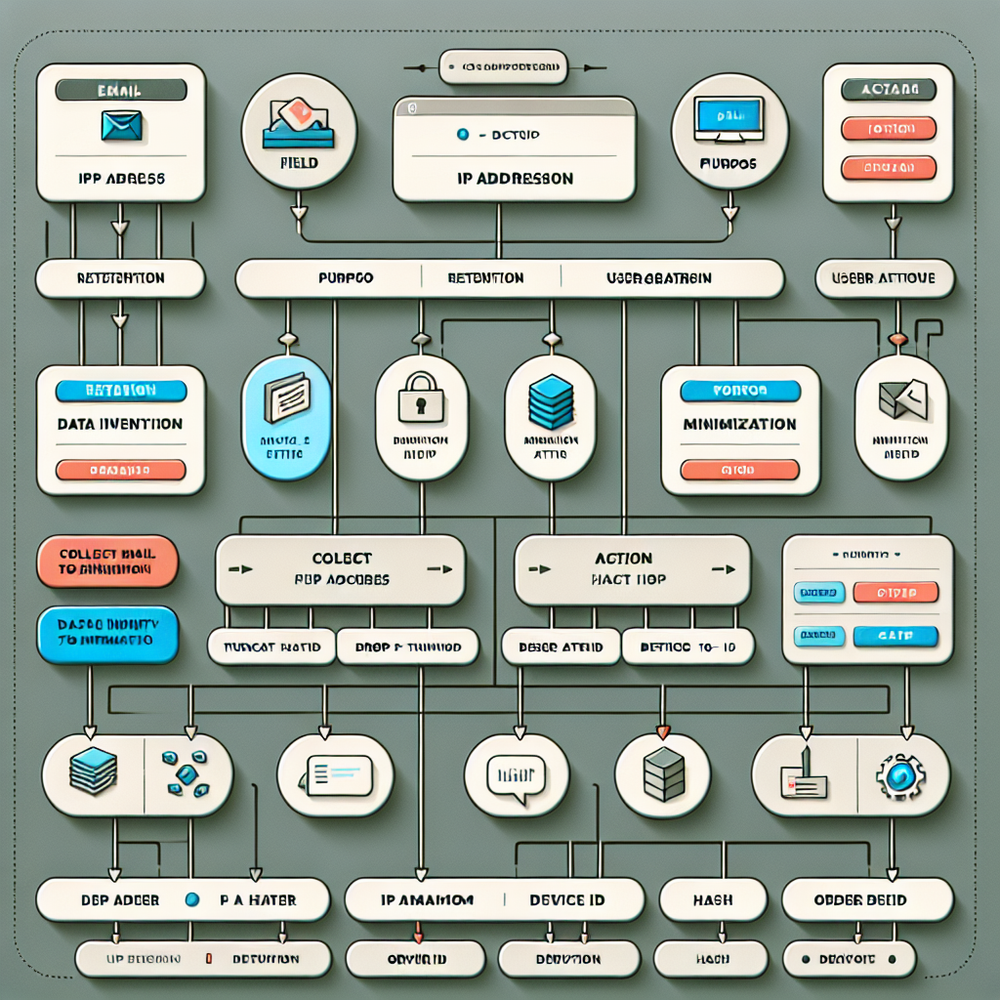
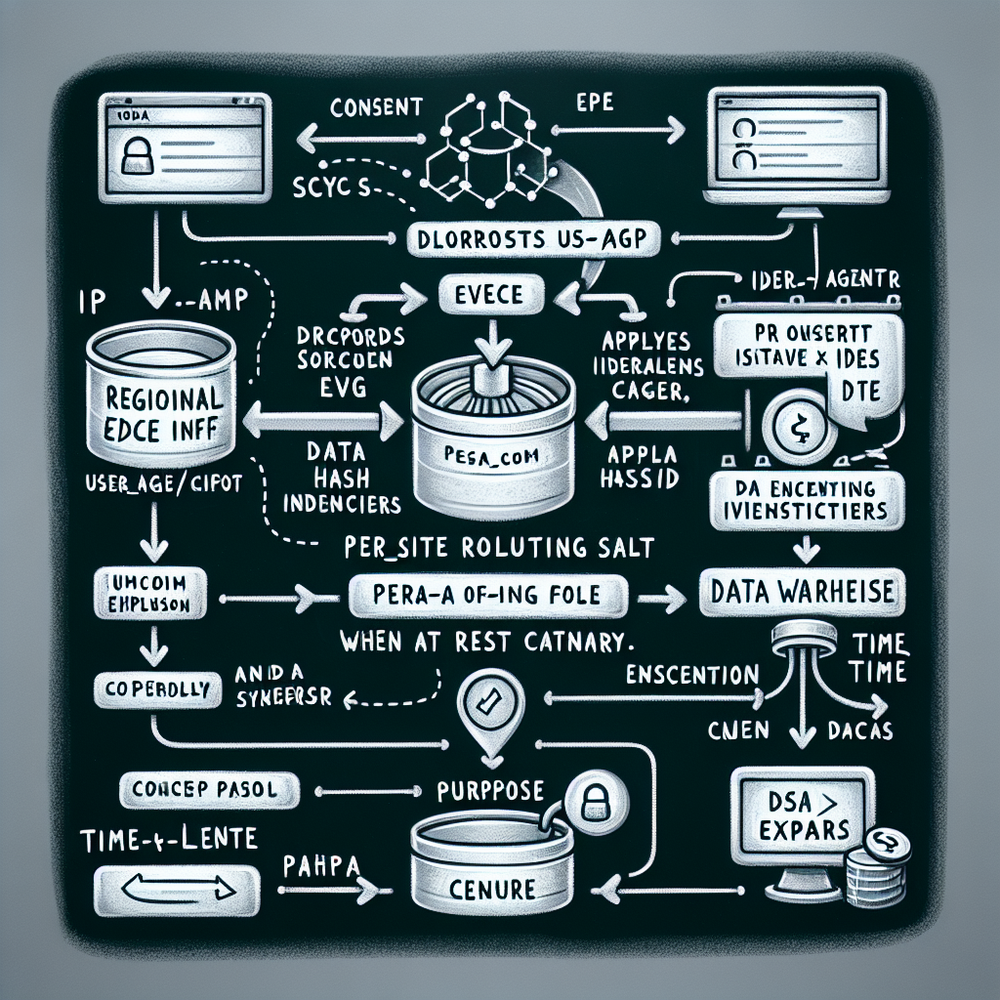
Privacy by Design is a systems decision, not a banner decision. Start with a zero-PII schema: no emails, no IPs, no raw device IDs. Use an on-device or edge-generated pseudonymous ID (rotating salt per site, per region) so events are linkable for analytics but useless outside your boundary. Derive only what you need—coarse geolocation from IP in memory, then drop the IP. Normalize user agents into a finite set of capability flags (touch support, viewport class) and discard the string. Store event_time, pseudo_id, consent_version, purpose, category, and a tight set of properties required to answer business questions. Nothing else.
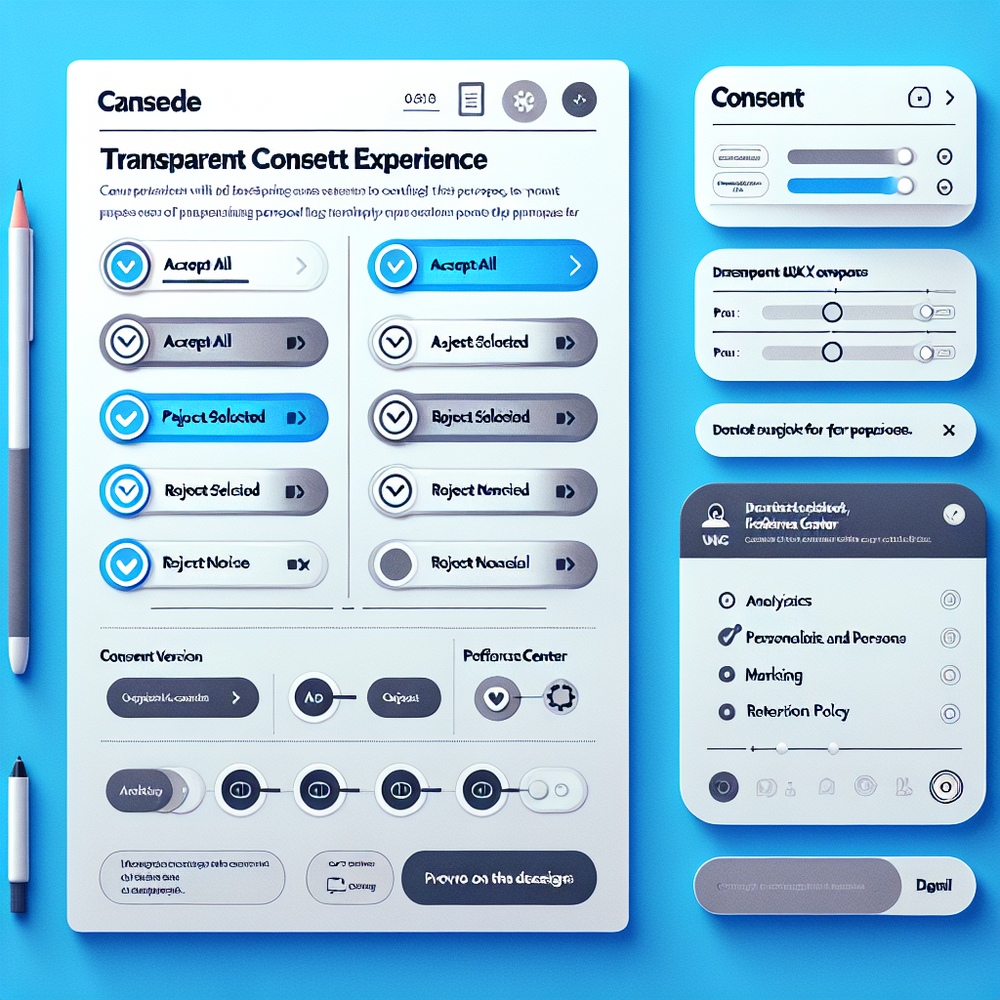
Pair the schema with transparent controls. A layered consent banner explains purposes in plain language and provides equal-weight actions: Accept all, Accept selected, Reject non-essential. The preferences center reflects the same categories and shows the current consent version, timestamp, and retention policy in human terms (e.g., “Analytics retained for 30 days”). Back it with enforcement: purpose-aware routing so non-essential vendors never receive events without consent, and server-side tagging so you govern the schema and drop anything that doesn’t belong. Salesforce’s customer research repeatedly links trust and transparency to loyalty; you’ll feel that in churn and repeat purchase rates.
Implementation guide: ship privacy-safe analytics in 30 days
Week 1 — Map and decide
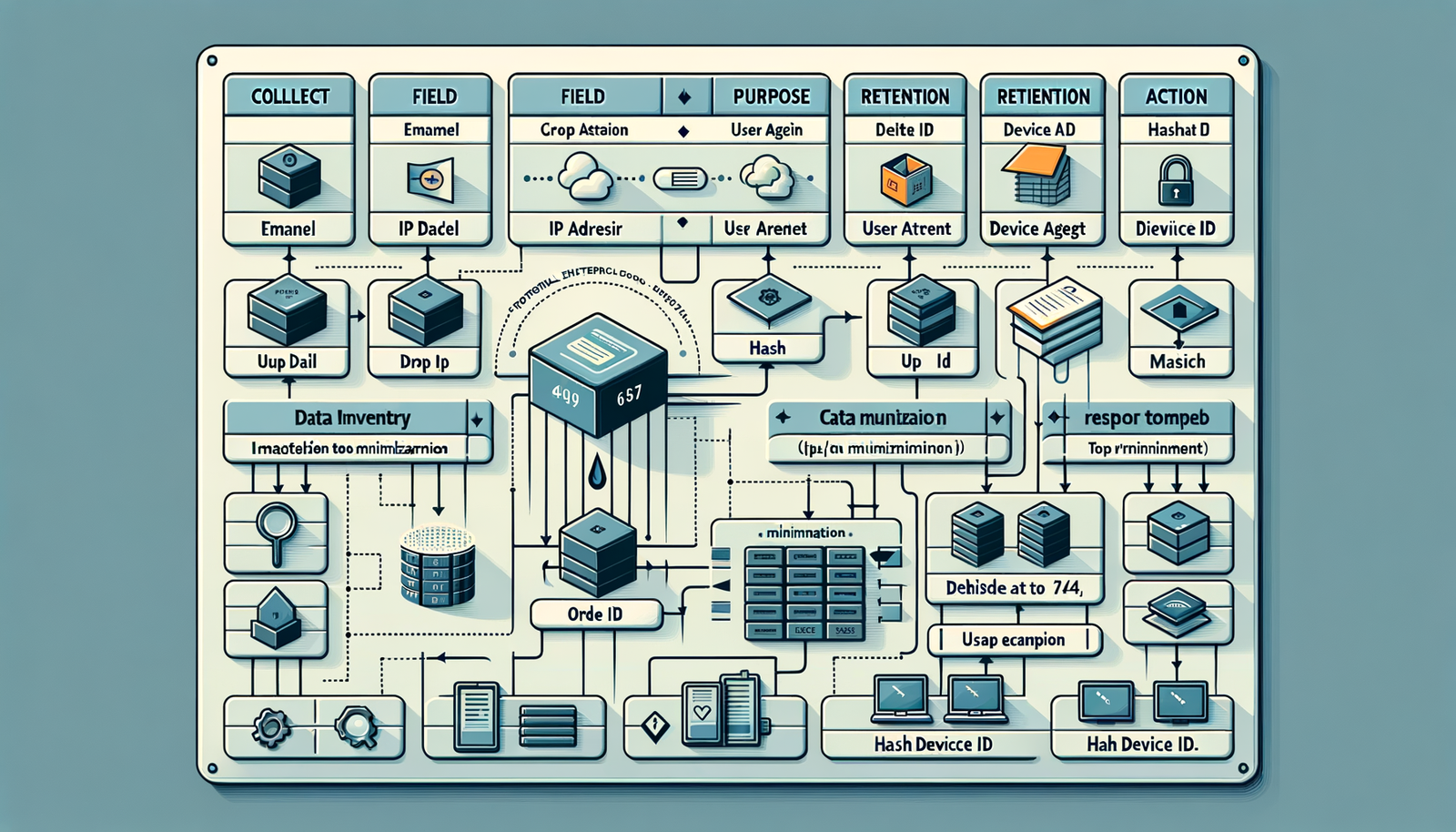
- Build a ruthless data inventory. For each event field: purpose, legal basis, retention, and action (collect, drop, hash, truncate). If you can’t name a purpose, drop it.
- Define consent categories (Analytics, Personalization, Marketing) and write plain-language copy. Test with five users; rewrite anything they paraphrase incorrectly.
- Choose a pseudonymous ID strategy. Favor an on-device or edge-generated ID hashed with a rotating salt, scoped to your domain and reset on opt-out.
Week 2 — Enforce at the edge
- Move third-party tags server-side or behind a gateway you control. Block vendors until consent is present for their purpose.
- Strip IP and user-agent at the edge; keep only derived signals (e.g., region = state, device_class = phone/desktop).
- Implement TTLs in storage (30–90 days for analytics is typical). Shorten unless you prove value for longer.
Week 3 — Wire the UX and logs
- Ship a layered banner with equal-weight actions and a clear Reject non-essential.
- Add a preferences center with per-purpose toggles, consent versioning, and audit logs.
- Build DSAR endpoints to export or delete by pseudo_id only; document the process so support can fulfill within 72 hours.
Two quick wins we’ve seen consistently: truncating IPs to /24 (or dropping entirely after region derivation) reduces incident scope and log volume; and setting analytics retention to 30 days cuts warehouse spend without hurting decision quality. On a 28M monthly-pageview media network, those two changes reduced log volume 41% and trimmed cloud costs 22% while keeping dashboards green.
If you need packaged help, these resources are production-ready and align with the approach outlined here.
Measuring ROI and the KPIs that matter
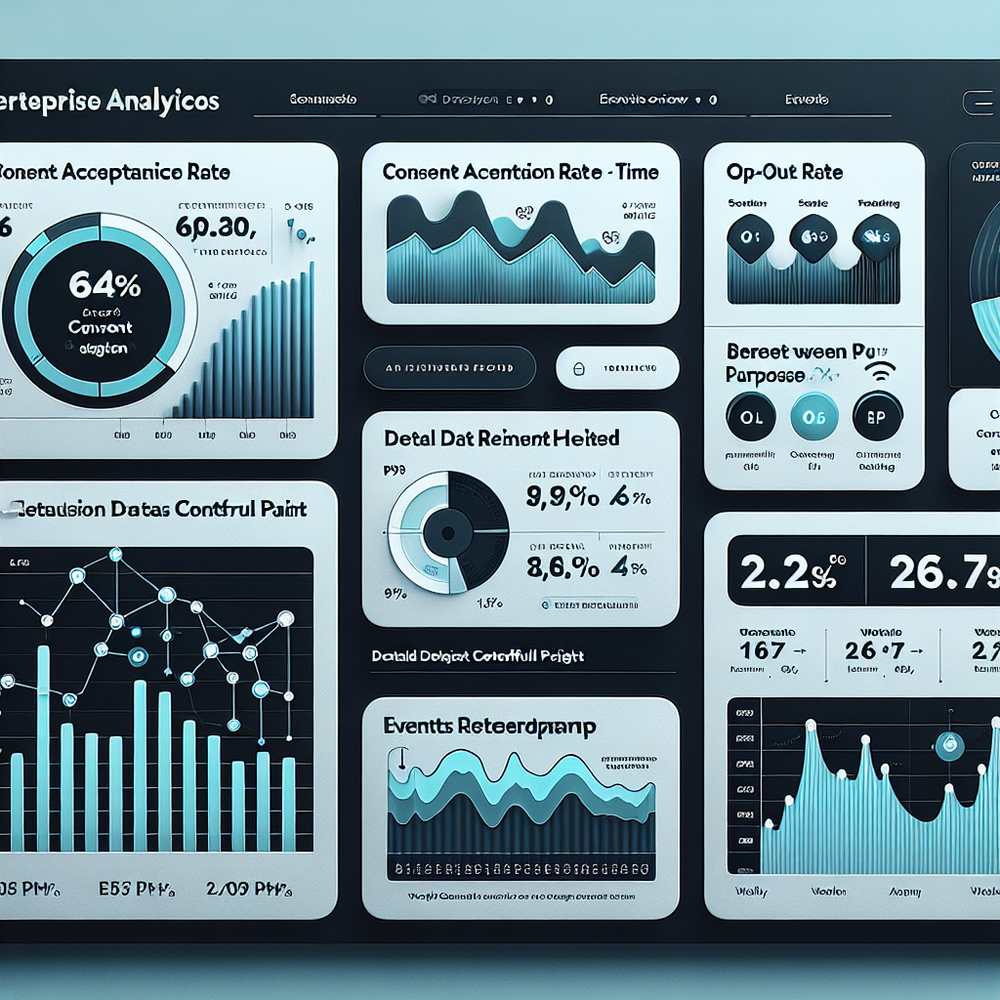
Track privacy like a product feature. Start with consent acceptance rate (overall and by region), opt-out rate by purpose, and the percentage of events dropped for policy violations (should trend toward zero). Add platform KPIs: vendor count, tag firing on first paint, p95 LCP and TTI deltas before/after server-side collection, and data footprint (rows stored, retention days). Operationally, monitor DSAR SLA, incident mean time to detect (MTTD), and mean time to contain (MTTC). McKinsey’s research repeatedly connects trust with long-term value; translate that into churn, repeat purchase, and NPS movements post-implementation.
Anecdote: when we introduced purpose-aware routing and equal-weight buttons for a 100k-session/day retailer, affirmative opt-in rose 37% and bounce on the first page dropped 8%. The only UI change was replacing a vague “Manage” with “Reject non-essential.” Another team cut their vendor list by 70% and saw a 320 ms improvement in p95 LCP—conversions on low-end Android devices improved 4.6%. Privacy, performance, and revenue are aligned when you remove noise and keep only what’s necessary.
First‑party data and trust, done the right way
Zero PII storage doesn’t mean zero insight. It means you earn the right to ask for more, later, with context. Progressive profiling—clear why/what/how long—works when you’ve demonstrated restraint. Salesforce’s Connected Customer research highlights that transparency sets the stage for willingness to share. In practice: stay purpose-specific, honor “no” without nags, and surface retention plainly (“We keep this for 30 days to detect bugs; then it’s deleted”). For account experiences where email is essential, isolate it to auth systems with strict access controls and never commingle with analytics. When customers see that discipline, they reciprocate with accurate, volunteered data (zero‑party) that’s far more valuable than scraped identifiers.
Common pitfalls to avoid
- Keeping IPs “for fraud” without defining the detection logic—derive the signal you need (e.g., region, ASN risk score) and drop the raw value.
- Hashing emails without a rotating salt and calling it anonymous—deterministic hashes re-identify across systems. Use scope-limited salts and avoid email in analytics entirely.
- Leaky SDK defaults—turn off auto-capture fields you don’t need; audit payloads in CI/CD with a schema gate.
- Ambiguous consent copy—replace jargon with purpose, benefit, and retention in plain language. Equal-weight buttons aren’t optional.
- Shadow tags—scan production for client-side beacons; route third-parties through a controlled server-side gateway.
- DSAR afterthoughts—design for export/delete by pseudo_id from the start and log every consent change with version and timestamp.
- Over-collection “for ML later”—bring a data minimization review to every model card: input, purpose, retention, and an exit plan.
Future outlook: on-device models and federated metrics
The direction of travel is clear: more computation at the edge, less raw data in the cloud. Privacy Sandbox, on-device inference, and federated analytics let teams answer business questions while keeping identifiers local. Expect regulators and platforms to keep rewarding minimization patterns and penalizing loose collection. The safe bet is to design for ephemerality now—short TTLs, scoped pseudonyms, purpose-aware routing—so you can plug into new privacy-preserving primitives without a rewrite. Our rule of thumb: if a field would make a breach notification worse to write, it doesn’t belong in your analytics tables.
Related posts
View all
Brand-Consistent AI Chats Build Trust and Conversions
When AI mirrors your brand voice, shoppers relax—questions get answered, carts grow, and support load drops. Learn the playbook to align tone, trust, and ROI.

How Context-Aware AI Recommendations Lift CTR
See how context-aware AI recommendations lift CTR by 25–60% with intent signals, page context, and history. Practical steps, KPIs, and implementation tips.

Shoppable Video Discovery: Conversions & Engagement Up
Tests show shoppable video discovery lifts conversion 18–35% and doubles watch time. See the UX patterns, KPIs, and how to deploy it quickly with Brambles.ai.
Explore Brambles.ai
Learn more about our AI-powered agentic commerce platform, agentic shopping, and shopping assistance solutions.
Explore More Insights
Discover more articles on AI, automation, and business innovation
View All Articles