Measure Assist Revenue from AI Chats in GA4
Learn to measure assist revenue from AI chat in GA4: event tagging, attribution, KPIs, and benchmarks, plus a step-by-step setup and a validation checklist.
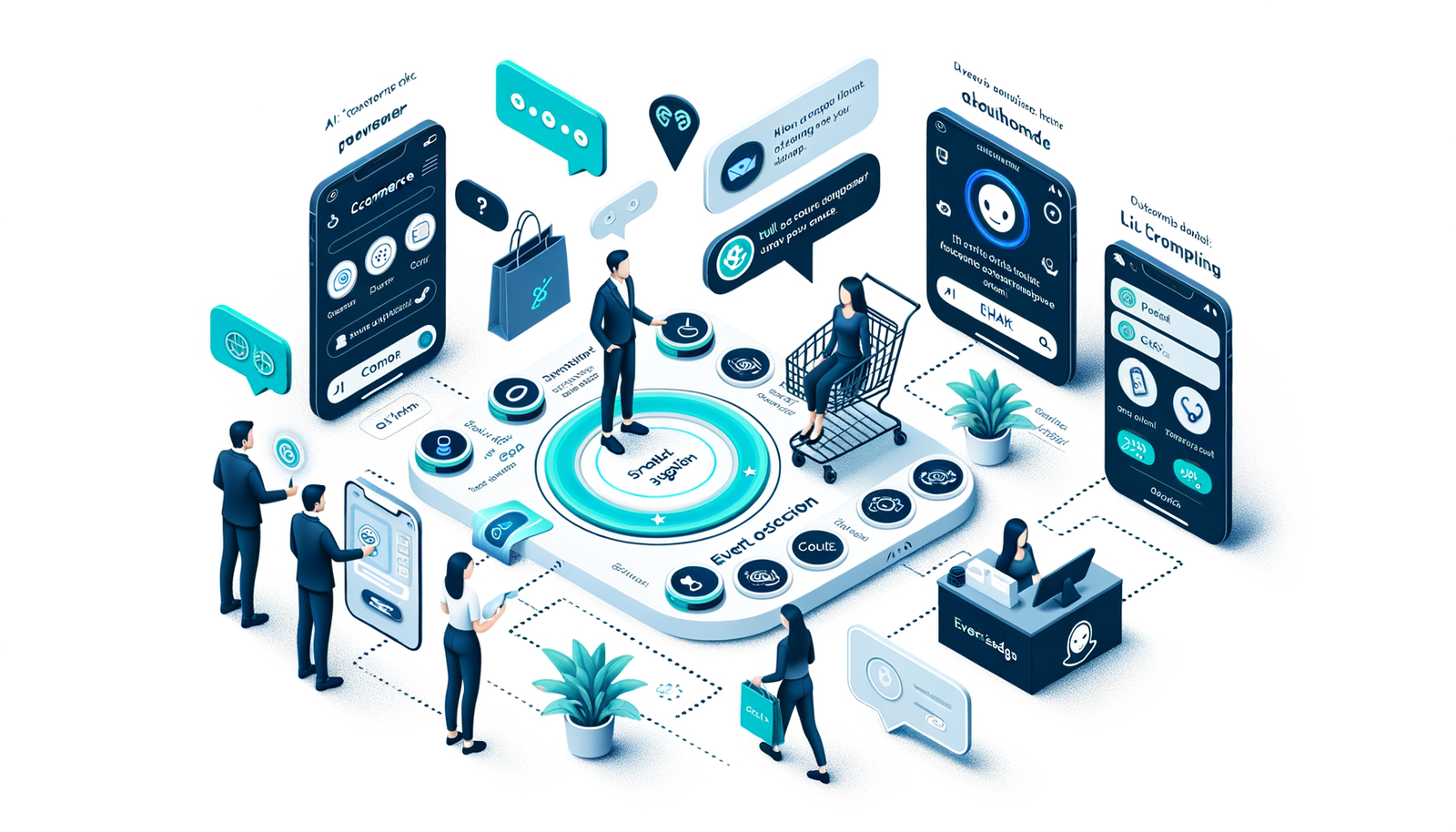
AI shopping chat is increasingly the first touchpoint customers have with your brand—answering questions, product recommendations, and nudging shoppers to purchase. Yet most teams still judge chat by last-click sales or deflections. That hides its real value: revenue it assists. In this guide, you’ll learn exactly how to measure “assist revenue” from AI chat in GA4 (and compatible stacks), set up events and parameters, choose attribution models, run experiments, and build KPI dashboards that prove incremental ROI. We’ll share proven schemas, common pitfalls, and a mini case study with benchmarks so you can launch this in days, not months.
What Is “Assist Revenue” and Why It Matters
Assist revenue is the share of revenue from conversions where AI chat influenced the journey but was not necessarily the last touch. Think of it as “assisted conversions × order value” attributed to chat exposures, messages, or call-to-actions (CTAs) that happened before purchase. It’s critical because last-click credit systematically undervalues mid‑funnel guidance—customer service FAQs, fit finders, comparisons, coupon explanations—that reduce friction and increase confidence. McKinsey reports personalization can lift revenue by 10–15%; conversational guidance is a high-ROI way to operationalize that personalization at scale. Salesforce’s State of the Connected Customer notes 59% of customers expect real‑time interactions, indicating chat’s growing role in shaping decisions. When you measure assist revenue, you can prioritize the chat experiences like direct add to cart and raise average order value (AOV), not just the ones that capture the final click.
What’s Broken with Last‑Click and Naïve Chat Metrics
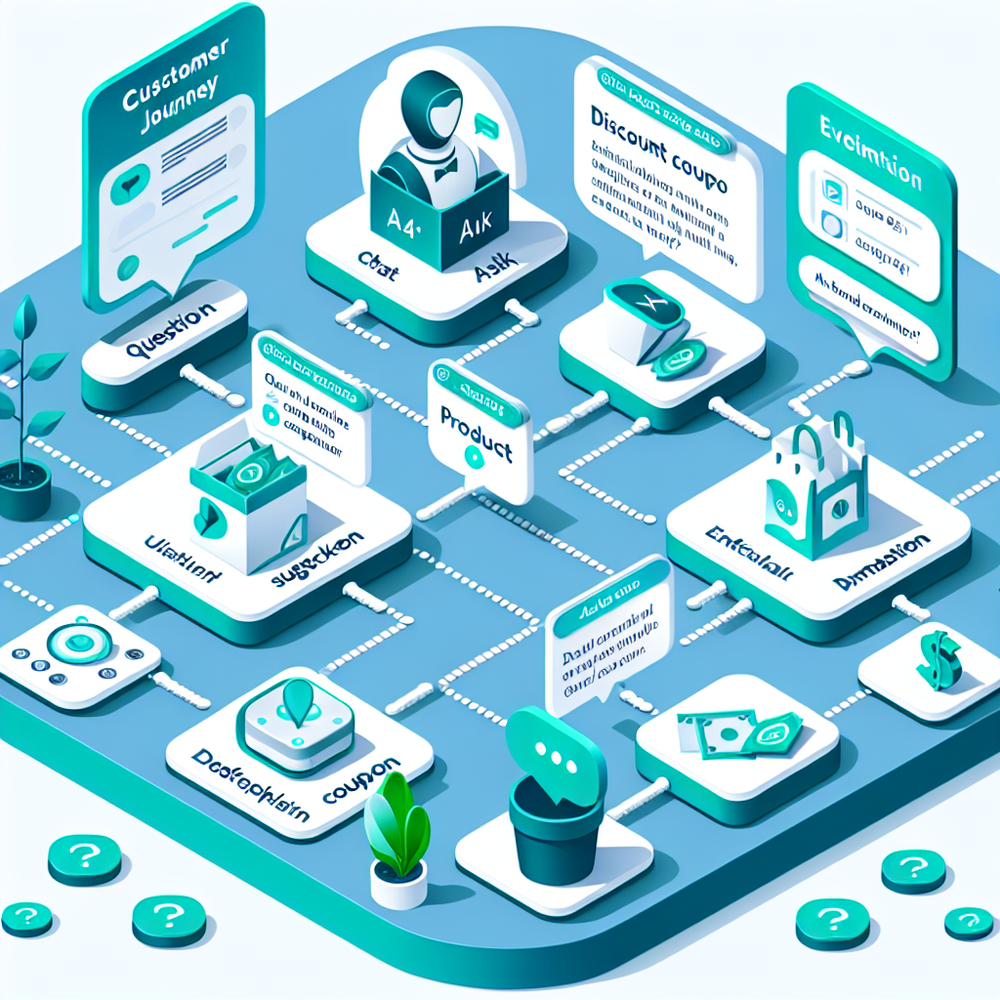
Most teams rely on last-click conversions, “chat → purchase” paths, or rudimentary deflection counts. This misses mid‑funnel value and creates optimization bias. Google has shown that data‑driven attribution (DDA) yields about 18% more conversions at the same CPA versus last click, underscoring how multi-touch credit changes decisions. Another blind spot: abandonment. Baymard Institute pegs the average cart abandonment around 70%, meaning the biggest wins may come from chat reducing uncertainty before add‑to‑cart. Finally, analytics setups often lose chat influence due to cross‑device journeys, untagged deep links, privacy gating, or CTAs that don’t carry URL parameters. The result is under‑counted revenue and misallocated budgets—teams might kill high‑value assist experiences because they don’t show up as last click.
How It Works in GA4 (and Adobe/Snowflake)
At a high level, you’ll record a series of AI chat events with rich parameters, tie them to users/sessions, and attribute assisted revenue to those touchpoints if a purchase occurs within a lookback window. In GA4, create events such as chat_opened, chat_message_sent, chat_suggested_product, chat_cta_click, chat_copy_coupon, and chat_transfer_agent. Add parameters like chat_id, intent, product_id, suggested_value, and agent_type (ai/human). Set a user property chat_engaged=true when a user interacts. Mark purchase events with transaction_id, items, and value. Use GA4 Explorations to build path/segment reports and the standard “Advertising → Attribution” views to account for assists. Export to BigQuery to compute custom assisted revenue logic (e.g., exclude last-click credit and apportion by position). In Adobe Analytics, mirror events and use Processing Rules/classifications for chat touchpoints. In Snowflake/warehouse-centric stacks, store chat logs and web events together and run multi-touch attribution SQL across sessions and devices.
Implementation Guide: Events, Parameters, and Tagging
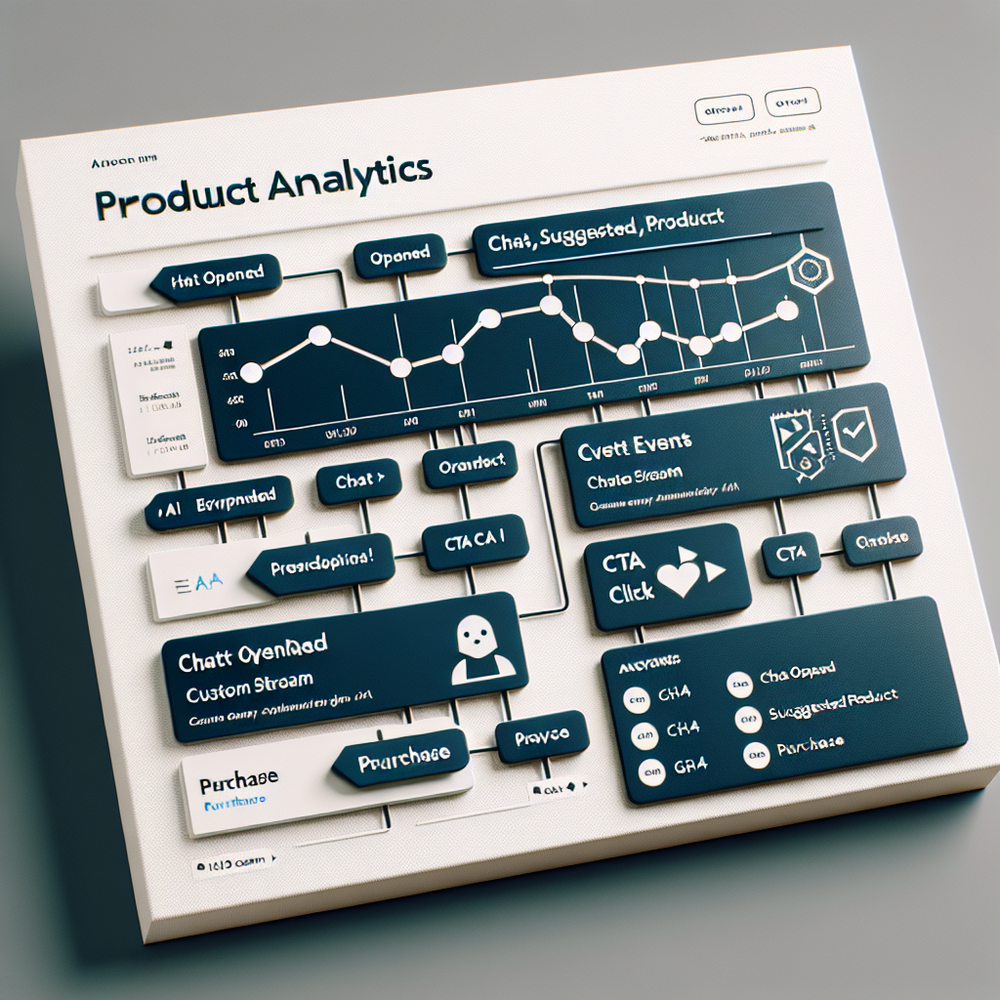
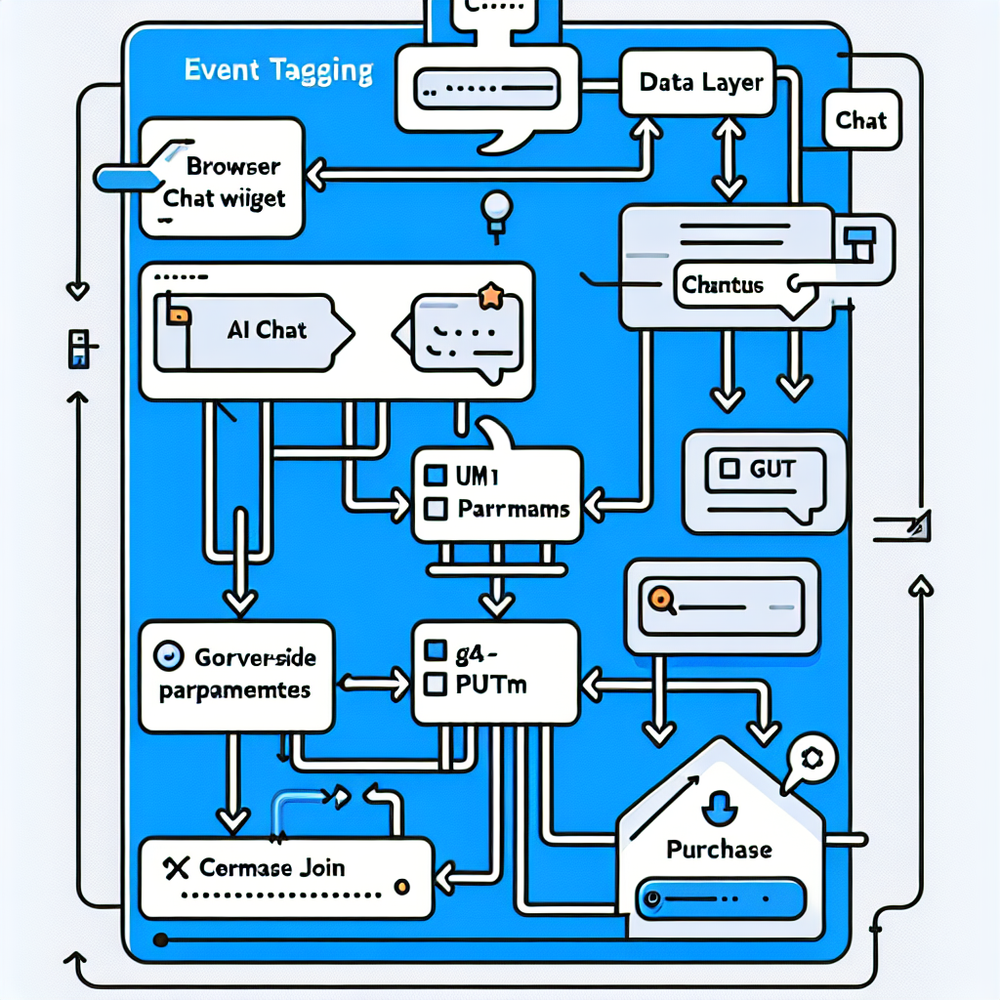
Follow this step-by-step plan to capture assist revenue accurately: 1) Define taxonomy. Standardize event names (chat_opened, chat_message_sent, chat_suggested_product, chat_cta_click, chat_copy_coupon, chat_add_to_cart, chat_buy_now) and parameters (chat_id, intent, product_id, product_sku, suggested_value, model_name, response_confidence, agent_type, message_id). 2) UTM discipline. Ensure every chat button or link appends utm_source=assistant&utm_medium=chat&utm_campaign=chat_suggest (plus content/message_id for variants). 3) Tagging. Fire events via your chat widget or a data layer and send to GA4 through GTM. 4) Enrich. Send the same events server-side using the GA4 Measurement Protocol to reduce ad blockers’ impact. 5) Stitching. Set first_party_id and link to logged-in user_id when possible (respecting privacy). 6) Purchase join. Ensure purchase events include items[].item_id/price/quantity so you can tie recommendations to items sold. 7) QA. Use GA4 DebugView and a staging property to validate parameters before going live.
If you run WordPress/WooCommerce, you can speed this up with Brambles.ai integrations that expose a clean data layer, prebuilt GA4 tags, and product recommendation events. You’ll get conversational commerce features plus analytics-ready tracking out of the box.
Attribution and Experimentation Framework
Modeling: For a conservative measure, count assist revenue only when chat touched the path but was not the last touch before purchase. For richer credit, use position-based (40-20-40: first, middle, last) or time‑decay. GA4’s data‑driven attribution is recommended; it algorithmically assigns credit based on observed contribution. Choose lookback windows by sales cycle (7–30 days for ecommerce, 30–60 for considered purchases). Experimentation: To quantify incremental lift, run a 10% holdout where users don’t see AI chat or see a minimal baseline. Compare conversion rate (CR), AOV, and revenue per session between exposed and holdout. For example, with a baseline CR of 2% and expected 10% relative lift, plan for roughly 100k–150k sessions for 80% power (ballpark, depending on variance). Validate that assisted conversions rise without cannibalizing paid search last clicks. Combine attribution and experimentation: report total assisted revenue and the incremental share (assist revenue × lift %) to avoid over‑crediting.
Measuring ROI and KPIs (with a Mini Case Study)
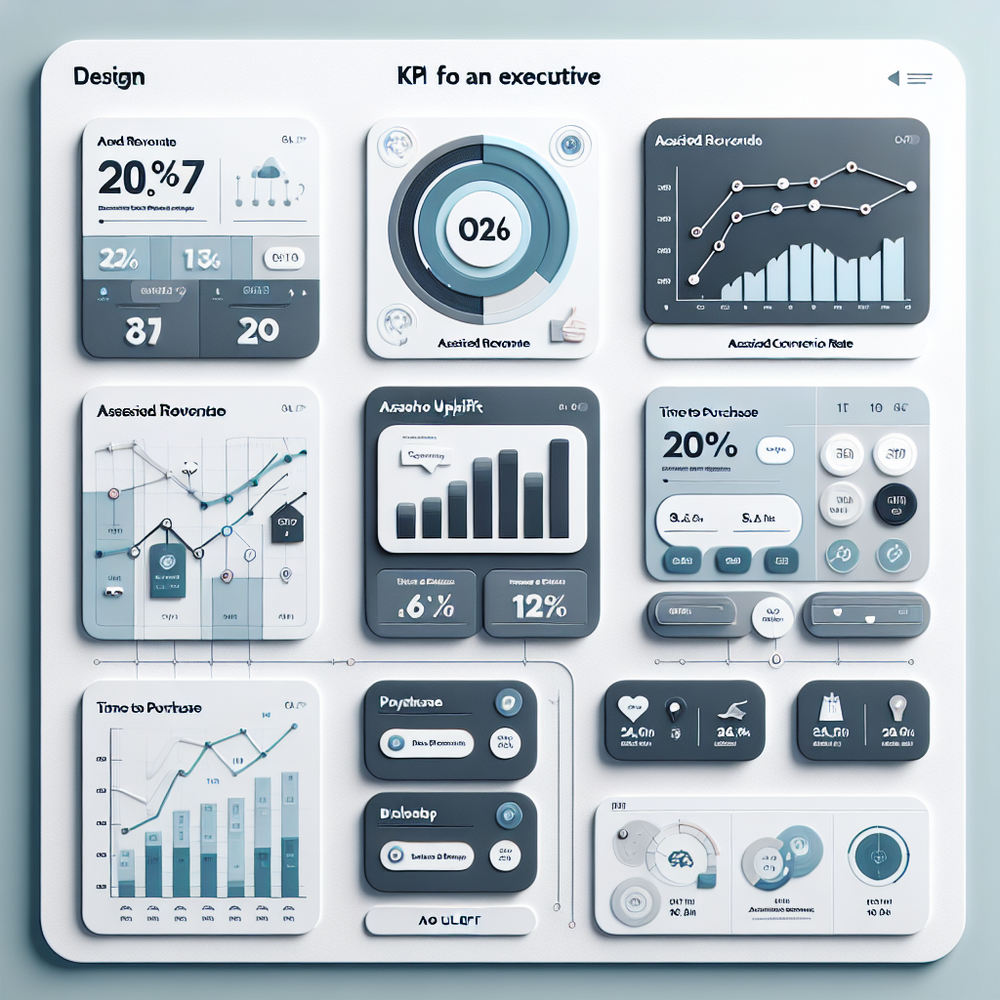
Core KPIs: 1) Assisted revenue: revenue from conversions with a chat touchpoint excluding last click (or credited via DDA). 2) Assisted conversion rate: conversions/sessions where chat_engaged=true versus comparable non‑chat sessions. 3) AOV uplift: AOV for assisted conversions vs. non‑assisted. 4) Time‑to‑purchase reduction. 5) Agent deflection: % of chats resolved by AI without human handoff. Benchmarks: Across ecommerce, we often see 15–30% of revenue showing a chat touchpoint and 5–15% incremental lift when chat is well‑tuned. Google reports DDA can drive 18% more conversions vs. last click; Baymard’s ~70% abandonment rate highlights room for mid‑funnel gains. Mini case study: A DTC beauty brand (~500k monthly sessions) implemented product suggestions and coupon explanations via AI chat. In 6 weeks, exposed users saw a 12% CR lift and 8% AOV lift; 22% of monthly revenue had a chat assist, and modeled incremental assist revenue reached ~$58k/month (12% of the $480k assisted segment), with no paid search cannibalization observed.
Common Pitfalls and How to Fix Them
- Double counting: If you credit last click and assist simultaneously without a rule, totals will exceed real revenue. Fix by reporting two views: last-click vs. assist (or use DDA with clear labeling). - Missing parameters: Chat CTAs without UTM tags lead to “direct/none” ambiguity. Enforce parameter middleware in the widget. - Cookie/consent gaps: Client‑side events may be blocked. Mirror critical events server‑side. - Cross-device leakage: Encourage sign-in and use first-party identifiers to stitch sessions. - Weak intent labeling: Without intent and product_id, you can’t tie suggestions to items sold. Add intent NLP categories (e.g., pricing, fit, compatibility). - Coupon over‑attribution: Count coupon copies but attribute only when the session later converts, and monitor cannibalization by comparing promo and non‑promo assisted cohorts. - Overfitting to deflection: A high deflection rate is good, but ensure it correlates with revenue and CSAT, not just shorter chats.
Ready to operationalize assist revenue measurement and optimize conversational commerce? Brambles.ai unifies AI chat, product recommendations, and clean analytics instrumentation. Explore the conversational shopping experiences and ready-made tracking that help teams prove ROI faster.
Related posts
View all
Brand-Consistent AI Chats Build Trust and Conversions
When AI mirrors your brand voice, shoppers relax—questions get answered, carts grow, and support load drops. Learn the playbook to align tone, trust, and ROI.

How Context-Aware AI Recommendations Lift CTR
See how context-aware AI recommendations lift CTR by 25–60% with intent signals, page context, and history. Practical steps, KPIs, and implementation tips.

Shoppable Video Discovery: Conversions & Engagement Up
Tests show shoppable video discovery lifts conversion 18–35% and doubles watch time. See the UX patterns, KPIs, and how to deploy it quickly with Brambles.ai.
Explore Brambles.ai
Learn more about our AI-powered agentic commerce platform, agentic shopping, and shopping assistance solutions.
Explore More Insights
Discover more articles on AI, automation, and business innovation
View All Articles