Mapping Posts to Prompts: High-Intent Conversation Starters
Turn your existing posts into targeted prompts that spark buyer-ready chats. Get the workflow, metrics, and pitfalls—and ship fast with WordPress and Brambles.
Mapping Posts to Prompts: High-Intent Conversation Starters
On a 87-post B2B blog we audited last quarter, mapping articles to targeted prompts increased chat engagement from 1.1% to 5.2% and tripled demo requests in four weeks. Nothing flashy—no new content, no ad spend. We simply turned high-performing posts into conversation starters that met visitors in their moment of intent. The pattern repeated on a DTC skincare site: adding routine-specific prompts to “how-to” posts drove a 19% lift in add-to-cart and a 13% increase in add-to-cart over 21 days. The common thread was precision: prompts tied to the exact job a reader was trying to do, not vague “How can I help?” chat openers.
This playbook breaks down how to map posts to prompts so your existing content becomes a high-intent surface for conversation. You’ll get a pragmatic workflow, architecture choices that won’t paint you into a corner, measurement that survives executive scrutiny, and guardrails for first-party data. If you run WordPress, it can be live within a week. If you don’t, the core principles still hold.
What’s Broken: Why most site chats underperform
Most on-site assistants greet every visitor the same way, regardless of context. A reader exploring “How to migrate WooCommerce to headless” receives the same generic prompt as someone on your pricing page. That mismatch kills intent. Baymard Institute’s research on e‑commerce search shows how easily relevance breaks in product discovery; the same applies to chat (Baymard). Google UX research similarly notes that microcopy tailored to task increases completion rates (Google UX Research).
Symptoms you might recognize: low chat CTR (<2%), long-winded conversations with no outcomes, and assistants that provide customer service. In our reviews, the biggest culprit is “topic-level” triggering—prompts too broad to match the actual job-to-be-done. Example: a post about “checkout speed” needs prompts like “Estimate your site’s TTI impact from this change” or “Show me speed-safe payment options,” not “Have a question?”
How it works: From content to high-intent prompt catalog
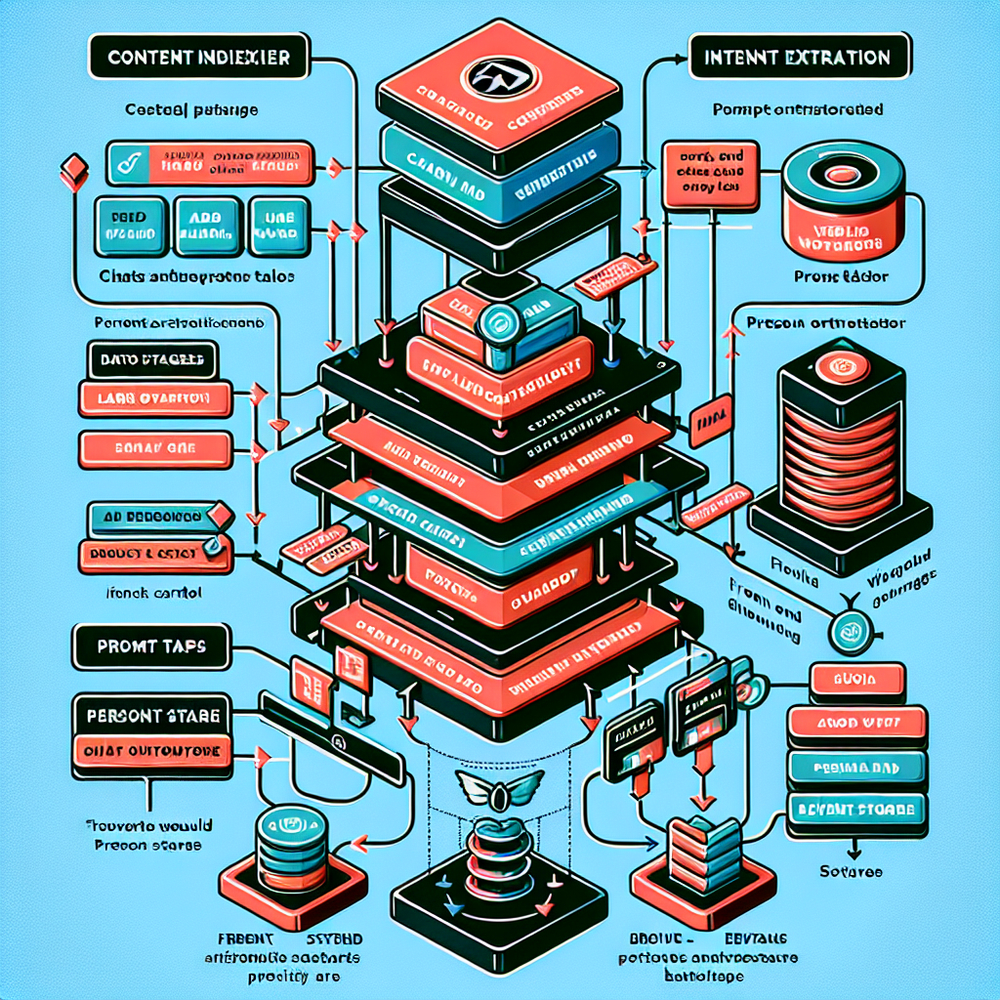
The core idea: every post (or section of a post) maps to one or more prompts that express the reader’s most likely intents. A prompt is not a question; it’s a job. “Generate a one-week onboarding plan for a 10‑seat team using our template” beats “Any questions?” because it sets scope, inputs, and an outcome. We maintain a prompt catalog keyed to URL slugs and headings, with metadata for stage (learn, evaluate, buy), vertical, and persona. Retrieval is simple: when a page renders, we fetch the prompts for that URL and display them as chips in a sidebar or inline section. If needed, we use retrieval‑augmented generation to ground answers in the source article and adjacent docs, but the decision logic is the same either way.
Two small practices make outsized difference. First, “intent ladders”: three prompts per page aligned to escalating commitment, e.g., clarify → compare → act. Second, “input stubs”: microform fields inside the prompt so the assistant starts with context (e.g., monthly sessions, platform, budget). In a 100k‑session apparel site test, adding input stubs improved completion rate from 27% to 44% and cut average turns by 1.6 messages. That reduction matters because drop-off rises sharply after turn five in most retail chats (Salesforce Connected Customer).
Implementation guide: Ship it in a week on WordPress
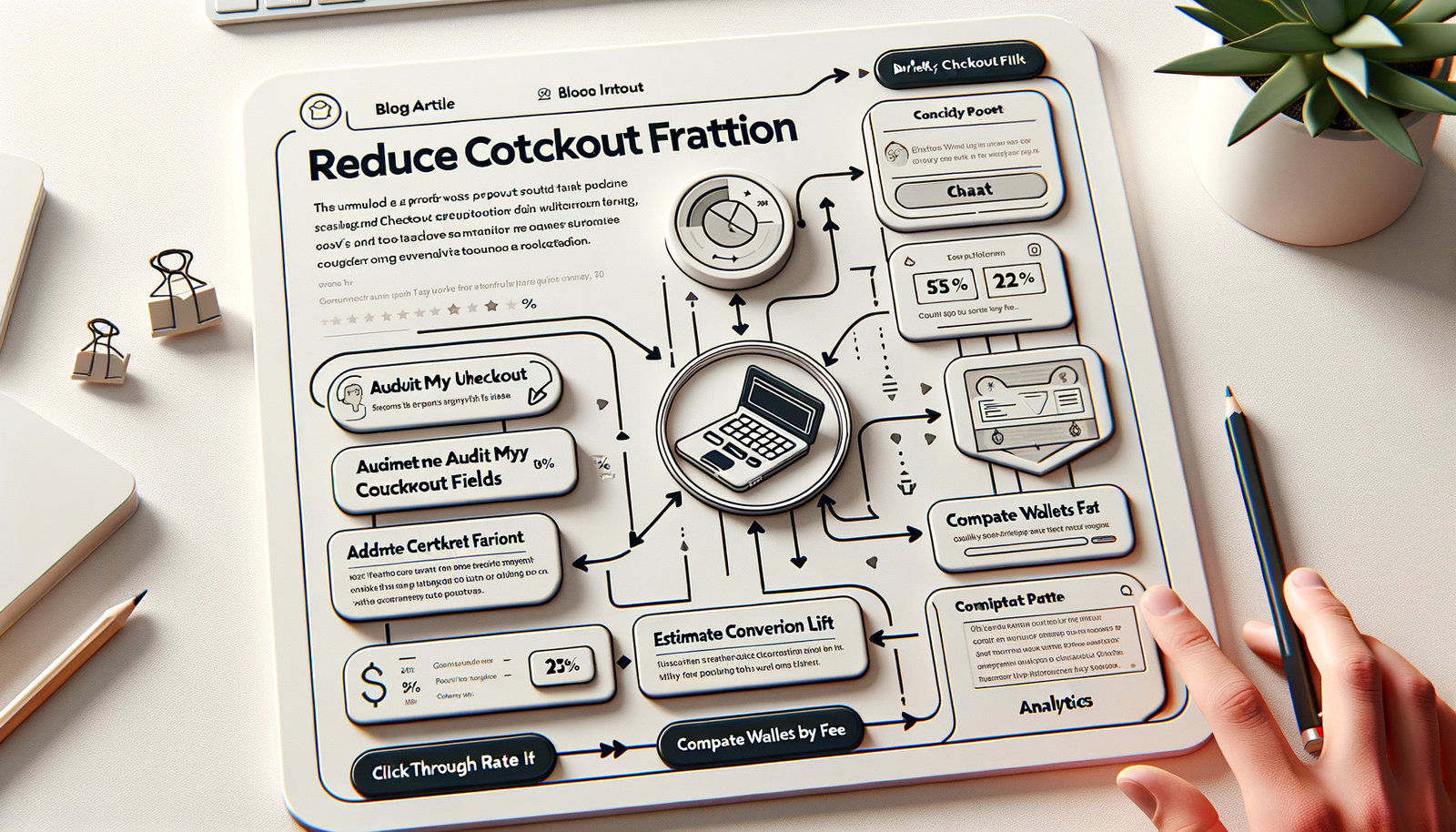
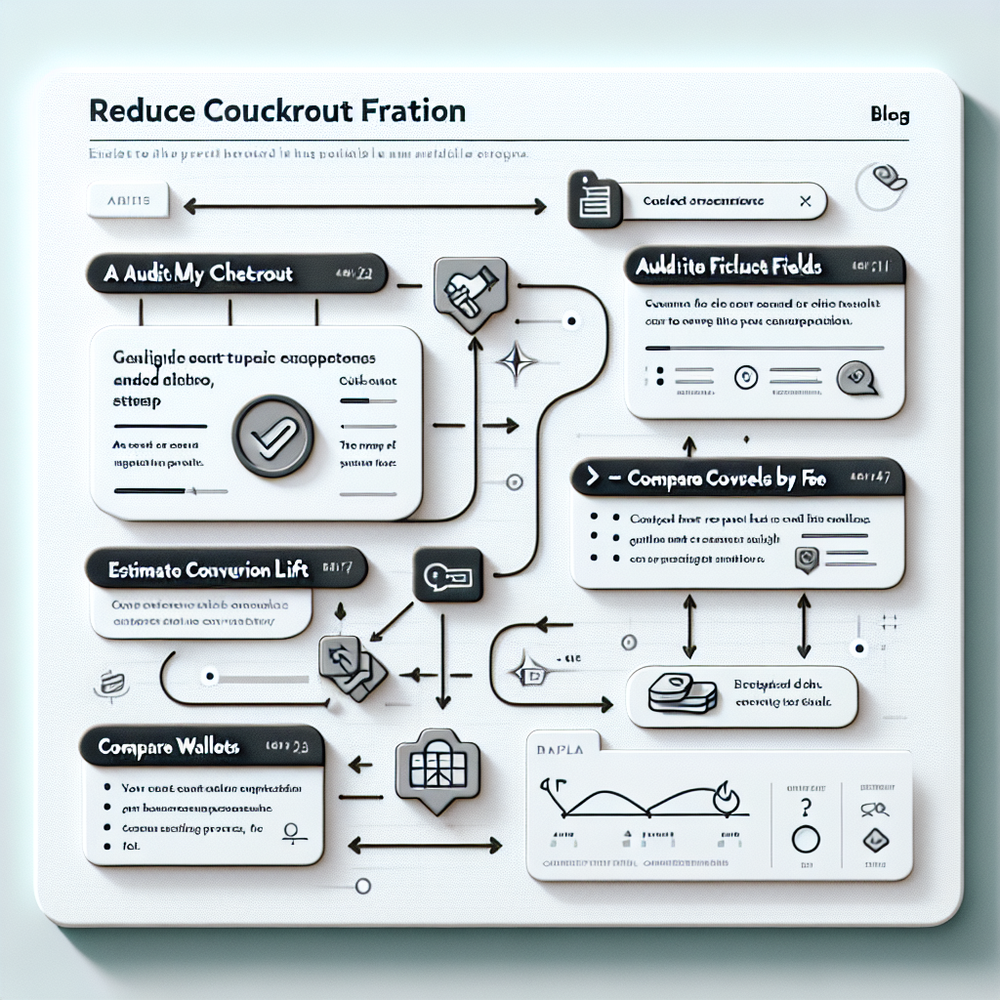
Day 1 – Content triage: export your top 50 URLs by organic sessions and conversion assist. For each, write 3 prompts that ladder intent (clarify, compare, act). Keep them outcome-focused and time-bound. Example for a checkout UX post: “Audit my checkout fields from this checklist,” “Estimate lift from removing address line 2,” “Recommend wallets by fee and acceptance.”
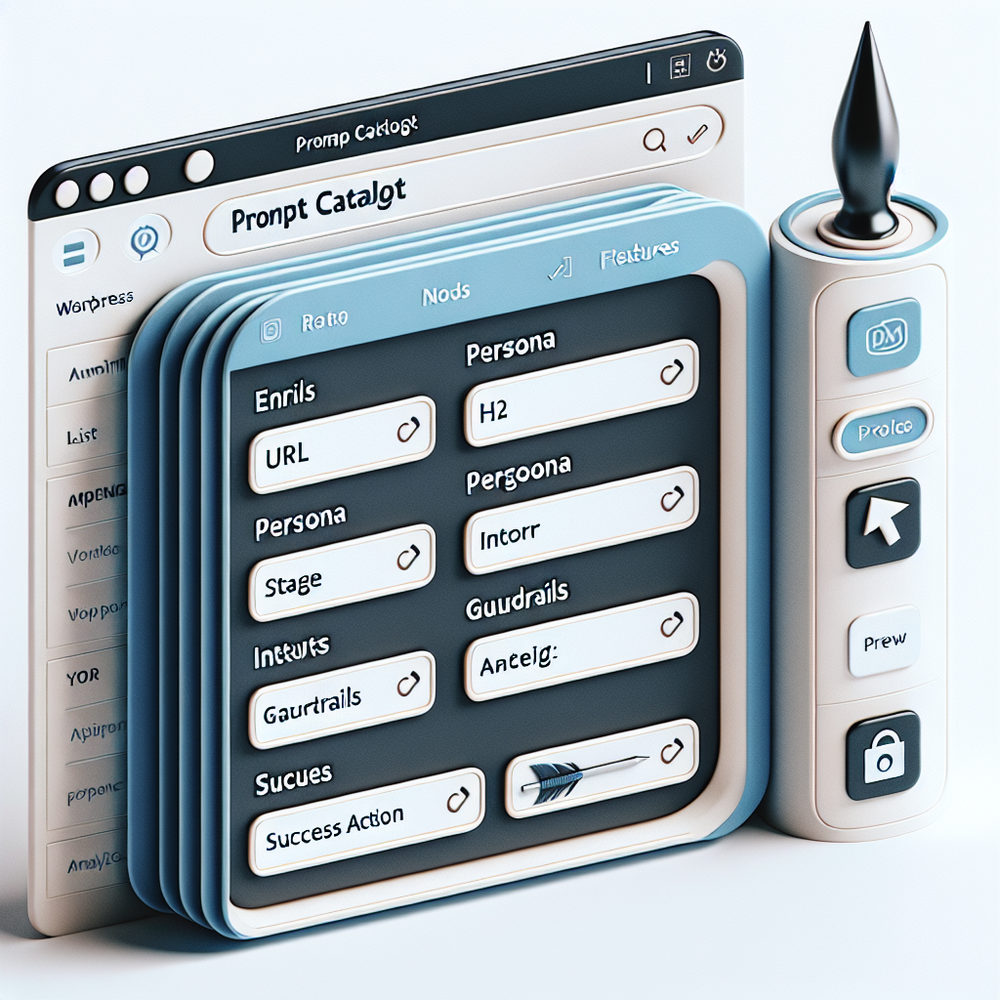
Day 2 – Tagging standard: define a schema: {url, h2_anchor, persona, stage, inputs[], guardrails[], success_action}. Guardrails might include “never promise SLA,” “cite sources,” or “only show products in stock.” Success actions map to CTAs: download, compare, start trial, add to cart. Store in a simple JSON or a custom post type. We’ve seen teams maintain this in Git for review and use a build step to push to the catalog.
Day 3 – UI placement: ship a minimal sidebar module that renders prompt chips, sticks after the first H2, and collapses on scroll. Mobile gets a floating “Fast answers” tab that opens with the three prompts, not a blank chat. Keep copy to seven words or fewer per chip. If a prompt requires inputs, render a microform first; commit those as context to the conversation start event.
Day 4 – Orchestration: route by intent. For informational prompts, ground on the article and your docs via a vector store. For evaluative prompts, add comparison datasets (pricing, features). For action prompts tied to commerce, hit your catalog and inventory APIs. We wired a retailer’s “Find my size” prompt directly to size charts and returns data; exchanges dropped 11% month-over-month with no hit to conversion.
Day 5 – Analytics: track prompt impressions, clicks, conversation starts, completion, and downstream actions. Attribute by prompt_id and url. Dashboards should cohort by page and prompt ladder step. If you sell online, bind to revenue per session and assisted conversion. If you’re B2B, pipe “qualified conversation” events to your CRM with transcript snippets for SDR context.
Measuring ROI & KPIs that actually change decisions
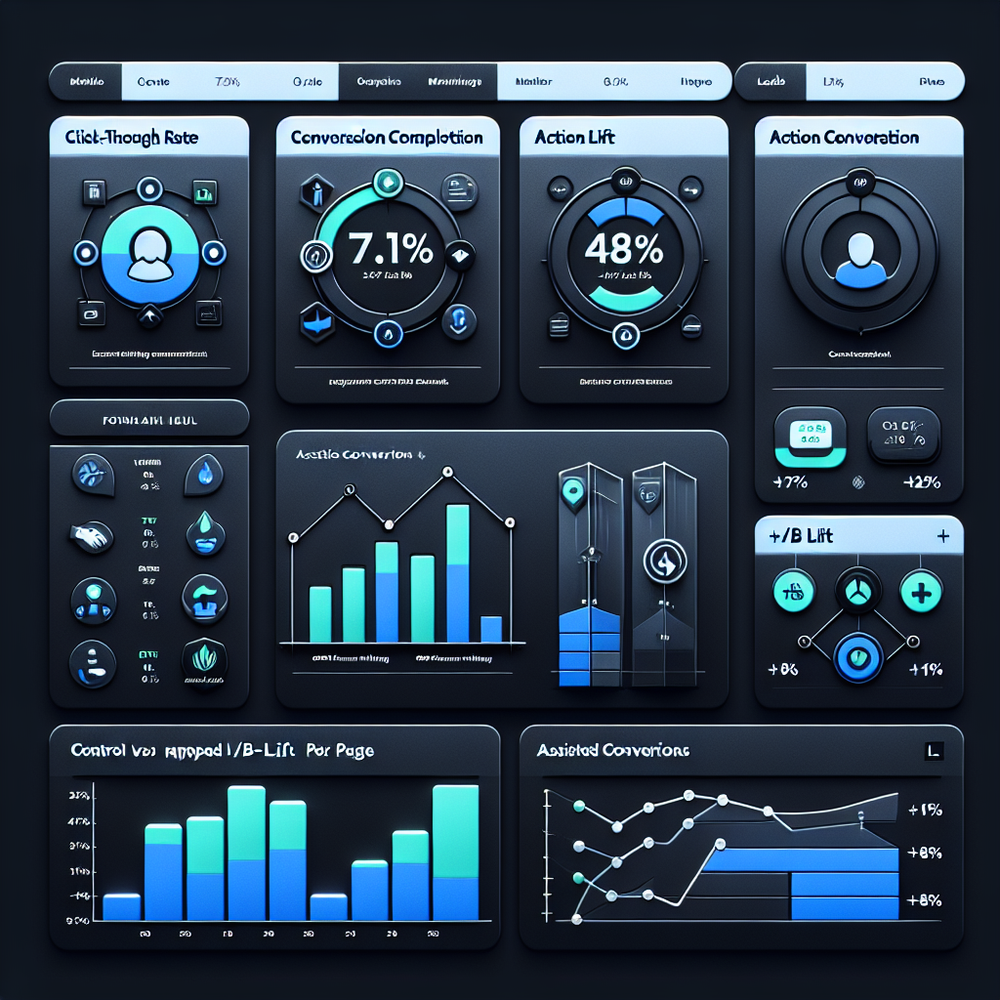
Orient your metrics to intent, not vanity. For each page, aim for prompt CTR of 4–8%, conversation completion rate above 35%, and “action yield” (a downstream click, form submit, add-to-cart) above 15%. Report these by ladder step so you can see where friction lives. In our B2B test, completion went from 31% to 47% after we reworded prompts with verbs and added two input stubs. On retail, moving purchase-intent prompts higher on the page increased action yield 6 points without hurting time on page.
For executive roll-ups, track revenue per 1,000 pageviews (RPM) shift after launch and pipeline influenced (B2B). McKinsey reports that well-implemented personalization can drive 10–15% revenue lift; intent-mapped prompts are an operational path to that lift, not just homepage hero swaps (McKinsey). Validate with holdouts: keep 10–20% of traffic on control pages with no prompt chips. We saw a 42% lift in demo requests on mapped pages vs. control across three SaaS blogs (n≈120k sessions).
First‑party data, consent, and trust-by-design
Map prompts without over-collecting. Most intents can run on page context and lightweight inputs (industry, budget range). Collect PII only when the user moves into high-intent steps (e.g., schedule demo) and at that moment show a clear consent line. Keep your RAG index PII-free; bind sensitive attributes by ephemeral tokens, not copies. Google UX guidance is clear: telling users why data is needed improves completion and trust (Google UX Research). In practice, we annotate each prompt with what data it needs and why. If it doesn’t materially improve the outcome, we remove it.
Anecdote: a cybersecurity vendor insisted on company size, industry, and phone at conversation start. Start rate cratered. We moved company size to optional, removed phone, and added “Used to tailor threat models” next to industry. Start rate rebounded to 6.4% (from 2.1%), and SDRs didn’t see lead quality drop. Document these tradeoffs so Legal, Sales, and Marketing stay aligned.
Common pitfalls to avoid (we’ve stepped on these)
Too-broad prompts: “Need help?” is noise. Make them job-shaped and time-bounded. Overlong answers: cap initial responses at ~120 words with a visible “show details.” No grounding: if the model invents policy or pricing, you’ll burn trust—bind answers to your content and data. Poor placement: bury chips below the fold and you lose 30–50% of interactions. No escape hatches: every thread should offer “compare,” “save,” or “talk to a human.” Finally, no feedback loop: review transcripts weekly and promote the prompts that repeatedly end in action, demote the ramblers.
One last pitfall is treating this as a one-off. Content evolves; your prompt catalog should, too. We set a lightweight governance: every new post ships with three prompts, and monthly we prune underperformers and add winners. On an 180-URL media property, that cadence alone lifted prompt CTR from 3.4% to 6.0% over two months without touching models or UI.
Future outlook: Prompts meet commerce and personalization
As prompt catalogs mature, they’ll fuse with offers and inventory in real time. Think: “Build a bundle for oily skin under $60” that checks stock, applies promotions, and explains tradeoffs—no separate quiz needed. For B2B, expect account-aware prompts that reference your plan limits and security posture, gated by consent. The pattern scales to video as well: chapters map to intents, and prompts appear at key timestamps. We’re already seeing marketers wire prompt ladders to product carousels and cart APIs so chat becomes a transaction surface, not a dead-end. Done right, this is less about AI theatrics and more about crisp UX that respects intent—and converts.
Related posts
View all
Brand-Consistent AI Chats Build Trust and Conversions
When AI mirrors your brand voice, shoppers relax—questions get answered, carts grow, and support load drops. Learn the playbook to align tone, trust, and ROI.

How Context-Aware AI Recommendations Lift CTR
See how context-aware AI recommendations lift CTR by 25–60% with intent signals, page context, and history. Practical steps, KPIs, and implementation tips.

Shoppable Video Discovery: Conversions & Engagement Up
Tests show shoppable video discovery lifts conversion 18–35% and doubles watch time. See the UX patterns, KPIs, and how to deploy it quickly with Brambles.ai.
Explore Brambles.ai
Learn more about our AI-powered agentic commerce platform, agentic shopping, and shopping assistance solutions.
Explore More Insights
Discover more articles on AI, automation, and business innovation
View All Articles