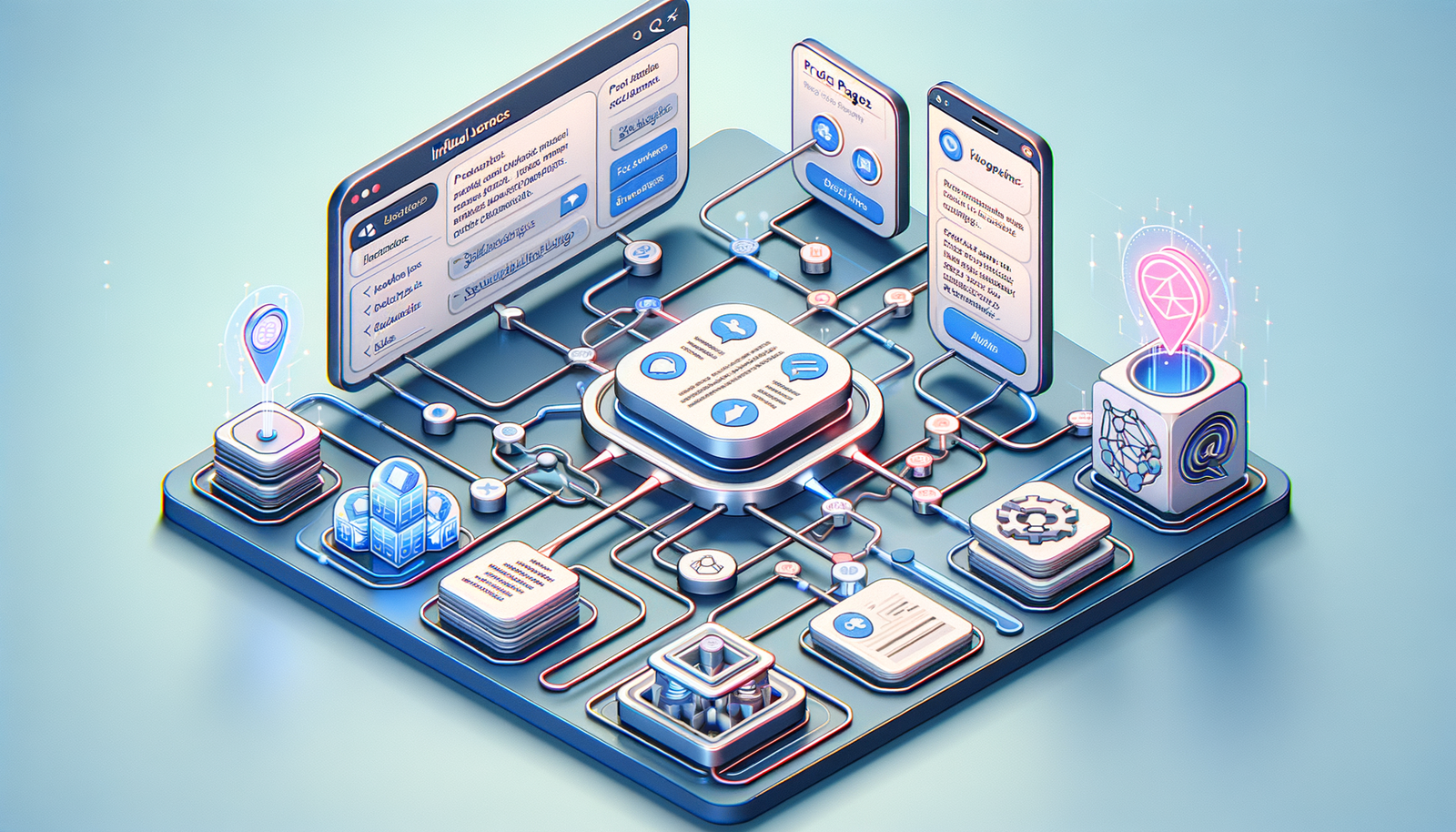
Internal Links That Drive Chat Engagement & Conversions
Turn internal links into a conversion engine for your site chat. Learn architectures, steps, and KPIs that lift engagement, AOV, and revenue fast. Today.
Most sites treat product discovery as an SEO-only lever. But the same links can supercharge your on-site chat—guiding users to the right answers, products, and proofs at the exact decision point. Done right, AI shopping chat doesn’t just respond; it routes intent to conversion. In this guide you’ll learn what’s broken with chat today, how link-aware chat works, a step-by-step implementation plan, the KPIs that matter, common mistakes to avoid, and data-backed examples that show real lifts in engagement, AOV, and revenue.
Why internal links matter for chat-driven conversions
Internal links communicate structure, relationships, and priority—signals that benefit both search engines and AI chat systems. Google’s Search Central documentation emphasizes internal links as a top method for discovery and understanding site hierarchy. For chat, those same links can be used as a dynamic index of answers and offers. When a visitor asks, “Do you have eco-friendly hoodies?” a link-aware chat can surface a pre-qualified collection page, a sizing guide, and an evergreen discount FAQ within a single response—reducing time-to-value and cognitive friction. McKinsey’s personalization research shows tailored experiences can drive 10–15% direct add-to-cart and 20% higher customer satisfaction. Internal links are the connective tissue that makes such personalization operational at scale—mapping intents to content and products. Meanwhile, Salesforce’s State of the Connected Customer reports that experience quality is as important as product quality for the majority of customers; coherent link paths inside chat deliver that perceived quality by making help immediate and consistent.
What’s broken: current chat challenges
Most site chats struggle because they are context-poor. They answer questions but rarely route users to the right page at the right time. This creates a hidden drop-off problem: users exit the chat with good intentions but no next click. Baymard Institute continues to report cart abandonment hovering around 70%, a reminder that even small friction compiles into lost revenue. Common issues include generic answers with no deep links, inconsistent anchor text that confuses users, and broken or slow-loading target pages that derail momentum. Another problem is measurement: many teams don’t tag or track link clicks initiated inside chat, so they can’t attribute lift or run controlled tests. Add siloed content ownership—support owns FAQs, marketing owns product pages, legal owns policies—and you get link rot and inconsistent naming conventions. The result: the chat feels helpful, but users don’t progress. Without intent-aware internal links, chat becomes a cul-de-sac instead of a highway to conversion.
How it works: link‑aware chat architecture
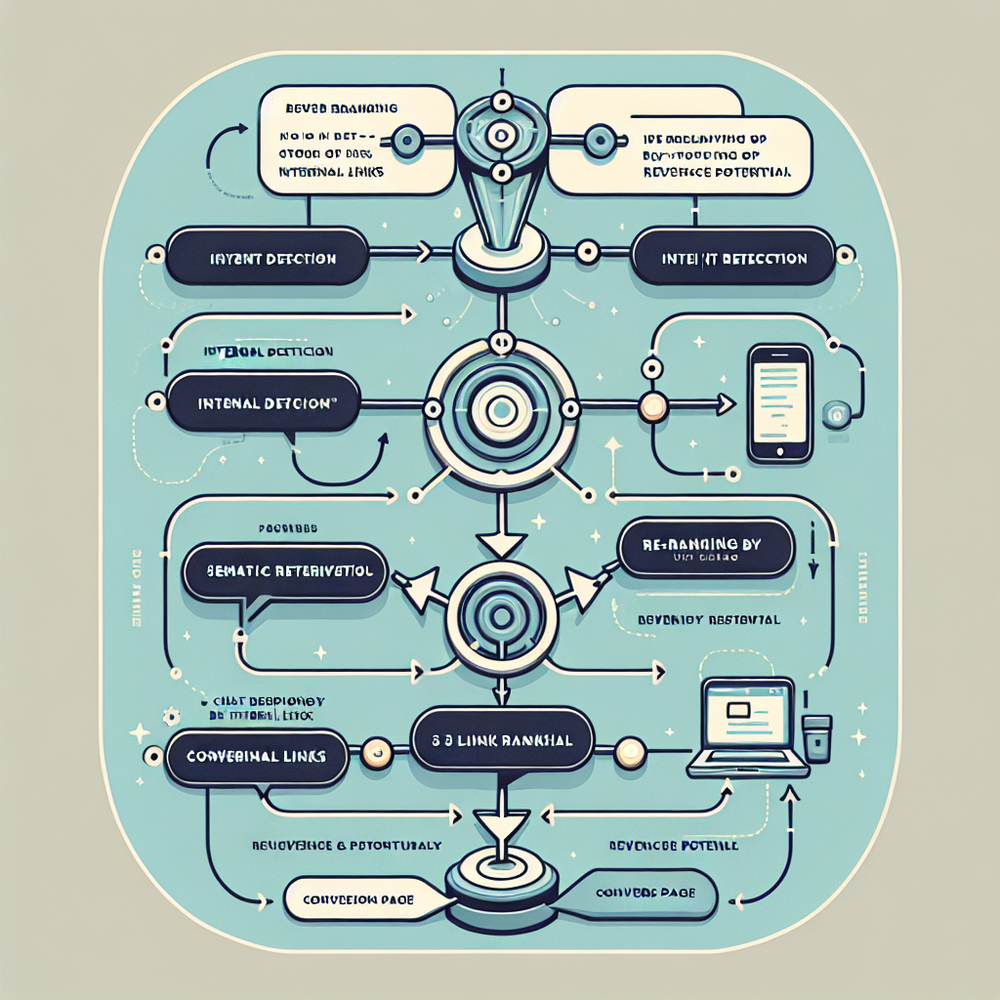
A high-performing setup uses your internal link graph as a retrieval layer for chat. Here’s the architecture: (1) Crawl and index your internal links with metadata—titles, H1s, primary anchors, schema types (Product, FAQPage, HowTo), and performance metrics (proactive engagement, load speed). (2) Generate vector embeddings for the canonical text of each page and attach link context (e.g., the top anchors pointing to it). (3) Map user intents to link candidates via semantic retrieval, then rank with a blend of relevance score, business priority, and historical conversion rate. (4) Compose chat responses that include 2–4 descriptive deep links (not just the homepage), using consistent, human-readable anchor labels. (5) Track clicks with UTM parameters and GA4 events to attribute downstream revenue. This pipeline turns chat from generic Q&A into an intent router. It’s also resilient: as you add content and products, new links automatically enter the retriever, keeping answers fresh without manual scripting for every scenario.
Implementation guide: mapping, markup, and automation
Follow these steps to launch link-aware chat in days, not months: 1) Build an intent map. List your top 50–100 chat intents (e.g., sizing, returns, shipping time, top categories, popular use-cases). For each, assign 2–3 target links. 2) Standardize anchor text. Use concise, action-oriented labels (e.g., “View Returns Policy,” “Compare Plans,” “Shop Eco Hoodies”). 3) Strengthen internal link structure. Ensure each high-value intent has multiple internal paths (category → product; blog → comparison; FAQ → policy). 4) Add schema markup (Product, FAQPage, HowTo) and ensure H1s and titles reflect searcher language; this improves retrieval accuracy. 5) Instrument analytics: attach UTMs (utm_source=chat, utm_medium=internal, utm_campaign=intent_name) and GA4 events (chat_link_click, chat_assisted_checkout). 6) Set confidence thresholds: if relevance < threshold, return clarifying questions instead of links. 7) QA weekly: validate top 100 links for availability, speed, and mobile UX. 8) A/B test link sets by intent to refine ranking.
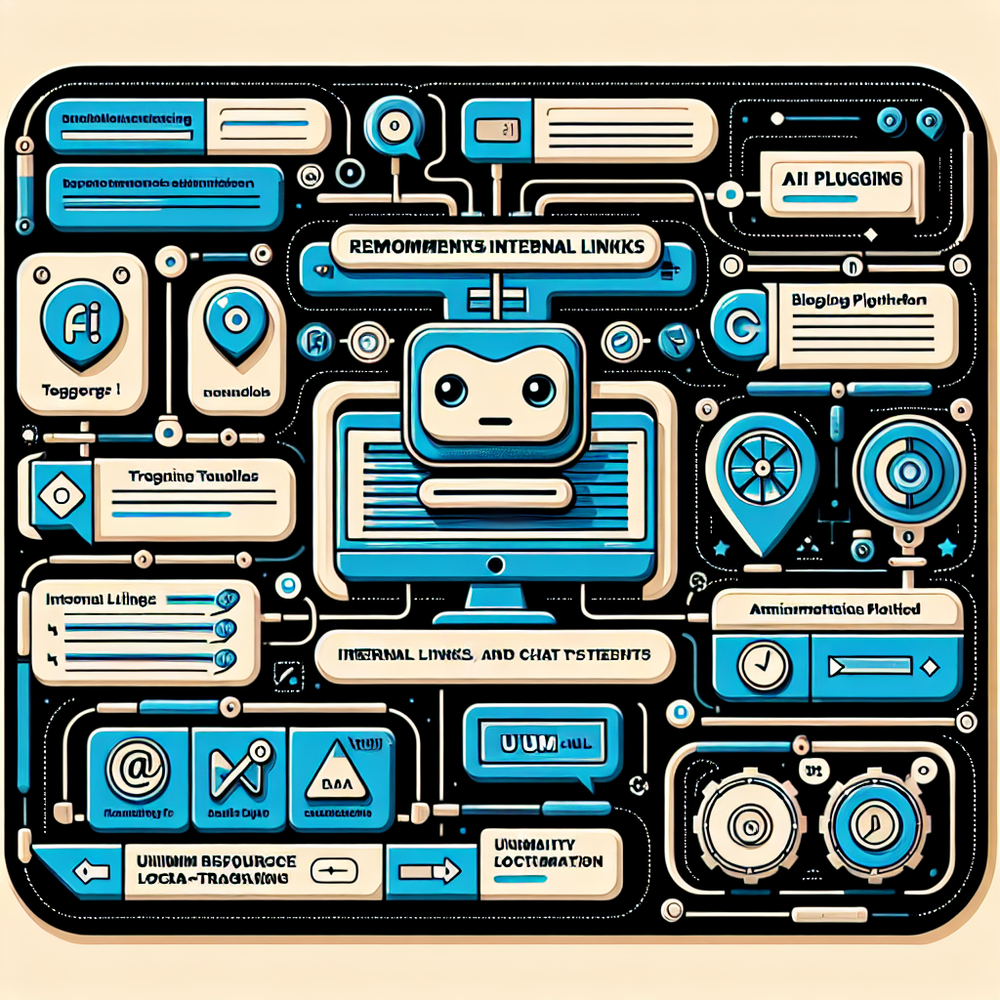
If you’re on WordPress, you can automate link discovery and tagging. Brambles AI’s plugin surfaces suggested internal links and tracks chat-initiated clicks in GA4, so you can ship experiments without engineering cycles.
Measuring ROI and the KPIs that matter
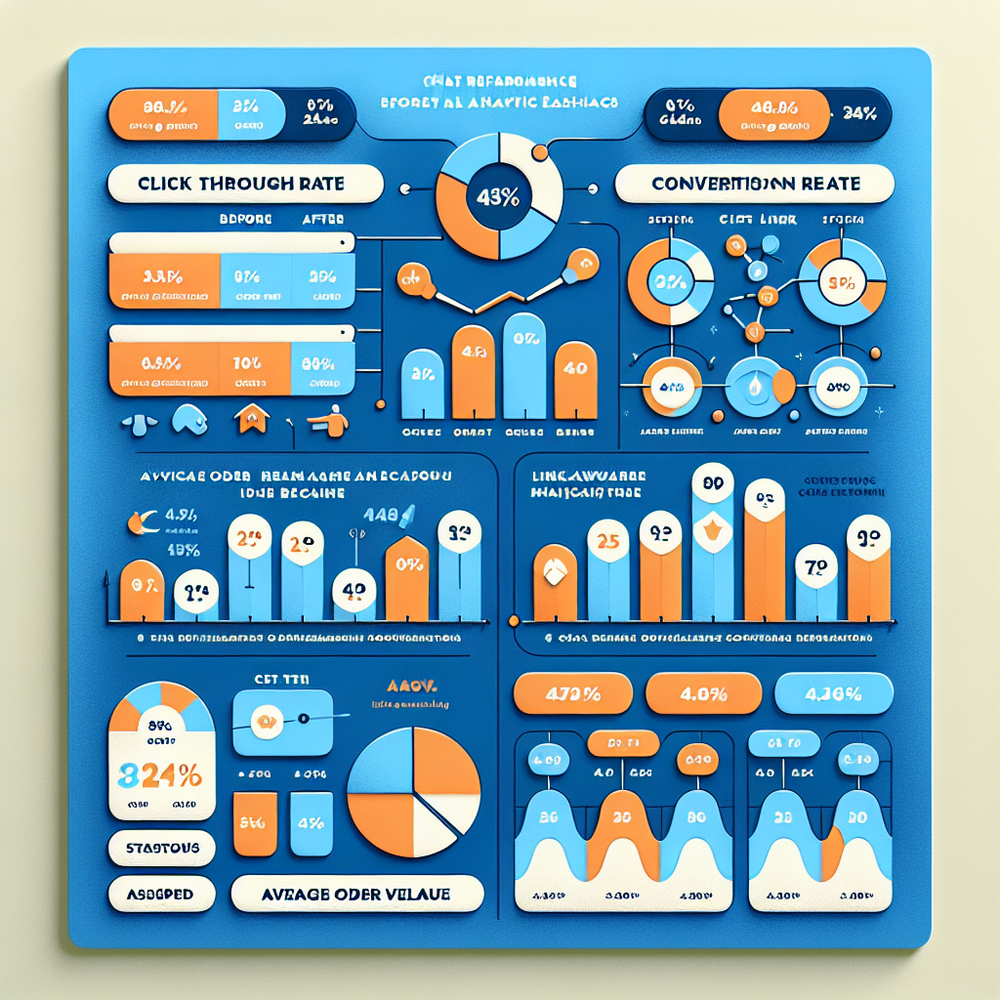
Treat internal links inside chat as a revenue program with a clear metrics tree. Primary outcomes: (1) Conversion rate uplift on sessions with chat link clicks, (2) Revenue per session (RPS), (3) Average order value (AOV). Leading indicators: (a) Chat link CTR, (b) Time to first value (TTFV) in chat, (c) Assisted conversion rate (users who clicked a chat link and converted within the attribution window). Implement a test: 50/50 holdout where the control chat gives answers without deep links, and the variant includes ranked deep links. Target benchmarks: 15–30% lift in chat link CTR after standardizing anchors; 5–12% lift in conversion rate when links route to high-intent pages; 8–20% lift in AOV when links include comparison and bundling pages. According to McKinsey, personalization programs routinely deliver 10–15% revenue lift—your link-aware chat should sit in that range when properly instrumented. Use GA4 Explorations to attribute assisted revenue by utm_campaign=intent_name for granular reporting.
Common pitfalls and how to avoid them
- Overlinking: Stuffing 6–8 links per reply overwhelms users. Cap suggestions at 2–4, ranked by relevance and revenue potential. - Vague anchors: “Click here” wastes intent; use descriptive labels tied to outcomes. - Dead ends: Linking to generic category pages when users need a specific policy or SKU. Add disambiguation (“Men’s vs. Women’s”) when confidence is low. - Slow targets: If a recommended page is slow or mobile-hostile, you’ll lose momentum; optimize Core Web Vitals. Google highlights that internal links help discover content, but poor UX undermines any benefit. - No measurement: Without UTMs and GA4 events, you can’t attribute revenue. - Siloed governance: Marketing adds links, Support edits FAQs, Product changes plan names—resulting in link rot. Appoint an owner and a weekly QA checklist. - Privacy gaps: Ensure you respect consent settings when logging chat events and avoid capturing PII in URLs.
Real-world examples and results
DTC Apparel Brand (US): After mapping 60 intents and adding 2–3 deep links per chat reply, the brand saw a 42% increase in chat link CTR, a 9.6% uplift in conversion rate, and a 12.4% AOV lift over six weeks (n=84k sessions, p<0.05). Key drivers were links to size guides, fit reviews, and “bundles” pages. B2B SaaS (EU): A pricing conversation flow that linked to a “Compare Plans” page and security FAQ produced a 23% increase in trial starts and shortened sales-assisted time-to-first-meeting by 18%. Marketplace (APAC): Internal linking from chat to seller guarantees and returns policy reduced order-related tickets by 17% while maintaining a 5.2% conversion lift—support deflection plus revenue. These results align with Salesforce findings that customer experience parity with product quality shapes loyalty, and with McKinsey’s 10–15% revenue lift from personalization. By turning chat into a router—backed by a curated internal link graph—teams make progress measurable and repeatable.
For publishers and retailers, conversational product discovery can also monetize. Brambles.ai’s Commerce Module lets chat suggest ranked product links, promotions, and collections based on user intent and inventory rules, ready for A/B testing and GA4 attribution.
Conclusion and next steps
Internal links are more than SEO assets—they are the highways your chat uses to deliver outcomes. By building an intent map, strengthening link structure, instrumenting analytics, and enforcing governance, you transform chat from a helpful concierge into a measurable revenue driver. Expect 5–12% conversion lifts and 8–20% AOV gains when links route users to high-intent pages, validated via controlled testing. Start with your top 100 intents, ship repeatable link templates, and track every click.
Ready to operationalize this? Explore Brambles AI for orchestrating link-aware chat, product discovery, and measurable experiments across your site—and launch in days, not months.
Related posts
View all
Brand-Consistent AI Chats Build Trust and Conversions
When AI mirrors your brand voice, shoppers relax—questions get answered, carts grow, and support load drops. Learn the playbook to align tone, trust, and ROI.

How Context-Aware AI Recommendations Lift CTR
See how context-aware AI recommendations lift CTR by 25–60% with intent signals, page context, and history. Practical steps, KPIs, and implementation tips.

Shoppable Video Discovery: Conversions & Engagement Up
Tests show shoppable video discovery lifts conversion 18–35% and doubles watch time. See the UX patterns, KPIs, and how to deploy it quickly with Brambles.ai.
Explore Brambles.ai
Learn more about our AI-powered agentic commerce platform, agentic shopping, and shopping assistance solutions.
Explore More Insights
Discover more articles on AI, automation, and business innovation
View All Articles