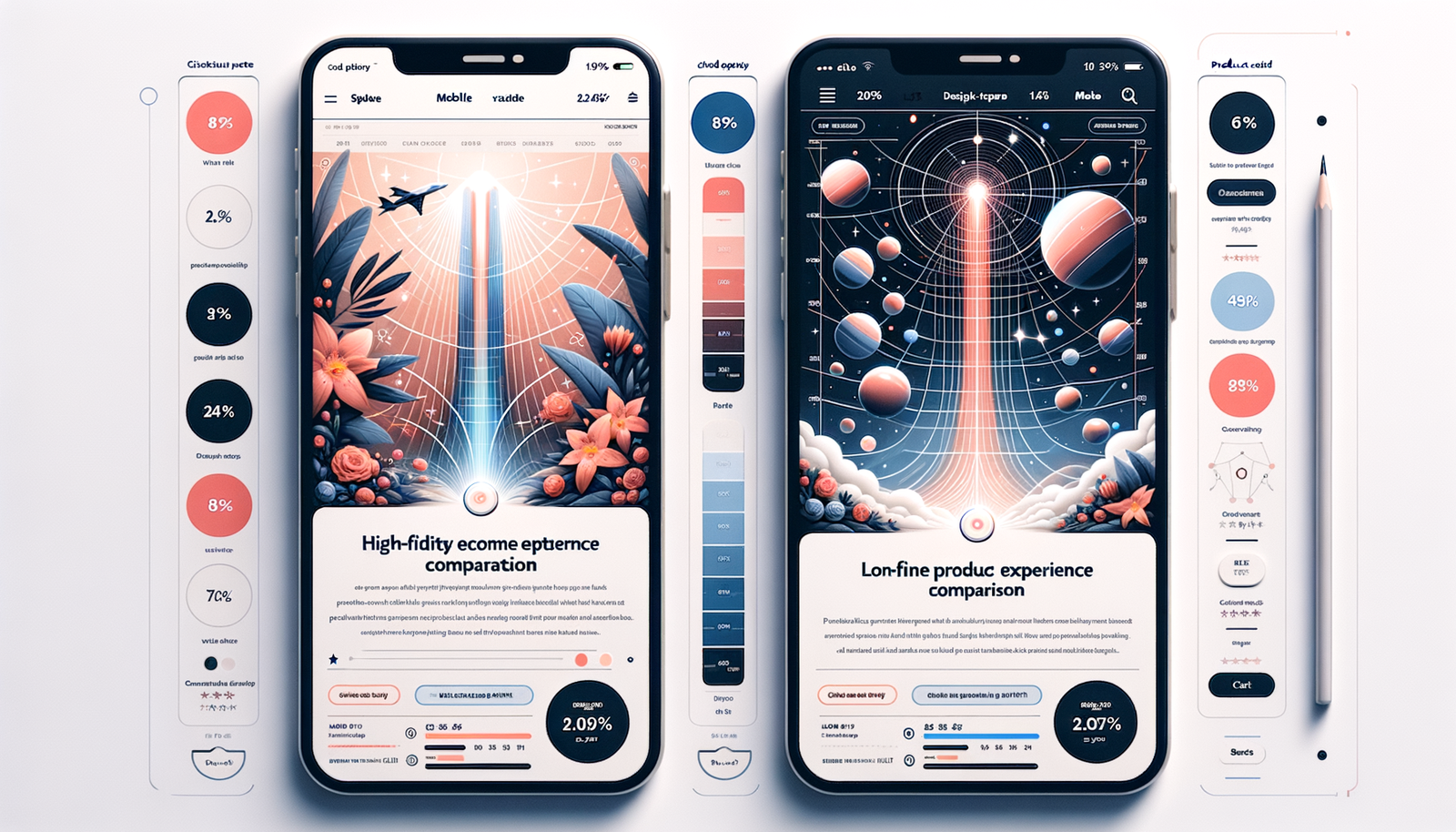
Inline Shopping Embeds vs Floating Chat: When to Use
Choosing between inline shopping embeds and floating chat depends on page intent and journey stage. This guide shows when to use each and how to test.
Inline Shopping Embeds vs Floating Chat: When to Use
On a camping-gear review page we tested, moving from a floating chat to an inline shopping embed placed after the first H2 lifted product card clicks by 38% and revenue per visit by 19%. Yet on that same site’s category gateway pages, the floating assistant drove 22% more add‑to‑carts because visitors were comparing sizes and filters in conversation. Placement isn’t preference—it’s intent. Get it right, and the page feels “smart.” Get it wrong, and it’s clutter.
We’ve watched this pattern repeat across publishers and DTC sites: embeds shine when the content itself does the guiding; chat shines when the customer needs help deciding. That’s why we built Brambles.ai to support both patterns seamlessly and to let rules decide which one appears, where, and when.
Anecdote: a 100k‑session apparel blog added an inline module above the fold on long‑form reviews and kept floating chat for “Best of” lists. Combined, they saw a 31% lift in RPV in four weeks. A DTC home brand used both with page‑type rules and shaved time‑to‑first‑click from 23s to 11s, boosting conversion by 14%.
Quick Answer
Use inline shopping embeds on intent‑rich content where readers expect curated picks inside the article—reviews, comparisons, how‑tos, and gift guides.
They perform best when placed near decision moments (e.g., after an H2 or conclusion) and don’t interrupt reading.
Use floating chat when visitors need guidance—category landers, search‑driven traffic, mobile sessions, or when fit/compatibility questions block progress.
The best result often pairs both: embed for scannable picks, chat for clarifying choices, with rules and A/B tests deciding exposure.
What’s Broken in Traditional On‑Page Shopping UX
Most shopping pages still assume a single mode of discovery. But behavior varies by page and device.
Baymard’s research shows users often struggle with category navigation depth and comparison friction on mobile, leading to pogo‑sticking (Baymard Institute, 2024).
We also see high bounce when recommendations appear too early or feel unrelated to the scroll moment.
Inline modules can get ignored if they appear before readers have context; floating chat can feel intrusive if it opens before interest is signaled. The solution is intent‑aware delivery, not a one‑size UI. That aligns with our view on conversational commerce winning when it’s contextual—not creepy or interruptive.
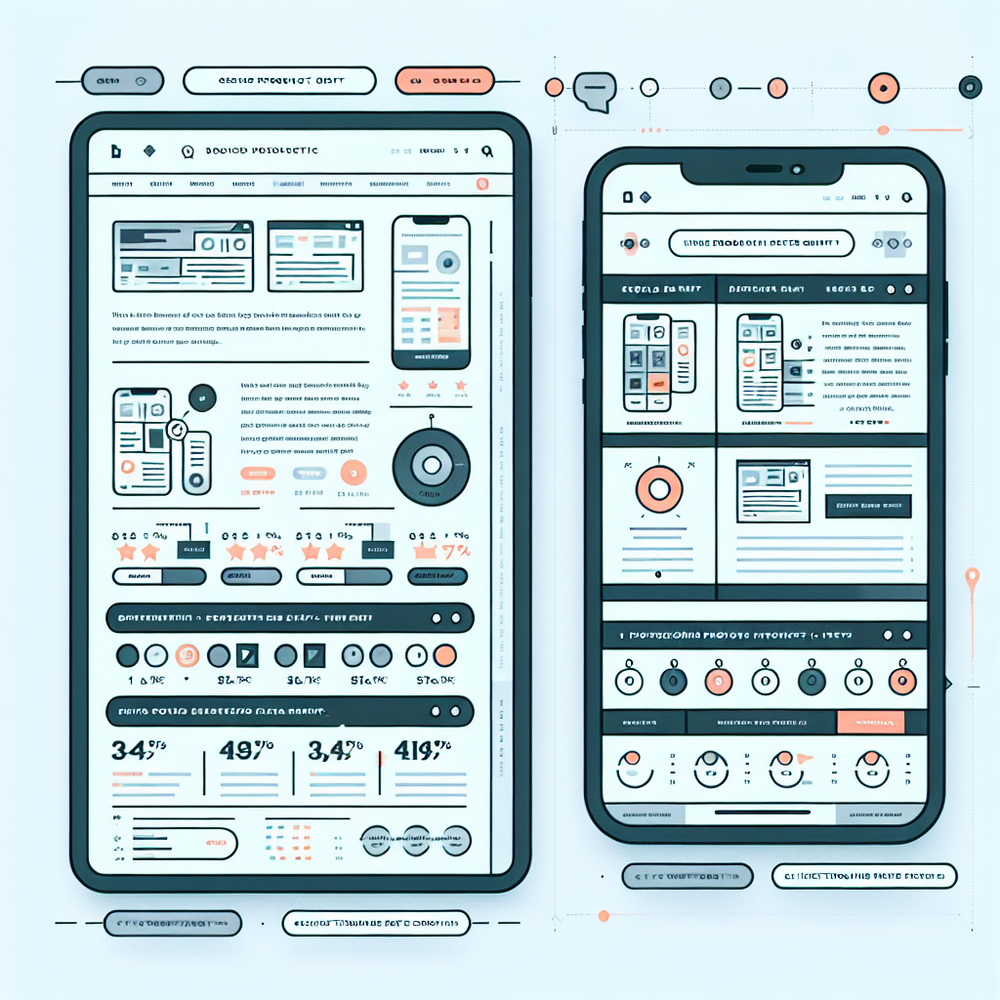
How Inline Shopping Embeds and Floating Chat Work (and Where Each Wins)
Inline embeds slot product modules into the reading flow. They’re ideal when the content already frames the decision: think “best trail running shoes” with pros/cons, or a gift guide segmented by budget. Readers want to scan, click, and resume reading. Place modules after key subheads, near summaries, or next to comparison tables. On desktop, 2–4 columns scan well; on mobile, single‑column cards with sticky CTAs outperform dense carousels.
Floating chat shines when the visitor needs assistance: sizing, compatibility, style pairing, or “I need a gift under $50 for a runner.” Natural language removes the friction of filters. On mobile, it’s often the fastest path to a confident choice because it surfaces exactly‑right results without deep navigation.
How Brambles.ai fits: our Inline Shopping Embed renders context‑aware product cards inside content. The AI Shopping Chat sits on every page and can answer fit/compatibility questions, compare items, and—when enabled—place items directly into carts. Together, they cover scanning and consulting modes of shopping, letting the page adapt to intent.
Feature deep‑dives: Brambles’ AI Product Discovery understands plain‑English prompts and returns purchasable results with reasons and tradeoffs. Proactive Engagement can suggest the right entry point—opening chat after scroll or rendering an inline module after a target paragraph. Content Intelligence indexes your site to ground recommendations in what the reader is viewing, boosting relevance and trust.
If you monetize via affiliates or retail media, conversational experiences can outperform static links when done right. We’ve written about this shift and why disclosures, context, and user control matter for sustainable revenue.
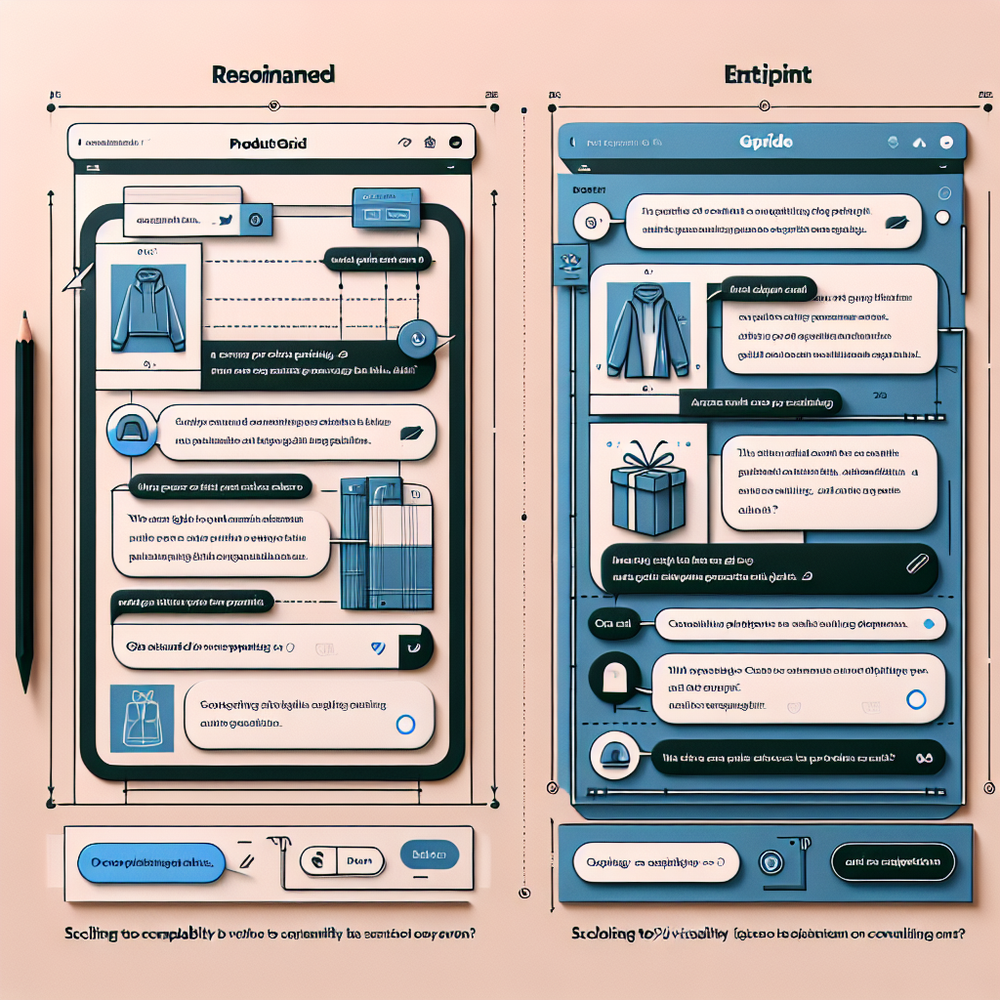
Implementation Guide: Pair Both with Rules (Step‑by‑Step)
There’s no need to choose one forever. Implement both and let page type, device, and signals decide. Here’s a pragmatic rollout that we use with publishers and brands.
1) Install the snippet. Add the Agentic Commerce Module via your tag manager or template. WordPress and WooCommerce sites can use our one‑click plugin; Shopify support is coming soon. Enterprise teams can load it via a module loader and strict CSP rules.
2) Configure placements. Define rules: page_type=article AND word_count>800 → render inline module after H2#1; page_type=category OR referral=site_search → enable floating chat with a 50% scroll trigger. Use CSS anchors or data attributes to place modules precisely.
3) Connect catalogs and monetization. Ingest your product feeds or affiliate networks. Enable Affiliate Revenue to link across 1B+ products, and add Retail Media if sponsors need preferred placement with clear labeling. Turn on Direct Add to Cart to compress checkout steps from chat.
4) Personalize responsibly. Use Brand Customization to match your fonts and colors, and AI Personality to align tone with your editorial or CX style. Add a short, human‑readable disclosure near shopping modules and in the chat header.
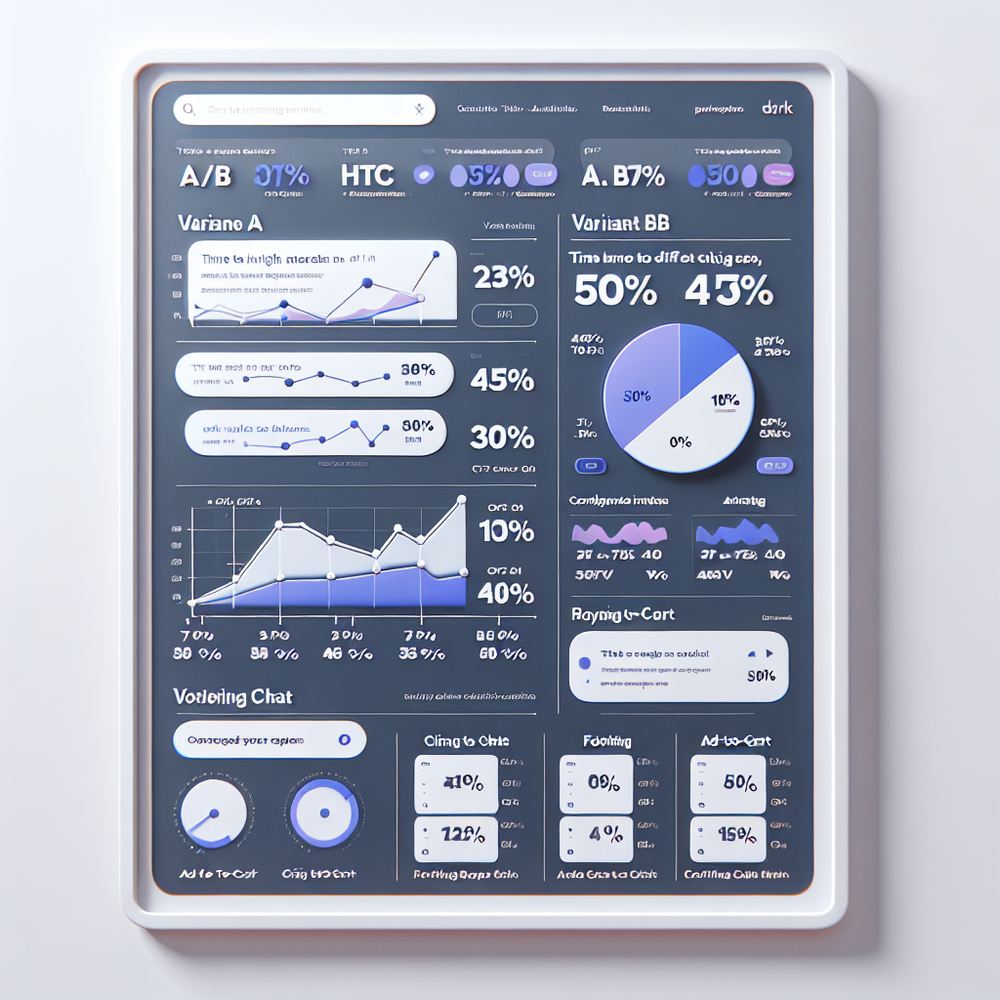
5) Instrument events. Track impressions, time‑to‑first‑click, add‑to‑cart, conversion, and content scroll depth. Pipe events into your analytics. Use our examples to tag decision moments (e.g., module after H2) so experiments are comparable.
6) Run A/B tests. On articles, test “embed after H2 vs after conclusion.” On category pages, test “chat auto‑open at 50% scroll vs icon‑only.” Segment by device. Keep tests to 2–3 weeks or until you hit statistical power; avoid cross‑contamination by fixing one variable at a time.
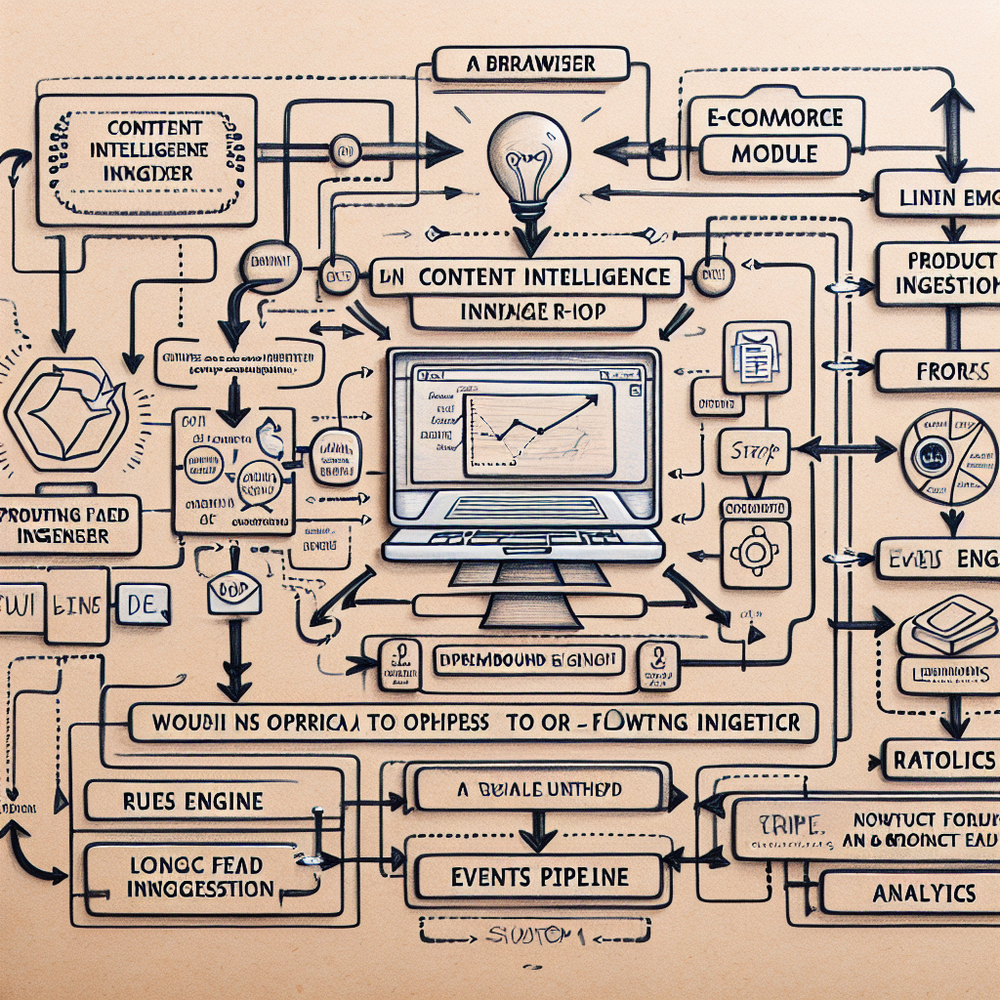
Measuring ROI & KPIs (With Benchmarks)
Choose metrics that reflect decision speed and revenue. We recommend tracking: time‑to‑first‑click (TTFC), CTR on product cards, add‑to‑cart rate, revenue per session (RPS), and assisted conversion rate. For content pages, also track dwell time post‑click to ensure embeds don’t disrupt reading.
Benchmarks we’ve observed at launch: inline embeds on long‑form reviews often lift card CTR by 20–40%; floating chat on category/search pages can lift add‑to‑cart by 10–25%. A publisher in home décor saw RPS rise 18% after moving embeds from the hero to after H2, while a DTC cosmetics brand saw a 12% lift after enabling chat’s shade‑matching flow. Your mileage will vary—test per page type.
Use cohorts to isolate effects. Compare article pages with similar intent and word counts. For chat, bucket by entry path (home, category, internal search). McKinsey notes faster decision cycles correlate with higher conversion in discretionary categories; measuring TTFC is your proxy (McKinsey, 2023).
First‑Party Data, Trust, and UX Disclosure
Trust is a feature. Readers reward relevance and clear labeling. Brambles relies on first‑party signals—page context, scroll behavior, and on‑site queries—rather than third‑party cookies. That translates to consistent experiences and stable monetization in a cookieless world.
Keep disclosures simple and near the interaction. For embeds, a short line like “We may earn a commission from links” above the grid. For chat, add disclosure text in the header. Our guidance covers copy, placement, and how to handle sponsored results without eroding trust.
Publishers can adopt this without dev heavy‑lifting, and brands can align it with CX guidelines. If you’re evaluating platforms, map privacy posture and data access upfront and ensure the vendor supports first‑party measurement out of the box.
Common Pitfalls (and a Pre‑Launch Checklist)
Pitfall: overexposure. Running both the embed and auto‑opening chat on the same view can feel aggressive and depress CTRs. Use mutually exclusive rules or staggered triggers.
Pitfall: vague prompts. Chat underperforms if the assistant doesn’t ground to page context or known preferences. Turn on Content Intelligence so the assistant “knows” the article and cited products.
Pitfall: burying the module. Inline grids before readers gain context (e.g., in the hero) get scrolled past. Baymard’s scroll studies suggest content cueing improves interaction; place modules after the first scannable section (Baymard Institute, 2024).
Pre‑launch checklist: define page types and rules; wire KPIs; set disclosures; QA on mobile; run a soft launch on 10–20% of traffic; confirm affiliate IDs and sponsored labeling; schedule a 2‑week A/B; review learnings and expand. If needed, use our enterprise team for SLAs and custom logic.
Future Outlook: Adaptive Interfaces by Default
The next wave of commerce UX is agentic—interfaces that adjust in real time to intent, device, and content depth. Expect page‑aware assistants that quietly render a grid when you’re skimming, then invite a chat when you hesitate. The tooling is already here; the winners will operationalize it across every template, not as a novelty add‑on.
Brambles.ai was built for this. The Agentic Commerce Module, Inline Shopping Embed, and AI Shopping Chat work together, so your site doesn’t force a choice between scanning and conversing. You can ship both—and let the right one take the lead, moment by moment.
FAQ
When should I avoid auto‑opening chat? Avoid on first paint for SEO landers and news articles; wait for a signal like 40–60% scroll or an intent event (copying a product name).
How many inline products per module? On desktop, 6–8 items across two rows is a good start; on mobile, 3–5 vertically. Add a “View more” link rather than long carousels.
Can I monetize both experiences? Yes. Use Affiliate Revenue for links in embeds and within chat recommendations; add Retail Media for clearly labeled sponsor slots that respect relevance rules.
What’s the fastest way to ship? Install the module, enable the Inline Shopping Embed on 1–2 article templates, and turn on the AI Shopping Chat with a conservative scroll trigger. Iterate weekly with A/B tests.
Where can I see examples? Browse our developer examples, and read how conversational commerce complements editorial without hijacking UX.
Related resources on Brambles.ai
If you are implementing this, start with about Brambles.ai, developer docs, virtual try-on, view in room.
Related posts
View all
Brand-Consistent AI Chats Build Trust and Conversions
When AI mirrors your brand voice, shoppers relax—questions get answered, carts grow, and support load drops. Learn the playbook to align tone, trust, and ROI.

Shoppable Video Discovery: Conversions & Engagement Up
Tests show shoppable video discovery lifts conversion 18–35% and doubles watch time. See the UX patterns, KPIs, and how to deploy it quickly with Brambles.ai.
Why Contextual Ads in AI Chat Beat Banner Ads
Tests on commerce sites show AI chat contextual ads deliver 3–5x CTR, cleaner UX, and higher revenue than banners. See how they work, implement, and measure.
Explore Brambles.ai
Learn more about our AI-powered agentic commerce platform, agentic shopping, and shopping assistance solutions.
Explore More Insights
Discover more articles on AI, automation, and business innovation
View All Articles