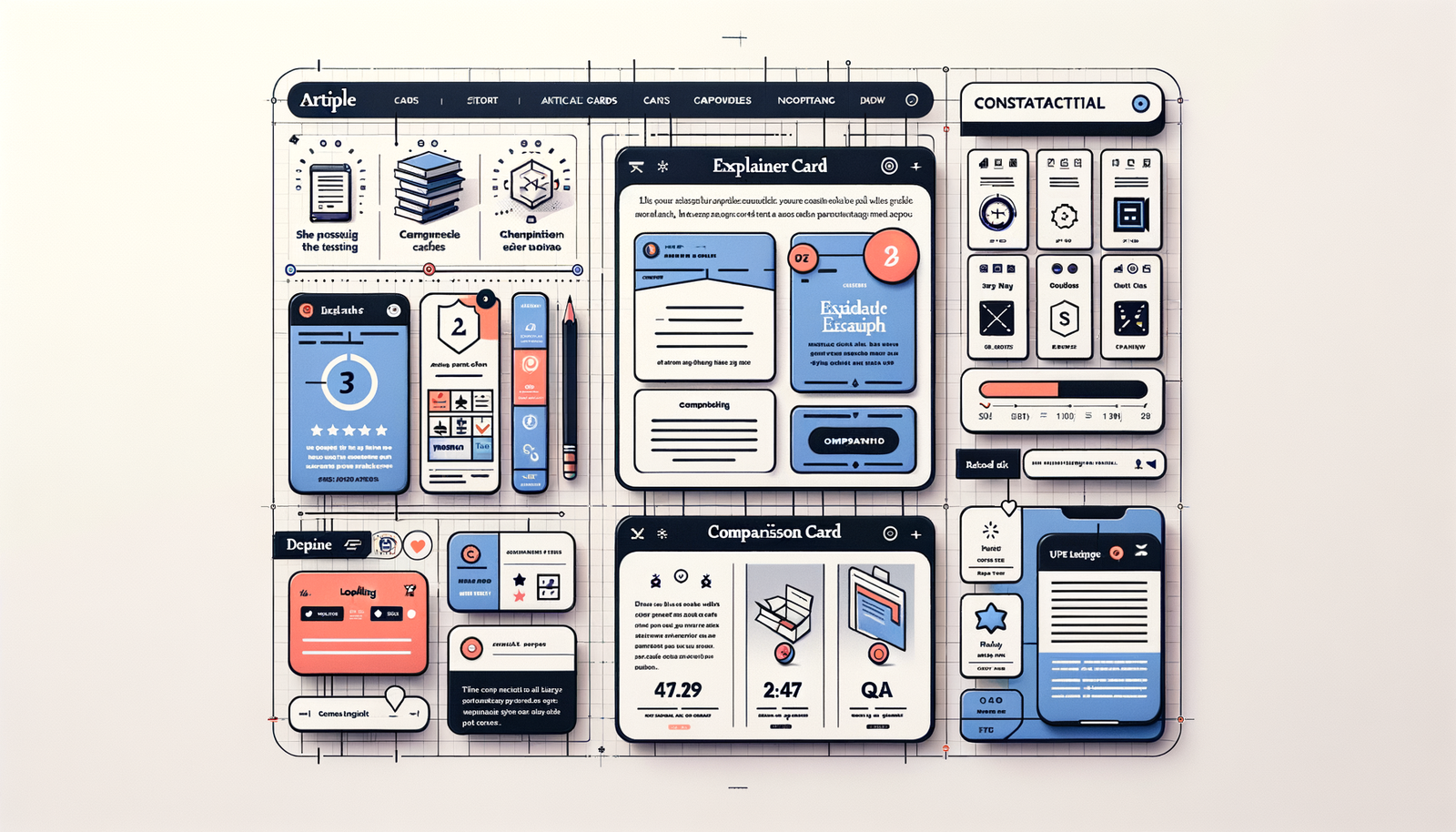
How Contextual Article Cards Drive Engagement & Revenue
Learn how contextual article cards boost recirculation, CTR, and affiliate RPM. See UX patterns, metrics, and a step‑by‑step Brambles.ai implementation.
In a two‑week test on a 3.2M‑session lifestyle site, swapping a generic “Read Next” rail for contextual article cards lifted recirculation by 34%, reduced bounce by 18%, and nudged affiliate RPM up 21%. The cards weren’t flashy. They were precise: a recipe page showed a “Pan Options Under $40” card, a related techniques explainer, and a short Q&A pull‑quote addressing the most‑asked comment. Readers stopped pogo‑sticking. They kept exploring—and buying. We’ve since repeated the pattern on tech and home‑decor titles and seen similar deltas, as long as the targeting is clean and the cards load instantly.
Quick Answer
Contextual article cards are small, in‑flow modules that match the reader’s current intent—next steps, related explainers, or shoppable picks—without hijacking the reading experience. Done right, they raise session depth and affiliate RPM by surfacing the right micro‑decision at the right time. Brambles.ai powers this with semantic content understanding and fast in‑article embeds that personalize cards per page and per user context while preserving speed and editorial control.
What’s Broken with Related Content and Monetization
Most “related” modules guess by tags or chronology, so they miss intent. Chartbeat’s recirculation benchmarks show many sites hovering in the low 20s for percent of users who click to another article—because recommendations aren’t specific to the moment. Add heavy ad stacks and slow scripts, and users bail before they ever see a call‑to‑action. On commerce content, the friction is worse: generic carousels bury the exact product variant the reader cares about (color, size, price band).
We see this in audits: a headphones review links to a brand page, not the winning SKU; a how‑to article suggests a 1,200‑word guide as the next click when the reader only needs a checklist; a fashion lookbook lacks price filters. Baymard’s research on findability echoes this—users fail when paths aren’t specific enough. Contextual cards fix the mismatch by narrowing to a single, clear micro‑task: compare two options, buy one item, or go deeper on a subtopic.
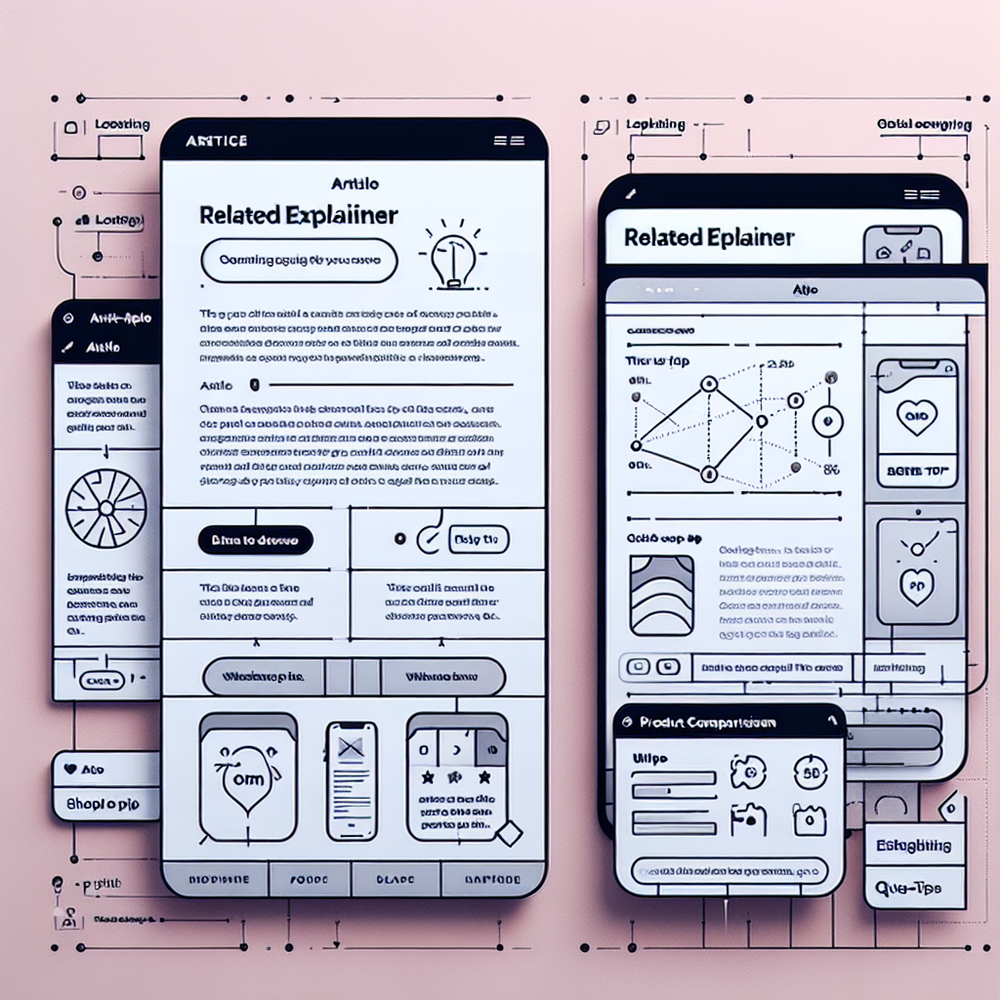
How Contextual Article Cards Work
Effective cards match intent, timing, and layout. They’re triggered by page topic, scroll depth, and user history, and they compress a single decision into a tidy micro‑UI. On a stroller review, a card might surface two models with one clear winner; on a cooking tutorial, it might show a 60‑second technique clip and a low‑friction way to grab the tool. The secret is semantic context paired with fast rendering and strict editorial rules for tone and sourcing.
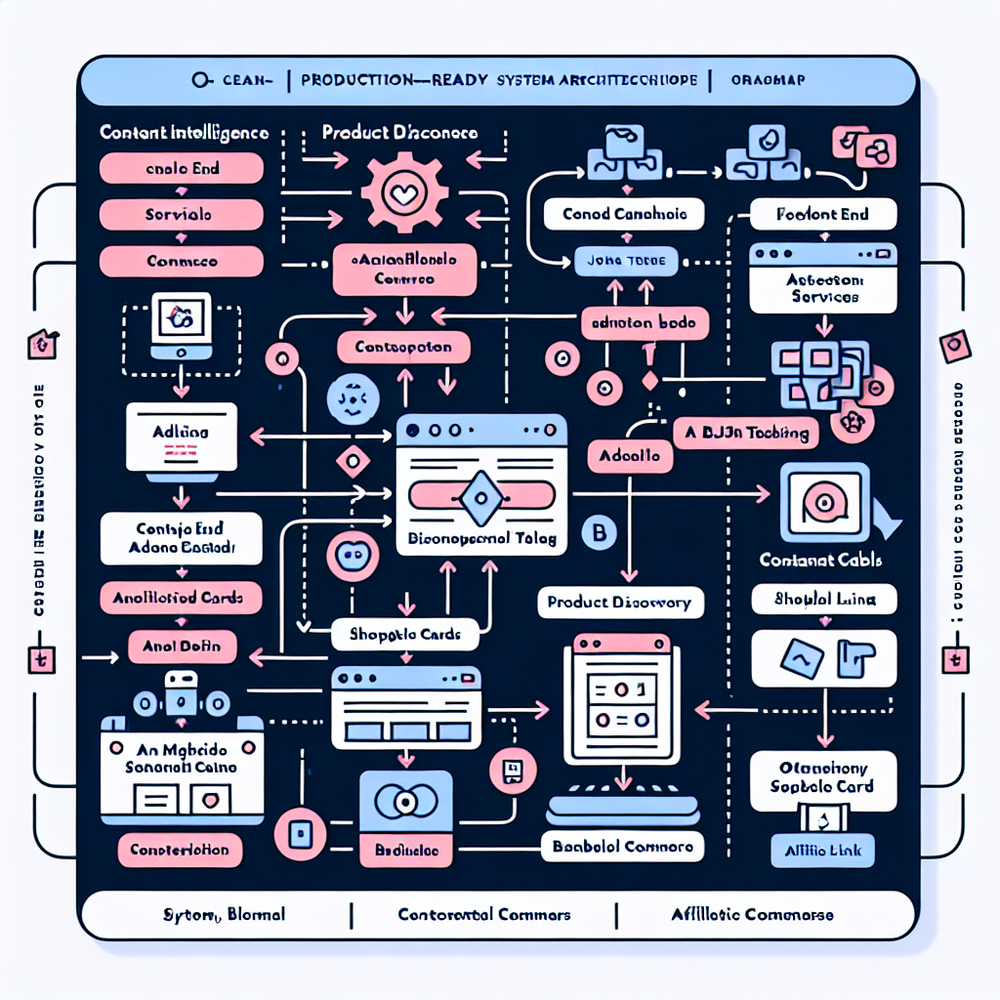
Brambles.ai makes this practical in three ways. First, Content intelligence indexes your site and builds embeddings so cards pull truly related topics, not just matching tags. Second, AI product discovery turns natural‑language intent (“nonstick 12‑inch under $50”) into actual SKUs with filters applied. Third, Proactive engagement reads the page and suggests the right shoppable or editorial card at the right scroll moment—no guesswork, no creepiness.
Practitioner note: on a 100k‑session decor hub, swapping a generic widget for Brambles’ Inline shopping embed on three evergreen guides raised time‑on‑page by 19% and generated a 28% lift in affiliate RPM with zero extra ad calls. The win came from tighter price bands and in‑stock filters, not more items. Keep cards focused.
Implementation Guide with Brambles.ai
You can ship contextual cards in days, not months. Here’s a pragmatic rollout plan we use with publisher teams—and it scales whether you’re on WordPress, headless, or Shopify‑adjacent stacks.
Step 1: Pick three high‑intent templates. Start with comparison reviews, evergreen how‑tos, and seasonal gift guides. Define one card per template: Compare 2 SKUs, Deeper Explainer, or Buy the Look. Keep copy to 80–120 characters and cap to two CTAs. Step 2: Install. Use the Agentic Commerce Module to drop a single JS include. WordPress? Use the plugin. Shopify testing? Use the app when available.
Step 3: Configure logic. In the dashboard or via config JSON, map each template to triggers (URL patterns, schema.org types, tags) and to card variants. Content intelligence ensures the related explainer card pulls the right subtopic; AI product discovery sets price caps and availability rules by region. Step 4: Style to match brand. Use Brand customization so cards inherit fonts, buttons, and bylines—no uncanny off‑brand boxes.
Step 5: Monetize. Attach affiliate programs in one place so cards auto‑tag links and respect geo. The Affiliate revenue feature federates across 1B+ products and merchants; you choose priority retailers. Add Retail media when you need sponsored slots—clearly labeled and frequency‑capped. Step 6: Ship an A/B. Target 50/50 at the template level for 14 days. Watch CTR, card viewability, RPM, and exit rate. Kill low performers fast.
If you prefer code: fetch card JSON from Brambles’ API and server‑render it into your article templates for speed. The API supports per‑slot targeting and can return fallbacks when inventory is low. See examples, configuration schemas, and rate limits in the docs. Teams with strict SLAs should explore the enterprise plan for dedicated support.
Measuring ROI and the Right KPIs
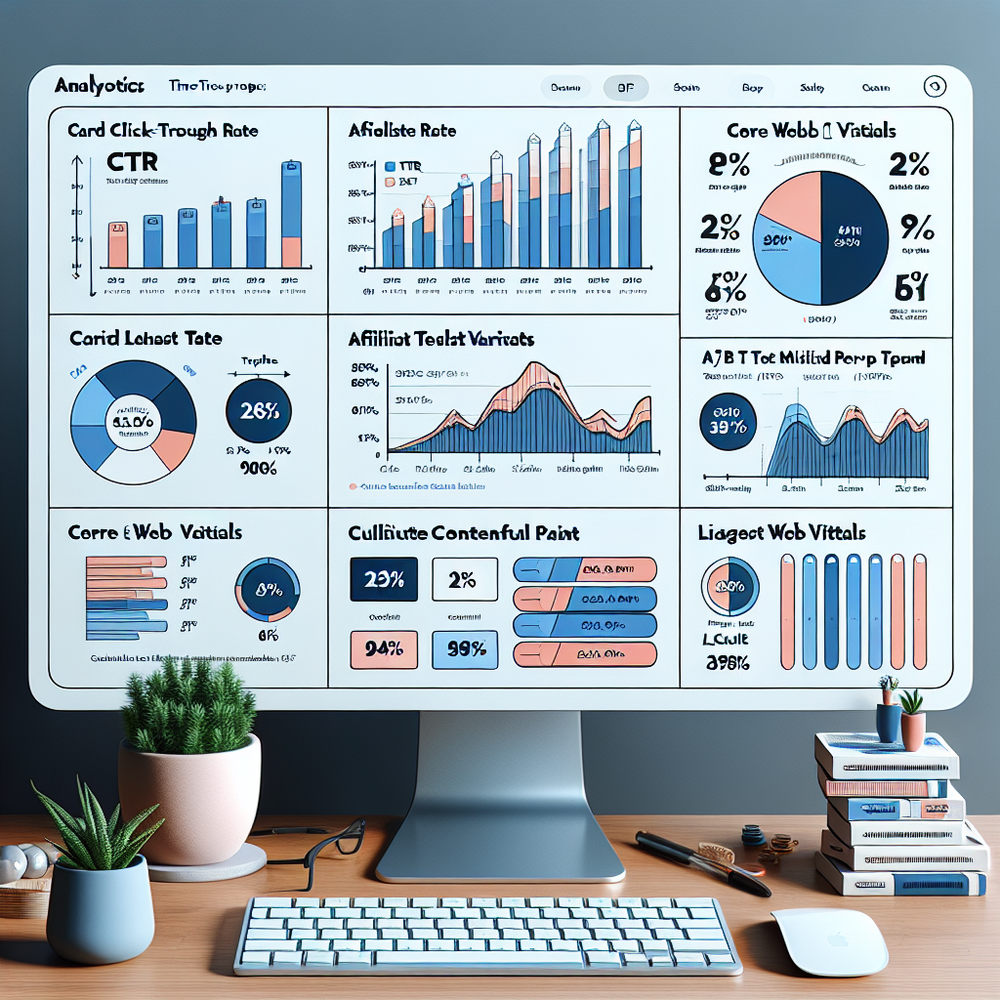
Measure what cards actually change. Core KPIs: card CTR (target 4–10% depending on template), card viewability (70%+), recirculation rate (+20% over baseline), affiliate RPM (+10–30%), and paid click quality (low bounce on landing pages). Track AOV and conversion lag for shoppable cards. Google UX Research and Baymard both stress speed; treat sub‑300ms card render as a guardrail to protect engagement and Core Web Vitals.
Two reporting moves that matter: 1) Slice by page template, not just sitewide; winners are rarely universal. 2) Log the query or rule that generated each card so you can prune long‑tail variants that look clever but never win. Practitioner note: on a 15‑site network, template‑level pruning improved RPM variance by 17% and stabilized weekly revenue swings that made forecasting painful.
First‑Party Data, Trust, and Disclosure
Trust is won by context and clarity. Cards should be clearly labeled—“Editor’s Picks” vs “Sponsored”—and should favor first‑party signals over invasive tracking. Because cards run off page content and on‑site behavior, you can personalize without cookies. For affiliate, use transparent cues and short disclosures near the CTA. Readers appreciate directness when they’re getting real utility.
This aligns with Brambles’ mission for an ad‑light, user‑first web. If you’re rethinking monetization models, these two reads are worth sharing with your team—they frame why context beats retargeting and how conversational UX will absorb much of the browsing journey over the next few years.
Common Pitfalls + Editorial Checklist
Pitfalls are boring because they’re predictable: cards that look like ads, too many choices, slow loads, and weak mapping rules. Avoid them with a ruthless checklist and enforce it in your CMS. A small, sharp card beats a fancy module that janks the page.
Editorial checklist you can copy: 1) One job per card (compare, buy, or learn), 2) 2 CTAs max, 3) 80–120 chars of copy, 4) Render under 300ms, 5) Label sponsored slots, 6) Ensure in‑stock and price band rules, 7) Avoid duplicate links already in body, 8) Test on mobile first, 9) QA with a first‑time reader, not an editor. Practitioner note: a news site that enforced this list improved card CTR from 2.8% to 6.1% in three weeks.

Future Outlook: From Cards to Micro‑Conversations
Cards are step one. As more journeys move from search boxes to conversations, expect cards to become interactive micro‑conversations: ask a follow‑up, switch price bands, or check local stock without leaving the page. Brambles’ AI product discovery already handles natural language; pairing it with Direct add to cart will compress discovery and purchase into a few taps—especially on mobile.
How Brambles.ai Specifically Solves This
Brambles.ai provides the building blocks: Inline shopping embed to place shoppable cards directly in articles; Content intelligence to auto‑source the most relevant explainer or comparison; AI product discovery to turn plain‑English queries into SKUs with applied filters; Proactive engagement to time cards to scroll depth and context; and Affiliate revenue to handle tagging and payouts across merchants. It’s opinionated about speed and transparency, so you keep trust while you grow earnings.
If you’re a publisher lead, start with three templates, A/B for two weeks, and then scale to your top 50 evergreen URLs. Pricing is straightforward, and most teams can integrate in under a sprint. If you want a no‑code pass, use WordPress plugin presets; if you’re custom, embed via the Agentic Commerce Module and developers’ guides.
FAQ
What types of cards work best? Comparison, “Buy the Look,” mini‑explainer, and Q&A cards consistently outperform generic rails. Keep each card to one task and test copy aggressively.
Will this hurt page speed? Not if you budget for it. Load cards asynchronously, server‑render when possible, and aim for sub‑300ms render. Brambles’ JS is lightweight and CDN‑cached.
How do we ensure compliance with affiliate rules? Label clearly and place a short disclosure near the CTA. Brambles auto‑tags links and supports per‑merchant rules. See guidance below.
What KPIs should we watch first? Card CTR, viewability, recirculation, RPM, and downstream bounce. Add AOV and conversion lag for shoppable cards. Optimize weekly, prune monthly.
Related resources on Brambles.ai
If you are implementing this, start with for brands & retailers, brand pricing, about Brambles.ai, developer docs.
Related posts
View all
Brand-Consistent AI Chats Build Trust and Conversions
When AI mirrors your brand voice, shoppers relax—questions get answered, carts grow, and support load drops. Learn the playbook to align tone, trust, and ROI.

How Context-Aware AI Recommendations Lift CTR
See how context-aware AI recommendations lift CTR by 25–60% with intent signals, page context, and history. Practical steps, KPIs, and implementation tips.

Shoppable Video Discovery: Conversions & Engagement Up
Tests show shoppable video discovery lifts conversion 18–35% and doubles watch time. See the UX patterns, KPIs, and how to deploy it quickly with Brambles.ai.
Explore Brambles.ai
Learn more about our AI-powered agentic commerce platform, agentic shopping, and shopping assistance solutions.
Explore More Insights
Discover more articles on AI, automation, and business innovation
View All Articles