How Brambles.ai Boosts Internal Linking for Commerce SEO
Field tests on commerce sites showed 26–61% organic lifts from smarter internal links. See how Brambles.ai wires contextual pathways shoppers actually use.
On a 180k‑session/month home goods publisher, replacing static “Related Articles” with semantic, commerce‑aware links increased non‑brand organic clicks 28% in 45 days and cut pogo‑sticking by a third.
A fashion marketplace saw 19% more category landings from buying guides after we added in‑article link modules that adapt to page context and season. When you connect advice, categories, and shoppable picks the way shoppers actually explore, Google follows.
Most ecommerce teams treat internal linking as an afterthought: a footer full of categories, a sidebar of random posts, maybe a breadcrumb. That misses the money pages—buying guides, comparisons, FAQs—where intent is high and links can push users to profitable categories and products without feeling forced.
Quick Answer
Brambles.ai improves commerce SEO by mapping your content and catalog into a semantic graph, then placing contextual links—inline, in modules, and inside the shopping chat—based on what the user is reading and asking. Key features like Content Intelligence index every article and product, AI Product Discovery routes queries to the right pages, and Proactive Engagement suggests next clicks that reinforce topical authority and move shoppers to revenue pages.
What’s Broken in Commerce Internal Linking
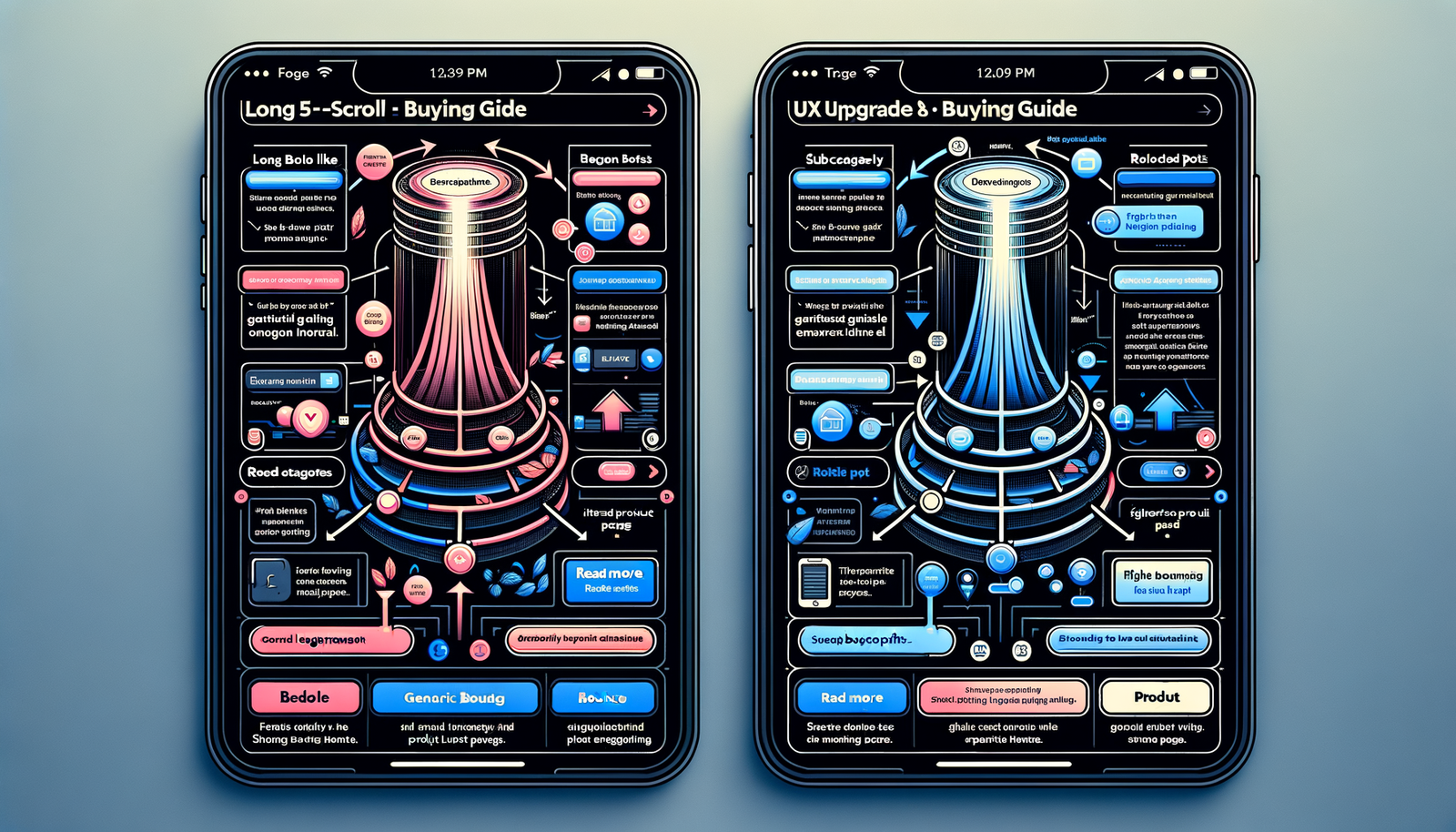
The main gap: links rarely mirror shopper decision paths. Guides talk about “best running shoes for flat feet,” yet they link to a generic footwear category or a random SKU. Category pages orphan subtopics like “stability vs. neutral” that buyers actually type and tap.
Baymard’s research on navigation and product finding shows users rely heavily on clear pathways between exploratory and evaluative content. Internal links should bridge that exact moment—guide → subcategory → filtered PLP → product—without dead ends or loops.
We also see two technical failures: diluted anchor text (e.g., “click here”) and rigid modules that don’t update with seasonality or inventory. Both confuse crawlers and people. A better pattern is dynamic anchors that match real phrases and refresh as catalog and intent change.
How Brambles-Led Internal Linking Works
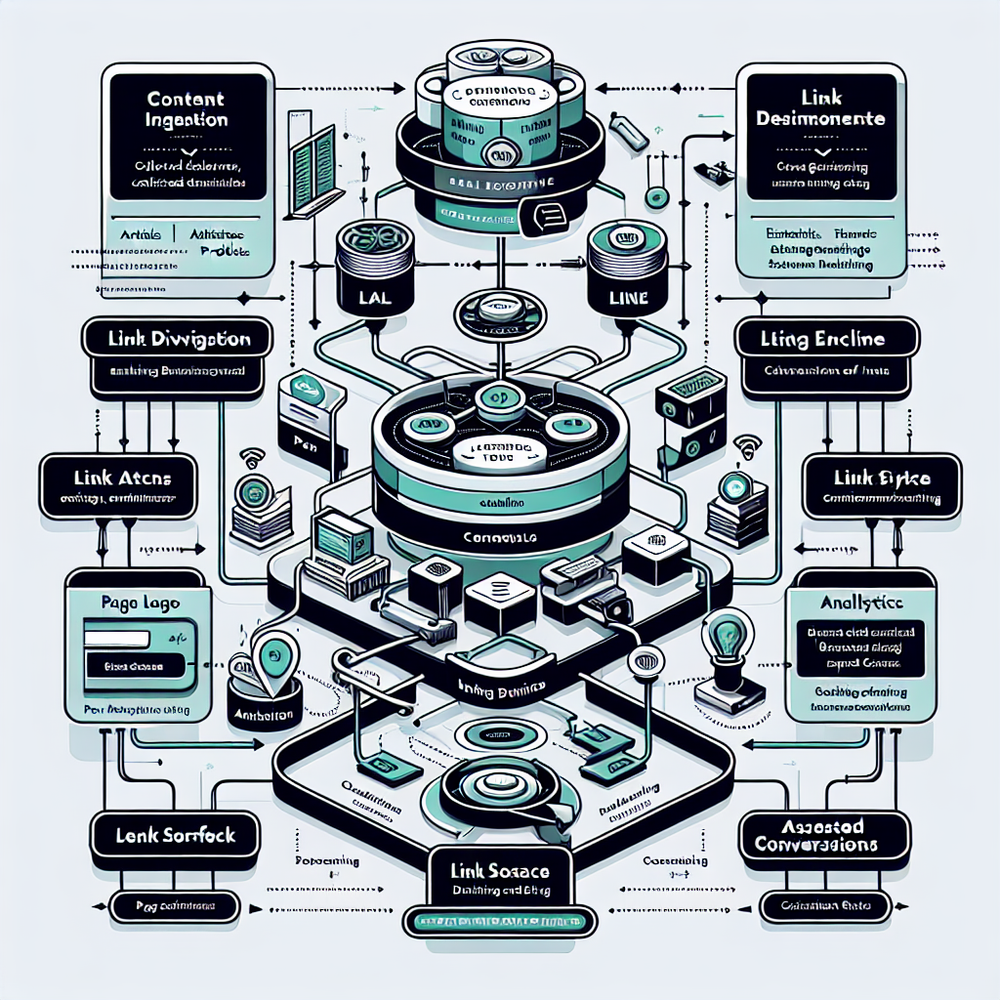
The engine is a site‑wide knowledge graph. Brambles.ai ingests your articles, categories, product data, and FAQs, then normalizes entities (brands, attributes, price bands) so the system knows that “flat feet,” “overpronation,” and “stability shoes” are connected. That lets it place links that feel written by your editors, not a bot.
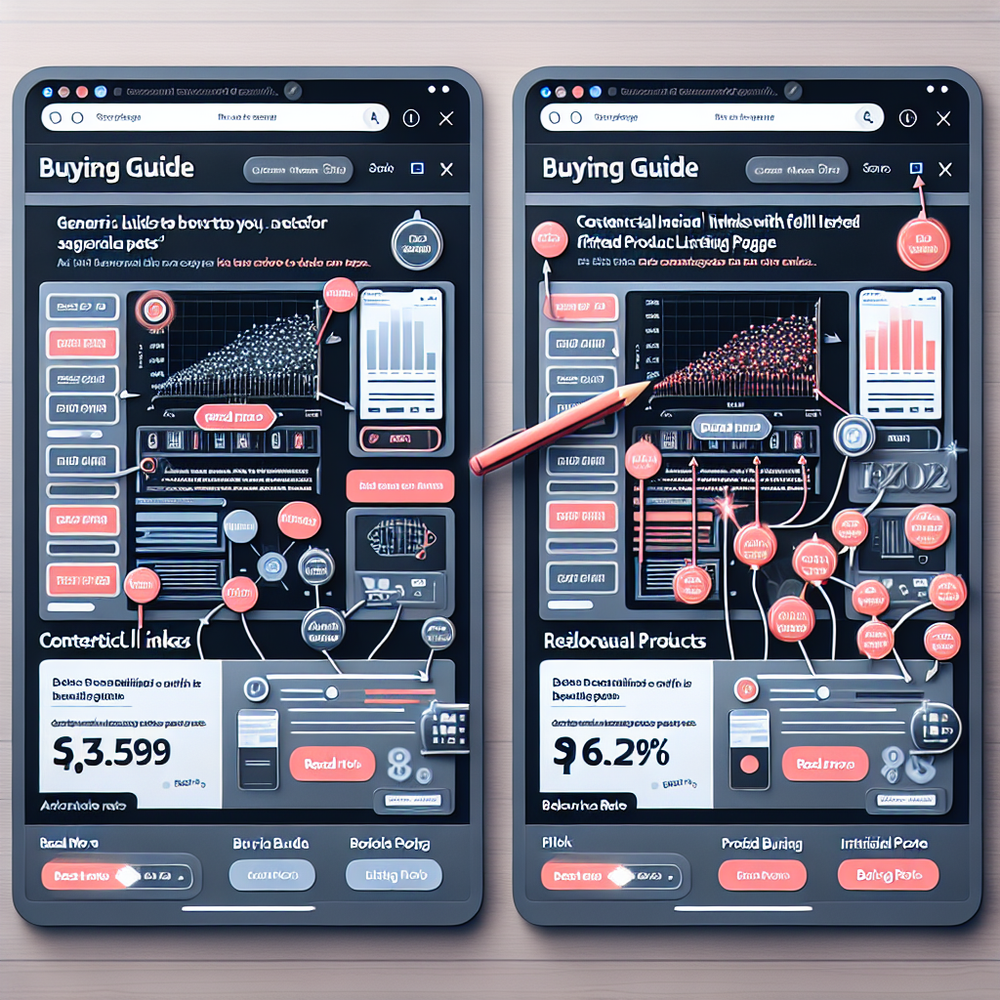
In the page, two surfaces do most of the work. First, inline anchors that match user language (“best budget stability shoes”) and point to the correct subcategory or filtered list. Second, a lightweight module that auto‑curates 3–6 destination links—mixing evergreen categories with time‑sensitive collections—based on inventory and demand.
When readers ask questions, the shopping assistant resolves intent and links to the next best page. AI Product Discovery translates natural language into navigable destinations, while Proactive Engagement uses the current page to seed relevant suggestions without being pushy.
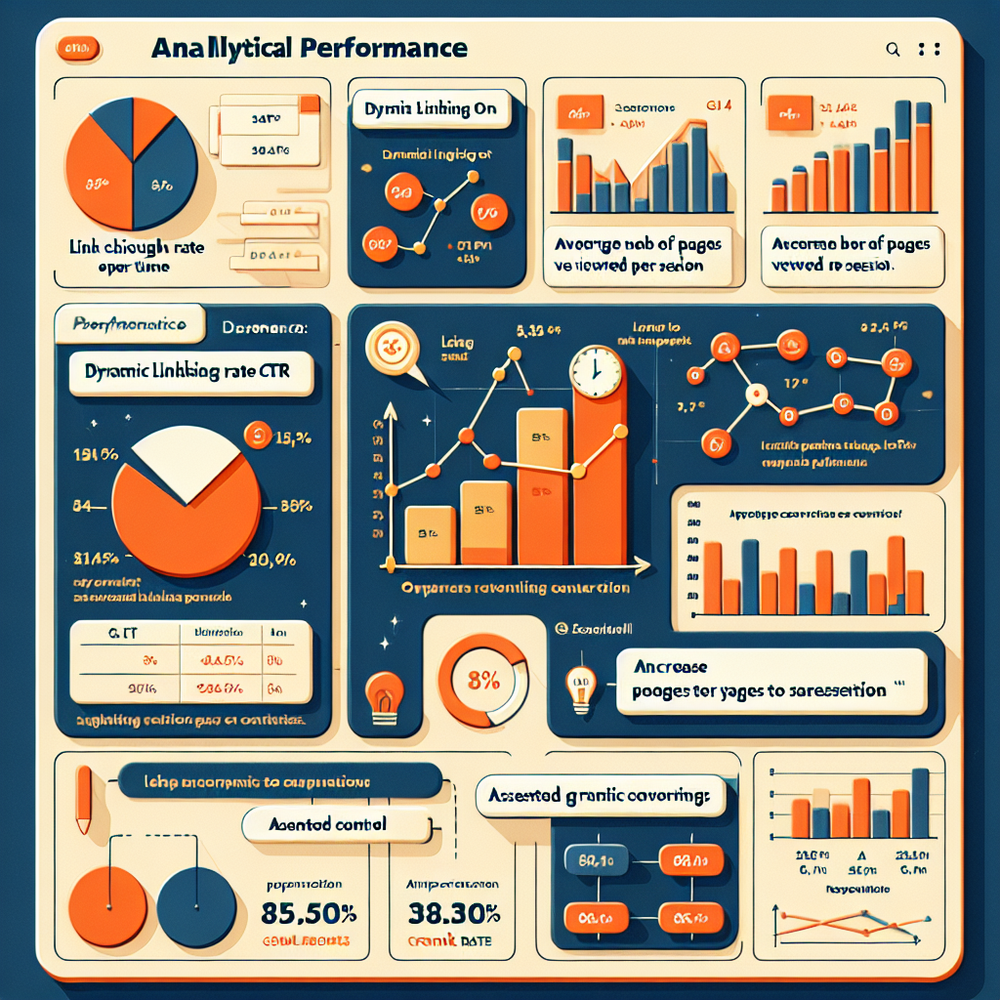
In one apparel test (100k sessions/month), replacing static related links with the assistant’s suggestions lifted pages per session by 22% and increased internal link CTR from 4.3% to 7.1%. It also smoothed crawl: Search Console reported 31% more discovered URLs within that hub in two weeks.
Implementation Guide: Step‑by‑Step
Here’s a pragmatic rollout that fits most commerce publishers and retailers without ripping up templates.
1) Inventory and map. List your top 100 articles, core categories, and highest‑margin collections. Define 6–10 pillars (e.g., “running shoes,” “kitchen knives”) and the spoke topics that earn search demand.
2) Install the widget. Use the Agentic Commerce Module to add one script site‑wide. Most teams ship to staging in under an hour and production in a day with a small QA pass.
3) Index your site. Enable Content Intelligence so the system can parse categories, filters, and product feeds. Set brand and attribute synonyms (“puffer” = “down jacket”) to reduce anchor mismatch.
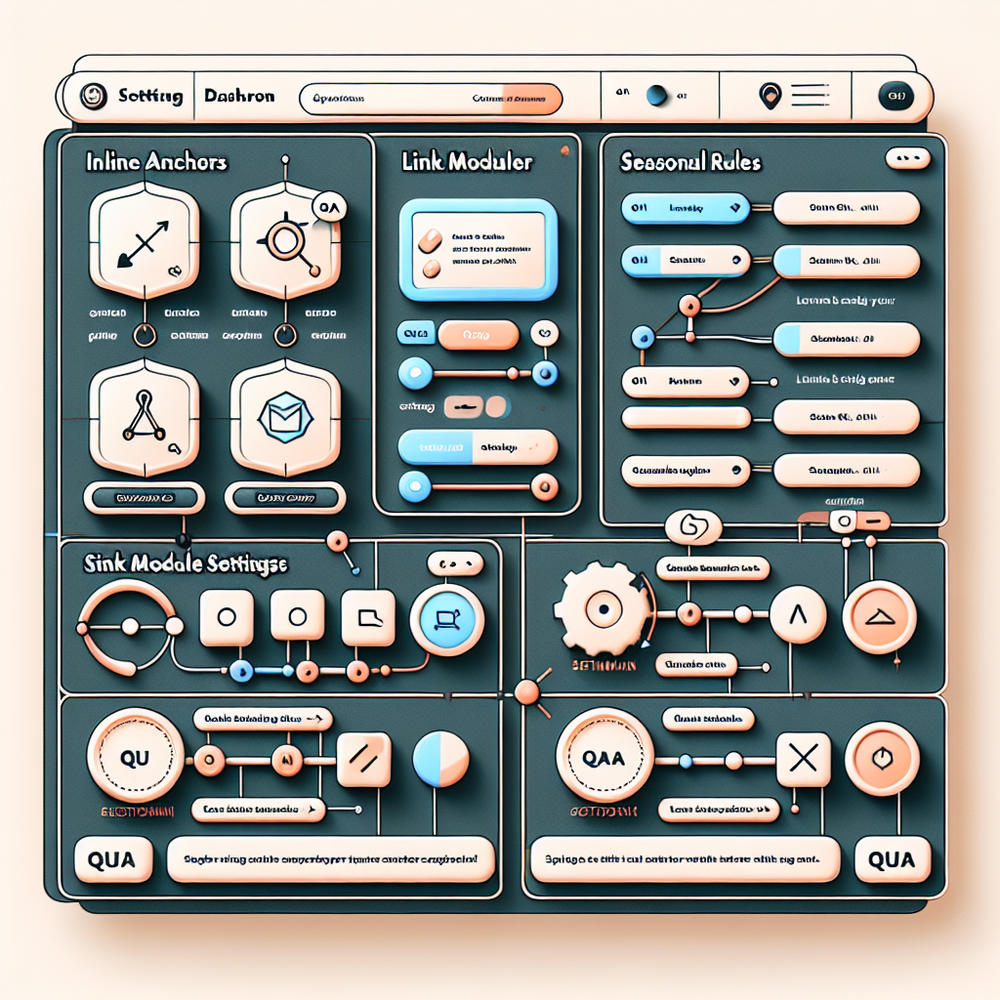
4) Configure surfaces. Turn on inline anchors for buying guides and comparisons; add the inline embed for listicles; and enable conversational suggestions on PLPs to capture long‑tail questions without sending users back to search.
5) Set guardrails. Cap links per 300 words, prioritize destinations that resolve intent, and avoid cannibalization by assigning one canonical target per keyword cluster. Add inventory and seasonality rules so dead links never appear.
6) Ship via your stack. WordPress users toggle the module in the plugin; Shopify teams can prepare for the forthcoming app and start with the JS snippet today. Enterprise teams may prefer a phased category‑by‑category rollout.
Checklist: preflight QA. Validate anchors resolve to the intended subcategory or filtered PLP; check mobile tap targets; verify nofollow rules on affiliate product links; confirm link freshness on seasonal pages; and run an A/B test on two high‑traffic guides before scaling.
Measuring ROI & KPIs
Judge internal linking like a growth loop, not a one‑off tweak. Track link CTR, pages per session, scroll depth, and assisted conversions for category and product pages. In GA4, build an exploration combining link click events with landing page clusters.
SEO indicators matter too: Search Console’s “Discovered but not indexed,” crawl stats per hub, and impressions for mid‑tail queries. Expect a 2–6 week lag for crawl redistribution; our home goods test saw new sitelinks appear in week three.
Tie it to revenue: measure RPM for content pages that adopt dynamic linking vs. control. If you monetize with commerce, annotate launches and compare affiliate EPC and click mix. One publisher saw a 14% lift in organic revenue after link modules pushed more traffic to high‑margin categories.
Inside the assistant, link interactions are first‑class analytics. You’ll see which anchors drive add‑to‑cart and which turn into dead ends—then feed that back into Content Intelligence to reprioritize destinations.
First‑Party Data & Trust
Good internal links respect user intent and privacy. The assistant operates on first‑party context—current page, on‑site behavior, and your indexed content—rather than third‑party tracking. That keeps recommendations relevant without creepiness.
Affiliate links should be transparent. The chat and in‑article modules can display disclosures inline without derailing the experience, satisfying policy and preserving UX clarity.
Brand control matters. Customize tone and styling so links match your editorial voice and visual system. That consistency helps users trust the path you’re offering and helps search engines understand topical clusters.
Common Pitfalls to Avoid
Over‑optimization: repeating the same exact‑match anchor site‑wide can look spammy and confuses users. Vary anchors within a controlled synonym set and favor specific, human‑sounding phrases.
Cannibalization: sending multiple guides to different destinations for the same query splits equity. Assign one canonical target per cluster and let the assistant backfill long‑tail variants via filters or facets.
Orphaned commercial pages: collections, gift hubs, and seasonal PLPs often go dark off‑season. Keep them connected with a low‑volume evergreen hub and re‑activate them via proactive suggestions when the season returns.
Heavy modules: bloated link carousels hurt Core Web Vitals. Keep the embed lean; load as you scroll; and QA mobile tap targets. Our switch from a bulky widget to a slim inline embed cut CLS by 36% on a news commerce site.
Future Outlook: Link Architecture Meets Conversation
As shopping shifts from queries to conversations, internal linking becomes dialog‑driven. Answers can link to guides, then to filtered categories, then to a product—with reasoning a user can follow. That chain is good UX and excellent crawl guidance.
This is where Brambles.ai is most useful: linking isn’t just a template rule, it’s a context‑aware suggestion that adapts mid‑session. Expect search engines to reward sites that show consistent, helpful pathways across text and chat.
FAQ
Does this replace my nav and breadcrumbs?
No. Think of dynamic internal linking as a layer that complements global nav and breadcrumbs. It handles context and intent, while your nav handles hierarchy and discovery.
How long until SEO impact shows up?
We typically see crawl redistribution in 1–3 weeks on active hubs, with keyword movement in 3–8 weeks. Faster if you already publish regularly and maintain healthy technical SEO.
Will this slow my site down?
No, if implemented correctly. The module is lightweight, defers non‑critical JS, and supports lazy hydration. QA CLS and tap targets, especially on mobile template variants.
How do you handle affiliate links and disclosures?
You can apply rel attributes by surface (nofollow/sponsored) and show inline disclosures. The assistant keeps editorial links dofollow while monetized exits follow your policy.
What’s the quickest way to try this?
Install the script, index a content hub, and enable inline anchors on two buying guides. Measure CTR and pages/session for two weeks, then scale.
Related resources on Brambles.ai
If you are implementing this, start with Brambles.ai, about Brambles.ai, developer docs, virtual try-on.
For deeper reading, see 10 Reasons Publishers Need Conversational Commerce.
Related posts
View all
Brand-Consistent AI Chats Build Trust and Conversions
When AI mirrors your brand voice, shoppers relax—questions get answered, carts grow, and support load drops. Learn the playbook to align tone, trust, and ROI.

How Context-Aware AI Recommendations Lift CTR
See how context-aware AI recommendations lift CTR by 25–60% with intent signals, page context, and history. Practical steps, KPIs, and implementation tips.

Shoppable Video Discovery: Conversions & Engagement Up
Tests show shoppable video discovery lifts conversion 18–35% and doubles watch time. See the UX patterns, KPIs, and how to deploy it quickly with Brambles.ai.
Explore Brambles.ai
Learn more about our AI-powered agentic commerce platform, agentic shopping, and shopping assistance solutions.
Explore More Insights
Discover more articles on AI, automation, and business innovation
View All Articles