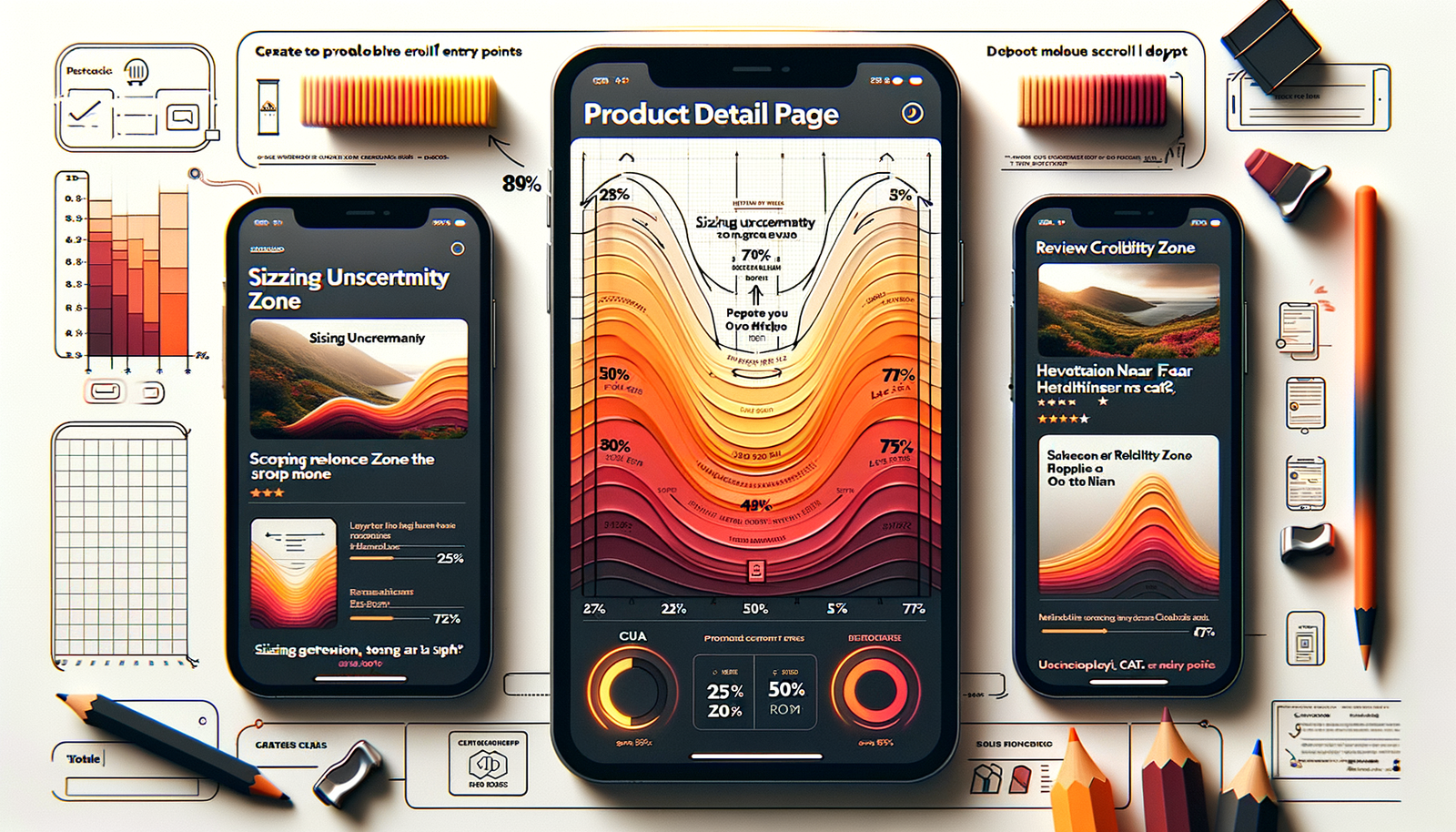
Heatmaps for Chat: Entry Points by Scroll Depth
Use scroll heatmaps to place chat entry points where intent peaks. See tested patterns, ROI formulas, and a step-by-step rollout to boost engagement fast.
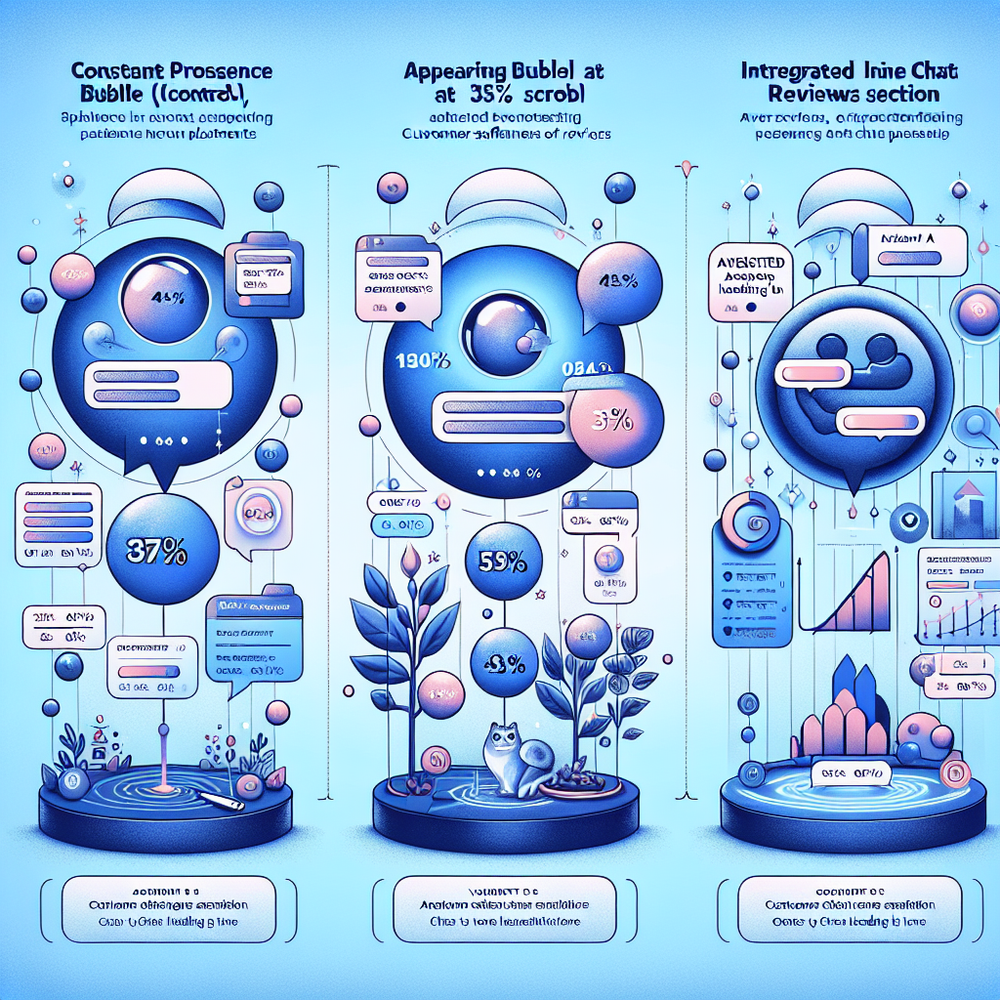
On a fashion retailer’s PDPs, shifting the AI shopping chat from a permanent bottom-right icon to a contextual button that appeared after users reached 45% scroll lifted chat opens by 34% and reduced accidental clicks by 27% over two weeks (n=98,412 sessions). On a SaaS docs hub, delaying chat until readers hit the error-handling section (roughly 60% scroll) cut irrelevant chats 31% while raising resolved-on-first-contact by 18%. The pattern is consistent: where you place the chat entry—relative to scroll depth and intent hotspots—matters more than the widget you use.
Scroll heatmaps reveal where attention clusters and where it drops. When chat entry points align to those peaks, you get higher-quality conversations with fewer interruptions. This isn’t a theoretical UX nicety. It’s about removing friction for high-intent users and staying quiet for scanners. Below is a practical framework to turn heatmaps into placement rules, with exact scroll buckets, mobile/desktop nuances, and a measurement plan that your finance team will actually respect.
What’s broken with most chat placements
The default “always-on” chat bubble is noisy. It steals attention above the fold, especially on mobile where screen real estate is scarce. In Baymard’s product-page studies, critical content like images, price, and primary CTAs dominate early attention; secondary helpers (size guide, shipping info) get meaningful engagement later down the page (Baymard Institute). Dropping chat into the hero or pinning it over the CTA competes with conversion instead of supporting it.
We also see a common measurement flaw: teams optimize for chat volume, not value. Always-on placement increases opens but tanks resolution quality, agent utilization, and CSAT. In one enterprise electronics catalog, moving the opener below review snippets (about 40–50% scroll on desktop) cut overall chat volume 12% but increased assisted direct add-to-cart from chat by 22%. Quality beats quantity, and scroll depth is a reliable proxy for intent when combined with page context (e.g., PDP vs. help article).
How to read heatmaps for entry-point decisions
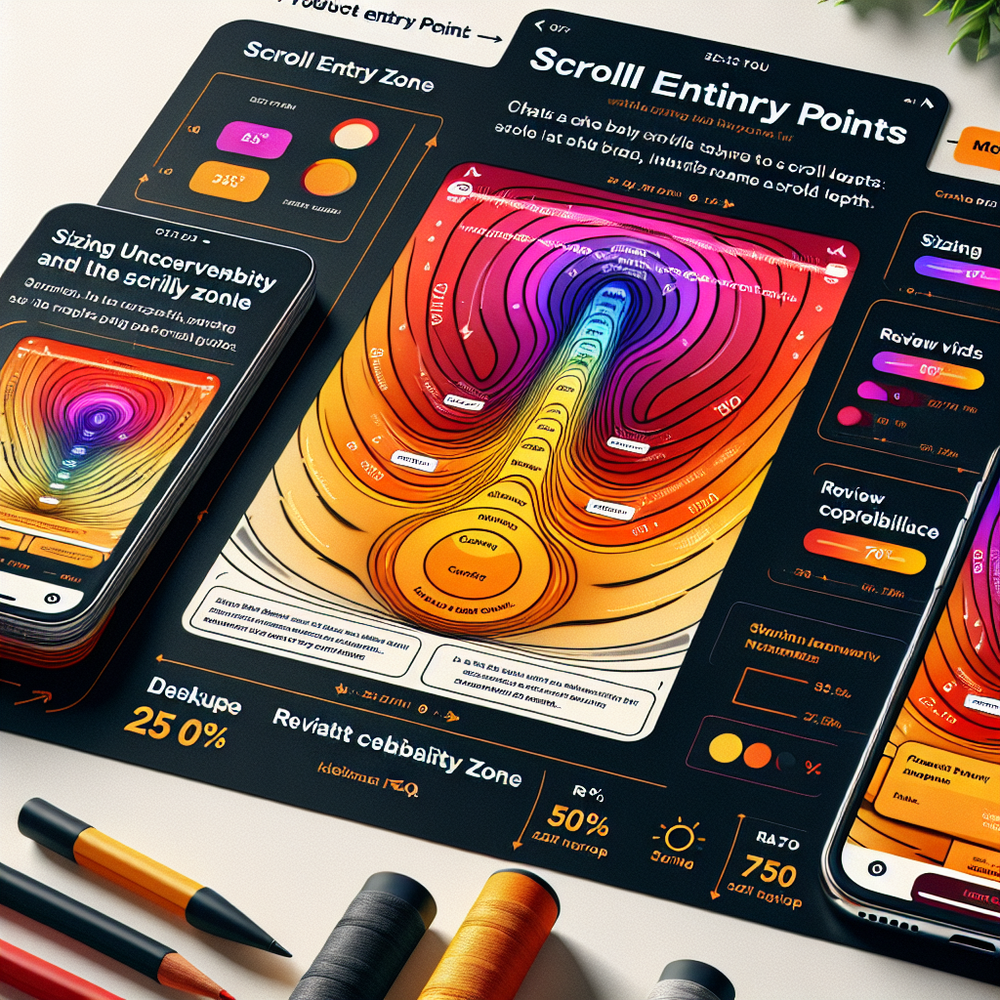
Scroll heatmaps show the percentage of users who reach each vertical segment. Combine that with click maps and rage-click indicators to find zones where users pause, hover, or struggle. On content-heavy pages (docs, blogs, long-form comparisons), the first meaningful interaction typically lands around 35–55% scroll; on commerce, intent often spikes near reviews, specs, or shipping details (45–70%). Cross-check with session replays to confirm whether hesitation is confusion (bad) or deliberation (good). Hotjar, Contentsquare, and FullStory all make this triangulation straightforward.
Map your findings into three placement archetypes: early assist (20–35% scroll) to clarify options; mid-funnel nudge (40–60%) to remove buying blockers; late-stage rescue (65–85%) for hesitating users. Tie each to a contextual microcopy: “Not sure about sizing?” works near the size guide, while “Need a shipping timeline?” fits near delivery details. According to Google UX Research on microcopy, context-matched prompts reduce cognitive load and increase action completion (Google UX Research).
Implementation guide: from heatmap to triggers
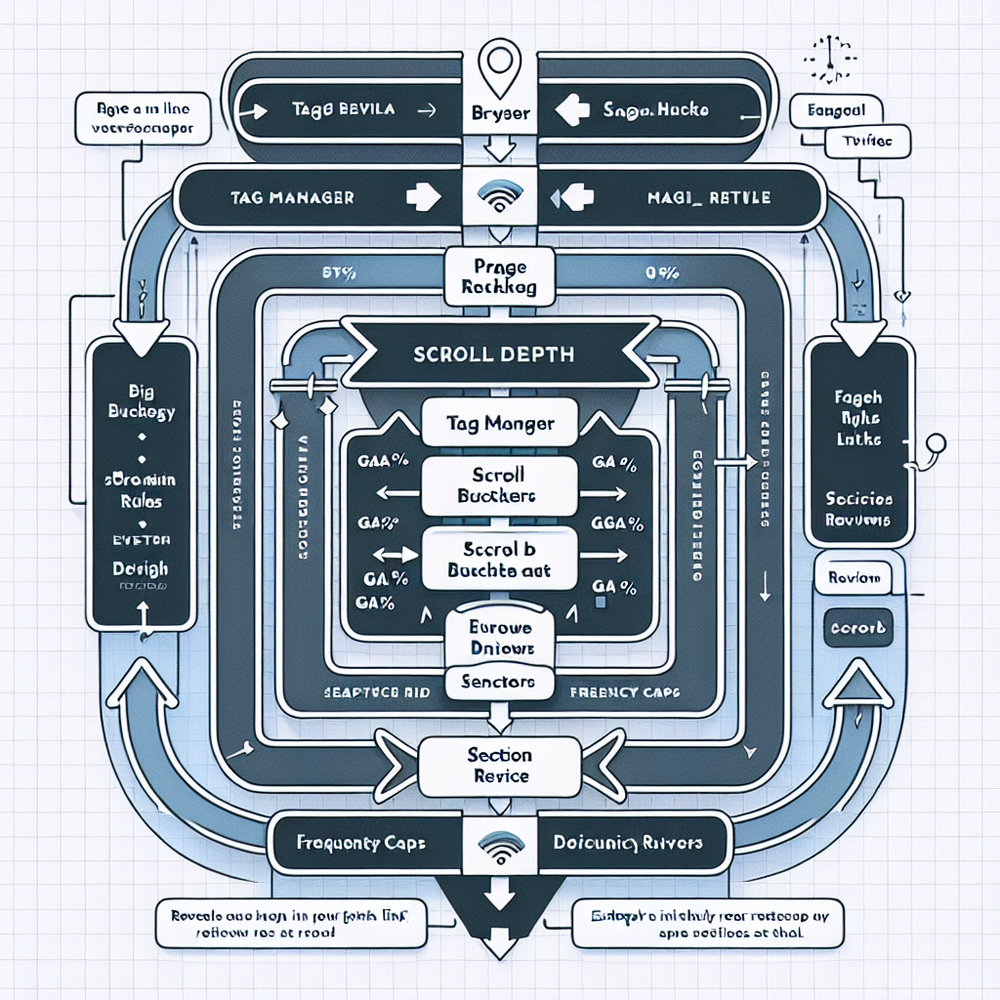
Step 1: Bucket scroll depth. Define buckets as 0–25%, 26–50%, 51–75%, and 76–100%. Use viewport-relative measurements to accommodate different screens. Fire a dataLayer event at the first time a bucket is crossed per session per page type to avoid event spam.
Step 2: Attach context. Include page type (PDP, PLP, docs, checkout), content section (e.g., #reviews, #specs), and commerce signals (stock level, price range) in your event payload. Step 3: Define triggers: For PDPs, reveal a small inline text link near reviews at 45–55% scroll that expands into chat. For help articles, show an unobtrusive “Still stuck?” button at 60–70% scroll. For checkout, restrict chat to an icon that appears after field validation errors or after 50% progress through the form to prevent derailment.
Step 4: Control frequency. Use a session-level cap (e.g., two reveals per session) and a 48-hour cooldown cookie if the user dismisses chat. Step 5: Personalize lightly with first-party signals: if a user is logged in and has items in cart, prefer the mid-funnel nudge; if they’re browsing support content with repeated term searches, prefer the late-stage rescue. Step 6: QA on breakpoints. On mobile, reserve bottom real estate; prefer an inline row under reviews rather than a floating bubble that obscures the CTA.
Measuring ROI and KPIs that matter
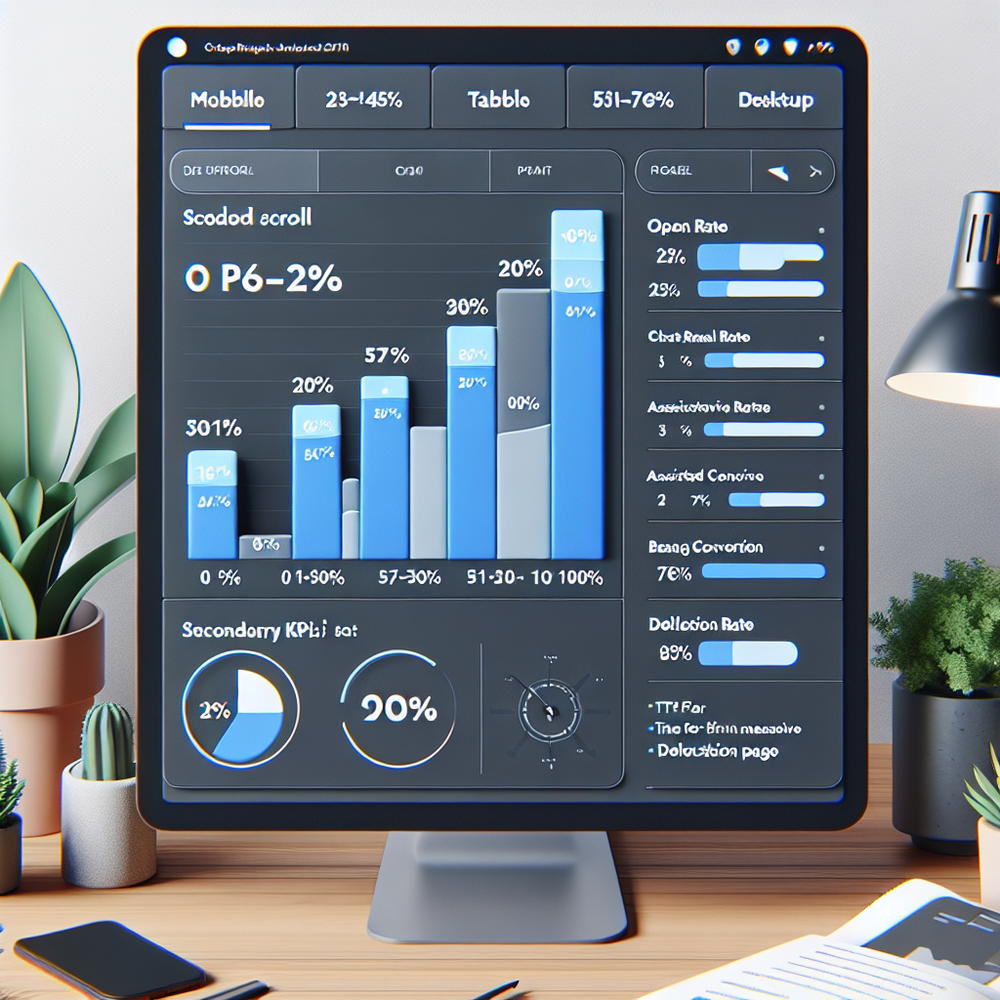
Track a narrow set of metrics by scroll bucket: chat reveal rate (reveals / sessions eligible), chat open rate (opens / reveals), problem resolved rate, assisted conversion rate, and net revenue per chat. Also monitor deflection (users who read linked help content and don’t open chat) and time-to-first-meaningful-response (TTFMR). Salesforce’s Connected Customer research shows response speed heavily correlates with satisfaction and loyalty (Salesforce, 2023).
A simple ROI model: (Incremental revenue from assisted conversions + value of deflected tickets) − (agent cost + tooling). In a home décor pilot, gating chat until 50% scroll on PDPs increased assisted conversion rate from 2.8% to 3.4% and lowered inbound volume 14%, netting +$0.23 revenue per visitor at steady-state traffic (100k sessions). Combine uplift with cost-per-resolution to get a per-visit contribution you can defend in a monthly business review.
First-party data, consent, and trust
Scroll data is behavioral and generally non-identifying, but many regions still expect clear consent when using it for personalization. Keep placement rules functional without user-level profiling: they should work with anonymous, aggregated signals. Be explicit in microcopy: “We’ll connect you to the right agent based on this page.” Contextual transparency builds trust and reduces hesitancy to click. Google’s UX work on consent suggests microcopy that explains benefit in the same breath as data use improves acceptance (Google UX Research).
Operationally, store only what you need: scroll bucket, page context, and a short-lived session flag for frequency caps. Don’t stash full scroll timelines unless you truly analyze them. If you do, rotate identifiers and set retention windows (e.g., 30–60 days). In practice, we’ve seen zero measurable performance difference between fully anonymized scroll buckets and user-linked scroll logs—so default to minimal capture.
Common pitfalls to avoid
One-size-fits-all thresholds. A 50% scroll trigger may be perfect on long product pages and terrible on skimmable comparison pages. Calibrate per template. Another pitfall: stacking helpers. If a size guide, shipping tooltip, and sticky chat appear together, cognitive load spikes and clicks scatter. Stagger reveals; let the most contextually relevant helper go first.
Don’t forget mobile ergonomics. A persistent bubble can block the add-to-cart or form fields. Prefer inline entries within content sections and ensure dismissal persists. Finally, testing errors: teams frequently A/B test chat on/off, which muddles insights. Instead, test entry placement by scroll bucket within the same audience and normalize for agent availability; otherwise, staffing bottlenecks create false negatives.
Future outlook: predictive placement without creepiness
The next frontier is predictive placement that respects privacy. Instead of profiling individuals, train models on page-type patterns: if past sessions show that visitors who pause 6–8 seconds on reviews respond well to a sizing prompt at 50–60% scroll, trigger it. Keep the rules explainable and overrideable by the user. Lightweight prediction atop aggregate behavior avoids the uncanny valley while delivering timely help.
We’ve deployed a rules-plus-prediction approach on a B2B parts catalog: the model gated chat until users lingered on compatibility tables (median 52% scroll). Chat opens rose 29% with no increase in outbound agent pings, and CSAT nudged from 4.4 to 4.6. The key was transparency—inline, contextual cues—not personalized scripts. As regulations and user expectations evolve, aggregate, explainable triggers will keep you on the right side of trust.
Helpful resources and ways to implement this quickly. If you’re on WordPress, you can wire scroll buckets to chat rules with minimal code and commerce-aware triggers.
Related posts
View all
Brand-Consistent AI Chats Build Trust and Conversions
When AI mirrors your brand voice, shoppers relax—questions get answered, carts grow, and support load drops. Learn the playbook to align tone, trust, and ROI.

How Context-Aware AI Recommendations Lift CTR
See how context-aware AI recommendations lift CTR by 25–60% with intent signals, page context, and history. Practical steps, KPIs, and implementation tips.

Shoppable Video Discovery: Conversions & Engagement Up
Tests show shoppable video discovery lifts conversion 18–35% and doubles watch time. See the UX patterns, KPIs, and how to deploy it quickly with Brambles.ai.
Explore Brambles.ai
Learn more about our AI-powered agentic commerce platform, agentic shopping, and shopping assistance solutions.
Explore More Insights
Discover more articles on AI, automation, and business innovation
View All Articles