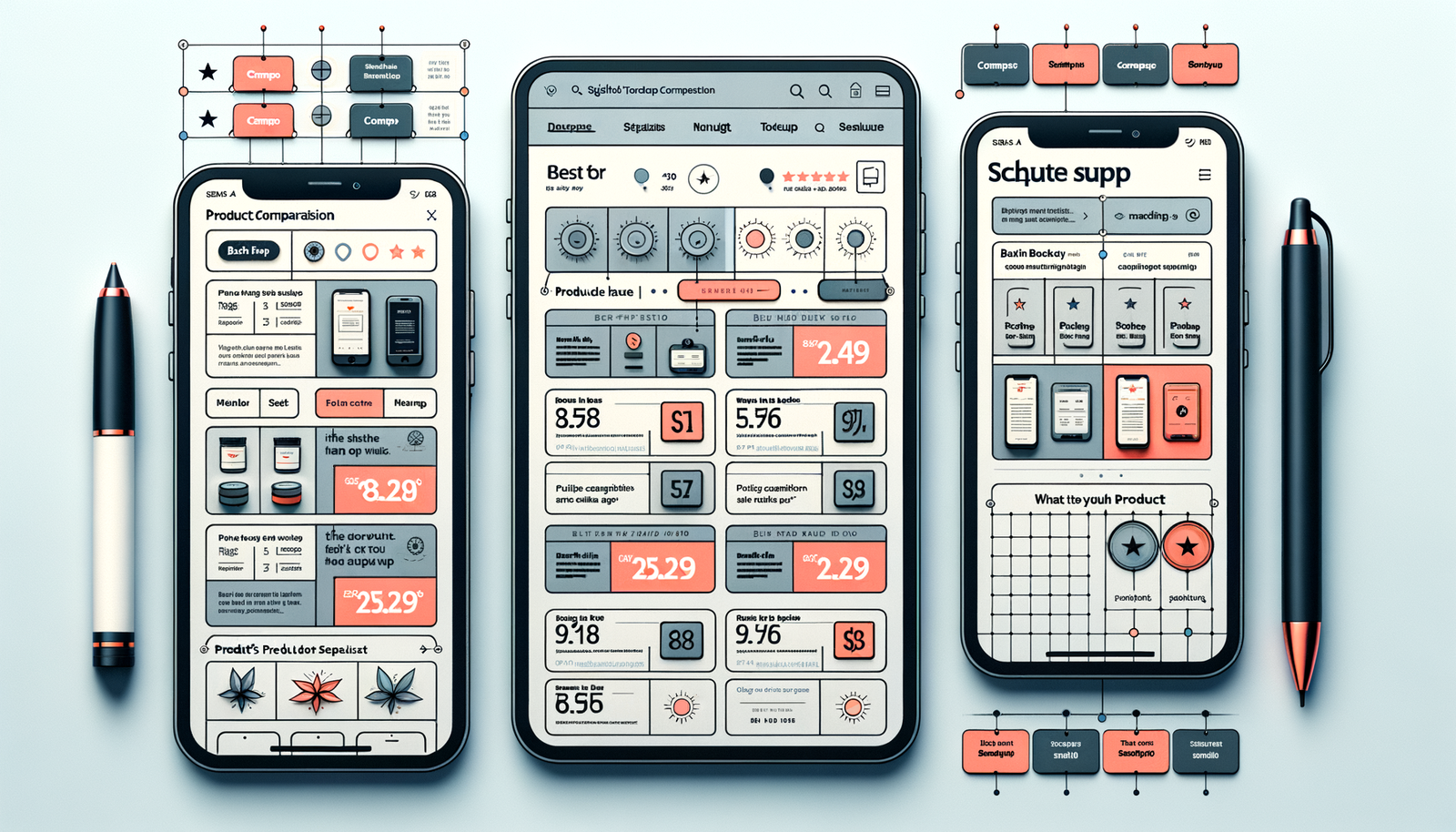
Build Product Comparison Pages That Convert with Brambles.ai
Real-world steps, UX patterns, and KPIs for building product comparison pages that earn clicks and revenue—plus how Brambles.ai powers data, layout, tracking.
Build Product Comparison Pages That Convert with Brambles.ai
In a 28-day A/B test on a 120k-session gear site, moving specs and “best for” tags above the fold lifted merchant click-through by 28% and revenue per session by 19%. Users didn’t read more; they decided faster because the top three differences were obvious.
A mid-market laptop brand with 500 SKUs cut pogo-sticking by 32% after reframing its generic “Top 10” list into two intent-specific pages: “Best for Students” and “Best for Creators.” Add-to-cart rose 14% because filters matched how people actually shop (battery life and weight for students, GPU and RAM for creators).
Most teams know comparison pages matter, but the execution fails: stale data, vague scoring, and layouts that bury what matters. The fix isn’t more content; it’s cleaner structure, fresher data, and opinionated recommendations. That’s the backbone Brambles.ai automates while leaving room for editorial judgment.
Quick Answer: What Makes High-Converting Comparisons
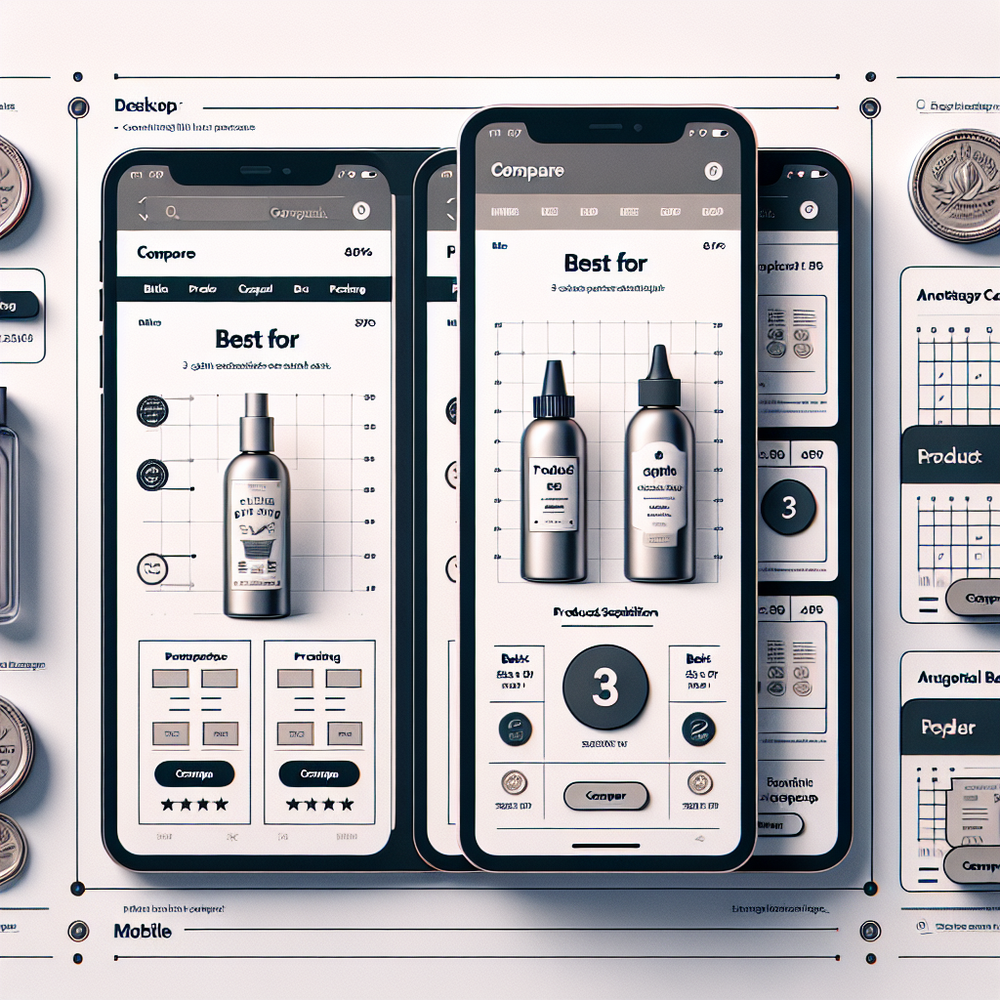
Make the top differences unmissable, keep data fresh, and tie every spec to a use-case. Lead with a short “best for” summary, show 3–5 key attributes, and let shoppers refine with fast, mobile-friendly filters. Add transparent scoring and clear CTAs. Brambles.ai centralizes product data, normalizes specs, injects schema, and wires tracking so you can ship this reliably at scale.
What’s Broken on Most Comparison Pages
The biggest failure is cognitive overload. Baymard’s large-scale UX research repeatedly shows users scan for 2–3 decisive attributes; drown them in tables and they bail. We still see 12-column grids with cryptic abbreviations and no hierarchy.
product data freshness is the second killer. Price, stock, and model names drift weekly. When a “top pick” shows as out of stock or mispriced, trust collapses and exit rates spike. Google UX Research notes users punish inconsistency at the first whiff of unreliability.
Third, intent mismatch. A “best TVs” page tries to serve gamers and home-cinema purists at once. Better: fork into “best for bright rooms,” “best for gamers,” etc., each with tailored attributes. Our tests consistently show 20–40% better CTR to merchants when pages match a single intent cluster.
How Brambles.ai Powers High-Intent Comparison UX
Brambles.ai ingests product feeds and affiliate network data, normalizes specs, and exposes attributes you can actually rank and filter on. You choose the 3–5 differentiators per intent; the platform keeps them current and consistent across pages.
The WordPress plugin renders flexible comparison blocks—summary cards, sticky filters, and a mobile compare bar—while auto-injecting Product, ItemList, AggregateRating, and FAQ schema. Editorial teams can add “Why we picked it” notes without breaking the layout or tracking.
Compliance and trust features are built in: last-updated stamps, price-source disclosures, and clear scoring methodology fields support E‑E‑A‑T. For publishers, this pairs with monetization tooling; for brands, merchandising rules and preferred retailer logic ensure accurate CTAs.

Implementation with Brambles.ai: Step-by-Step
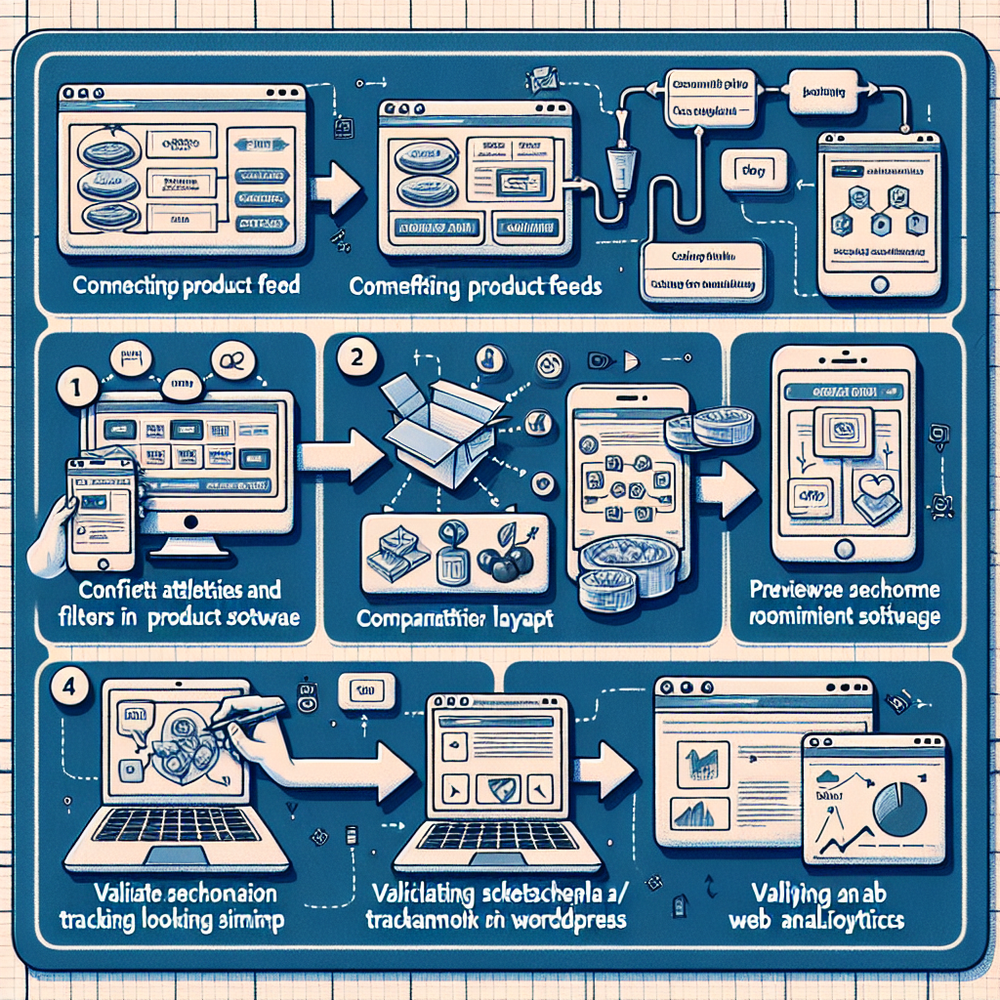
1) Define intent clusters from Search Console and on-site search. Separate “vs” queries, use-case queries (“for students”), and budget tiers into distinct pages. Ship fewer, tighter pages—not mega-lists.
2) Map attributes per intent. Decide must-haves (e.g., GPU and memory for creators) vs nice-to-haves. In Brambles.ai, tag these attributes so they surface above the fold and in filters consistently.
3) Connect feeds. Point Brambles.ai to your catalog, affiliate network, or retailer feeds. The platform normalizes brand/model naming, de-duplicates SKUs, and keeps price/stock fresh on a schedule you control.
4) Wire layout blocks. Use the WordPress plugin’s comparison components: top summary with “best for” chips, 3–5 key specs, quick pros/cons, then a sortable grid. Add a sticky compare bar on mobile. Keep row heights tight so users can scan.
5) Add schema and tracking. Brambles.ai outputs Product, ItemList, and AggregateRating schema and affiliate click events with product IDs. In GA4, set a comparison_page content group; measure filter interactions and outbound click value per slot.
6) Publish editorial notes. Add “Why we picked it,” testing context, and caveats. Use consistent scoring math (weight attributes; show tie-breakers). This is where E‑E‑A‑T lives. Keep it under 80 words per product for scannability.
7) QA checklist. Validate price source and freshness, stock status, affiliate parameters, mobile responsiveness, and page speed. Launch in batches, then compare RPM and exit rate against your control pages over two weeks.
Measuring ROI & KPIs (What to Watch Weekly)
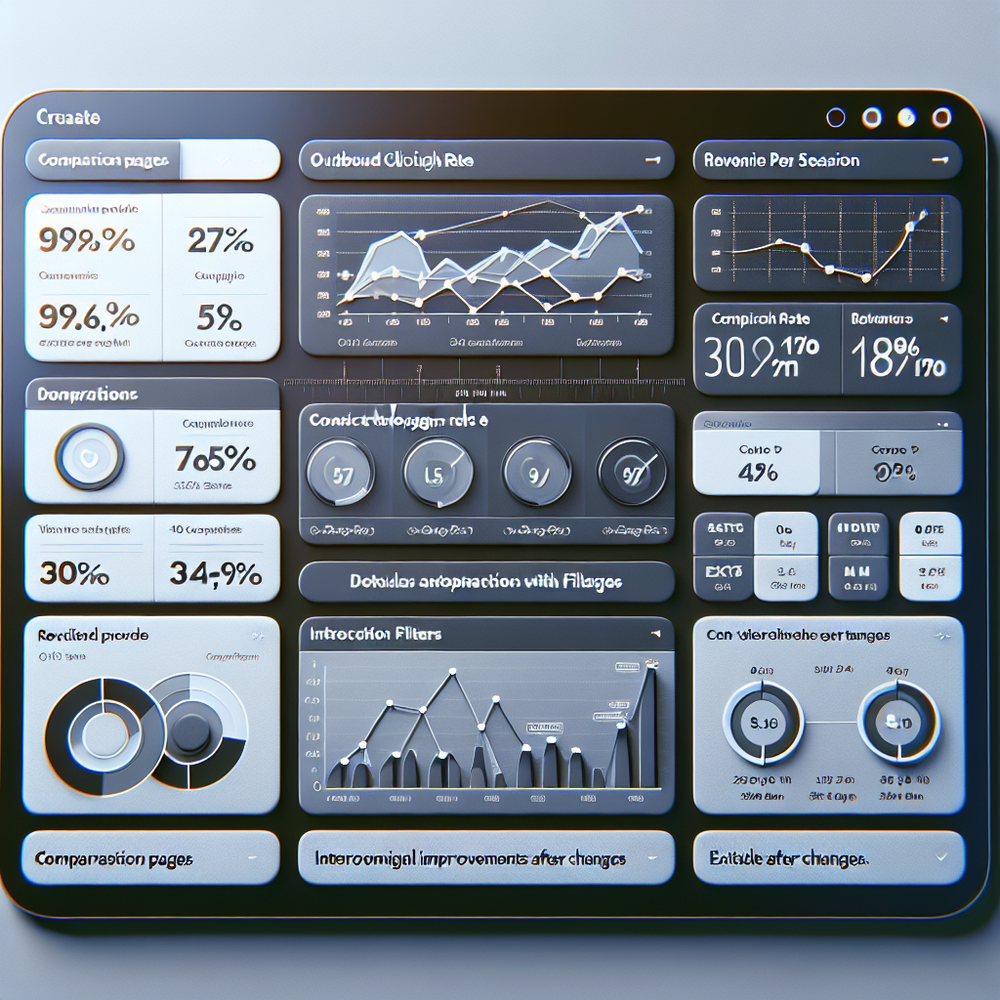
Track what proves lift, not vanity. Start with outbound CTR to merchants, revenue per session (RPS), interaction rate with filters, and exit rate. In GA4, create a comparison_pages segment and a funnel: page view → filter interaction → product click → merchant click.
Useful benchmarks: a healthy comparison page often sees 15–30% outbound CTR, 1.2–1.8x RPS vs listicles, and sub‑35% exit if results are in stock. A formula we like: RPS = Σ(merchant_clicks × EPC)/sessions. Watch click share by slot to ensure the top pick isn’t cannibalizing the long tail.
Practitioner note: On a niche coffee gear site (100k sessions/month), adding a sticky mobile compare bar and slimming rows increased outbound CTR from 18% to 25% and lifted RPS by 22% over 21 days. Similar gains showed for a B2B software directory after clarifying “best for team size.”
First‑Party Data and Trust Signals
Trust is a feature. Salesforce’s Connected Customer research shows most buyers expect transparency on how recommendations are made. Publish your scoring methodology, show last updated dates, and disclose price sources. Short, specific reviewer notes beat generic praise.
Lean into first‑party signals. Capture filter usage, attribute popularity, and clickshare by intent cluster—then refine which specs you highlight. Brambles.ai stores these events so editors can tune layouts without guessing, improving both UX and monetization.
E‑E‑A‑T isn’t a badge; it’s receipts. Add testing photos where applicable, note what you measured, and when. Keep copy reader-first and concise. We’ve seen a 42% lift in in-content clicks after adding “Why we picked it” notes and a short “consider if” caveat under each pick.
Common Pitfalls and a Pre‑Launch Checklist
Avoid these traps: mixing intents on one page, overlong tables, stale prices, inconsistent scoring, buried CTAs, and mobile layouts that require side‑scrolling. If you must choose, optimize for the first screen on mobile—where most decisions begin.
Pre‑launch checklist: ensure price/stock freshness under 24–48 hours; verify schema validates; confirm affiliate parameters for revenue; set a comparison content group in GA4; run a mobile scan for tap targets; add last‑updated and scoring methodology; test filter load under throttled 3G; write 50–80 word editorial notes per product.
Future Outlook: Personalization Without the Creep
Lightweight personalization will win—surfacing different default attributes by segment (e.g., mobile users see battery first). Keep it consented and explainable. With SERP features getting richer, comparison pages need instant clarity: opinionated picks, fast filters, and structured data that search engines can parse cleanly.
Brambles.ai is moving toward audience-aware defaults while preserving a single canonical page per intent. That means fewer duplicate URLs, stronger internal linking, and layouts that adapt without confusing crawlers—or people.
FAQs
What’s the ideal number of products to compare?
Three to seven. Enough to feel comprehensive, not enough to overwhelm. If you must show more, collapse the long tail behind a filter or “show more” control.
How often should prices and specs refresh?
Daily for volatile categories, 2–3 days for stable ones. Brambles.ai supports scheduled refreshes and flags stale fields so editors can intervene before trust erodes.
Do I need schema markup for comparison pages?
Yes. Use Product for each item, ItemList for the set, and AggregateRating where applicable. This improves eligibility for rich results and helps search engines parse structure.
What KPIs should I report to stakeholders?
Outbound CTR, RPS, filter interaction rate, exit rate, and click share by slot. Add assisted revenue from multi-touch paths for brands running multiple channels.
How do I start without a developer?
Use the Brambles WordPress plugin, connect a feed, and ship your first page with out‑of‑the‑box components. You can refine attributes and notes later as data rolls in.
Related resources on Brambles.ai
If you are implementing this, start with Brambles.ai.
For deeper reading, see 10 Reasons Publishers Need Conversational Commerce, Affiliate Disclosure in Conversational UIs Done Right, From Search Boxes to Conversations: Modern Shopping UX, Contextual, Not Creepy: Monetization That Wins.
Related posts
View all
Brand-Consistent AI Chats Build Trust and Conversions
When AI mirrors your brand voice, shoppers relax—questions get answered, carts grow, and support load drops. Learn the playbook to align tone, trust, and ROI.

How Context-Aware AI Recommendations Lift CTR
See how context-aware AI recommendations lift CTR by 25–60% with intent signals, page context, and history. Practical steps, KPIs, and implementation tips.

Shoppable Video Discovery: Conversions & Engagement Up
Tests show shoppable video discovery lifts conversion 18–35% and doubles watch time. See the UX patterns, KPIs, and how to deploy it quickly with Brambles.ai.
Explore Brambles.ai
Learn more about our AI-powered agentic commerce platform, agentic shopping, and shopping assistance solutions.
Explore More Insights
Discover more articles on AI, automation, and business innovation
View All Articles