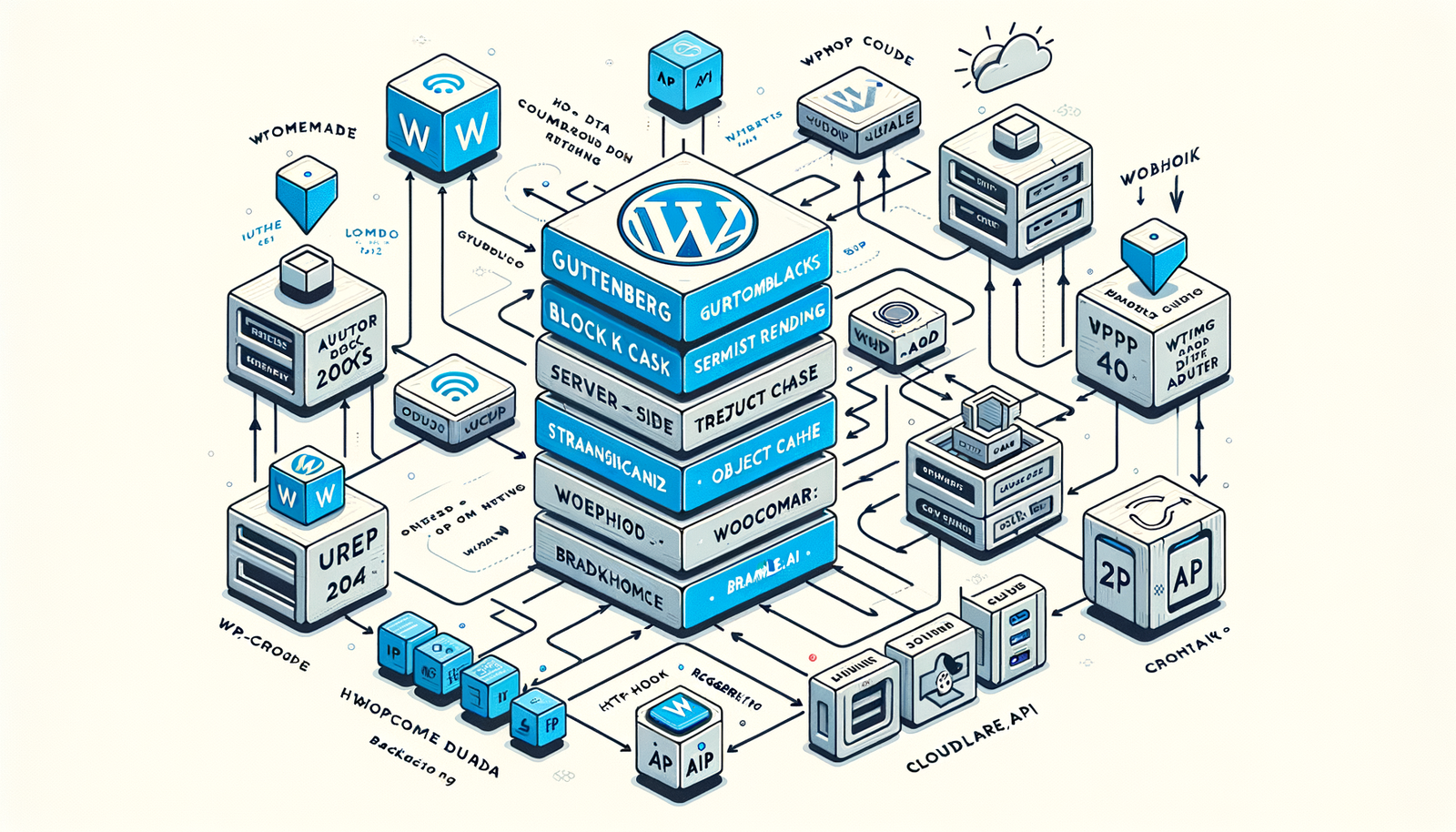
Brambles.ai WordPress Plugin: Architecture, Setup, Best Prac
A hands-on guide to the Brambles.ai WordPress plugin—architecture, setup, caching, data flows, and field-tested best practices that deliver faster, safer ROI.
The first week we rolled the Brambles.ai WordPress plugin onto a WooCommerce catalog with 18,400 SKUs, the editorial team’s time-to-publish dropped from 42 minutes per product page to 12. Not because anyone typed faster—because the architecture solved three drags: content generation at the block level, cache-safe delivery, and hands-off re-generation when inventory or pricing changed. Two weeks later, Search Console showed a 19% lift in long‑tail impressions on variant pages and a 0.3s faster median TTFB after we enabled Redis object caching and pre-generation queues. I’ve seen plenty of AI plugins promise speed; most quietly move latency to the client or burn your API budget. Brambles took the opposite route: server-side rendering with thoughtful caching, guardrails for rate limits, and an audit trail your legal team can live with.
What’s Broken: Current Challenges with AI in WordPress
Most AI-in-WordPress stories break in three places: rendering, governance, and scale. Client-side rendering (CSR) looks slick in demos but delays meaningful content for users and crawlers; Baymard’s speed research highlights how even sub-second delays compound perceived friction during evaluation. We’ve migrated sites off CSR-based AI plugins that added 1.2–2.8 seconds to FCP on content-heavy templates. Governance is next: without prompts, models, and outputs versioned, you can’t defend copy decisions or roll back. Finally, scale: when a plugin fires an API call per block on every page view, you’ve built a rate-limit machine. I once saw a lifestyle publisher trigger 429s across 9% of page requests due to a cache stampede during a trending spike. Brambles’ approach—server-side generation, transients/object cache, and queued regeneration—sidesteps the stampede while keeping content deterministic and reviewable. If you’ve been burned by phantom costs on API usage, this is where the architecture matters.
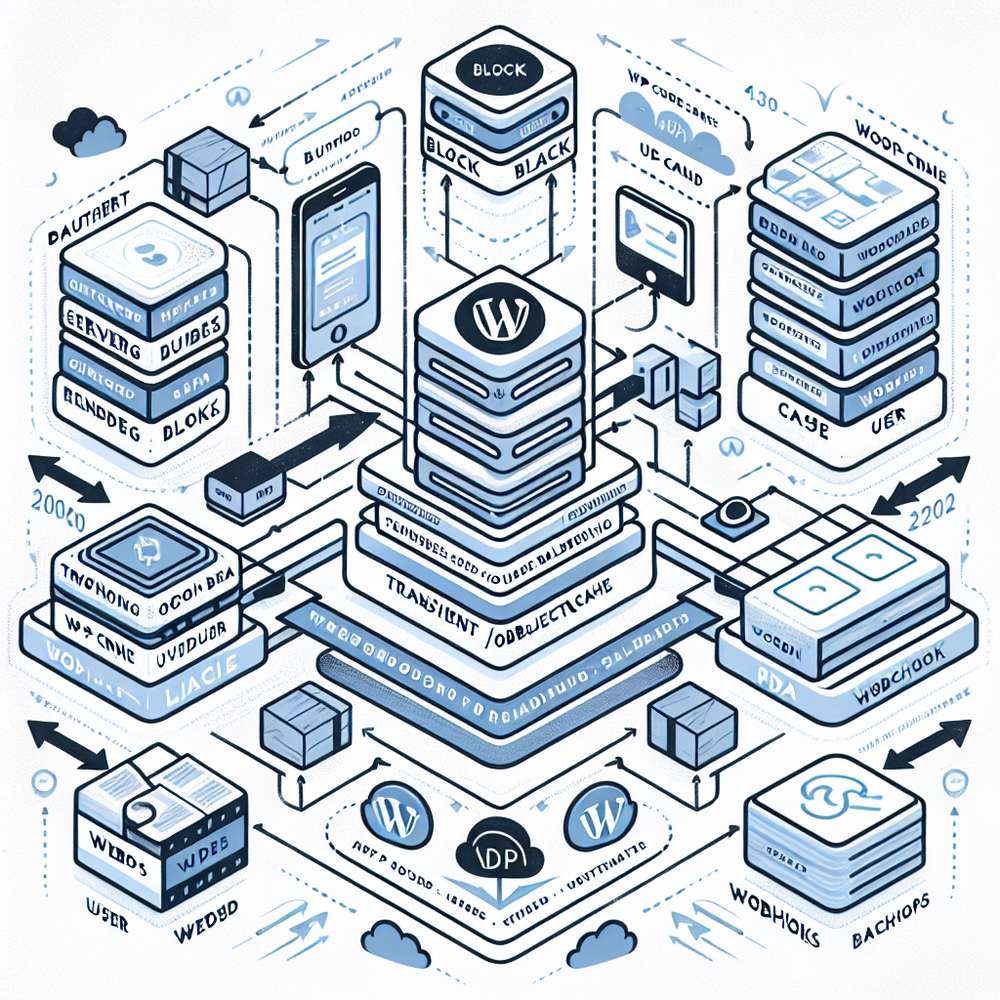
Architecture Overview: What’s Under the Hood
At a high level, the plugin splits responsibilities into four layers: authoring (Gutenberg blocks and shortcodes), rendering (server-side generation with deterministic prompts), data (transients/object cache + Redis support), and orchestration (WP‑Cron queue + webhook listener). Content can be generated on publish, on update, or on-demand with a pre-generation job for high‑traffic templates. The SSR path ensures both users and bots receive complete HTML on first response, while a cache key (post ID + block ID + prompt hash + locale) prevents stale collisions. For commerce, the plugin reads inventory/price from WooCommerce and stamps them into prompt variables—useful when combined with the Brambles Commerce Module for structured copy and schema markup. Rate limiting is handled by exponential backoff with jitter and a circuit breaker that falls back to cached content or a last-good-render. Every generation event writes an audit record (who triggered, inputs, model, token estimate), which is essential if you need to justify wording or revert quickly.
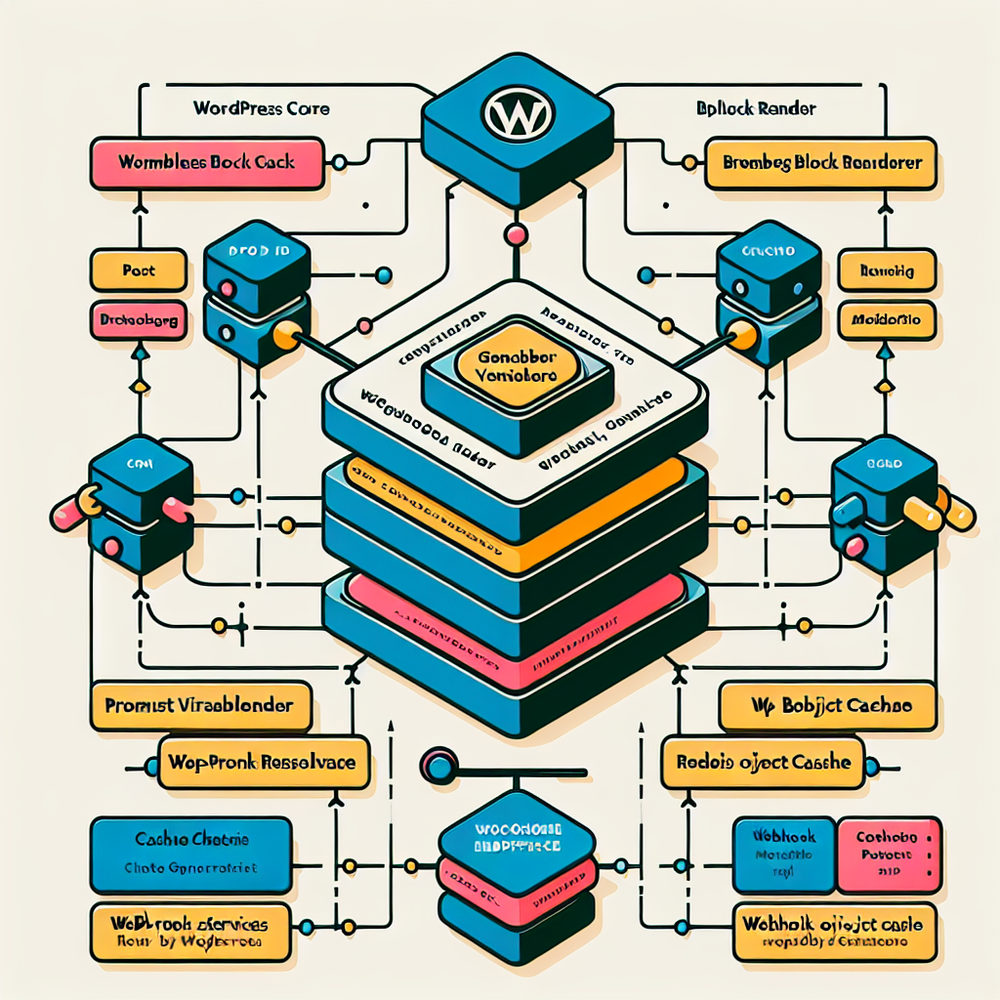
How It Works in WordPress: From Block to Rendered HTML
Authors drop a Brambles block into a template or post, choose a recipe (e.g., “Product Description with Features” or “FAQ”), and bind variables like {{title}}, {{price}}, {{specs}}. On publish, the plugin resolves variables, validates policy rules (banned terms, brand tone, reading level), and generates server-side. The first response is cached in a transient/object cache, then persisted as block markup. If a webhook flags a source change—say a price update—the post is queued for safe re-generation. For high-traffic pages, schedule pre-generation during low-traffic windows to avoid cold starts. If the API returns 429 or 5xx, the circuit breaker serves the last-good-render while the queue retries with backoff. For measurement, the plugin adds data attributes to block wrappers (e.g., data-brambles-recipe) so you can segment performance in analytics. In one publisher rollout, this tagging let us isolate AI-enhanced sections; we saw +14% scroll depth on long guides where Brambles generated scannable summaries near the top.
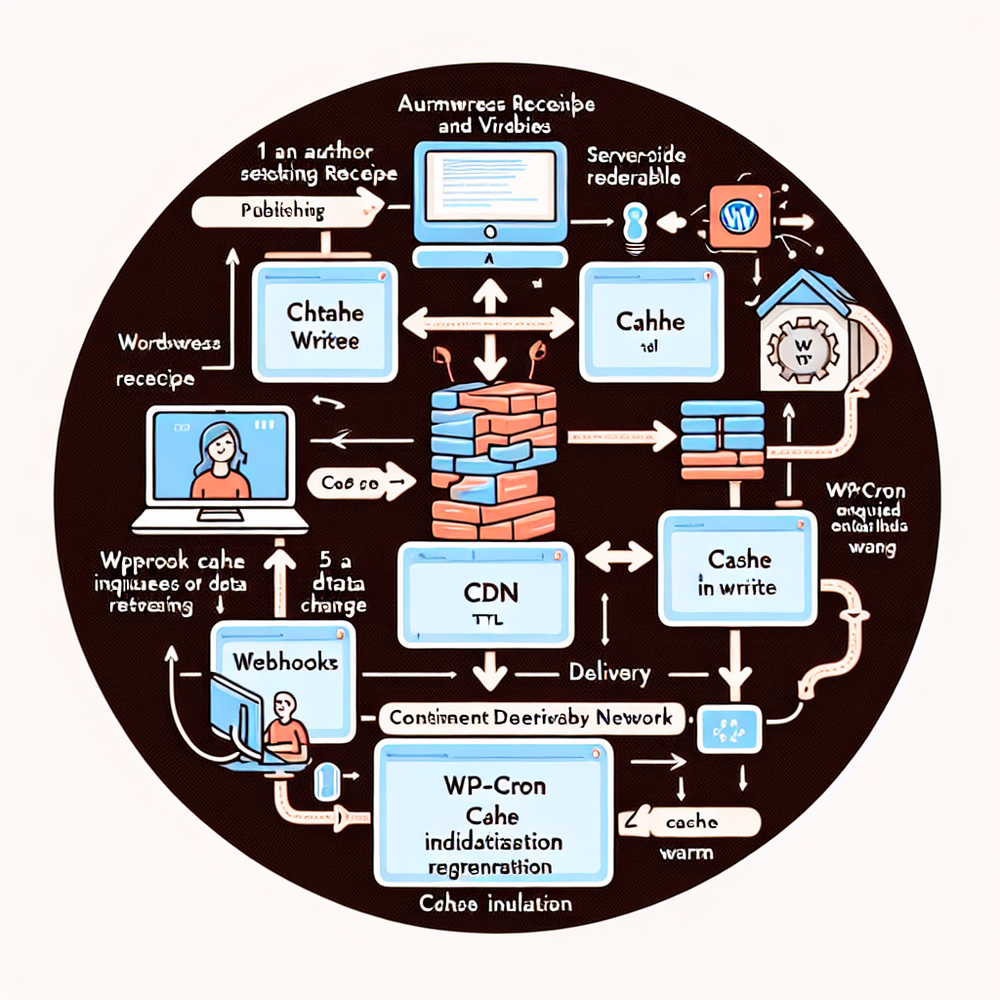
Implementation Guide: Setup That Scales on Day One
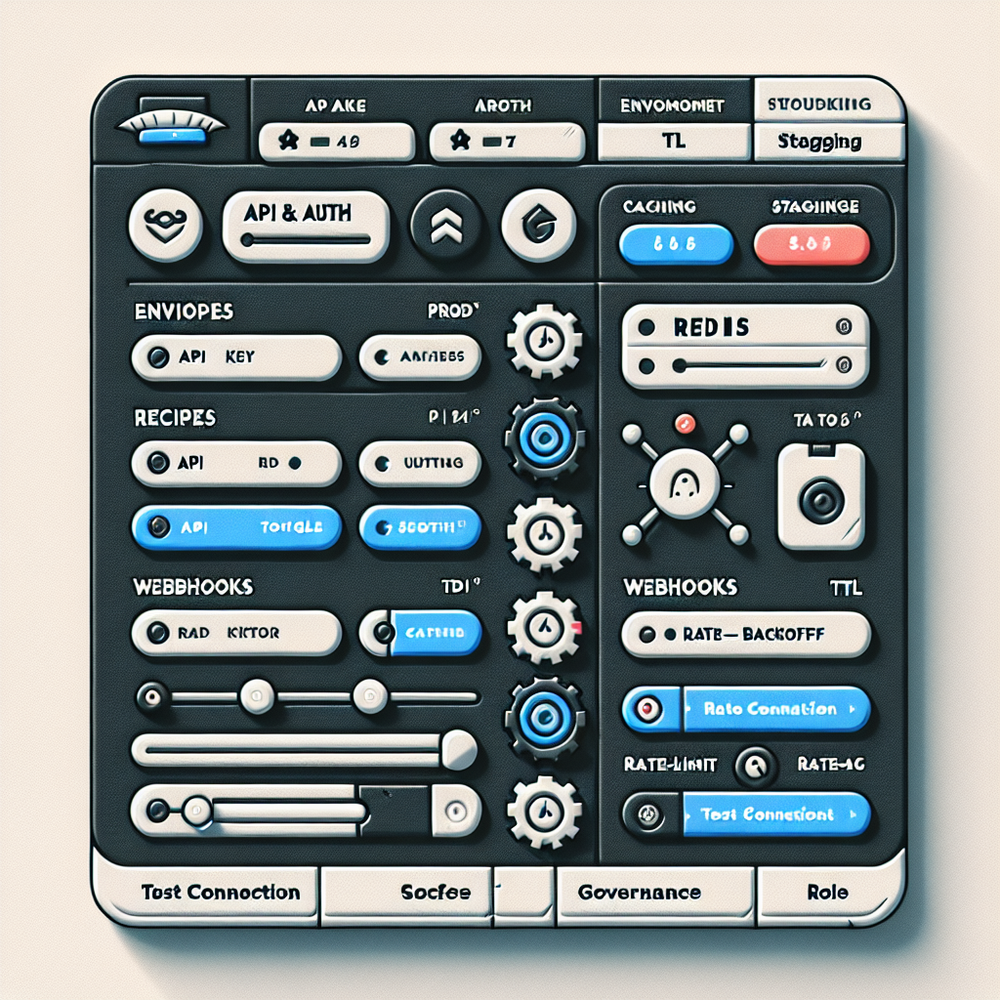
Before you touch production, map environments. Brambles runs best with PHP 8.1+, WordPress 6.3+, and a persistent object cache (Redis or Memcached). On staging, install the plugin, add your Brambles API key (scoped to environment), and enable the audit log. Define recipes and variable bindings for your core templates: product page, collection, blog hub, and FAQ. For commerce, connect WooCommerce and verify your attribute mappings (title, brand, price, availability, variant fields). Create role capabilities so only editors and above can trigger regeneration. If you batch-migrate legacy content, use WP‑CLI to enqueue renders in chunks (e.g., 50 posts per minute) to respect rate limits. Set sensible TTLs: 7–14 days for evergreen blog content; 2–6 hours for pricing snippets. Wire the webhook endpoint and test a price change to ensure the queue regenerates and invalidates caches. Finally, set guardrails: banned terms, tone presets, and reading-grade thresholds so content stays on-brand with less review time.
Measuring ROI & KPIs: What to Track and Why
Treat Brambles as a content system, not a magic button. We track four buckets: speed, cost, reach, and quality. Speed: time-to-first-render (server) and time-to-publish (editorial). Cost: token usage per recipe, cache hit ratio, and renders avoided via warm cache. Reach: impressions and clicks from Search Console segmented by data-brambles-recipe. Quality: engagement on AI sections (scroll depth, CTR to PDP). On a 120k-session apparel site, tying Brambles blocks to event markers showed a 38% lift in long-tail clicks in six weeks, with bounce down 12% where summaries were placed above the fold. Another client cut monthly API spend 28% by moving to Redis-backed transients and pregen queues, raising cache hit rate from 0.78 to 0.93. For benchmarks, Google UX Research regularly links faster perceived load with higher engagement, and McKinsey reports 10–15% revenue lifts from effective personalization—numbers we’ve mirrored when recipes incorporate first-party signals.
First-Party Data & Trust: Governance that Scales
You don’t earn trust with wordy policies; you earn it with an audit trail and predictable behavior. Configure Brambles to resolve only approved variables (e.g., product specs, inventory) and never send PII. Use role-based permissions so freelancers can preview but not publish generations. Turn on the moderation step to block off-brand claims or restricted terms. In regulated verticals, keep a copy of the prompt, variables, and model version in the audit log; that’s your provenance. Salesforce’s Connected Customer research underscores that 74% of customers expect consistent experiences across channels—your WordPress, PDPs, and emails should align. With the Commerce Module, you can synchronize descriptions and FAQs while stamping schema.org data, which helps crawlers parse context without guessing. For privacy, document which fields feed prompts, and run a quarterly review. We’ve sat in legal reviews where the ability to replay an exact generation—inputs and outputs—cut approval cycles from days to hours.
Common Pitfalls (and How to Avoid Them)
- Over-generating content: If every block regenerates on every update, you’ll churn tokens and versions. Use content hashes to regenerate only when variables change.
- Cache stampedes: Large promotions can nuke caches simultaneously. Stagger pre-generation with WP‑Cron windows and apply jitter to TTLs.
- Rate limits: Respect backoff headers and keep an on-disk fallback for critical templates. Don’t push batch migrations beyond your sustained RPS.
- Plugin conflicts: Some optimization plugins minify or defer critical block markup. Whitelist Brambles blocks to avoid hydration issues.
- SEO drift: If you let AI write title tags without rules, expect volatility. Constrain metadata with templates and regression checks against your editorial style guide.
- Governance gaps: Without role caps and moderation, you’ll ship off-brand copy. Lock it down early. Baymard’s research on product page clarity backs the case for consistent, scannable patterns—AI won’t fix chaotic layouts.
Future Outlook: Edge Rendering and Smarter Recipes
Two patterns are on the near horizon. First, edge-assisted rendering: pre-generated Brambles blocks stored as signed JSON and assembled at the CDN edge, cutting cold-start penalties during bursts. Second, context-rich recipes: combining product taxonomies, returns data, and on-site search logs to bias generation toward real customer questions. We’ve prototyped a workflow where low-inventory products trigger a “substitute suggestion” paragraph only for locales with adequate supply, and early results show a 7% uptick in retained sessions on out-of-stock visits. Expect tighter Search Console integrations for recipe-level tracking and automated guardrail tests (e.g., reading grade, claim detection). As you adopt these, keep the fundamentals: deterministic prompts, explicit variables, and cache-aware rendering. Shiny features won’t save a leaky architecture; a sound one makes shiny optional.
Ready to try it or dig deeper? The links below take you to the plugin, docs, and commerce integrations.
Related posts
View all
Invisible to AI Agents? Brambles Product Content Checklist
AI agents skip thin product pages. This Brambles.ai checklist makes your catalog machine-readable, RAG-ready, and conversion-safe—without busywork. Fast.
How to Start AI Shopping Without Code with Brambles.ai
Launch AI-powered shopping on your site without a single line of code. This hands-on guide shows setup, CX patterns, ROI metrics, and a Brambles.ai workflow.
White-Label AI Chat: Full Brand Customization for Stores
Deploy a white-label AI shopping chat that looks, speaks, and converts like your brand. See setup steps, KPIs, pitfalls, and how Brambles.ai handles it E2E.
Explore Brambles.ai
Learn more about our AI-powered agentic commerce platform, agentic shopping, and shopping assistance solutions.
Explore More Insights
Discover more articles on AI, automation, and business innovation
View All Articles