Brambles.ai: Fast Deployment, Low Engineering Overhead
Launch conversational commerce in days, not months. Brambles.ai cuts engineering overhead with a drop-in module, smart defaults, and enterprise-grade tools.
On a Tuesday morning we dropped one script on a 120k‑session home décor site. By Thursday, the team was watching shoppers ask for “a walnut console under $500” and add to cart from the chat. Engineering time: 3.5 hours. Support tickets: down 18% week one. That’s the pattern we keep seeing—fast wins when deployment respects reality: tiny teams, crowded backlogs, legacy stacks.
Quick Answer
Brambles.ai deploys fast because it’s designed as a drop‑in layer: one JavaScript snippet (or WordPress/Shopify install), automatic content indexing, and switch‑on features that don’t require backend refactors. The Agentic Commerce Module binds to your DOM, product feed, and analytics with safe defaults. Most teams ship in 24–72 hours, then iterate from the dashboard—no sprint‑busting roadmap rewrites required.
What’s Broken in Typical Commerce Integrations
Most “AI shopping” deployments collapse under integration tax: brittle APIs, custom UX work, and data mapping that drags for weeks. Meanwhile, revenue goals don’t wait. Baymard’s research shows shoppers punish friction—each extra step dents conversion—so every delay hurts twice: lost time and worse UX. The fix isn’t more custom work; it’s smarter defaults and clean exits.
How Brambles.ai Works Under the Hood
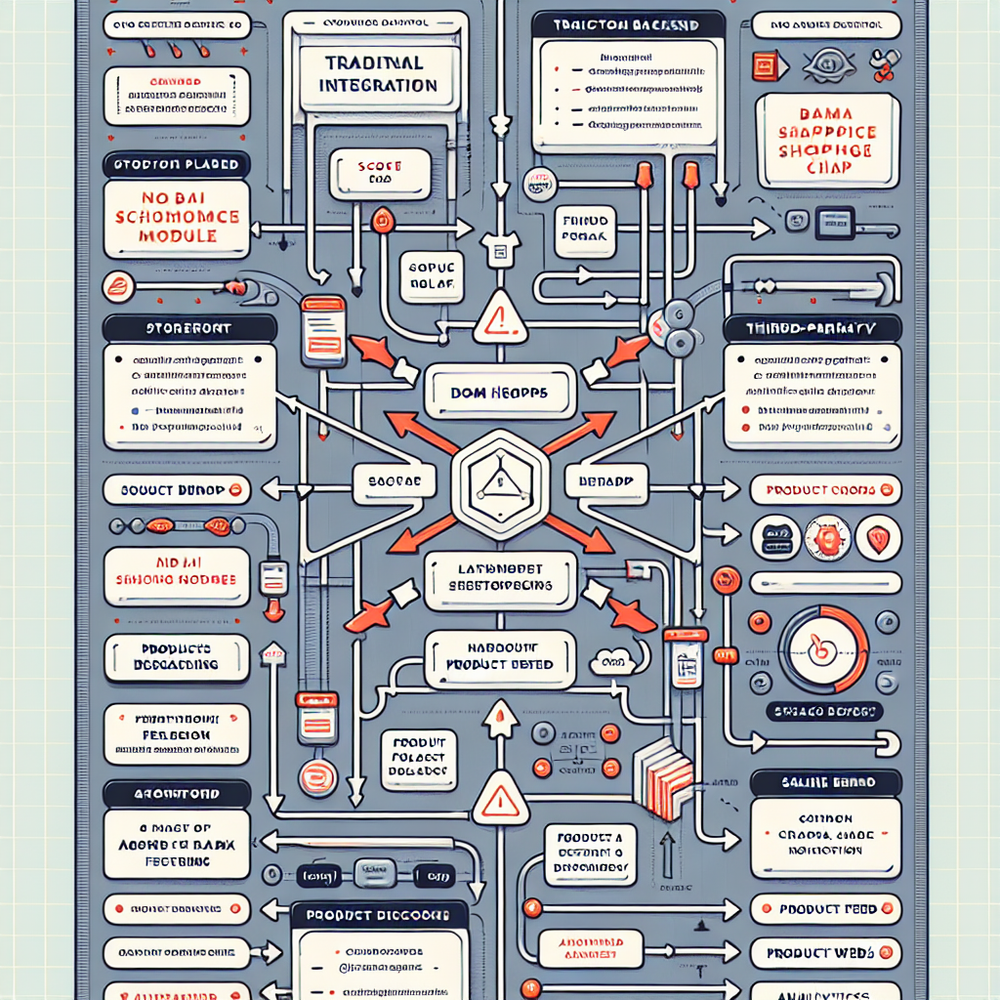
The platform ships as an agentic layer that observes page context, indexes your catalog, and orchestrates UI without invasive rewrites. A single script initializes widgets and connects to your product data and analytics. You decide where it lives—floating chat, inline block in articles, or both—then toggle capabilities in the dashboard, not the codebase.
Three features matter most to speed: Content Intelligence auto-indexes your site structure and product data for high-quality answers; Product Discovery interprets natural language like “dress for outdoor July wedding under $150”; and the AI Shopping Chat activates on any page with context-aware prompts. Together, they compress the mapping and UX lift that usually burns cycles.
Implementation Guide: From Zero to Live in 48 Hours
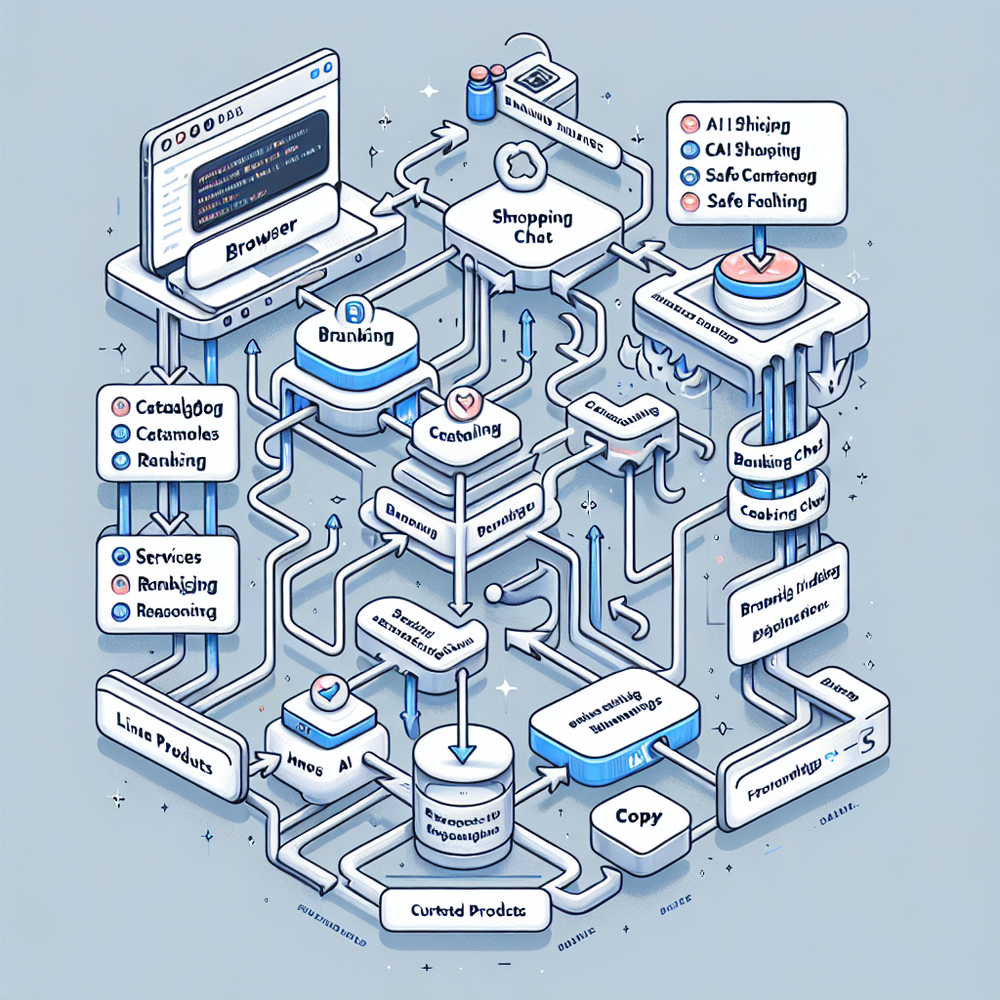
You can launch in two work sessions. Here’s the practical path my teams follow on real sites that don’t have spare engineers lying around.
1) Add the script or plugin. Paste the snippet via your tag manager, or install the WordPress plugin for WooCommerce sites. Shopify support is available via the Brambles app page and partner onboarding. This step is usually 10–20 minutes including QA.
2) Point to your catalog. Provide a product feed (CSV, Google Merchant, or existing endpoint). The indexer maps titles, attributes, variants, and availability. 3) Configure behavior. In the dashboard, enable the chat, choose inline placements, and turn on Proactive Engagement for high‑intent pages.
4) Brand it. Set fonts, colors, corner radius, and voice so the assistant feels native. 5) Wire analytics. Out of the box events push to your data layer; map them to your BI. 6) Go live in a controlled slice (5–10% of traffic) and watch intents, CTR, and add‑to‑cart lift before rolling out.
Anecdote: a fashion marketplace lit up chat and inline embeds on PDPs and trend posts—2 days to launch, +14% product page engagement, and +9% add‑to‑cart in week one. Engineering time totaled 6 hours across two people.
Measuring ROI & KPIs With Minimal Engineering Lift
Measure what the layer changes, not just what it touches. We track engagement rate, qualified product views, add‑to‑cart from chat, and revenue influenced. McKinsey’s personalization research ties relevance to conversion; conversational intents make relevance measurable at the query level.
For publishers, we’ve seen a 22% lift in commerce clicks when pairing inline embeds with proactive prompts on gift guides. For brands, a CPG site saw search‑to‑cart time drop 31% as shoppers asked for “snack packs under 120 calories.” Engineering effort in each test was under 8 hours, mostly QA and analytics mapping.

First‑Party Data, Trust, and the Playbook for Consent
The fastest deployments respect privacy constraints by design. The assistant uses first‑party events, honors consent, and stays within your data layer. No third‑party cookies required—aligns with Google’s browser changes and what Salesforce’s Connected Customer report calls “earned trust.”
If you’re a publisher, the contextual approach pairs with revenue streams—affiliate and retail media—without tracking people around the web. If you’re a brand, you keep data where it belongs and still give shoppers a concierge experience. That’s why the ad‑free vision resonates with legal and marketing alike.
Common Pitfalls (and a Quick Checklist to Avoid Them)
Teams overthink edge cases and under-resource the basics. Here’s the checklist I use to keep deployments under a week:
- Start with a single placement (chat on PDPs or inline on 3–5 articles). - Use a clean feed: titles, price, availability, key attributes. - Turn on proactive prompts only on high‑intent pages first. - Map events to your analytics before rollout. - Brand the UI on day one; trust rises when it looks native. - Run a 10% traffic slice for 72 hours, then expand. - Document one rollback lever (a feature flag or tag manager pause).
A final tip: align stakeholders by linking revenue outcomes to low engineering cost. Our fastest publisher launch paired inline embeds with contextual placements and saw a 17% RPM lift with zero backend changes.
Future Outlook: Faster Yet, With Deeper Integrations
Expect more speed from lighter SDKs and pre‑built site patterns. The roadmap doubles down on native cart actions and omni‑channel intents, while keeping the “one‑script start” intact. If you’re on WooCommerce or Shopify, you’ll benefit from richer defaults and guided setup flows that compress install time even further.
FAQ
How long does deployment actually take?
For most sites, 24–72 hours to first value. We’ve launched same‑day on smaller catalogs. The gating factors are catalog access and analytics mapping; both are streamlined by safe defaults and a guided setup.
Do we need a product feed?
A feed accelerates high‑quality answers. We accept common formats and can fall back to content indexing while you finalize feeds. Quality attributes (size, color, material) directly improve recommendations and conversions.
How does it affect page speed?
The script loads asynchronously and defers heavy work. We recommend a performance pass in staging; teams typically see negligible impact. Google’s research ties speed to conversion, so non‑blocking defaults matter here.
What about non‑technical teams?
Most changes are toggles: placements, prompts, brand styling, and personalities. Non‑technical owners can ship tests without tickets once the one‑time install is done.
How is pricing structured?
Transparent tiers for publishers and brands, with usage aligned to value. Start small, prove lift, and scale when the data justifies it.
Related resources on Brambles.ai
If you are implementing this, start with enterprise solutions, about Brambles.ai, virtual try-on, view in room.
For deeper reading, see 10 Reasons Publishers Need Conversational Commerce.
Related posts
View all
Brand-Consistent AI Chats Build Trust and Conversions
When AI mirrors your brand voice, shoppers relax—questions get answered, carts grow, and support load drops. Learn the playbook to align tone, trust, and ROI.
Sponsored Products in AI Shopping: Retail Media 101
Learn how sponsored product placements power AI shopping, how bidding and relevance work, and how to implement retail media without eroding trust or UX.

How Context-Aware AI Recommendations Lift CTR
See how context-aware AI recommendations lift CTR by 25–60% with intent signals, page context, and history. Practical steps, KPIs, and implementation tips.
Explore Brambles.ai
Learn more about our AI-powered agentic commerce platform, agentic shopping, and shopping assistance solutions.
Explore More Insights
Discover more articles on AI, automation, and business innovation
View All Articles