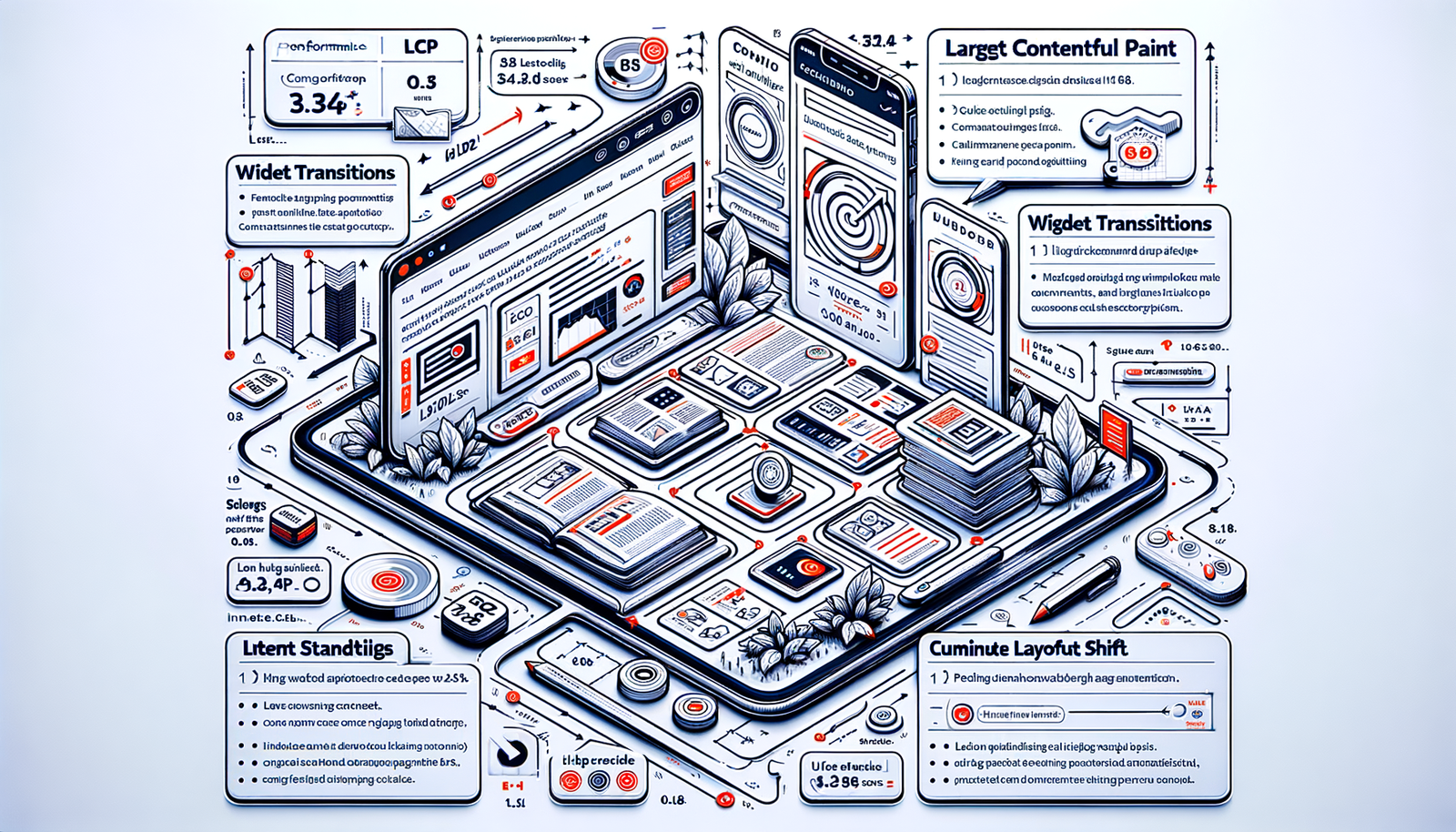
Boost Blog RPM Without More Ads: Proven Plays
Practical ways to raise blog RPM without adding ad units: optimize UX, affiliate intent, offers, and first‑party data. Real tests, steps, and metrics inside.
Last quarter, we deleted 23% of in-article ad placeholders on a hobbyist home-improvement blog and sped up pages by 420ms. RPM went up 16% week over week, with no new ad units and a cleaner reading experience. Two weeks later, we added a comparison box and a “tools list” download. Affiliate revenue per 1,000 sessions increased another 29%. That pattern has repeated across niches: fewer distractions, tighter intent paths, and a strong first-party data loop lift RPM more reliably than stacking ad slots. Below is the field-tested playbook we use when clients ask, “Can we earn more without turning pages into billboards?” Short answer: yes—by improving viewability, matching intent, and diversifying high-yield actions (affiliate clicks, email signups, product sales) per session. I’ll share the exact steps, checkpoints, and the dashboards we track to keep RPM moving the right way.
What’s Broken: Why RPM Slumps Without Adding Ads
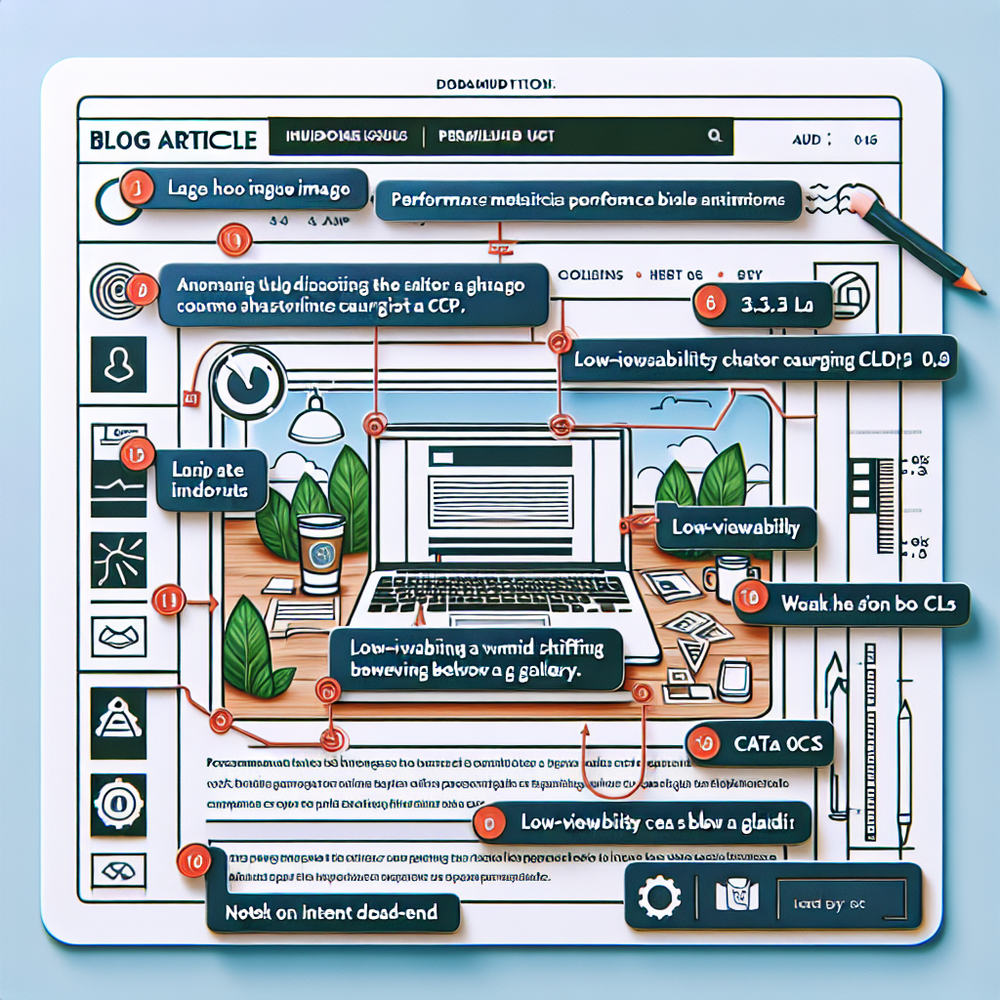
Most RPM dips we audit aren’t caused by “not enough ads.” They’re usually a mix of slow templates, cluttered layouts that tank viewability, and mismatched intent that sends readers nowhere valuable. Think heavy hero images, jumpy CLS from late-loading widgets, and infinite-scroll that buries the CTA. Google UX research shows that when load time goes from 1s to 3s, bounce probability jumps 32%—and bounces don’t monetize (Think with Google). On content quality, the problem isn’t word count; it’s allowing users to hit a dead end after the answer. No next action, no revenue. Affiliate pages often link generically (“see price”) without explaining why that specific pick is best for which reader scenario. That kills conversion. And on the ad side, low viewability ad positions (e.g., below a giant image gallery) attract lower bids even if you keep the same number of slots. Publishers also underutilize first-party data: no segmented newsletter, no tailored offers, and no consent-forward capture. The result: flat CPMs and fewer high-value actions per visit.
How RPM Actually Works (So You Can Move It)
RPM combines everything you earn—ads, affiliates, sponsors, your own products—per 1,000 pageviews. Don’t just chase ad RPM; aim for earnings per 1,000 visitors (EPMV) across revenue streams. The fulcrums are: high viewability (so existing ads bid higher), intent-driven exits (product discovery) (affiliate and offer clicks that convert), and owned audience growth (email). In practice, that means fewer, better placements and crystal-clear next steps. Even small speed wins matter. We’ve seen a 280ms LCP improvement lift viewability by 7% and ads-only RPM by 6% on mobile. Affiliate RPM responds to specificity: a comparison table with scenario-driven picks (“Best for renters,” “Best on a budget”) often outperforms a single “top pick” by 15–40% in our tests. Baymard Institute’s UX research on product lists and comparisons mirrors this—clear, comparable attributes reduce decision friction and drive action. Finally, personalization isn’t just for retail. McKinsey reports personalization lifts revenue 10–15%; on blogs, segmenting offers by category and intent nudges more readers into high-value paths without adding ad density.
Implementation Guide: Plays That Raise RPM Without More Ads
1) Speed and stability first. Compress images (AVIF/WebP), inline critical CSS, defer non-essential scripts, and kill third-party bloat. Target LCP ≤ 2.5s and CLS ≤ 0.1. We’ve seen a recipe blog pick up +11% RPM after removing two “fancy” sliders that reflowed content. 2) Reposition, don’t add. Move a single in-content ad 100–250 words earlier to catch first-scroll viewability. On a pet site, this simple shift boosted viewability from 51% to 63% and increased ads-only RPM 9% with the same slot count. 3) Add intent-led modules. Use comparison tables, decision trees, and “tool stacks” lists right where readers decide. Our test on a 1.2M session tech site: adding a 6-row comparison table lifted affiliate RPM 37% with identical link partners. 4) Build content upgrades that map to the query. Checklists, printables, or spreadsheets that solve the immediate job raise opt-in rates. A travel guide’s “packing list by climate” grew email signups from 0.6% to 2.4%, which later monetized via sponsors and product drops. 5) Own the exit. Replace generic “related posts” with intent-matched CTAs: buy, compare, download, or subscribe. When we swapped a boilerplate sidebar for a single, context CTA, session-to-affiliate clicks rose 22%.
6) Diversify offers without clutter. Introduce a light-weight commerce layer for digital products, templates, or curated kits. It’s not about a full store—just one or two relevant items per top page. 7) Segment email capture. Offer category-specific lead magnets and route subscribers into matching sequences. Salesforce’s Connected Customer research shows trust and relevance drive willingness to share data; reflect that in your copy and frequency. 8) internal links (content intelligence) that earn. Funnel readers to your highest RPM pages (affiliates, long-tail conversion guides). Add in-line links near decision points, not just at the end. 9) Monetize on-site search. Tweak results to highlight high-earning resources, not just recency. 10) Respectful prompts. Time exit-intent or 50% scroll offers; avoid interrupting first 10 seconds on mobile. These moves increase value per session rather than stacking interruptions.

Measuring ROI & KPIs: What to Track Weekly
Track EPMV and RPM by device and source. If sessions are flat but EPMV rises, you’re doing it right. Create cohorts: organic vs. social vs. email. Watch these metrics: 1) Viewability % and average viewable time for existing ad slots. Optimization without new positions should lift both. 2) Affiliate RPS (revenue per session) and outclick rate by page. A healthy target on commercial pages is 0.8–1.8% conversion from click to purchase, depending on niche. 3) Email opt-ins per 100 sessions (goal: 1–3% for relevant upgrades). 4) LCP, CLS, and JS weight by template. Tie Core Web Vitals to RPM movement; Google’s research links speed to engagement, and engagement to monetization. 5) Scroll-depth to CTA exposure. If 70% of readers never reach your monetization module, move it up or add an earlier micro-CTA. We log all of this in a weekly sheet with red/green deltas so editorial can react fast.

First-Party Data, Consent, and Trust-Forward Monetization
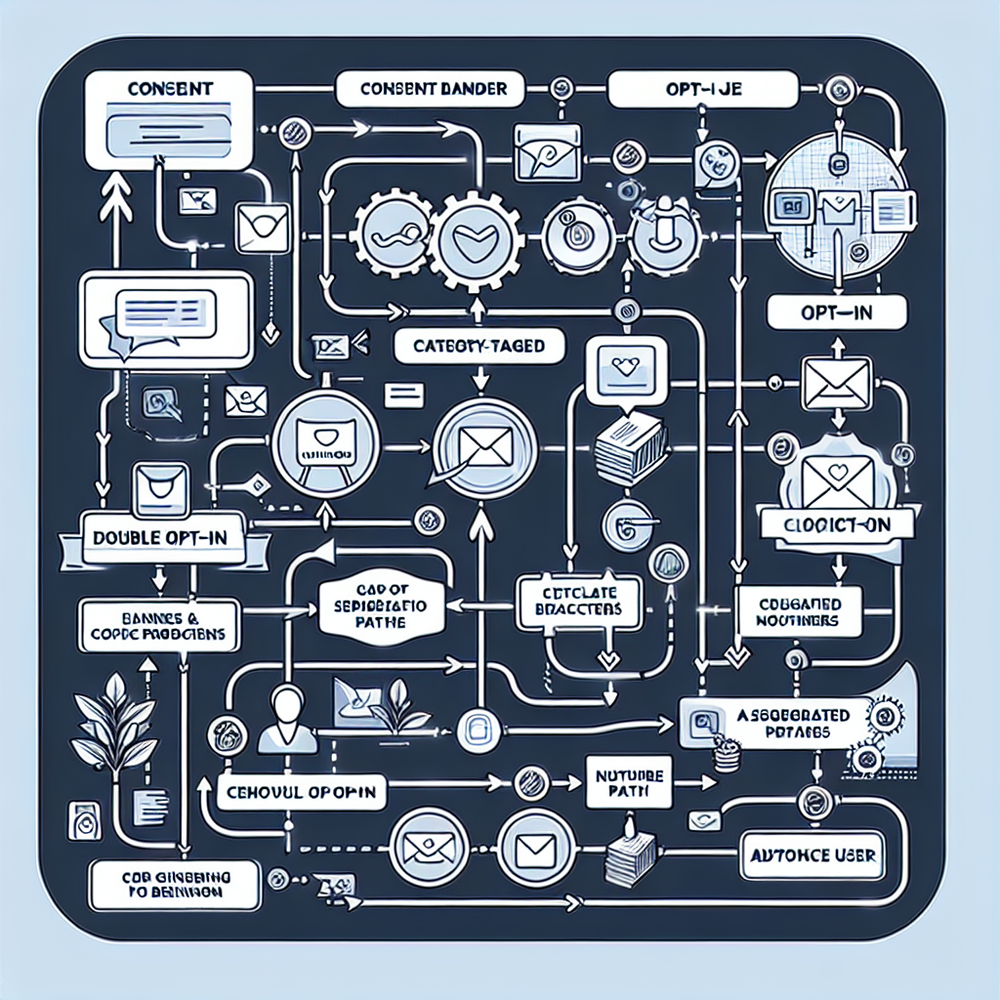
First-party data lifts RPM because it lets you match offers to intent—without invasive tracking. Start with a plain-English consent banner and a clear value exchange: “Get the download + subscriber-only picks.” Segment on capture (topic interest, experience level) and reflect that in content cadence. Salesforce’s Connected Customer report shows that trust and transparency directly influence willingness to share data; treat preferences like a contract. For on-page capture, keep the form simple: email + one dropdown. Use double opt-in to protect list quality and deliverability. Then put the data to work. Send category-specific roundups, affiliate primers, or exclusive discount alerts—timed to seasonal intent. McKinsey’s findings on personalization (10–15% revenue lift) hold up on the content side when offers are genuinely helpful. Practically, a cooking blog might send “meal-prep tools under $25” to budget-conscious subscribers and “pro gear checklists” to advanced readers—two sequences, same post, higher RPM.
Common Pitfalls That Quietly Kill RPM
- Adding more CTAs than decisions. Readers can handle one primary action per screen. If everything looks important, nothing converts. - Content that answers the question but never guides the next step. Add a small “What to do next” module with a single button. - Affiliate links without context. Replace “Check price” with a one-sentence why: “Quietest for apartment living; 2-year warranty.” Baymard’s research shows that attribute clarity reduces hesitation on product comparison tasks. - Heavy third-party scripts. A/B tools, chat widgets, and social feeds piled on the same template smash LCP and CLS, lowering bids and patience. - Ignoring mobile patterns. Thumb reach matters; place sticky CTAs within easy reach and keep them short. - Unlabeled sponsorships or sneaky links. You might get a short-term bump, but you’ll crater trust—and long-term RPM. Label everything clearly and keep editorial firewalls strong.
Future Outlook: RPM Wins in a Cookieless, Slow-Scroll World
Third-party data is fading; first-party and contextual signals are rising. Expect ad markets to reward clean, stable pages with strong viewability and engaged audiences. On the content side, the winners will design journeys, not just posts: intent-mapped modules, shoppable but ethical experiences, and email programs that feel like a service. We’ve started moving high-intent modules above the first H2 on mobile and using lightweight comparison blocks instead of long tables to preserve speed. Early results: +12% affiliate clicks per session with no new ad inventory on a 100k-session food site. Tools can help, but the strategy is what compels action. If you’re on WordPress, consider orchestrating modules and consent-friendly capture with the Brambles.ai stack—you’ll get structured components without heavy code and can plug in your own offers along with affiliate links. Regardless of stack, the guardrails stay the same: fast, stable, helpful, and honest. RPM follows.
Tools & Setup Notes (Optional, Use What Fits)
A lightweight stack avoids bloat. Compress images at build, load fonts locally, and defer anything non-essential below the fold. Use server-side caching and an image CDN. For structured, intent-led components on WordPress, the Brambles.ai WordPress plugin can help you deploy comparison blocks, content upgrades, and commerce elements without extra ad tech. If you sell digital products or kits, the Commerce Module keeps that experience on-brand and fast so it doesn’t cannibalize existing inventory. If you prefer to assemble it yourself, that’s fine—just keep an eye on CLS from dynamic elements and measure every change against EPMV, not just speed scores. A last note: before publishing big templates, run a 50-user remote test on mobile layouts; we’ve caught mis-taps and hidden CTAs that would have cost 10–15% RPM. Usability findings like these echo Google’s mobile UX guidance and Baymard’s mobile patterns: clarity and stability pay real money.
Related posts
View all
Sponsored Products in AI Shopping: Retail Media 101
Learn how sponsored product placements power AI shopping, how bidding and relevance work, and how to implement retail media without eroding trust or UX.
Why Furniture Shoppers Need View in Room Before They Buy
Furniture buyers abandon carts when scale and style feel risky. See why "View in Room" cuts returns, boosts conversion, and how to launch it with Brambles.ai
Why Contextual Ads in AI Chat Beat Banner Ads
Tests on commerce sites show AI chat contextual ads deliver 3–5x CTR, cleaner UX, and higher revenue than banners. See how they work, implement, and measure.
Explore Brambles.ai
Learn more about our AI-powered agentic commerce platform, agentic shopping, and shopping assistance solutions.
Explore More Insights
Discover more articles on AI, automation, and business innovation
View All Articles