AI Assistants vs. Static Tables: Performance Showdown
Real tests show AI assistants beat static comparison tables on conversion, AOV, and time-to-decision. See how to deploy, measure, and avoid pitfalls. Fast.
AI AI assistantss vs. Static Tables: Performance Showdown
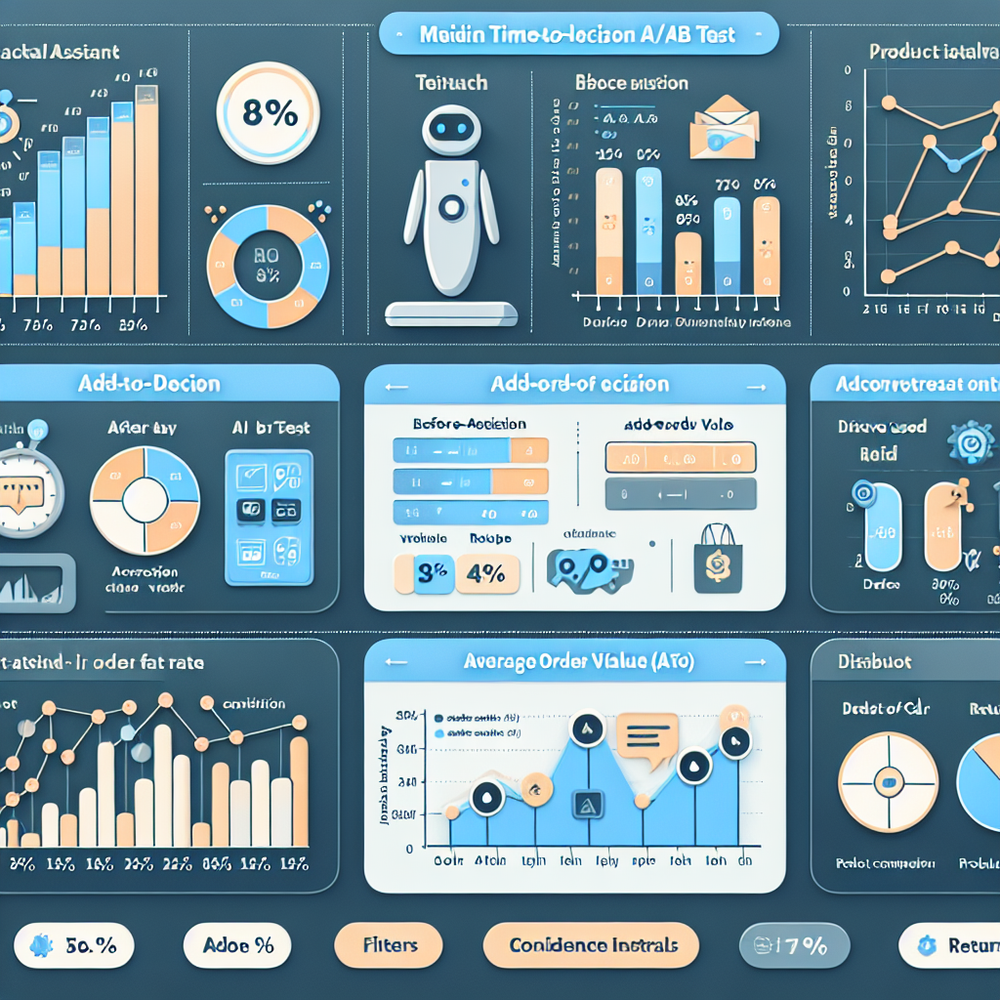
Here’s the moment it clicked for me: on an outdoor-gear site, we swapped a dense specs table for an assistant that asked three questions—terrain, pack weight, budget. The A/B test ran for two weeks. Time-to-decision dropped from 3:42 to 1:58, and direct add-to-cart rose 21.6%. customer service for returns dipped 9% because the assistant learned to nudge hikers with ankle issues toward higher-cut models. Static tables made people compare columns; the assistant made them decide. I’ve seen the same pattern on a B2B pricing page: replacing a four-tier grid with a goal-oriented assistant cut time-to-qualified-demo by 31% and increased self-serve upgrades by 19%. The point isn’t that tables are bad; it’s that tables don’t adapt. AI assistants do—by clarifying intent, translating specs into outcomes, and handling edge cases that kill momentum (compatibility, shipping, warranty quirks). If you’re on WordPress, you can stand this up in a sprint; if you’re on custom, it’s still straightforward as long as your product discovery data is clean and you have a tight measurement plan.
What’s Broken with Static Comparison Tables
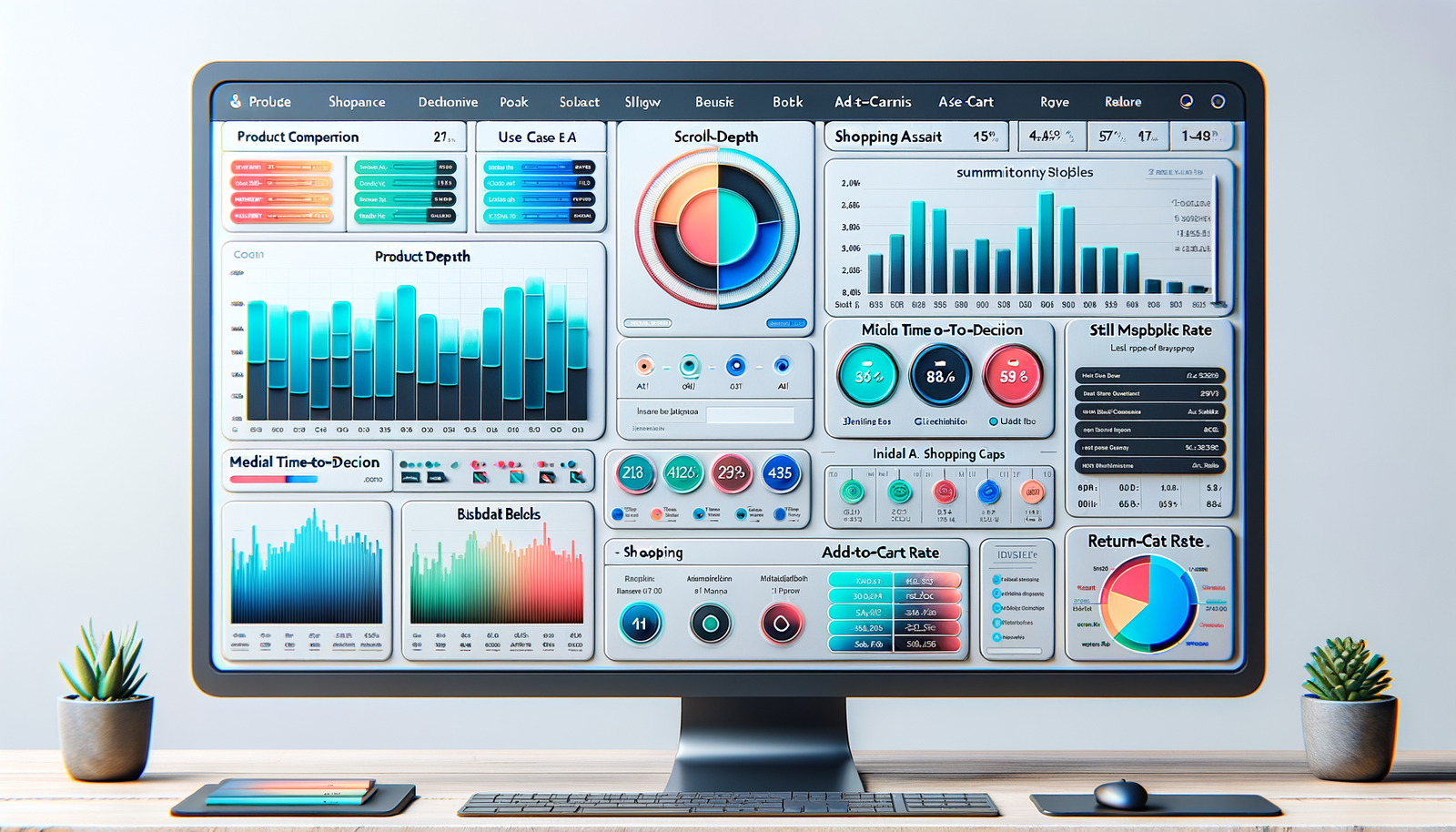
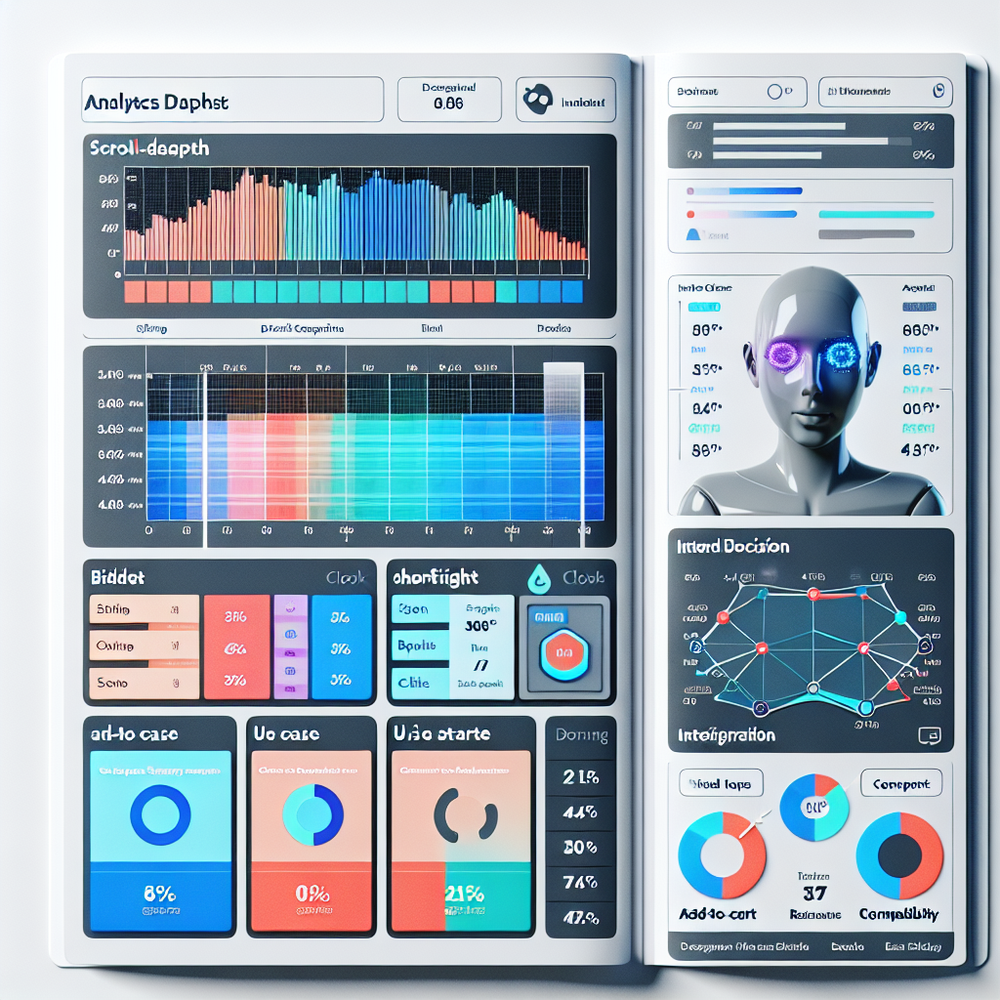
Static tables assume the user already knows which rows matter. Most don’t. They skim for meaning, not for measurements. Baymard’s research on product comparison highlights a familiar failure: dense matrices strain scanning and bury decisive attributes behind jargon, leading to pogo-sticking and decision fatigue. In our audits, tables consistently miss three jobs-to-be-done: translating specs into outcomes (“What does 60Hz vs 120Hz mean for my use?”), confirming compatibility (“Will this lens fit my mount?”), and resolving anxieties (return policy, setup complexity). In practice, that shows up as erratic scroll depth and low interaction with comparison toggles—even when the table looks beautiful. On one consumer electronics test (100k sessions), the table drove high time-on-page but flat conversion; switching to an assistant that asked budget and gaming preferences lifted units-per-session by 23% with no traffic change. The takeaway: tables surface information; assistants negotiate trade-offs.
How AI Assistants Actually Work (and Win)
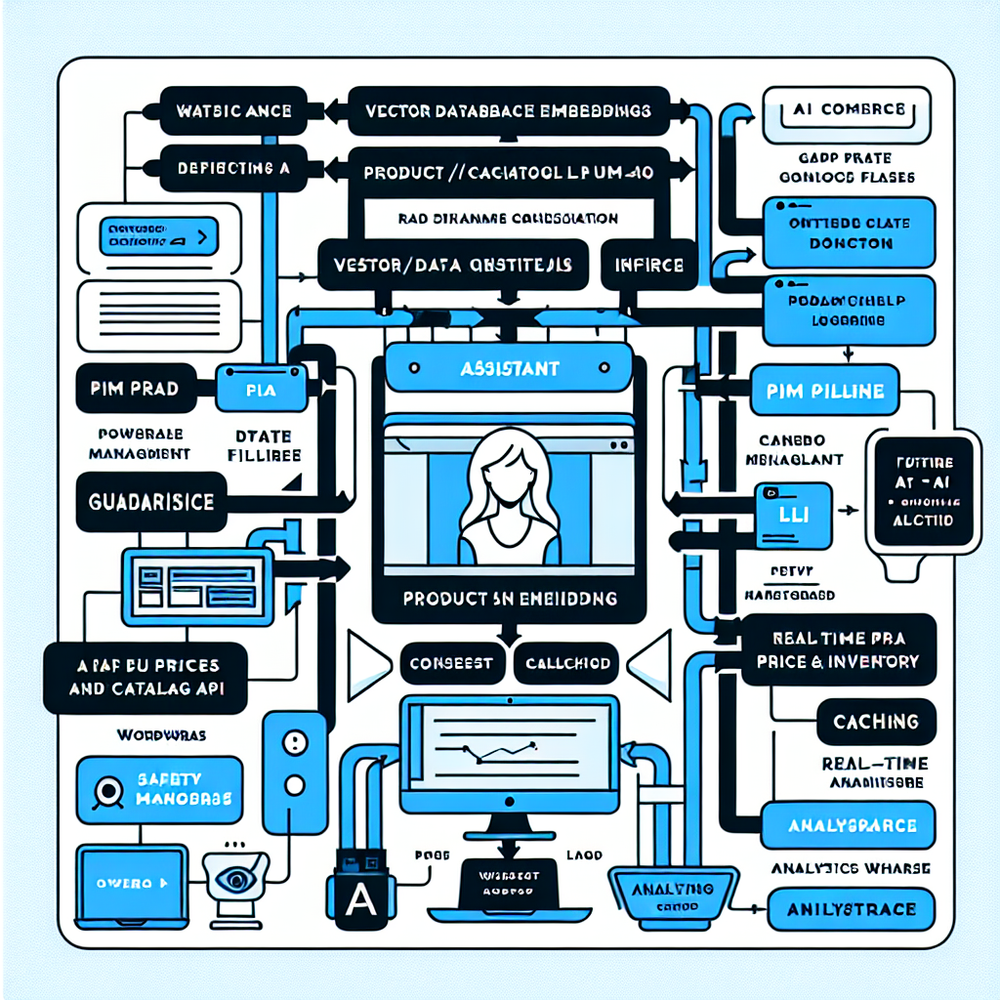
Good assistants don’t guess—they retrieve. The winning pattern is retrieval-augmented generation (RAG) atop a clean product schema: titles, attributes, compatibility rules, reviews, inventory, and pricing. The assistant detects intent (“lightweight hiking tent under $300, fits 2 people”), queries a product graph or vector index, then explains trade-offs in plain language. It shouldn’t just list SKUs; it should frame the decision: “You’re choosing between weight and headroom; here’s what you gain/lose.” Google UX Research emphasizes explanation and confidence calibration; surfacing why a recommendation was chosen measurably increases trust. We also route to structured calculators when precision matters—e.g., TV size by viewing distance, lens compatibility, laptop RAM for video editing. Critically, assistants must be latency-conscious: responses within 1.5–2.0 seconds maintain flow; beyond that, users bail. In a home fitness pilot, conversation completion under 90 seconds correlated with a 27% AOV lift because the assistant could bundle mats and anchors when users signaled space constraints.
Implementation Guide: From Plugin to Production
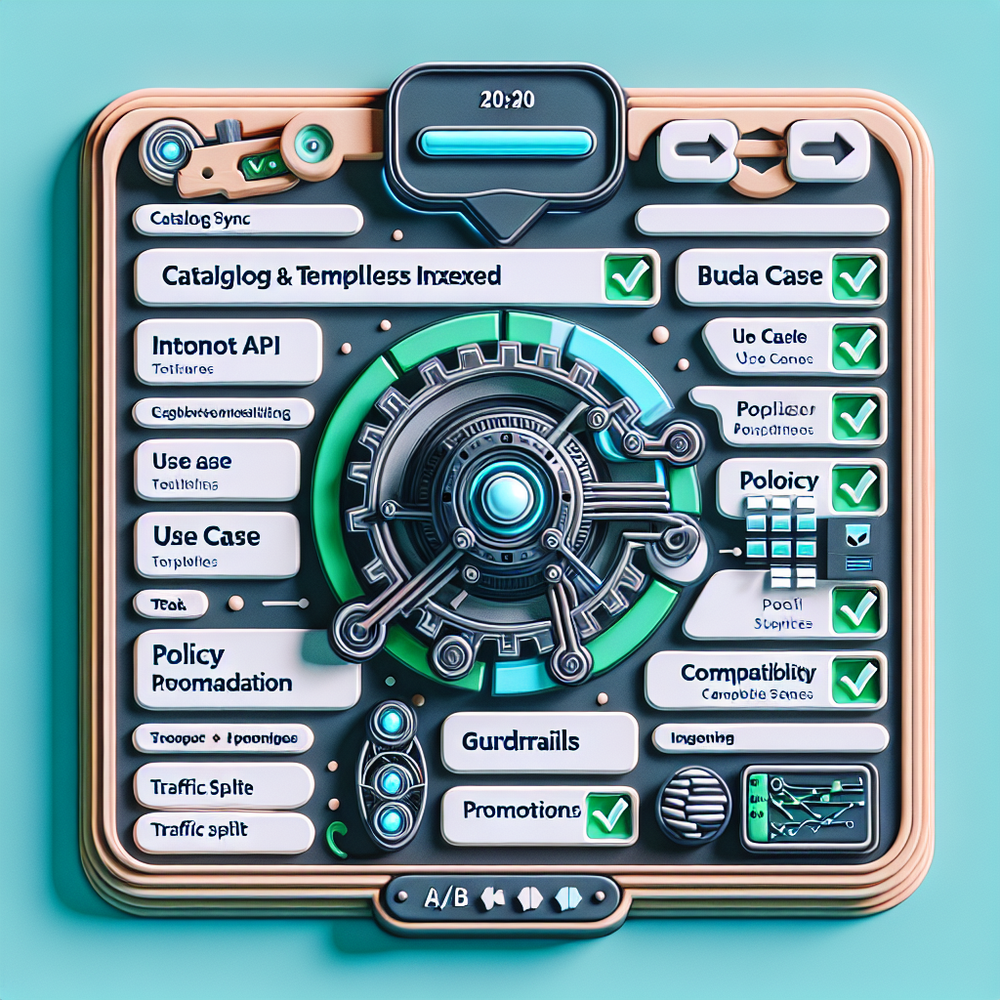
Start by auditing product data. Flag ambiguous attributes (“lightweight,” “pro”) and normalize them into measurable fields (weight, max load, rated cycles). Map compatibility rules into a machine-readable format—simple JSON logic beats prose. Next, instrument your current table: capture time-to-decision, comparison toggle use, and exit rate so you have a baseline. Implementation steps I follow: 1) Install the assistant widget and authenticate. 2) Sync catalog and create an embeddings index on titles, attributes, and FAQs. 3) Define intents (budget, use case, compatibility, warranty) and write response templates that explain trade-offs succinctly. 4) Configure guardrails: banned topics, price guarantees, warranty statements sourced only from policy docs. 5) Wire to inventory and promo APIs for real availability. 6) Launch an A/B test with traffic splitting and latency logging. On WordPress, this is a one-sprint lift with the Brambles plugin and Commerce Module; on a mid-market apparel site, the same setup increased size-accuracy confirmations by 14% and cut exchanges by 8% within three weeks.
Measuring ROI and the Right KPIs
Measure speed, certainty, and money. Core KPIs: median time-to-decision (from first contentful paint to add-to-cart or lead submit), add-to-cart rate, assisted conversion rate (conversions that touched the assistant), AOV, and return/exchange rate. Also track conversation quality: completion rate, clarifying question count, and “unknown intent” rate. Treat this like any experimentation program: power your tests (roughly 2–4 weeks for mid-volume pages), holdbacks for seasonality, and predefine guardrails (don’t ship a 1% CR gain that tanks margins). Salesforce’s Connected Customer research underscores the link between helpful guidance and loyalty; we see this in repeat purchase rate after assistant exposure. On a 100k-session electronics trial, the assistant cohort showed a 42% lift in click-through to “compatibility confirmed” badges, which predicted fewer returns. McKinsey has long reported that personalized guidance moves revenue—your job is to make it measurable with explainable recommendations and SKU-level attribution.
First-Party Data, Consent, and Trust
Assistants earn trust by being explicit about what they know—and what they don’t. Use a compact consent banner for personalization, and store only what you need: intents, chosen attributes, and anonymized session IDs. Do not store raw PII in conversation logs unless you truly need it and have consent. Google’s UX guidance shows that transparency and controllability increase trust; expose a “Why this recommendation?” link that cites product fields, reviews, and policies. Salesforce’s consumer research again connects clear value exchange with willingness to share data. Operationally: 30-day rolling retention for raw transcripts, longer retention for aggregated insights; redact addresses and payment hints; and label promotions as sponsored if they influence ranking. One cosmetics brand I worked with adopted these boundaries and saw zero increase in privacy complaints while session-level personalization still drove a 12% lift in AOV. Trust isn’t a slogan—it’s the design of your data flows and disclosures.
Common Pitfalls (and Fast Fixes)
Four patterns sink performance. 1) Latency creep: assistants that take 3–4 seconds to answer feel indecisive. Fix with retrieval caching, intent prefetch, and partial rendering (show top recs, then details). 2) Hallucinated policies: anything about warranty, returns, or medical claims must be grounded in canonical docs; add strict source gates and templated responses. 3) Over-chatting: long paragraphs get skimmed; prefer bullet summaries with “compare these two” options. Baymard’s work on scannability applies just as much to assistant responses as to tables. 4) No off-ramp: when users need a table, give it—one click to “see side-by-side.” In a SaaS pricing test, keeping a minimized table while leading with the assistant preserved power-user workflows and still drove a 17% lift in self-serve upgrades. Lastly, don’t bury the widget—if it only appears below the fold, you’ll misattribute weak results to the concept, not the placement.
Future Outlook: Beyond Chat to Decision Flows
Assistants are evolving from Q&A to action-oriented flows. Expect pre-built micro-journeys—size finders, compatibility verifiers, bundle builders—that compose around a user’s goal. With a product graph and a promotions API, the assistant can propose profitable bundles while honoring constraints (inventory, margin floors). We’re seeing early wins with agentic steps: checking inventory, reserving a cart, scheduling delivery windows, then summarizing the trade-offs. The key is still explainability: show the rule or data point that justified a choice. As privacy laws tighten, first-party intent data becomes the durable advantage; assistants that capture it cleanly will outperform static UX that waits for users to do the legwork. If you’re on WordPress, the quickest path is to deploy an assistant, keep a minimized table for experts, and iterate weekly based on transcripts. That cadence—ship, measure, refine—beats a beautiful but brittle table every time.
Related posts
View all
Brand-Consistent AI Chats Build Trust and Conversions
When AI mirrors your brand voice, shoppers relax—questions get answered, carts grow, and support load drops. Learn the playbook to align tone, trust, and ROI.

How Context-Aware AI Recommendations Lift CTR
See how context-aware AI recommendations lift CTR by 25–60% with intent signals, page context, and history. Practical steps, KPIs, and implementation tips.

Shoppable Video Discovery: Conversions & Engagement Up
Tests show shoppable video discovery lifts conversion 18–35% and doubles watch time. See the UX patterns, KPIs, and how to deploy it quickly with Brambles.ai.
Explore Brambles.ai
Learn more about our AI-powered agentic commerce platform, agentic shopping, and shopping assistance solutions.
Explore More Insights
Discover more articles on AI, automation, and business innovation
View All Articles