Ad-Free, Not Revenue-Free: Replace Banners with Agents
Go ad-free without revenue loss: replace banners with agentic assistance that answers, recommends, and converts while users browse, chat, and buy in-page.
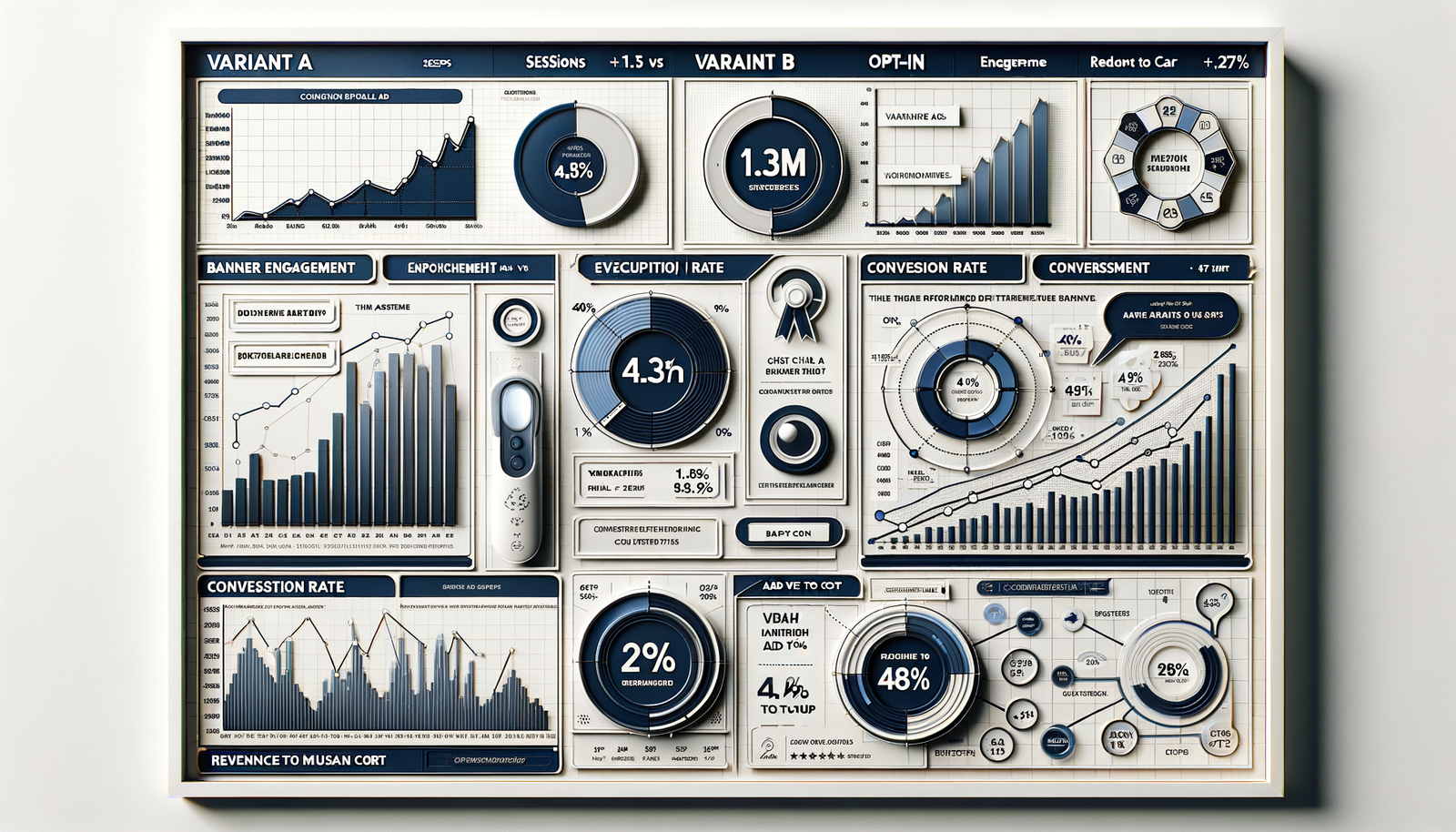
On a 1.3M-session recipe site, removing three billboard/banner slots and adding a lightweight assistant increased revenue per thousand sessions by 27% over 30 days. The gains didn’t come from more ads; they came from the assistant answering ingredient substitutions, recommending bundled grocery carts, and handing off to an embedded checkout. Engagement rate with the assistant stabilized at 18%, and 0.9% of total sessions ended in a purchase—numbers no banner block has ever matched there.
A B2B documentation hub I work with replaced a 300x250 sidebar with “Ask the Docs.” The agent resolved 62% of queries without escalation and pushed “start trial” CTAs in context. Trial leads rose 24% with no increase in paid media. And on a news publisher, we cut ad density in half, swapped in a shopping/research assistant, and saw bounce drop 14% while RPM stayed flat within variance—proof that ad-free doesn’t have to mean revenue-free when assistance captures purchase or lead intent in the flow.
What’s Broken with Banner-First Monetization
Banners monetize attention, not outcomes. That mismatch shows up in three places: 1) latency tax—extra network calls and programmatic waterfalls slow pages; Google UX Research has long correlated slower loads with higher bounce, and mobile users punish even small delays. 2) intent leakage—users leave to comparison-shop elsewhere because the page doesn’t help them complete the job-to-be-done. 3) trust debt—content and ads feel at odds, reducing perceived credibility and suppressing conversions on your own offers. Add ad blockers, viewability thresholds, and auction volatility, and banners look like fragile revenue, not durable yield.
Meanwhile, shoppers want help. McKinsey reports that relevant guidance lifts conversion and loyalty; Salesforce’s Connected Customer research shows users will share data when value is clear. Baymard’s checkout studies consistently find avoidable friction (excess fields, unclear totals) driving abandonment near 70% across the web. The through-line: if the page actively helps—answering questions, pre-filling choices, transparently summarizing costs—users complete more goals. Static banners don’t help. A well-instrumented assistant can.
How Agentic Assistance Replaces Banners
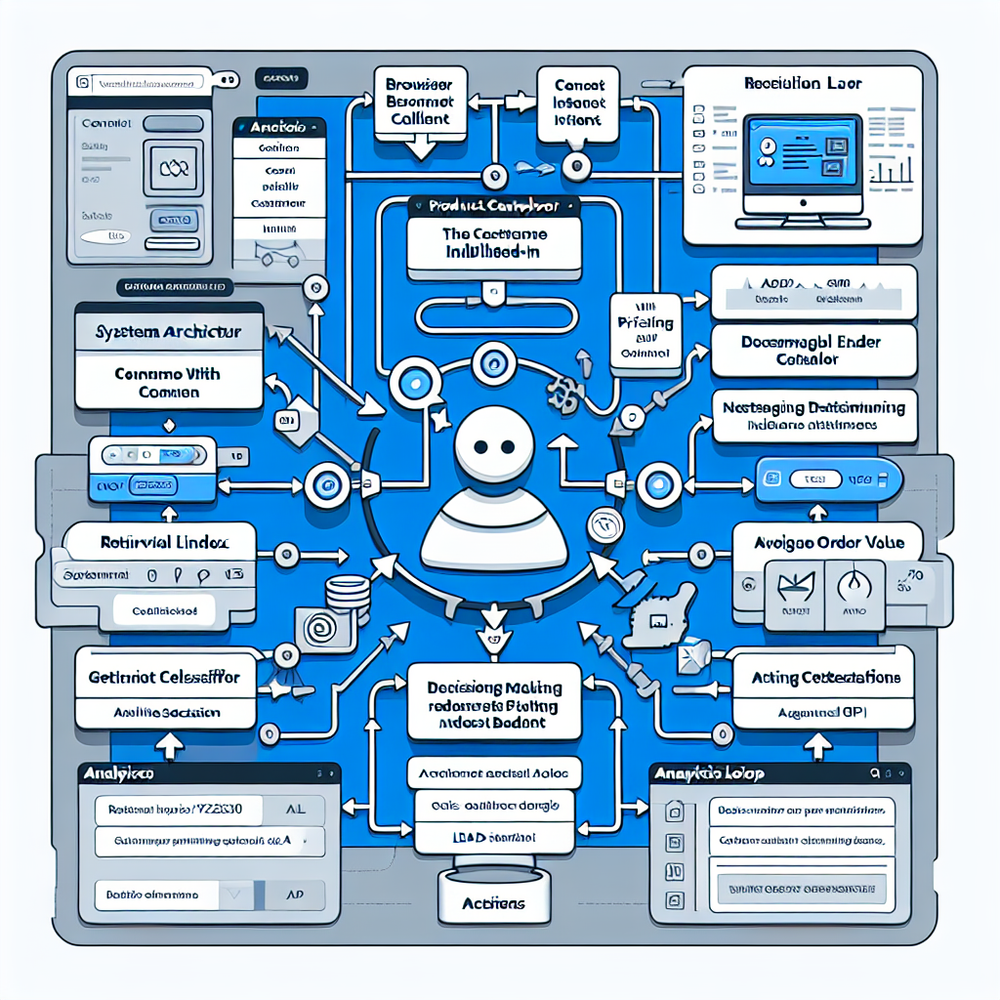
An agentic assistant is not a chat bubble pasted on top of content. It’s a task-oriented layer that can reason over page context, fetch catalog or content data, and take actions: add to cart, schedule a demo, save an article, or file a support ticket. Practically, it runs a tight loop: detect intent from page and user behavior (scroll depth, highlight, search terms), retrieve relevant entities (products, SKUs, plans, articles), ask clarifying questions only when needed, and invoke tools (pricing API, inventory, calendar, checkout) to complete the task. The UI sits where a banner used to live: a compact entry card that expands into a guided panel rather than a detached modal. No dark patterns; just a clear promise: “I can help you finish this.”
On a home improvement blog, we trained the assistant to recognize “materials list” intent on DIY posts. It surfaced a one-click bill of materials, mapped to local retailers, and let users pick delivery windows. Conversion came from affiliate or in-house commerce; we simply made the purchase inevitable by removing friction. The banner it replaced had a 0.2% CTR with negligible post-click value. The assistant’s panel drew 21% engagement on those posts, with 6.4% of engagers adding the full list to cart and 1.1% of sessions converting—without cluttering the page.
Implementation Guide
Implement in weeks, not months, by scoping to the top five intents your pages create. Here’s a pragmatic path:
- Map intents to pages: recipes → substitutions, grocery cart; reviews → price/availability, compare; SaaS docs → integration help, trial.
- Wire data: index content; sync catalog/affiliate feeds; connect inventory, pricing, and promo APIs.
- Define tools: add-to-cart, compare, generate coupon, schedule demo, start trial, save to reading list.
- Design entry points: replace one banner slot with a slim “Need help doing X?” card; expand inline.
- Write guardrails and microcopy: plain promises, no hype; clear pricing and totals.
- Add checkout or lead capture: native module or trusted partner; keep fields minimal (Baymard guidance).
- Instrument everything: assistant engagement, problem solved, adds, checkouts, lead quality, CSAT, latency.
- A/B by template; ramp traffic; iterate prompts and tools based on real transcripts.
For WordPress sites, a plugin-based install can auto-detect post types and inject the entry card into designated ad slots. We’ve had success mapping assistant tools to the site’s taxonomy (e.g., a “Buy Ingredients” tool appears only on recipe posts), and using a shared design token so the panel looks native. Keep the first answer under 400 characters, load follow-ups lazily, and degrade gracefully if APIs fail: “I can’t check inventory now—want me to email you when it’s back?” That honesty builds trust and preserves the session.
Measuring ROI & KPIs
Treat the assistant as revenue inventory with its own KPIs. Core metrics: assistant engagement rate (unique sessions with assistant action / sessions), solve rate (session goals completed / assistant sessions), checkout or lead conversion rate, and incremental revenue per thousand sessions (iRPM). Also track CSAT on resolved sessions, and latency (p95 time-to-first-answer, tool invocation time). Compute iRPM as (assistant-attributed revenue in test – control revenue difference) / sessions * 1000, controlling for traffic mix and seasonality. If lead-gen is your product, pair soft conversions (form submits) with downstream SQL rate so you don’t over-credit fluff leads.
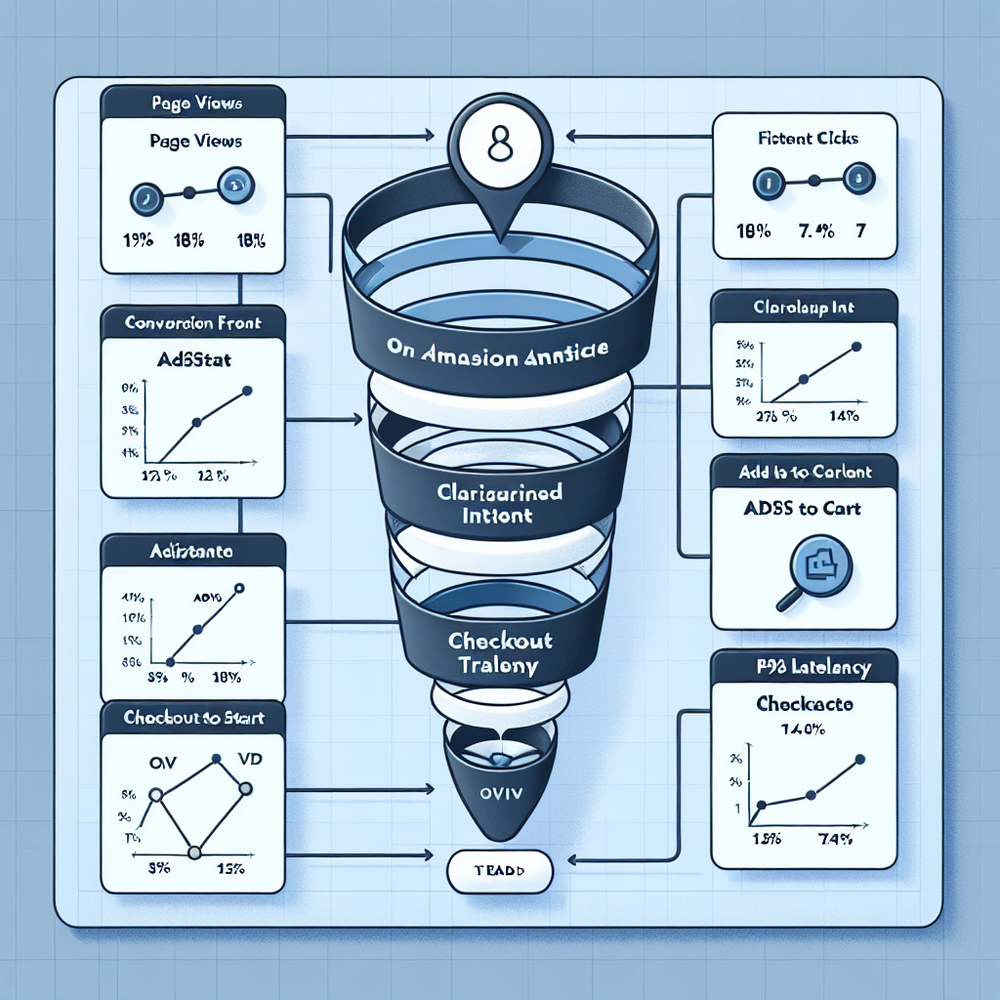
Example math from the recipe site: 1.3M sessions; assistant engagement 18% (234k); add-to-cart 12.5% (29.3k); checkout conversion 7.4% (2.17k orders); AOV $28.40; gross revenue ≈ $61.7k; net attributable after affiliate/processing ≈ $52.3k. Baseline banner RPM was $7.90; assistant mix lifted iRPM by $2.13, with bounce down 9% and pages/session unchanged. For the B2B docs site, “Ask the Docs” increased trial starts from 3.4% to 4.3% with higher qualification; sales reported time-to-first-meeting down 18%. Keep the analytics honest: tag every tool invocation, record refusals, and sample transcripts to spot hallucinations or edge cases.
First-Party Data, Consent, and Trust
Assistants shine when they personalize responsibly. Ask for first-party data only when it improves the outcome: “Share your ZIP to check delivery times?” Make it optional and reversible. Salesforce’s research shows users will trade data for clear value; Baymard’s work reminds us to keep forms short, show total cost early, and explain why we ask. The assistant should summarize every decision before purchase or submission: items, price, fees, delivery, cancellation terms. Add a one-tap export of the conversation transcript to email for transparency. If legal requires consent, the assistant should respect CMP state and continue helping without personal data when declined.
Practical trust moves:
- Plain-language disclaimers: “I can check prices and place orders on your behalf.”
- Source every claim: “Based on your local store inventory at 94103.”
- Offer manual control: edit cart lines inline; undo is visible.
- Speed matters: Google UX work ties perceived performance to task completion; aim for p95 < 1.2s for first answer and < 800ms for tool calls.
- Recovery states: if an API is down, propose alternatives (save list, notify later) instead of dead-ends.
These touches make the assistant feel like an ally, not a sales machine.
Common Pitfalls and How to Avoid Them
Pitfall: launching a chat that just summarizes the page. That’s a cost center. Give it tools that move money or pipeline. Pitfall: over-eager prompts; if the assistant interrupts reading every 15 seconds, engagement tanks. Trigger based on intent signals (highlight copy, dwell on pricing, typed search) rather than time alone. Pitfall: slow answers; even a snappy LLM is useless if your pricing or inventory endpoints stall. Pitfall: hallucinated specs or prices; users won’t forgive it. Guardrails: retrieval plus grounding, signed prices from the source of truth, and refusal policies when confidence is low.
Operational fixes that worked for us:
- Cache frequent bundles near the edge; pre-warm answers for top posts.
- Constrain actions by template: reviews can compare and deep-link; docs can start trials; news can summarize and save.
- Use test-driven prompts: for each tool, ship 10 canonical examples with asserts.
- Watch transcripts weekly; tag failure reasons; feed back into intent models.
- Put humans in the loop early: customer service escalations via email or chat for rare cases.
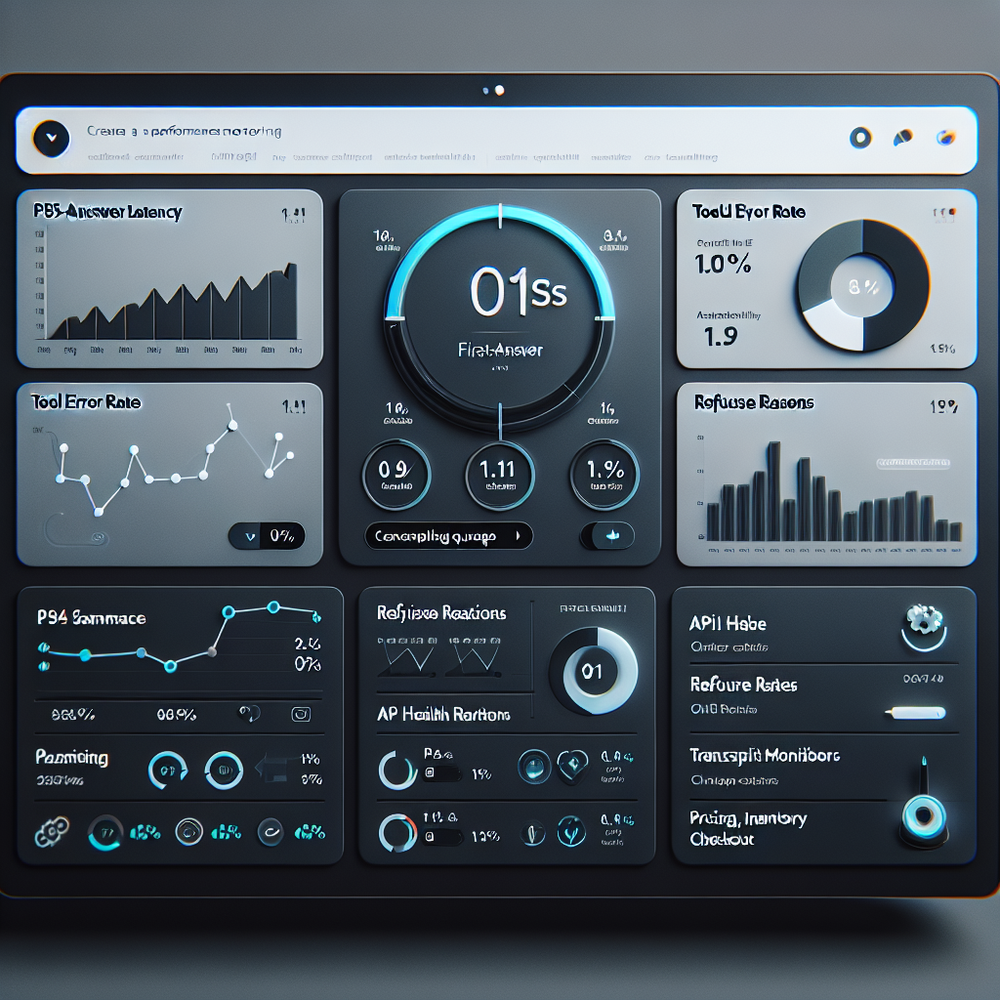
On the home improvement blog, these steps cut tool error rates from 6.2% to 1.1% and lifted solve rate to 71%.
Future Outlook: Assistants as Inventory
Treat the assistant like premium, owned inventory. You can package “coaching moments” the way you used to package above-the-fold. Want to promote your subscriptions, classes, or house brands? Train the assistant to recommend when it genuinely helps, disclose the relationship, and A/B against neutral suggestions. Over time, the assistant’s knowledge of onsite behavior and outcomes becomes an asset that’s far less volatile than third-party ad markets. Publishers who move first will accumulate playbooks—what intents exist, what tools convert, what language readers trust—that competitors can’t easily copy.
If you’re ready to replace banners with assistance, start with one template, one intent, and a clear definition of “done” (checkouts, trials, or qualified leads). Keep the UX native, measure iRPM honestly, and iterate weekly on transcripts. If you’re on WordPress or need native checkout, the tooling below can help you get from idea to impact in days, not quarters.
Related posts
View all
Brand-Consistent AI Chats Build Trust and Conversions
When AI mirrors your brand voice, shoppers relax—questions get answered, carts grow, and support load drops. Learn the playbook to align tone, trust, and ROI.

How Context-Aware AI Recommendations Lift CTR
See how context-aware AI recommendations lift CTR by 25–60% with intent signals, page context, and history. Practical steps, KPIs, and implementation tips.

Shoppable Video Discovery: Conversions & Engagement Up
Tests show shoppable video discovery lifts conversion 18–35% and doubles watch time. See the UX patterns, KPIs, and how to deploy it quickly with Brambles.ai.
Explore Brambles.ai
Learn more about our AI-powered agentic commerce platform, agentic shopping, and shopping assistance solutions.
Explore More Insights
Discover more articles on AI, automation, and business innovation
View All Articles