View in Room: How AR Product Previews Boost Furniture Sales
AR “View in Room” lifts furniture conversion and slashes returns. Learn proven UX patterns, KPIs to track, common pitfalls, and a hands-on Brambles.ai setup pla
Three weeks after a mid-market sofa brand added “View in Room,” we saw a 31% lift in PDP-to-cart for sofas and an 18% drop in returns on SKUs with AR enabled. The change wasn’t a flashy redesign—just true‑to‑scale models, good lighting, and a visible CTA. Shoppers stopped guessing and started placing. That’s the magic of AR when it’s implemented with care.
Another tell: when a DTC decor site moved its AR button above the fold and labeled it “See this in your room,” activation rate jumped 2.4x and revenue per session rose 12%. We’d tried discounts and bundles. The confidence win from AR outperformed both.
Quick Answer
AR “View in Room” lets shoppers place a true‑scale 3D model of your furniture into their space through the mobile camera—no app required—reducing uncertainty about size, fit, and style. The result: higher add‑to‑cart and fewer “didn’t fit” returns. Implement it by adding a visible CTA on PDPs that launches webAR, ensuring accurate scale and variant mapping, and tracking AR events. Brambles.ai streamlines this with a turnkey View in Room feature, robust analytics, and drop‑in integrations.
What’s Broken in Furniture Shopping
Most furniture returns aren’t about quality—they’re about context. Customers can’t judge scale from studio photos. Baymard Institute’s UX research regularly flags missing or unclear dimensions as a major friction point in PDPs, and we hear it in transcripts: “Is this too deep for my entryway?” That uncertainty throttles conversion and inflates logistics costs.
Another issue: AR often hides behind vague CTAs (“3D view”) or requires an app download. Every extra step kills momentum. Google UX Research has shown that reducing micro‑frictions compounds into outsized conversion gains; AR must be one tap away, not five. Consistency across iOS and Android matters too—Scene Viewer and Quick Look behave differently if models aren’t prepared well.
Finally, teams underestimate content operations. A sectional with five fabrics and two leg finishes balloons into dozens of variants. If the AR asset doesn’t match the selected variant, the magic evaporates.
We’ve seen marketplaces jump model coverage from 40% to 78% and watch WISMO tickets drop 9% alongside a 15% decline in “didn’t fit the space” return codes.
How ‘View in Room’ Works (The Practical Bits)
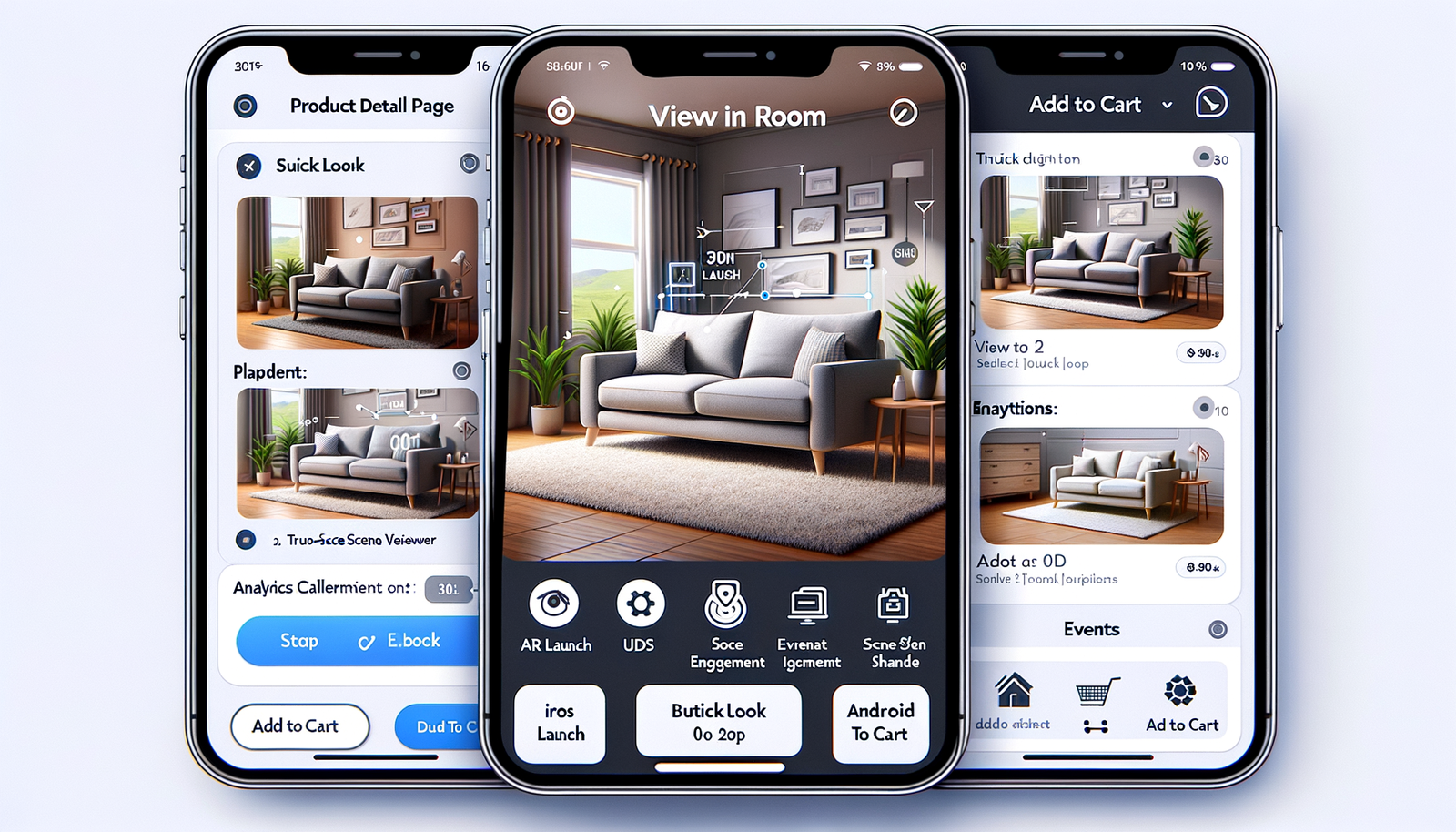
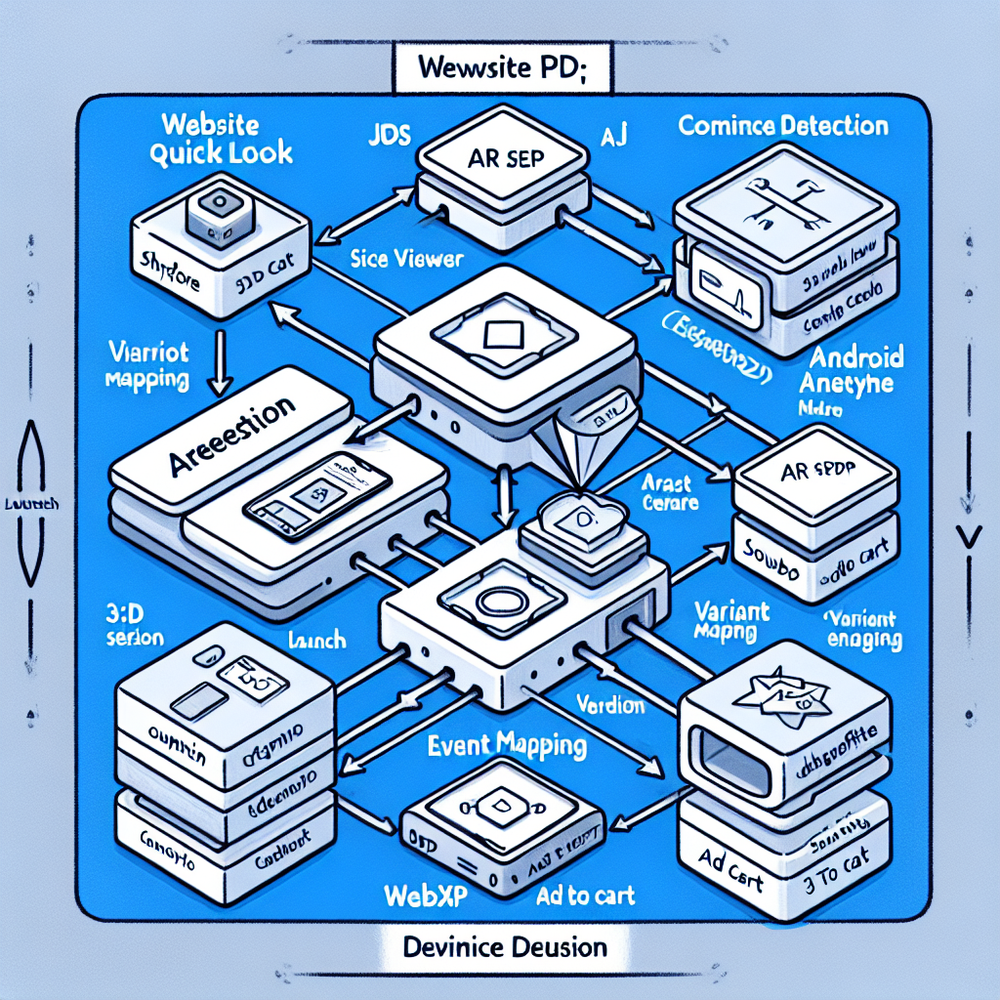
On mobile PDPs, a visible CTA launches webAR using Apple Quick Look (USDZ) on iOS and ARCore Scene Viewer (GLB) on Android, or WebXR where supported.
The experience anchors a true‑scale model to the floor using plane detection, applies shadows for depth, and lets shoppers rotate and reposition. Accuracy depends on clean units, correct real‑world dimensions, and proper origin setup in the 3D file.
The tech alone isn’t enough. You need UX guardrails: auto‑surface the AR CTA when device/camera support is detected, prefetch the 3D asset on scroll, and show a friendly prompt (“Stand back 3–5 ft and point at the floor”).
Map fabric and finish variants to the exact model or dynamic material swaps. Then capture events: AR launched, AR viewed 10+ seconds, add‑to‑cart after AR, and return reason codes post‑purchase for closed‑loop learning.
Brambles.ai’s View in Room streamlines this with device‑aware launching and variant‑aware assets. Pair it with AI Product Discovery to help shoppers find the right piece via natural language, then hand off to AR for size validation. Close the loop with Direct Add to Cart from the same flow so intent doesn’t cool.

Implementation Guide with Brambles.ai
You can ship a solid MVP in 2–4 weeks if you scope tightly and measure. Here’s a field‑tested path we use with furniture brands.
1) Inventory audit: start with top 50 SKUs by revenue. 2) Modeling: build or convert clean USDZ/GLB at true scale (centimeters), neutral lighting, and optimized polycount (<250k). 3) Variant mapping: maintain a table linking SKU → finish/fabric → model or material preset.
4) UX & copy: place the CTA above the fold; label it “View in your room.” Add a short helper tip in the AR view. 5) Performance: prefetch models on PDP scroll, lazy‑load where needed, and compress textures (WebP/AVIF). 6) Analytics: log AR events and stitch to order IDs to see return impacts by SKU.
Brambles.ai offers a drop‑in Agentic Commerce Module that embeds the AR launcher, device detection, and event tracking. If you’re on WordPress/WooCommerce, use the one‑click plugin; Shopify merchants can prepare for our upcoming app. All versions support brand styling, proactive prompts, and chat‑to‑cart handoff.
Feature spotlight for this use case: View in Room renders products at true scale on supported devices. AI Product Discovery lets shoppers ask things like “narrow console for a 36-inch hallway,” matching their constraints to options. Direct Add to Cart removes the dead‑end after AR by letting customers purchase from chat or the AR flow. Proactive Engagement can auto‑suggest “See this in your room” on high‑intent PDPs.
Measuring ROI & KPIs That Actually Matter
Treat AR like any CRO feature: isolate, test, and connect to orders. In our sofa test, we bucketed traffic by SKU with and without AR, controlling for price and stock. Primary KPI was PDP → Add‑to‑Cart; secondary were Checkout Start and Revenue per Session.
Post‑purchase, we tagged returns by reason to see whether AR shifted the mix away from “too big/too small.”
Suggested KPI set: AR launch rate, AR engagement (≥10s), AR‑assisted add‑to‑cart, RPS delta for AR users, and return‑rate delta for AR orders. Track model coverage by top‑line revenue and by category (sofas, dining, storage). For ops, monitor 3D asset size, load time, and AR launch failures by device/OS.
Checklist for trustworthy results: run a minimum 2–3 week test, stratify by device, and exclude heavy promo days. Sanity‑check that dimensions in 3D match PDP specs. Document UX consistency across iOS/Android. If results wobble, inspect variant mapping first—it’s the typical culprit.

First‑Party Data, Confidence, and Trust
AR builds trust when it’s transparent and respectful. The camera view should clearly state what’s happening and never record video without consent. WebAR sessions are on‑device visualizations—no raw camera feed needs to leave the device. That aligns with modern privacy expectations and keeps the focus on utility, not gimmicks.
For publishers and review sites covering furniture, AR can be contextual without being creepy. We’ve seen partners thoughtfully integrate AR prompts next to sizing guidance; engagement rises without dark patterns. If monetization is in play, stay transparent—clear labels and disclosures build long‑term trust and still perform.
Brambles.ai supports brand consistency and clear communication: customize labels, colors, and prompts so AR feels native to your site tone. Pair with conversational guidance to reduce anxiety—many shoppers want a nudge like “Try it in your room to confirm depth.”
Common Pitfalls (and How to Avoid Them)
Burying the CTA is the fastest way to tank results. Put “View in your room” above the fold, near the price, and repeat below images for scrollers. Use device detection to only show an active button when AR is supported; provide a short video or 3D spinner fallback on desktop.
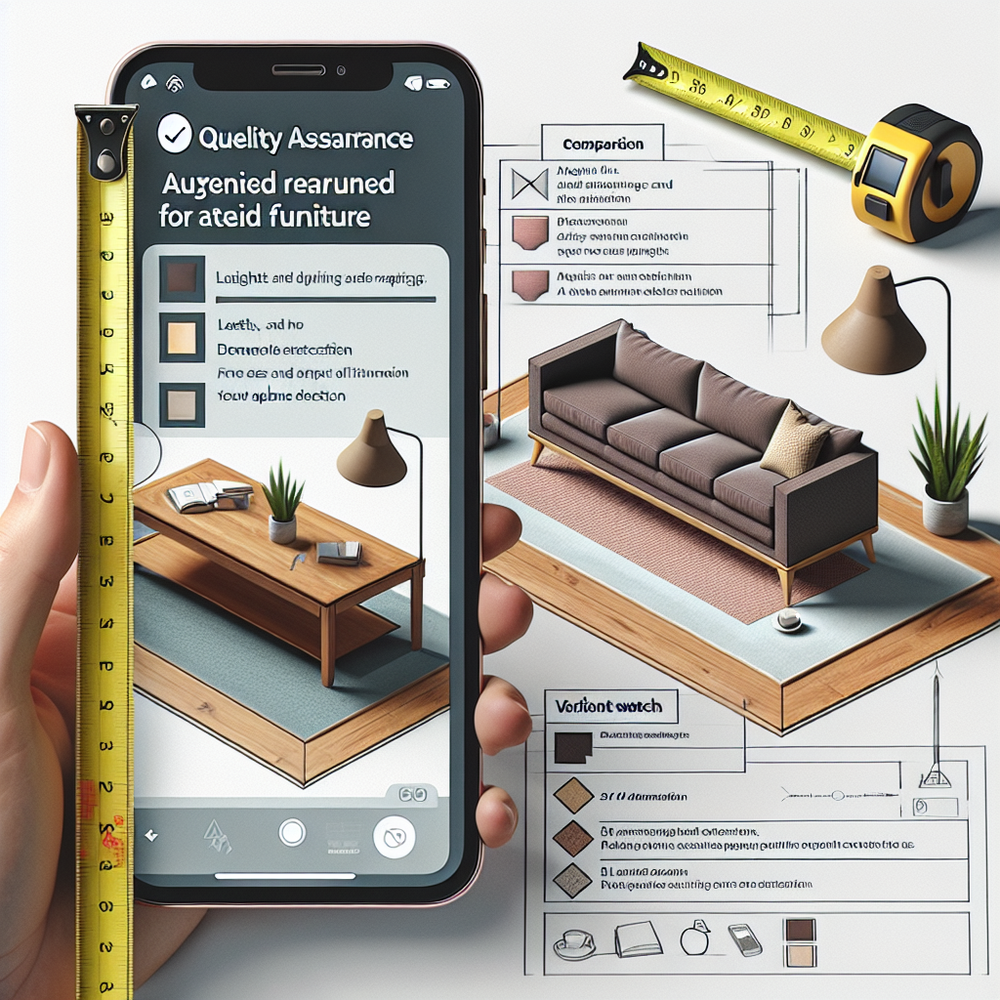
Scale mismatches are return magnets. If your model origin, dimensions, or unit scale are off by even 3–5%, shoppers will notice when it crowds a doorway.
Lock a QA checklist: tape‑measure a reference object in your test room and validate model dimensions before launch. Dim lighting? Add a simple tooltip telling users to aim at a well‑lit floor for plane detection.
Don’t ignore variants. If the shopper selects walnut + brass, don’t render oak + chrome. Use SKU‑level material maps and make sure analytics capture variant IDs post‑AR. Brambles.ai’s content intelligence helps keep PDP copy, dimensions, and AR assets in sync so customers see exactly what they picked.
Future Outlook: Beyond Simple Placement
Occlusion and room understanding are getting better—LiDAR on high‑end iPhones and depth APIs on Android already help chairs sit behind coffee tables instead of floating. Expect more realistic shadows, room scanning for scale hints, and automatic recommendations (“This loveseat fits best on your 9x12 rug”).
The frontier isn’t just realism; it’s continuity. Conversational flows that gather constraints (“I have 36 inches behind the door”) and instantly propose candidates, then launch AR, will feel like a single motion. Our take aligns with conversational commerce trends observed across retail—guidance first, visualization second, purchase without backtracking.
Brambles.ai is building toward this: natural‑language product discovery, one‑tap AR, and direct add‑to‑cart in a unified flow, deployable via the Agentic Commerce Module or CMS plugins. That combination cuts decision loops and preserves momentum from spark to checkout.
FAQ
What file formats do I need for AR? Use USDZ for iOS Quick Look and GLB for Android Scene Viewer/WebXR. Keep real‑world units consistent, set a correct origin (usually floor center), and optimize textures for mobile.
Do I need a native app? No. WebAR via Quick Look and Scene Viewer works from mobile browsers. If you have an app, you can deep link to native AR, but it’s optional and should never block web users.
Will AR slow my site? Not if you prefetch models on scroll and lazy‑load. Use compressed textures, CDN caching, and only initialize AR when the user taps the CTA. Monitor asset weight and load time as a KPI.
How much lift should I expect? We commonly see double‑digit improvements in PDP → cart and decreases in returns for AR‑enabled SKUs. Your mileage varies by category, asset quality, and UX, so A/B test and track by SKU.
How does Brambles.ai help me launch faster? Our module handles device detection, AR launch, analytics, and brand styling out of the box. Install via the JS snippet, the WordPress plugin, or the upcoming Shopify app and start with your top 50 SKUs.
Related resources on Brambles.ai
If you are implementing this, start with Brambles.ai, enterprise solutions, publisher pricing, about Brambles.ai.
For deeper reading, see Affiliate Disclosure in Conversational UIs Done Right, 10 Reasons Publishers Need Conversational Commerce.
Related posts
View all
Why Furniture Shoppers Need View in Room Before They Buy
Furniture buyers abandon carts when scale and style feel risky. See why "View in Room" cuts returns, boosts conversion, and how to launch it with Brambles.ai
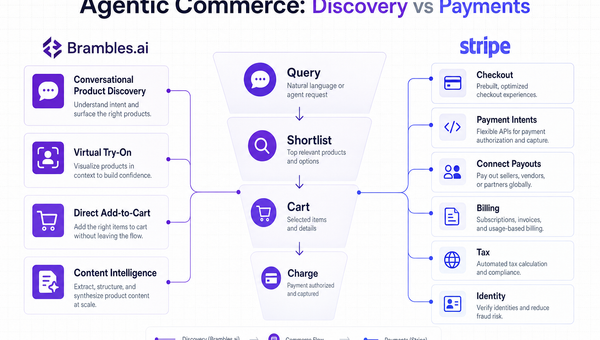
Stripe Agentic Commerce vs Brambles.ai: When to Use Each
Confused between Stripe’s agentic stack and Brambles.ai’s conversational shopping? See real trade‑offs, use cases, ROI, and an implementation path for each.
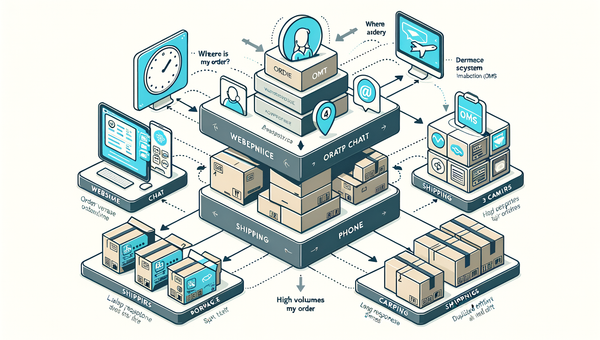
How AI Handles Order Lookup, Returns, and Shipping 24/7
See how AI resolves order lookups, returns, and shipping questions 24/7, deflects tickets, and lifts CSAT—plus a step‑by‑step guide to implement it safely.
Explore Brambles.ai
Learn more about our AI-powered agentic commerce platform, agentic shopping, and shopping assistance solutions.
Explore More Insights
Discover more articles on AI, automation, and business innovation
View All Articles