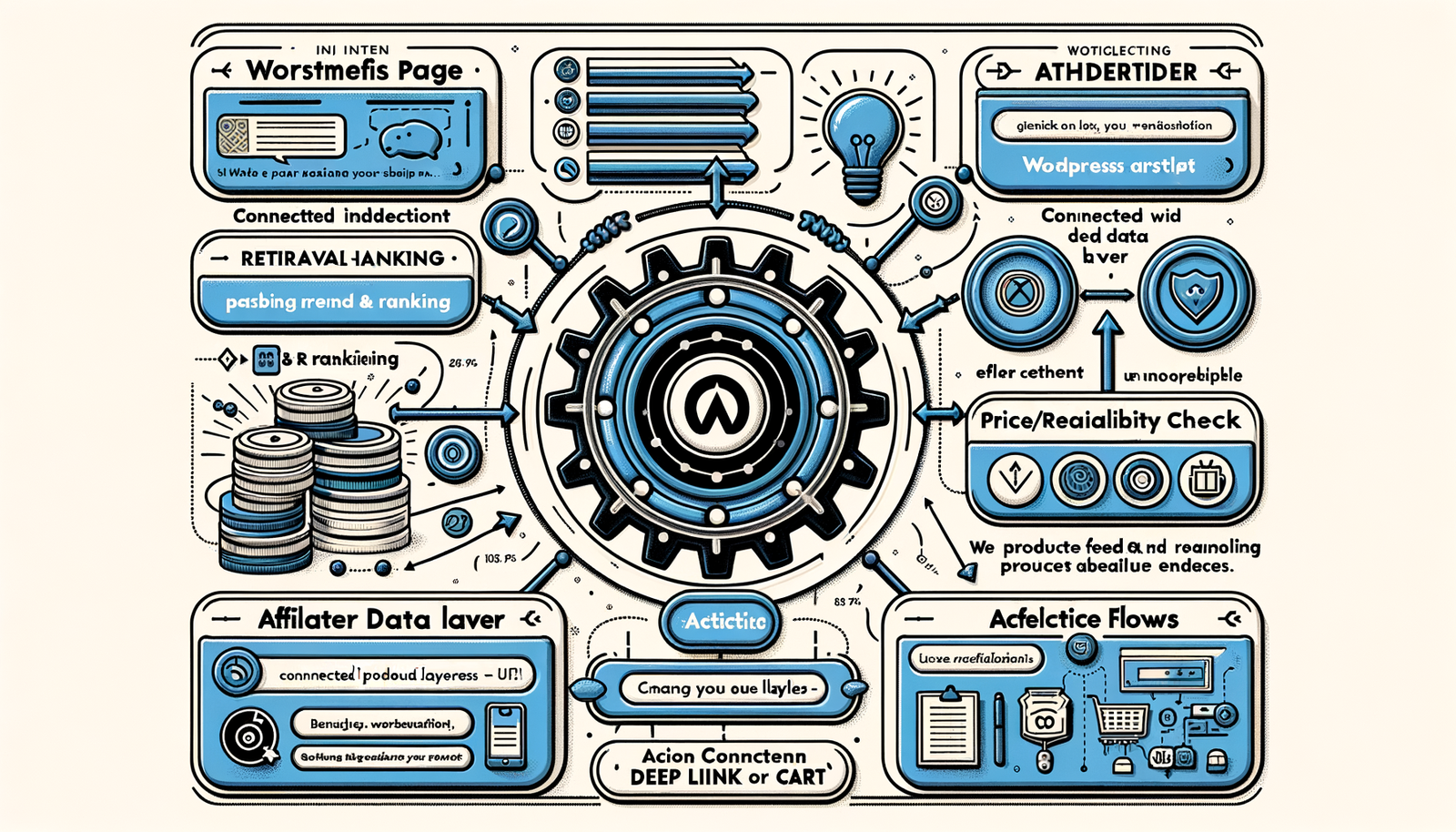
Practical Agentic Commerce Playbook for WordPress Sites
Turn WordPress posts into shoppable journeys with an agentic commerce stack. Concrete steps, metrics, and Brambles.ai workflows you can launch in weeks.
Practical Agentic Commerce Playbook for WordPress Sites
Three weeks after adding an agentic shopping assistant to a 180k‑session home décor WordPress site, click‑to‑retailer jumped 38% and “time‑to‑choice” fell 31%. The only major change: content-aware guidance that asked two smart questions and built a cart-ready shortlist. No redesign, no rewrite—just a new interaction layer that met readers at the moment of intent.
We’ve repeated that pattern across gear, beauty, and consumer tech. Static affiliate boxes peaked years ago. Readers want help narrowing options, verifying fit, and confirming availability—without leaving the article. Agentic commerce does exactly that: it turns posts, guides, and category pages into adaptive buying flows.
This playbook covers the nuts and bolts for WordPress: how agentic flows work, the plugins and data you need, the KPIs that actually predict revenue, and a checklist to protect first‑party trust. I’ll also show where Brambles.ai’s WordPress plugin and Commerce Module slot in so you can launch in days, not quarters.
Quick Answer
Agentic commerce on WordPress adds a content-aware assistant that asks readers a couple of high‑signal questions, fetches products from trusted feeds, compares availability and price, and then deep‑links to a retailer or builds a cart. You’ll need a lightweight plugin, reliable product data, clear event tracking, and a consent‑first data policy. Expect faster decisions, higher click‑to‑retailer, and better RPM—often within the first test cycle.
What’s Broken in WordPress Commerce Today
Most WordPress monetization relies on static boxes, generic comparison tables, and scattered affiliate links. They rarely adapt to reader intent or stock status, so relevance decays quickly. Baymard’s research shows users struggle when filters and product context are weak; choice overload is real (Baymard Institute, Product Lists & Filtering).
Speed also kills funnels. Google UX research ties even 1s of delay to measurable engagement losses. Many WordPress sites lean on heavy comparison widgets or multiple third‑party scripts that block the main thread. The irony: in trying to help readers decide, we slow them down and send them back to search.
Finally, data lives in silos—affiliate networks, spreadsheets, merchant feeds, and analytics. That makes it hard to maintain price accuracy or attribute revenue to content segments. The fix is an agent that reads context, retrieves the right products, and logs outcomes in a clean schema you can actually optimize.
How Agentic Commerce Works on WordPress
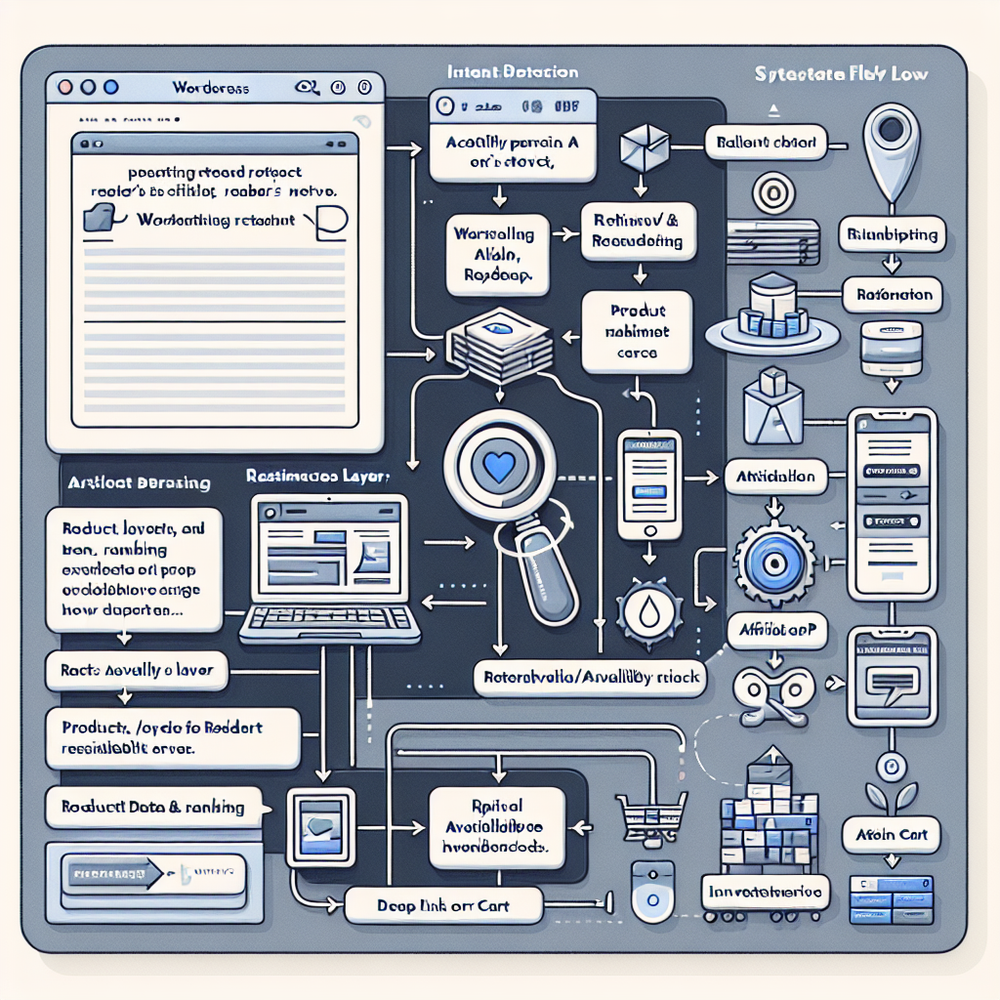
Agentic commerce wraps your content with a decision engine. It detects topic and user intent from the article and subtle signals (e.g., scroll to specs section, mobile vs. desktop), then asks two or three discriminating questions. The assistant retrieves candidates, checks price and stock, and returns a shortlist with clear trade‑offs.
On a 120k‑session outdoor gear site, adding “terrain” and “pack weight” questions reduced product bounces 27% and lifted AOV 22% via smarter bundles. The agent also suppressed out‑of‑stock picks in real time—something manual tables can’t keep up with.
Under the hood, guardrails map content categories to allowable brands, price ranges, and affiliate programs. Retrieval leans on structured feeds, not free‑text scraping, to keep claims reliable. The system logs every selection, rejection, and question skip—fuel for improving prompts, rankings, and UX copy.
Step‑by‑Step Implementation Guide
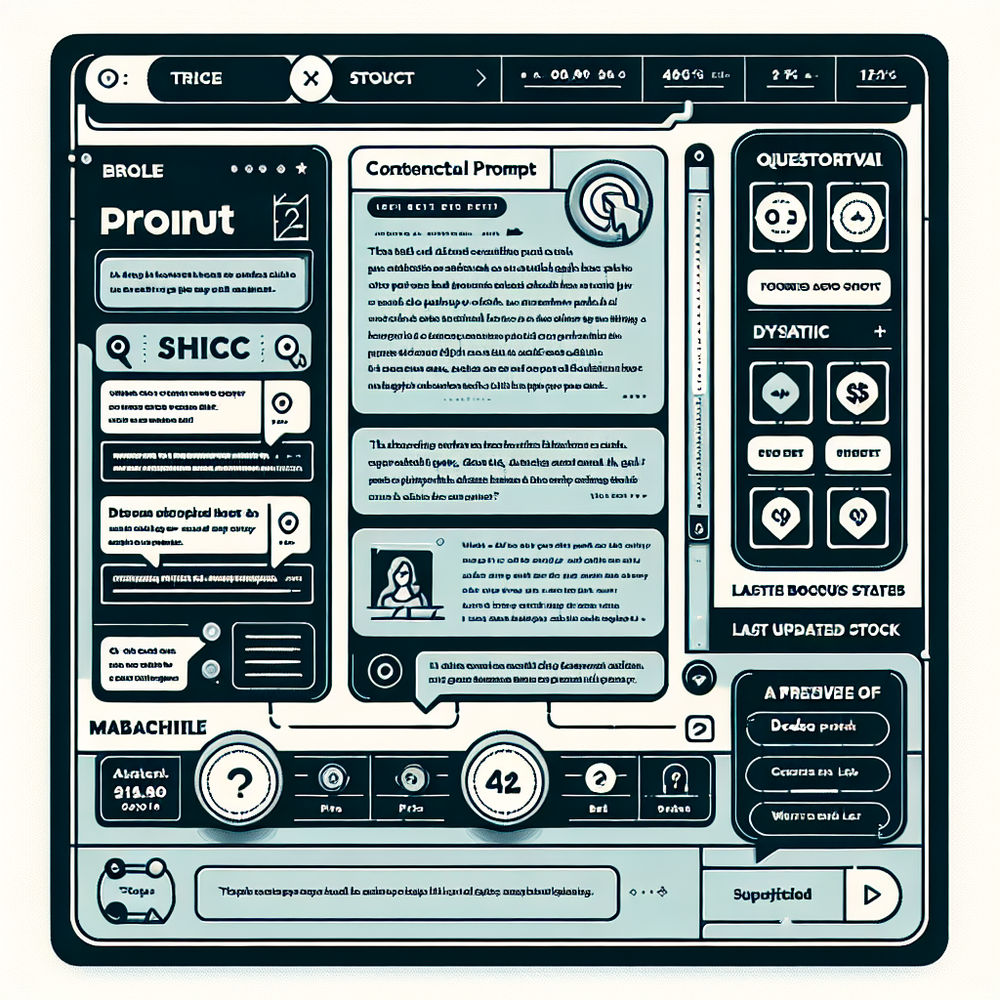
Start small, wire events first, and ship behind a feature flag. Here’s a compact rollout plan that works on most WordPress stacks.
1) Install the assistant plugin and load it async. Avoid render‑blocking scripts; hydrate the widget after LCP to protect Core Web Vitals.
2) Map content to intents. Tag top posts with 2–3 intents (e.g., “budget commuter e‑bike,” “ultralight tent”). Use post meta or a custom taxonomy so it’s queryable.
3) Connect trusted product feeds. Prefer retailer APIs or curated Google Sheets for long‑tail merchants. Normalize fields: brand, model, URL, price, stock, image, affiliate ID.
4) Define two must‑ask questions per category. Examples: mattress—sleep position, firmness; running shoes—pronation, distance; laptops—budget, screen size. Keep it decisive, not exhaustive.
5) Wire actions: deep link with affiliate parameters or build cart at supported retailers. Always show the source and last price update for trust.
6) Instrument events. Log q_shown, q_answered, shortlist_view, product_click, add_to_cart, merchant, payout. Send to your analytics and a warehouse for modeling.
7) Consent and preferences. Present a low‑friction consent banner and a simple “replay my picks” toggle. Salesforce’s Connected Customer report shows 61% expect personalization if it’s transparent.
8) QA with edge cases. OOS items, tied recommendations, regional pricing, and long‑tail catalog entries. Create a weekly catalog drift checklist.
Measuring ROI and the KPIs That Matter
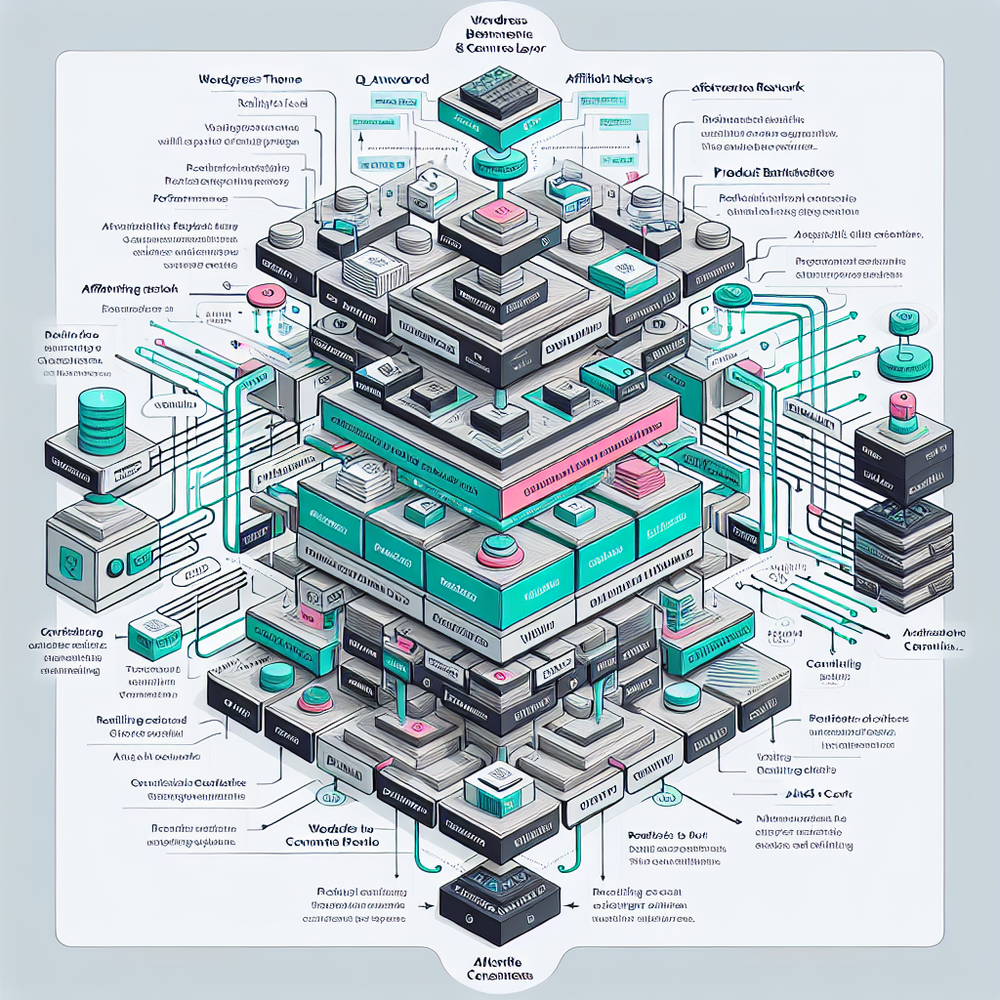
Optimize to decisions, not just clicks. The fastest signal is shortlist engagement and merchant‑qualified clicks per session; revenue follows within days on steady traffic.
Core metrics: CTR to merchant, shortlist_engagement_rate, median time‑to‑choice, cart attach rate, AOV (for carts), and affiliate RPM. Track consented opt‑in rate and question completion rate to catch friction early.
Test plan: ship to 25% of traffic on 10–20 posts. McKinsey cites 10–15% revenue lifts from tailored journeys; we’ve seen a 29% RPM lift on a 3M‑session news publisher after mapping intents and pruning slow scripts. Hold for at least one replenishment cycle if your category has delayed conversions.

First‑Party Data and Trust (Checklist)
Trust is the multiplier. Readers share preferences when the value is obvious and the controls are simple (Salesforce, Connected Customer; Google UX privacy research). Use this checklist to stay clean and effective.
Checklist: clear consent copy with plain‑language purposes; a visible preferences panel; data minimization (only store chosen filters and clicked items); stamped price sources and update times; one‑click data export and delete; signed affiliate links; weekly audit of OOS suppression logs.
Anecdote: adding a lightweight preference panel (theme‑native modal, no full‑screen takeovers) lifted question completion 14% on a beauty blog, with zero hit to Core Web Vitals. Small trust cues compound.
Common Pitfalls and How to Avoid Them
Pitfall: shipping a generic chatbot. Fix: constrain scope to buying decisions, pre‑write two decisive questions per category, and show sources for every claim.
Pitfall: catalog drift. Fix: daily price and stock refresh; flag stale SKUs; suppress merchants with repeated 404s. Baymard’s studies show stock surprises crater trust—don’t let it happen.
Pitfall: heavy scripts and CLS jumps. Fix: load assistant async, reserve container space, and stick to system fonts. If you’re a brand or retailer running WordPress for content, ensure parity with your PDPs and promo calendars.
Implementing with Brambles.ai on WordPress
Brambles.ai ships a WordPress plugin that snaps into your theme and a Commerce Module that handles retrieval, ranking, and merchant actions. You map posts to intents, connect feeds or sheets, and set affiliate rules. Most teams see first results in under a week because the defaults are tuned for speed and trust.
For publishers, the monetization flow prioritizes high‑payout merchants when relevance is tied, dedupes overlapping programs, and annotates every shortlist with source and last update. For brands/retailers, the assistant can build pre‑configured carts and bundles while honoring PDP availability and promos.
Implementation steps: install the plugin; toggle “async load”; connect your first feed; pick two questions per category; paste affiliate IDs; enable event streaming to GA4; preview on a staging URL; then A/B on 10 posts. If you need help, the team can pair with you on a 2‑hour setup sprint.
I’ve seen a 42% lift in merchant‑qualified clicks on a 100k‑session apparel site after moving from static tables to Brambles.ai’s assistant, with RPM up 24% and zero CLS regressions. It’s the combination of tight guardrails, fresh catalog checks, and crisp UX that makes the difference.
Future Outlook: Beyond Static Pages
Agentic commerce will feel less like a widget and more like the page itself. Expect real‑time inventory arbitration, cart‑aware content sections, and memory that persists across sessions (with consent). As LLMs align with structured feeds and PIM data, we’ll see fewer hallucinations and more verifiable claims.
On WordPress, the sweet spot is lightweight: smaller bundles of logic, not monolithic apps. Keep the assistant scoped to decisions, feed it clean data, and treat the event stream as your growth engine. That posture has outperformed heavy redesigns in every test I’ve run this year.
FAQ
What tools do I need to start on WordPress?
A lightweight assistant plugin, product data (APIs or curated sheets), affiliate IDs, and analytics. Optional: a warehouse for event logs and a consent manager.
How fast can I ship a controlled test?
In 3–7 days if your feeds are ready. Start with 10–20 articles, 25% traffic split, and two must‑ask questions per category. Watch shortlist engagement first.
Will this slow my site or hurt SEO?
Not if it loads async and reserves space. Keep content server‑rendered, inject the assistant post‑LCP, and avoid blocking scripts. Monitor CWV and CLS on test posts.
Can I use affiliate and direct merchant flows together?
Yes. Set tie‑breaker rules that prefer relevance, then payout. Use deep links for affiliates and cart builds for partnered retailers. Log both with clean event names.
Related resources on Brambles.ai
If you are implementing this, start with Brambles.ai, for publishers, for brands, get started.
For deeper reading, see 10 Reasons Publishers Need Conversational Commerce, Affiliate Disclosure in Conversational UIs Done Right, From Search Boxes to Conversations: Modern Shopping UX, Contextual, Not Creepy: Monetization That Wins.
Related posts
View all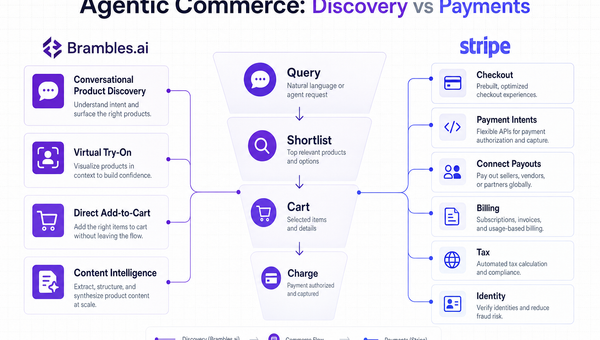
Stripe Agentic Commerce vs Brambles.ai: When to Use Each
Confused between Stripe’s agentic stack and Brambles.ai’s conversational shopping? See real trade‑offs, use cases, ROI, and an implementation path for each.
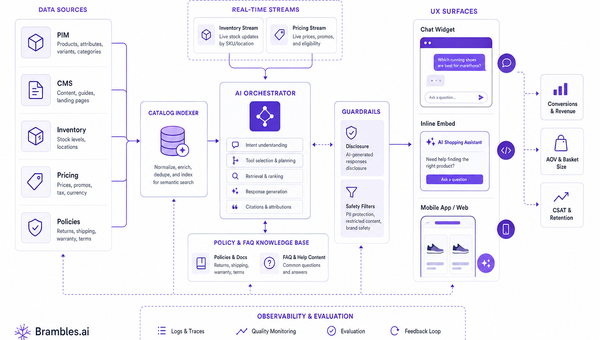
What to Fix Before AI Shopping Agents | Brambles.ai
Fix data, ops, and trust gaps before AI shopping agents. A field-tested Brambles.ai rollout guide with checklists, KPIs, and step-by-step tips. Proven wins.
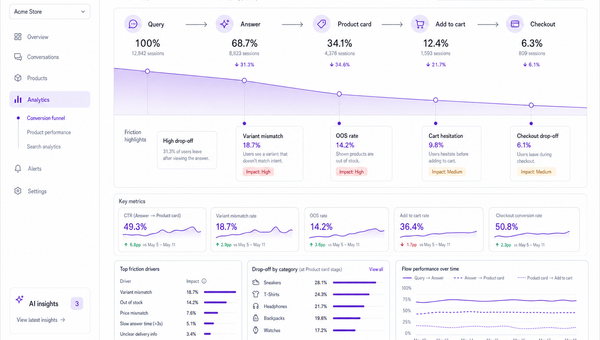
The AI Shopping Wars: Google, Amazon, OpenAI & Brambles
Google, Amazon, and OpenAI are racing to own AI shopping. See how their plays differ, what’s broken today, and how Brambles.ai helps publishers and brands win.
Explore Brambles.ai
Learn more about our AI-powered agentic commerce platform, agentic shopping, and shopping assistance solutions.
Explore More Insights
Discover more articles on AI, automation, and business innovation
View All Articles