
Boosting RPMs With Contextual Prompts: Real Examples
Real tests show contextual prompts lift page RPM 12–35%. Learn the playbook: signals to use, UX examples, A/B setups, KPIs, and pitfalls to avoid. Fast.
Two weeks into a newsroom test, we replaced generic “Read next” widgets with contextual ads tied to referrer and scroll depth. Page RPM moved +18%, ad viewability +11 points, and the newsroom didn’t change a single ad unit. On a recipe site, a tiny mid-article nudge—“Jump to steps or keep reading?”—cut pogo-sticking by 12% and pushed session RPM +27% week over week. The pattern is simple: when a prompt mirrors the reader’s context, they move naturally—deeper pages, more viewable impressions, steadier revenue. When it’s generic, they bounce.
What’s Broken: Why RPMs Stall
Most publishers still rely on blunt CTAs and universal page furniture: same sidebar, same pop-ups, same end-of-article box. It’s safe—but it leaks revenue. Relevance and timing are off, so readers ignore the prompt, miss the next viewable ad slot, and exit. Google’s guidance on intrusive interstitials warns of user frustration and organic risk; interruptive overlays reduce exploration (Google Search Central, Interstitials). The Baymard Institute’s large-scale UX testing also shows overlays and mismatched prompts create abandonment patterns during exploration. Nielsen Norman Group has repeatedly demonstrated that microcopy precision boosts task completion; vague copy underperforms because people can’t map it to intent. In RPM terms, the result is predictable: low second-page rate, poor ad viewability below the fold, and inflated frequency caps on the first ad slot. If you’re seeing a cliff after 45–60 seconds or a scroll-depth median under 35%, prompts are likely mismatched to reader intent and moment.
How Contextual Prompts Lift Page RPM
Contextual prompts are small, situational nudges that adapt to signals like referrer, scroll depth, time on page, and category. They do three things well: keep the user moving, expose high-viewability slots, and set expectation for the next action. Instead of “Read more,” a prompt at 55% scroll for social traffic might say, “2-min explainer next: What today’s ruling means.” For search traffic stuck on a how-to, the prompt might be, “Need the checklist? View the printable steps.” The difference is specificity and timing.
Signals worth using on day one:
- Referrer (search, social, newsletter, internal)
- Scroll depth and dwell time thresholds (e.g., >40% and >45s)
- Article category/intent (news, how-to, review)
- Device and connection (opt for lighter prompts on slow networks)
- Session context (first page vs returning, last article read)
Anecdote: a B2B blog routed LinkedIn traffic to a compact “slides version” of the article at 50% scroll. Session RPM jumped +22% because readers consumed a second high-viewability page within 90 seconds, not five minutes later.

Implementation Guide: From Signals to Shipping
You can ship a minimal but potent version in a week. Here’s a field-tested sequence:
- Audit: Pull your top 50 URLs by impressions and look at second-page rate, median scroll depth, and viewability by slot. Identify 3 placements for prompts (mid-article, image caption, end-of-article).
- Map signals to intent: For search visitors landing on how‑tos, offer “Download checklist” or “Jump to steps.” For social visitors to opinion pieces, offer “2‑min explainer next.”
- Draft microcopy: Keep it literal and time-bound (e.g., “Read the 90‑second summary”). Avoid “you might like.”
- Instrument events: fire prompt_view, prompt_click, next_page_view, and carry prompt_id across pages via URL param or session storage.
- Create a 10–20% holdout with no prompts to calculate lift.
- Optimize frequency: cap to 1–2 prompts per article; never full-screen overlays on mobile.
Pseudocode for rules:
- if referrer == social AND scroll >= 50% THEN show Variant A (2‑min explainer)
- if referrer == search AND category == how‑to AND time_on_page >= 40s THEN show Variant B (jump to steps)
- else if returning_user AND scroll >= 70% THEN show Variant C (editor’s picks)
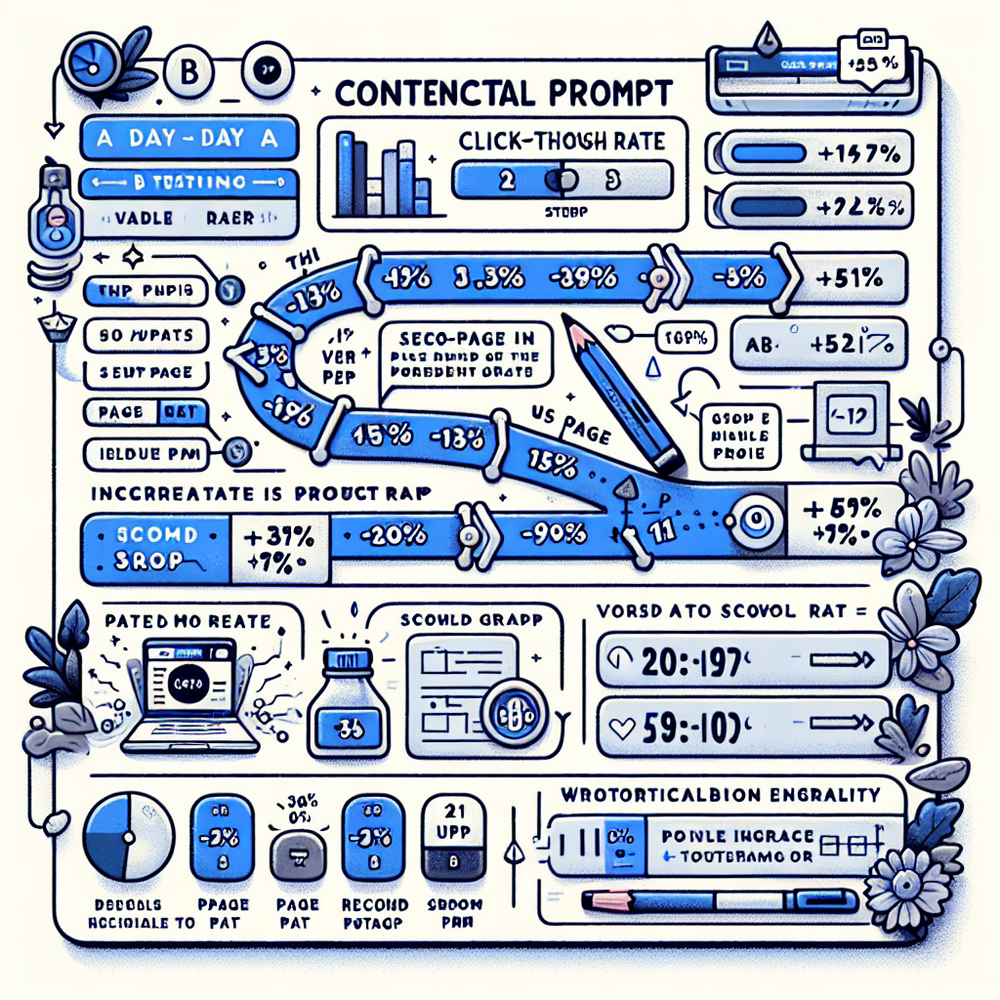
Measuring ROI & KPIs That Actually Matter
Treat prompts like revenue product, not decoration. Your KPI stack should include:
- Page RPM and Session RPM (primary)
- Second-page rate and time to second page
- Ad viewability (by slot and overall)
- Scroll depth median and distribution
- Prompt CTR and post-click engagement
Design the experiment:
- Holdout: 10–20% traffic with zero prompts.
- Unit of analysis: session-level for RPM and second-page rate.
- Guardrails: bounce rate, CLS/LCP, ad density.
Attribution math:
- Incremental RPM lift = (RPM_test − RPM_holdout) / RPM_holdout.
- Tie prompt_id to next page via URL param; attribute the first subsequent page within 10 minutes.
We’ve seen teams focus on CTR and miss the big picture. One publisher celebrated a 9% prompt CTR, but session RPM was flat because the next page had poor viewability. Move the prompt to route traffic into a layout with high viewability slots (sticky 300×600, top-of-article outstream) and the exact same CTR produced +14% Session RPM. Use Google Publisher Console and Ad Manager reports to verify viewability shifts, not just clicks.
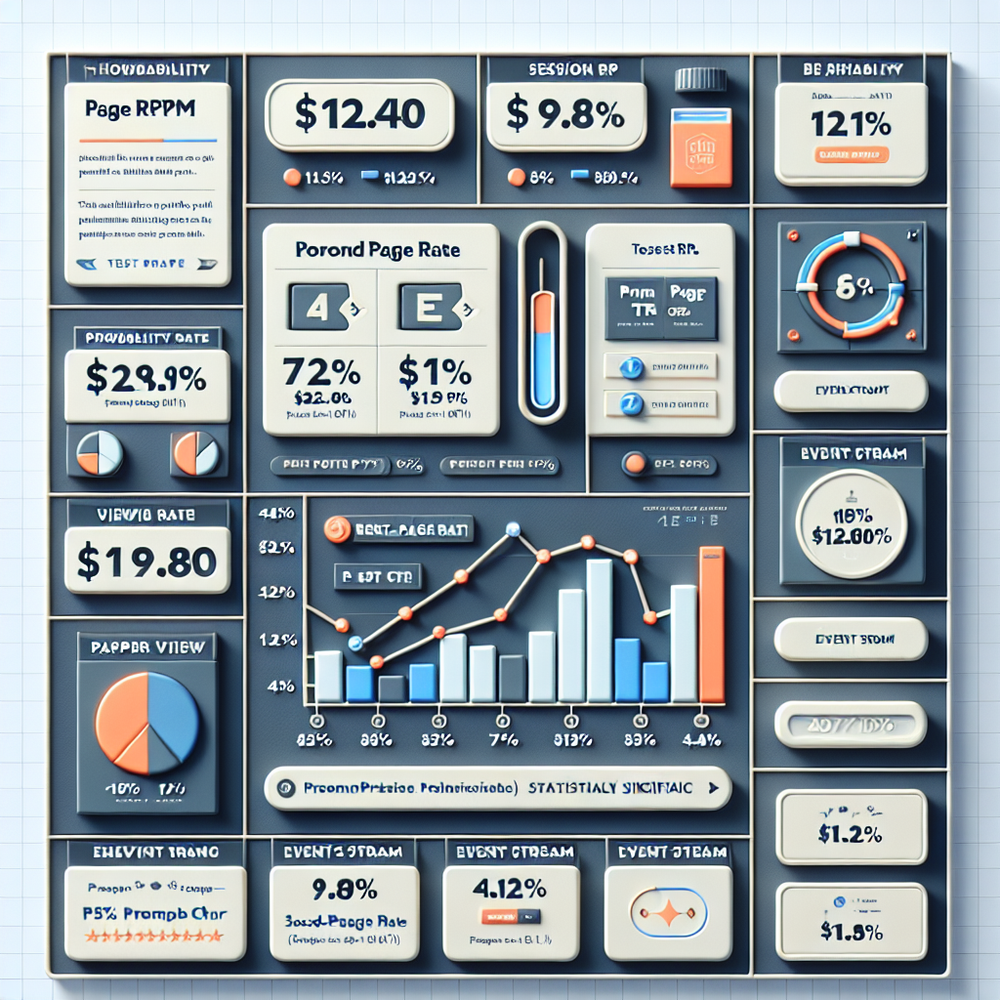
First‑Party Data, Consent, and Trust Cues
Contextual prompts don’t need intrusive tracking. You can stay privacy‑first and still be effective:
- Use on-page signals (scroll, time, referrer) and article metadata—no cross-site IDs required.
- Persist prompt_id in session storage or URL only; avoid writing personal data.
- Honor consent: don’t load analytics that set cookies until consent is granted; prompts can still render based on transient state.
- Add microcopy transparency: “We tailor suggestions based on what you’re reading.” Subtle, but it matters for trust.
Salesforce’s Connected Customer research reports that a strong majority of consumers expect relevant experiences but judge brands on transparency. McKinsey’s personalization studies have found double‑digit revenue lifts when relevance improves (the 2021 “Next in Personalization” report cites 10–15% revenue lift for companies that get it right). Your goal isn’t to be spooky; it’s to be situational and clear about why the suggestion is there.
Common Pitfalls and How to Avoid Them
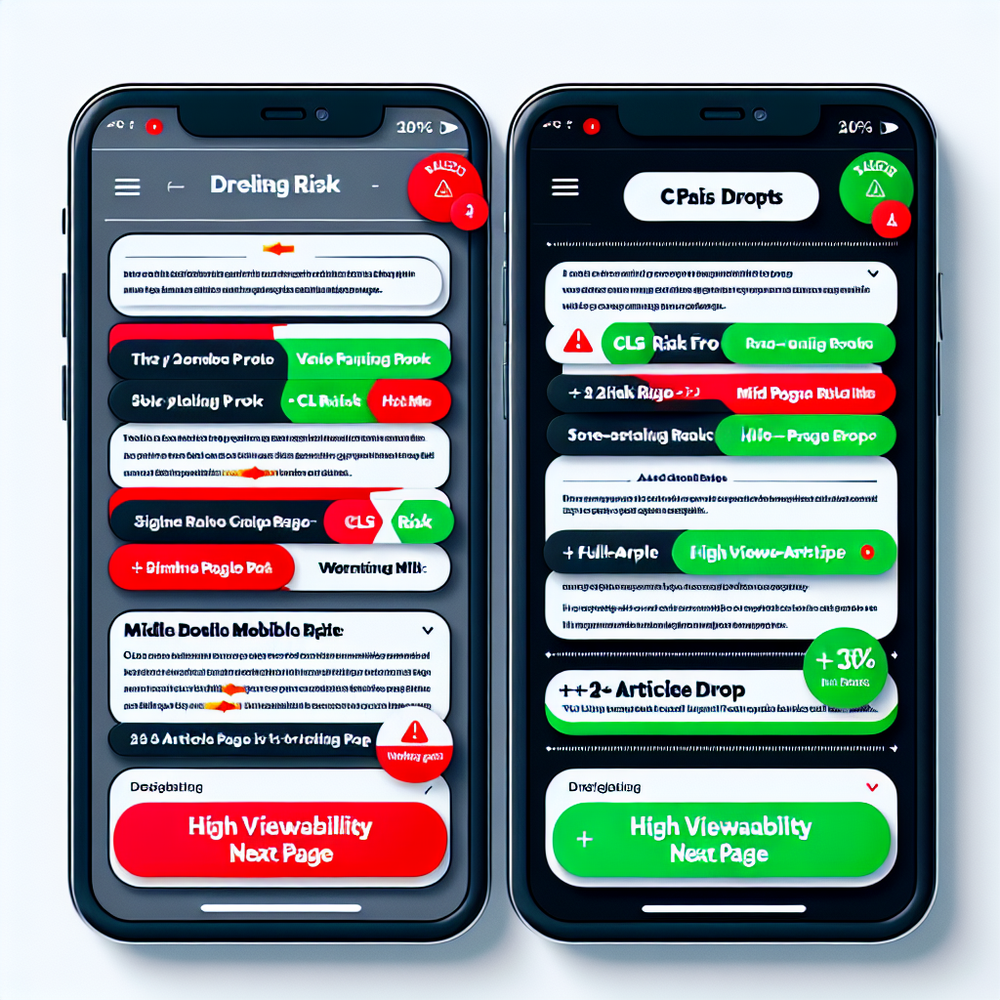
- Overfiring: showing three prompts on a 600‑word article. Cap at two; prefer one on mobile. Watch CLS—prompts must not shift layout.
- Wrong timing: firing at 10% scroll. Trigger around comprehension moments (35–60% scroll, or after an image/blockquote).
- Generic microcopy: “You may also like.” Replace with outcome-based copy: “3‑minute recap next,” “Compare prices in your city,” “Download printable checklist.”
- Dead-end routing: sending to a page with weak viewability. Pre‑check the target layout’s ad density and viewability.
- No holdout: without one you’ll over-attribute and overfit.
Anecdote: a regional news site added an end‑of‑article prompt that cannibalized newsletter signups. We moved the prompt earlier (55% scroll), kept the signup at the end, and net RPM rose +9% while signups stayed flat. Another team shipped heavy client-side logic; TTI went up 300ms and LCP regressed. After moving prompt logic into a light plugin and server-rendered containers, they recovered core web vitals and maintained the +12% RPM lift.
Future Outlook: On‑Device Models and Safer Signals
Expect three shifts. First, on‑device classification will expand: lightweight models can score intent (skim, deep read, task) locally and choose the right prompt, avoiding server round‑trips. Second, privacy‑preserving signals—like aggregated Topics or coarse-grained interest buckets—will be more accessible as browsers tighten tracking. Third, server‑side testing and content assembly will reduce client bloat, keeping Core Web Vitals clean while still adapting prompts.
Practical takeaway: build your system to degrade gracefully. If referrer is stripped or JS is blocked, default to a single, evergreen prompt that still routes to a high‑viewability layout. Keep your copy library outcome‑oriented and short; audit weekly. The publishers who win here won’t be the ones with the flashiest personalization—they’ll be the ones who prove incremental RPM without compromising speed, clarity, or trust.
Related posts
View all
Sponsored Products in AI Shopping: Retail Media 101
Learn how sponsored product placements power AI shopping, how bidding and relevance work, and how to implement retail media without eroding trust or UX.
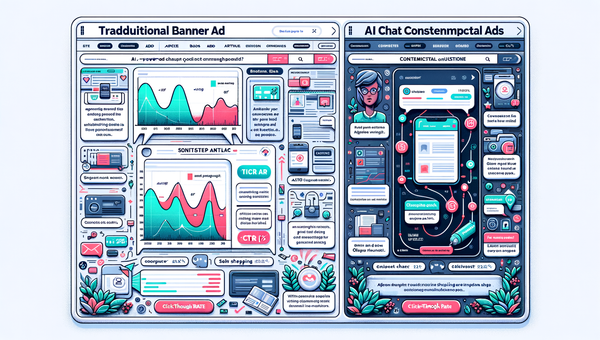
Why Contextual Ads in AI Chat Beat Banner Ads
Tests on commerce sites show AI chat contextual ads deliver 3–5x CTR, cleaner UX, and higher revenue than banners. See how they work, implement, and measure.
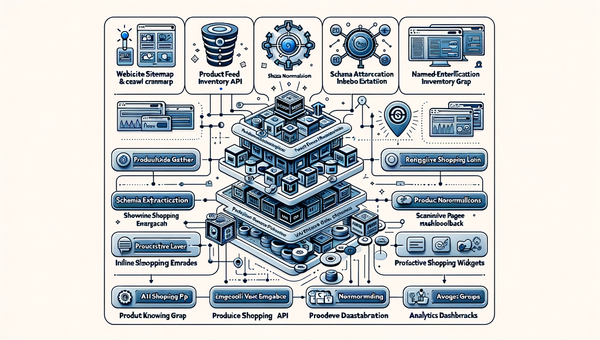
Content Intelligence: AI Indexes Your Site for Commerce
How AI content intelligence indexes every page for commerce, structures attributes, powers conversational shopping, and lifts sales. Steps, KPIs, and pitfalls.
Explore Brambles.ai
Learn more about our AI-powered agentic commerce platform, agentic shopping, and shopping assistance solutions.
Explore More Insights
Discover more articles on AI, automation, and business innovation
View All Articles